
Street View Map and Navigation
Have you ever found yourself lost in an unfamiliar city, wishing for a magical map to guide you? Well, that magical map exists, and it’s called Street View Map and Navigation. This innovative app functions like a personal tour guide right in your pocket, helping you explore any city with ease and confidence.
Explore the World from Your Couch
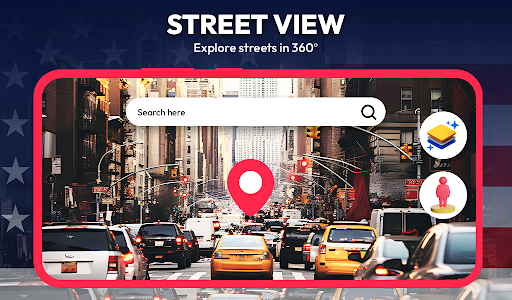
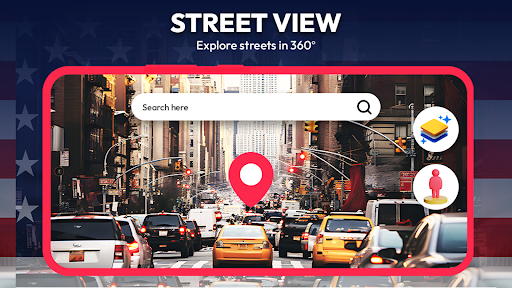
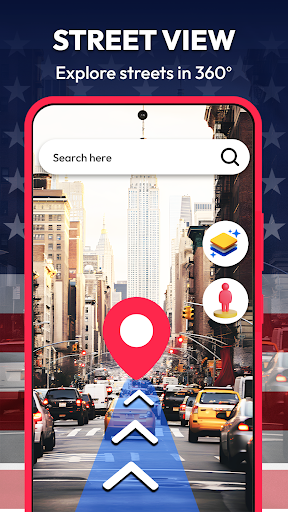
One of the most impressive features of Street View Map and Navigation is its ability to let you explore the world virtually. Imagine strolling through the vibrant streets of Tokyo, or taking a leisurely walk along the iconic Seine in Paris — all from the comfort of your home or office. The app offers high-resolution street views that make you feel as if you’re actually there, providing a realistic and immersive experience. Whether you're planning a trip, studying geography, or just satisfying your wanderlust, this app makes it incredibly easy and fun to explore the globe.
Navigation Made Simple and Efficient
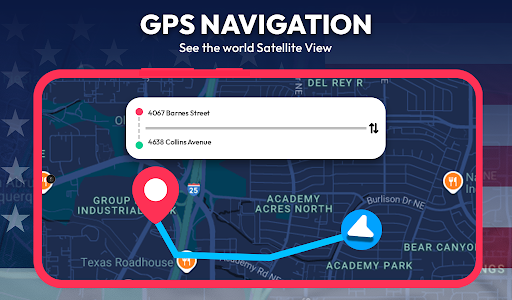
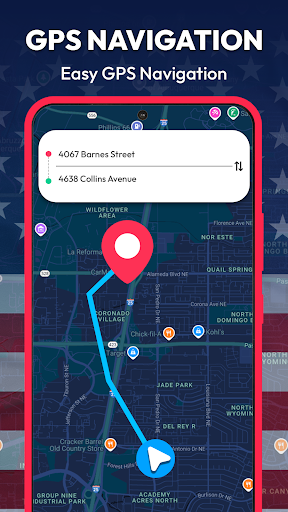
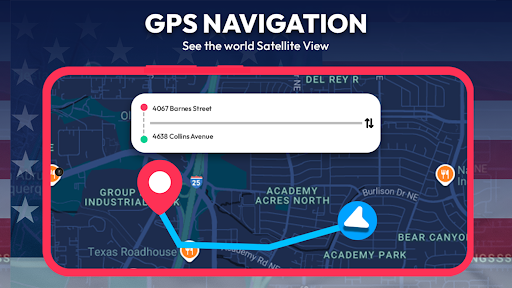
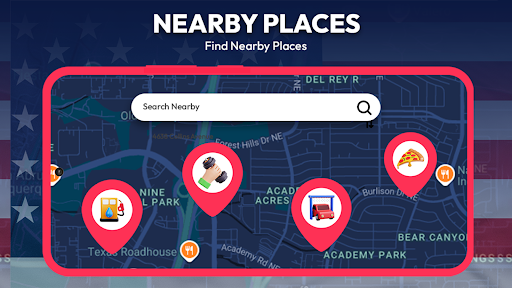
When you're traveling or navigating in unfamiliar territory, reliable directions are essential. Street View Map and Navigation excels at providing precise routing for driving, biking, or walking. Its real-time traffic updates help you avoid congestion, ensuring a smooth journey. The user-friendly interface allows even beginners to quickly search for locations, get directions, and follow routes without confusion. The app also supports multiple input methods such as typing, voice commands, latitude and longitude, or contacts, making navigation versatile and accessible.
Enhanced Features for Travelers and Locals
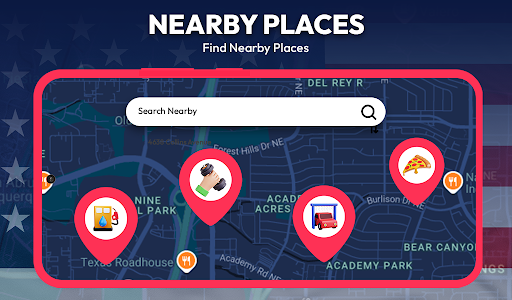
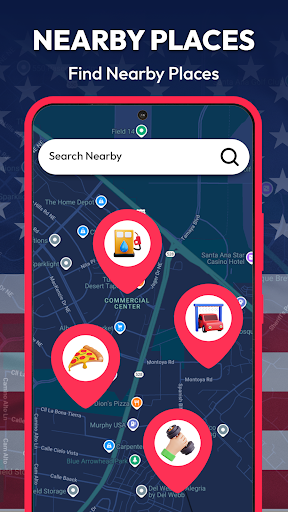
This robust app includes features like GPS Route Finder to plan the shortest or quickest routes, whether for city driving or outdoor adventures. Users can also utilize the Area Calculator to measure land or property dimensions efficiently, which is particularly useful for farmers, surveyors, or anyone involved in land management. Additionally, the Distance Finder feature allows you to calculate the distance between multiple points, making itinerary planning a breeze. The app supports multiple languages, including voice and text translation, aiding travelers who speak different languages or need quick language assistance.
Additional Handy Tools
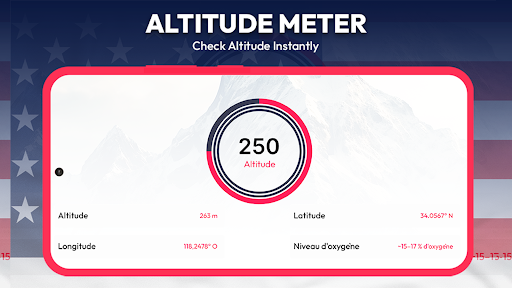
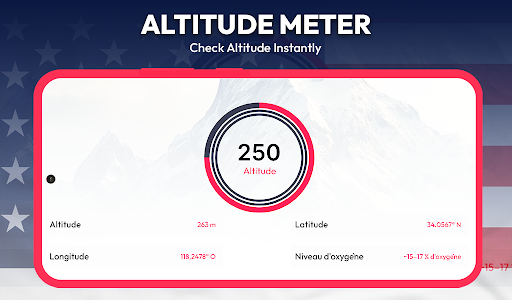
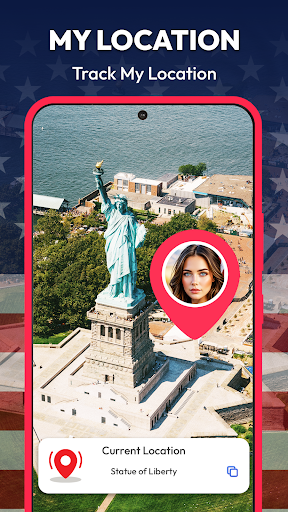
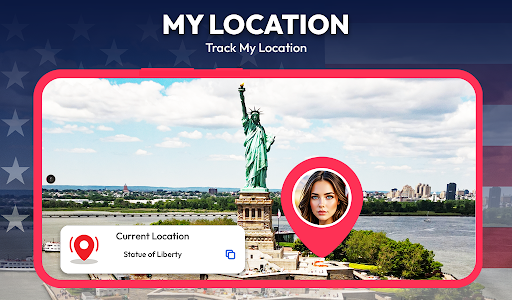
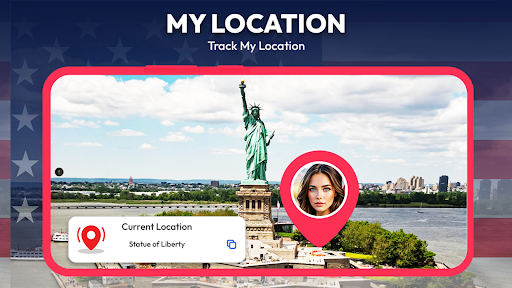
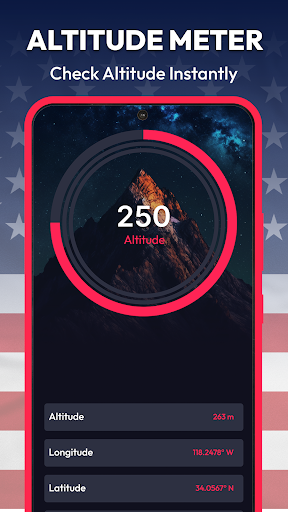
My Location feature enables you to copy, store, and share your current position easily. The app also provides an Altitude Meter to measure your current elevation in meters or feet, based on exact longitude and latitude, which might be particularly interesting for adventure enthusiasts or engineering projects.
Virtual Travel and Route Planning
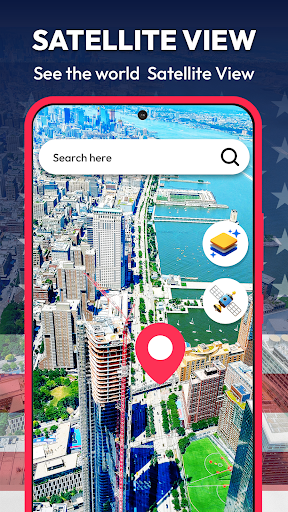
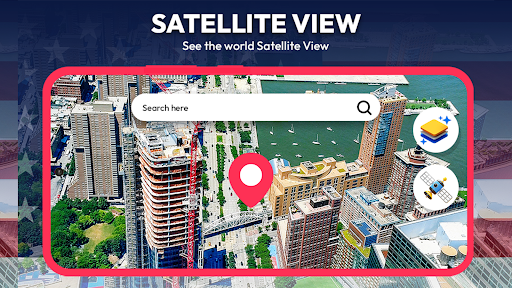
Whether you’re planning a trip, navigating daily routes, or exploring new areas, Street View Map and Navigation offers a comprehensive suite of tools that turn your device into a reliable travel companion. You can explore different locations worldwide through street view or satellite imagery, enhancing your understanding of new places before visiting. The app's multimedia capabilities include viewing location videos, helping you visualize your destinations in greater detail.
Conclusion
In summary, Street View Map and Navigation is more than just a GPS app; it’s a versatile travel and navigation platform that combines high-quality street views, precise routing, distance measurement, and language translation in one package. It's ideal for tourists, locals, delivery drivers, real estate agents, or anyone who wishes to navigate and explore landscapes confidently. With features like live street view, route planning, offline maps, and interactive 3D exploring, this app truly bridges the gap between virtual exploration and real-world navigation. Download this powerful app today and discover a new way to see and move around the world.
Pros
- Provides detailed street-level imagery.
- Features an intuitive interface for simple navigation.
- Offers real-time traffic information updates.
- Includes offline maps to save data.
- Integrates with Google services.
Cons
- Demands a large amount of storage space.
- Consumes a lot of data for live updates.
- Has limited coverage in rural regions.
- Requires frequent updates for the app.
- Raises privacy issues due to location tracking.











