

Introduction to the SmartThings App
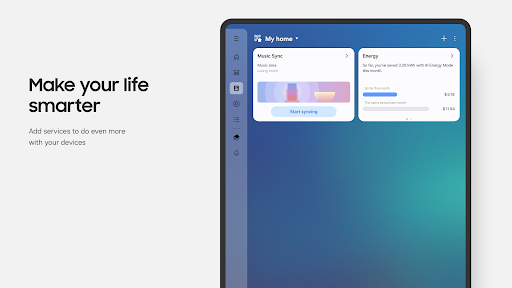
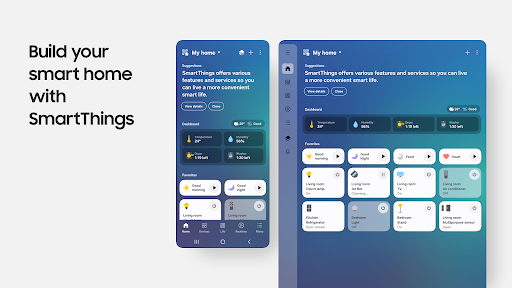
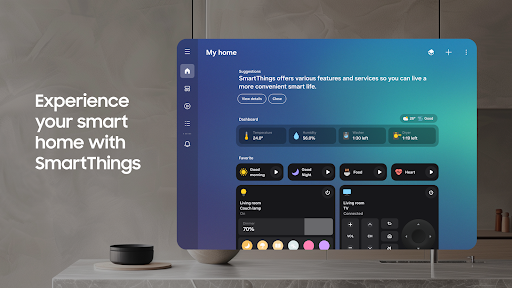
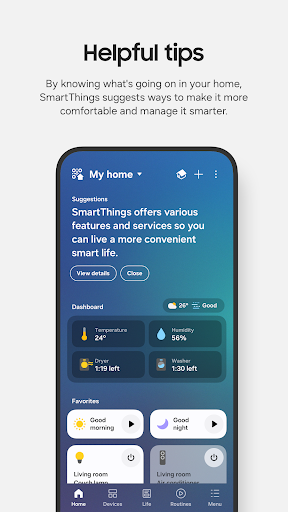
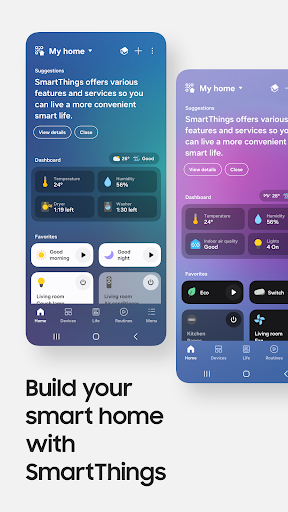
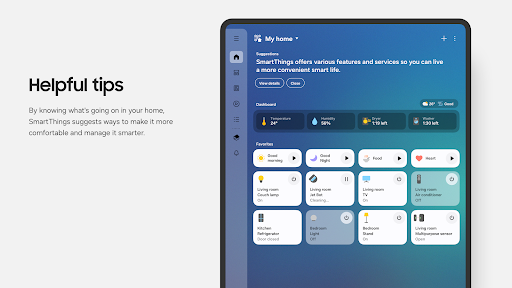
Imagine turning your home into a fully connected smart haven with just a few taps on your smartphone. The SmartThings app is designed to make home automation simple, seamless, and highly customizable. Whether you're a tech enthusiast or just beginning your smart home journey, SmartThings offers an intuitive platform to connect, monitor, and control a wide array of smart devices from various brands all in one place.
Main Features of SmartThings
Universal Compatibility
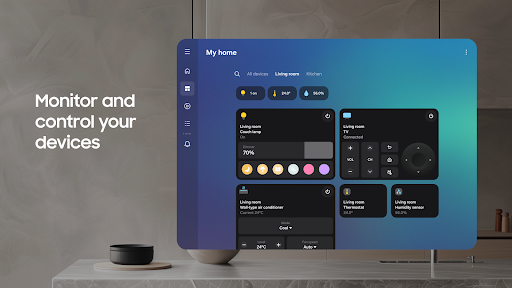
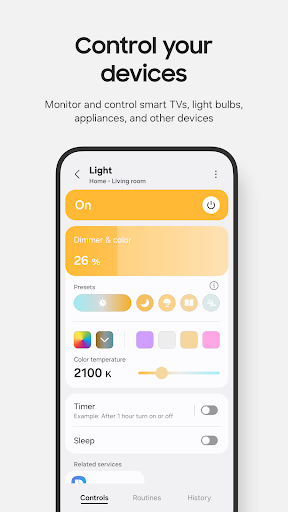
SmartThings is compatible with • hundreds of smart home brands, including popular names like Samsung Smart TV, Philips Hue, Ring, and Nest. This broad compatibility means you can integrate and manage everything from smart lighting and thermostats to security cameras and appliances through a single app, streamlining your smart home experience.
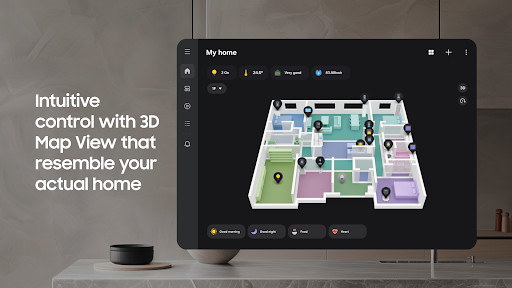
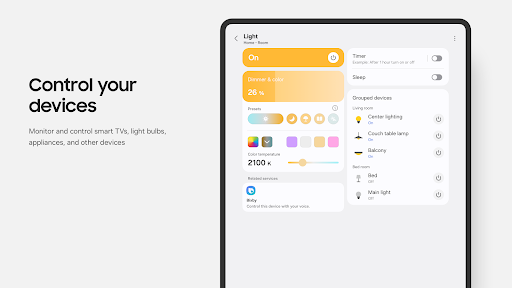
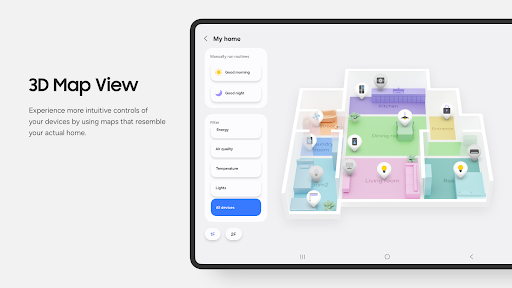
Control Your Devices Remotely
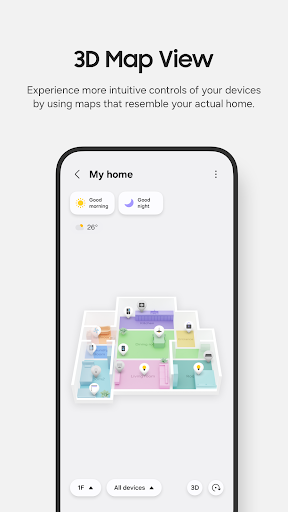
With SmartThings, you can control and check the status of your smart devices • no matter where you are. Whether you're at work, on vacation, or simply across the house, the app lets you keep an eye on your smart home and make adjustments on the go for a truly connected living environment.
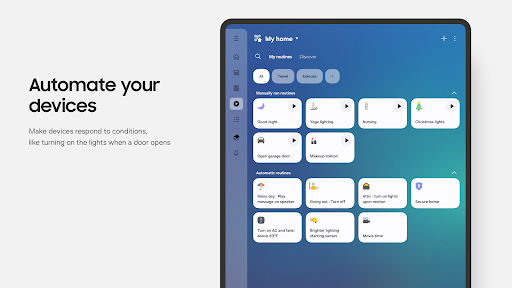
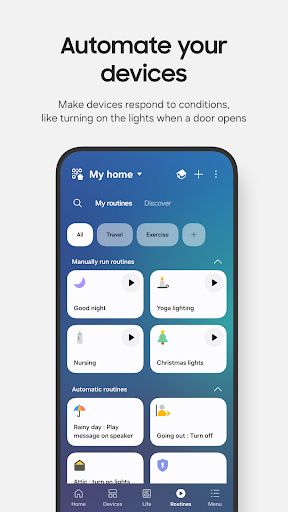
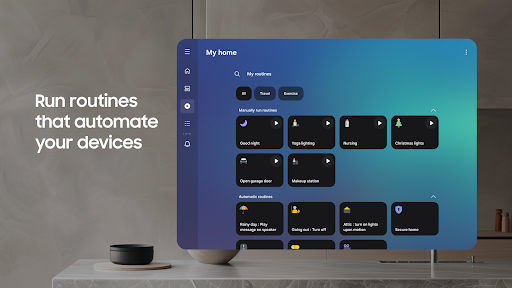
Create Custom Routines
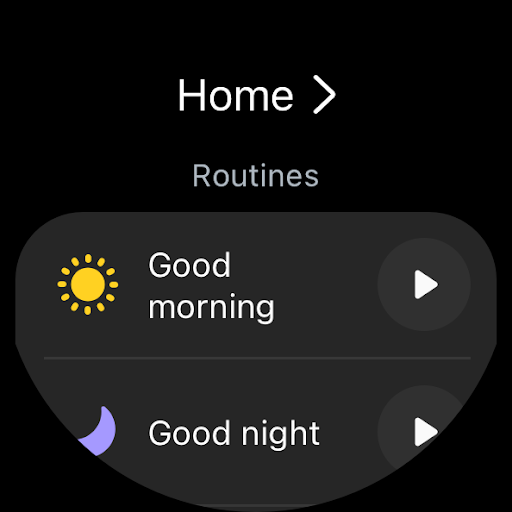
The app enables you to build personalized routines that activate based on • specific times, weather conditions, or device statuses. For example, you can schedule your lights to turn on at sunset, set your thermostat to a comfortable temperature in the mornings, or automate coffee brewing as you wake up—making your daily routine effortless and efficient.
Shared Control & Notifications
SmartThings allows you to share control with family or friends by granting access to your devices. Additionally, the app provides automated notifications about device statuses or any issues, ensuring you're always informed about your smart home’s health and activity.
Compatibility and Device Support
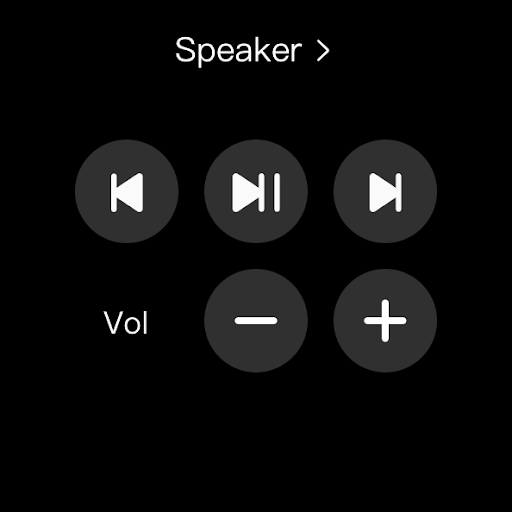
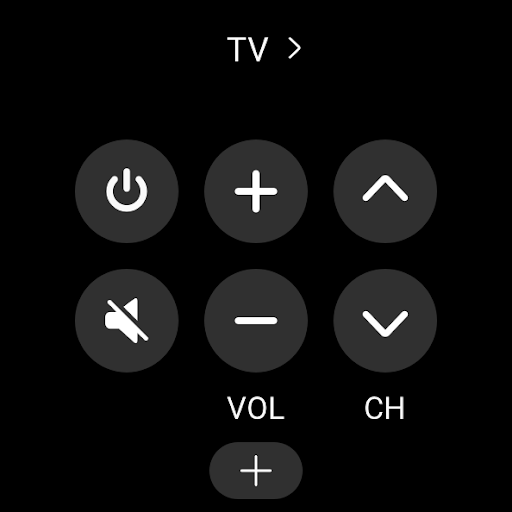
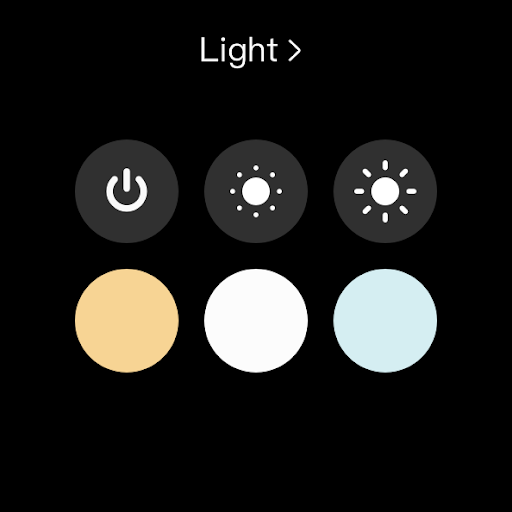
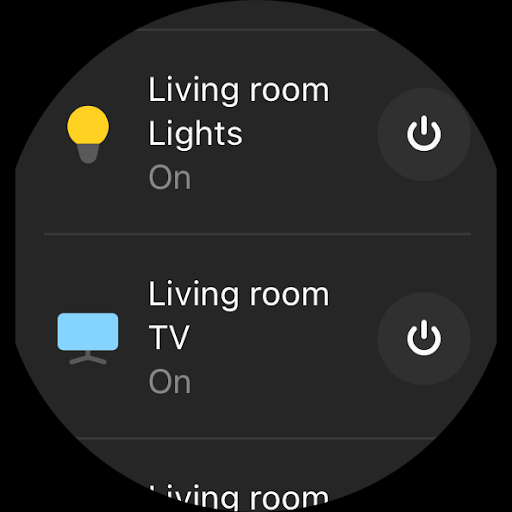
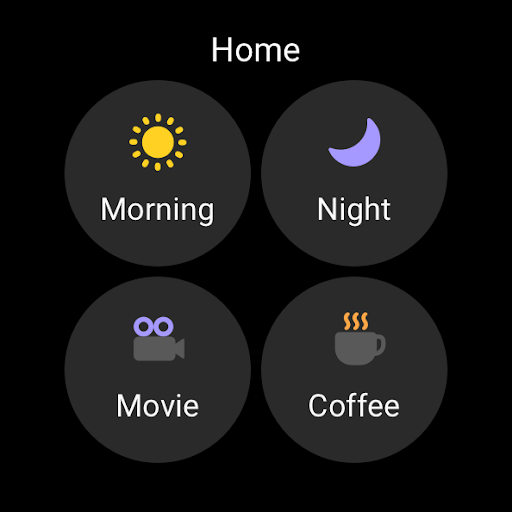
SmartThings is optimized for use with • Samsung smartphones, enhancing the user experience. However, it also supports installation on Wear OS-based watches for quick access. Some functionalities may be limited depending on the device or region, and certain features may not be available globally.
The app requires devices with at least • 3GB of RAM for optimal performance. It also supports various permissions such as location, Bluetooth, notifications, camera, microphone, storage, and more to enable features like QR code scanning, device detection, and routine creation based on your whereabouts.
SmartThings User Experience & Reliability
Setting up SmartThings is straightforward with guided instructions that help even beginners get started quickly. The intuitive interface makes managing your smart devices a breeze, with clearly laid-out options and quick response times that eliminate frustrating lag.
Many users have found SmartThings to be highly reliable, with stable performance over extended usage. The app's support team is readily available for assistance if needed, adding to the overall positive experience of managing your smart home.
Conclusion
If you're considering transforming your house into a smart home ecosystem, SmartThings is an excellent choice. Its broad device compatibility, user-friendly interface, and powerful automation features make it suitable for both beginners and experienced smart home enthusiasts. With the ability to create routines, control devices remotely, and integrate multiple brands seamlessly, SmartThings truly simplifies smart home management and enhances everyday living. Start your smart home journey today and enjoy the convenience and comfort of a connected home!
Pros
- User-friendly interface.
- Wide device compatibility.
- Automated routines available.
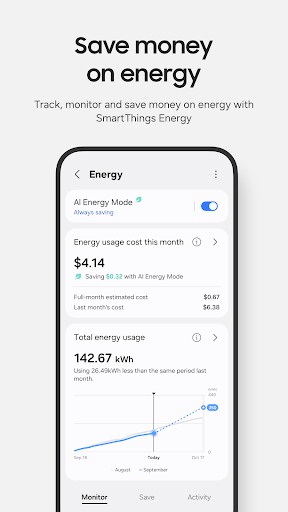
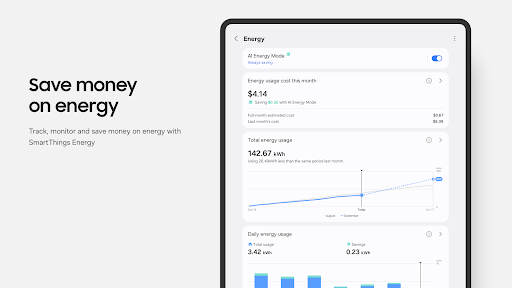
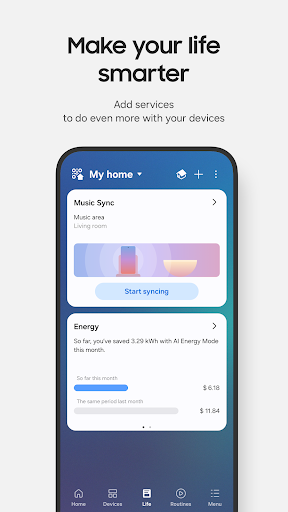
- Energy-saving features.
- Remote access control.
Cons
- Requires stable internet.
- Limited offline functionality.
- Some devices not supported.
- Occasional app crashes.
- Privacy concerns.











