
Discover Shuffles by Pinterest: Your Ultimate Creative Collaging App
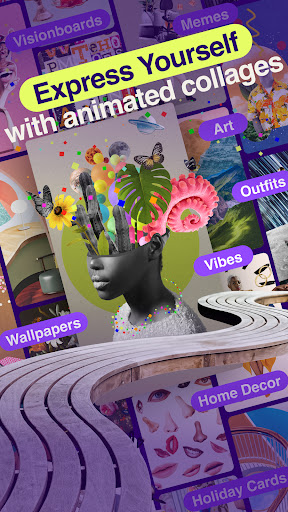
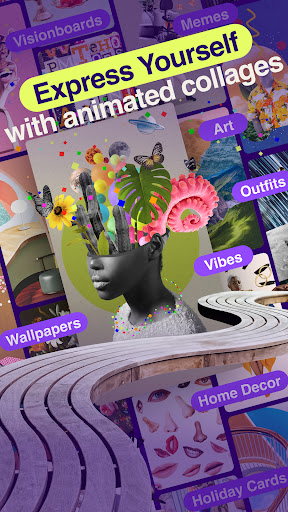
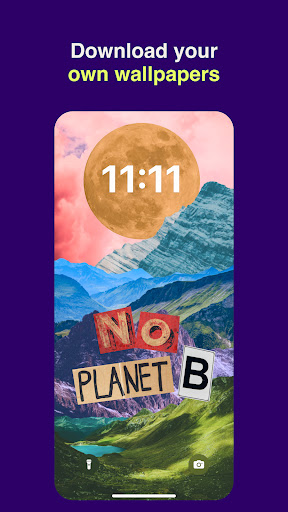
Are you passionate about visual expression and looking for a versatile tool to bring your ideas to life? Shuffles by Pinterest is a revolutionary app designed for all your collective collaging needs. Whether you're crafting a festival outfit, visualizing your dream bedroom, curating a moodboard reflecting your current aesthetic vibe, or simply expressing yourself through artistic creations, this app has got you covered.
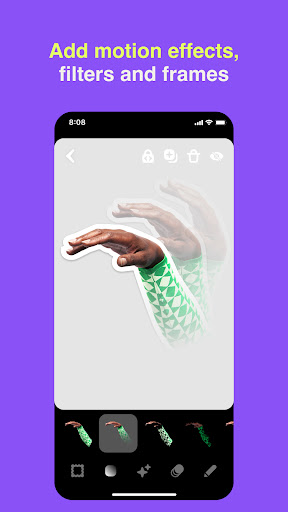
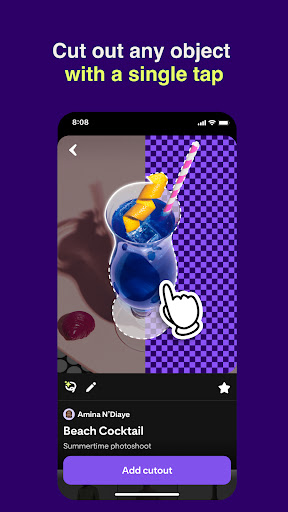
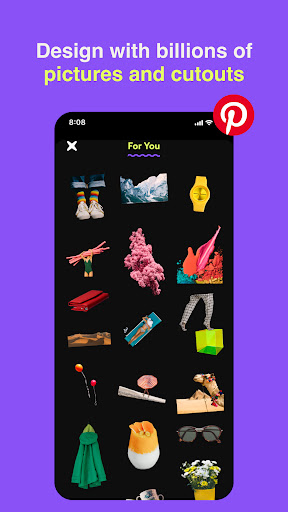
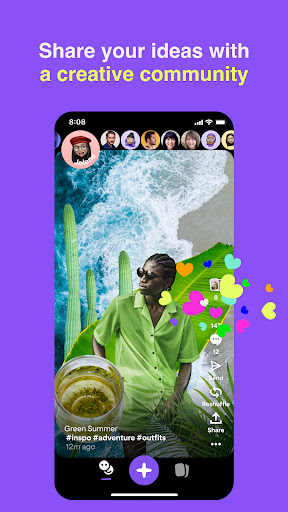
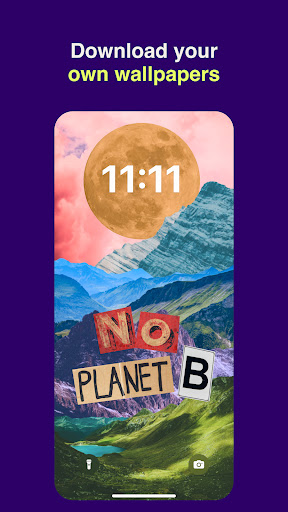
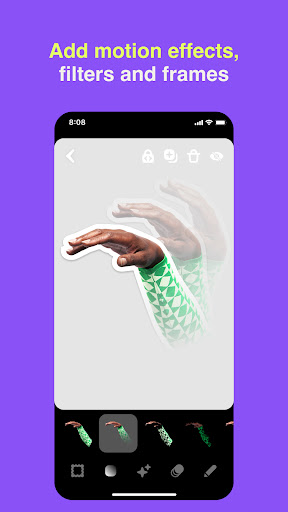
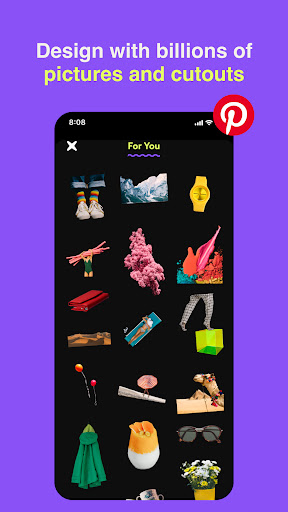
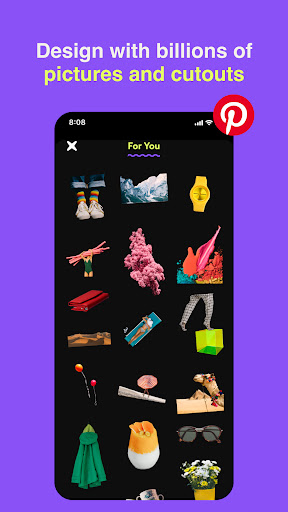
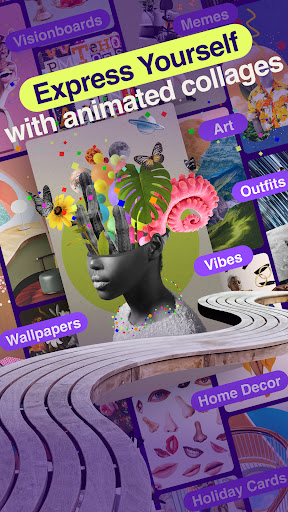
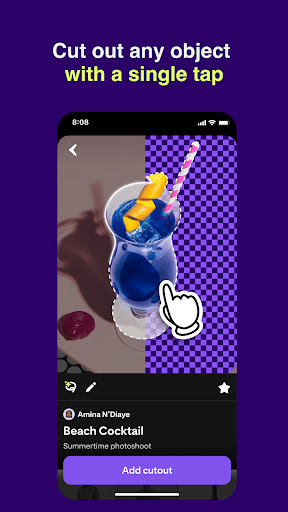
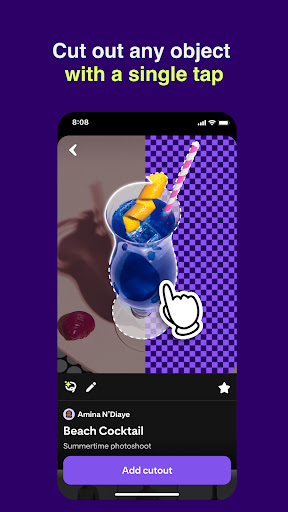
With Shuffles, you can snap exactly the objects you want using the camera, making your collections personalized and authentic. Browse through a massive photo library for inspiration or cut out specific objects from images with a single tap — a seamless way to craft stunning collages. Layer, rotate, and resize objects effortlessly to create unique compositions. Want to make your Shuffles stand out? Add animations and effects to breathe life into your creations. When you're ready, you can share your work privately with friends or collaborate on projects, fostering a community of like-minded creatives. Remix other users’ Shuffles to put your own spin on popular designs, further fueling your inspiration.
Unleashing Creativity with Shuffles by Pinterest
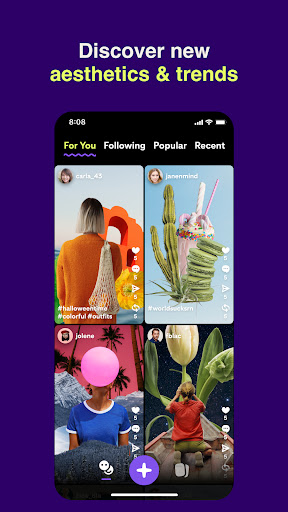
From the very first moment you open Shuffles by Pinterest, you'll feel like a kid in a candy store. Its sleek, intuitive interface makes navigation effortless, regardless of your technical skills. The app offers a wide array of templates and design elements that cater to every creative whim. Whether you're assembling a vision board for your next big project or just exploring spontaneous ideas, Shuffles provides the freedom to experiment without limits.
Thanks to its seamless integration with Pinterest, you can pull images directly from your Pinterest boards or search the platform for fresh inspiration. The drag-and-drop functionality simplifies the process of arranging elements, letting you create complex layers with ease. Layering images, text, and stickers transforms your basic collages into personalized art pieces. Collaboration is also a key feature—invite friends to join your projects, brainstorm together, or co-create to enhance your creative experience.
Endless Inspiration and Community Engagement
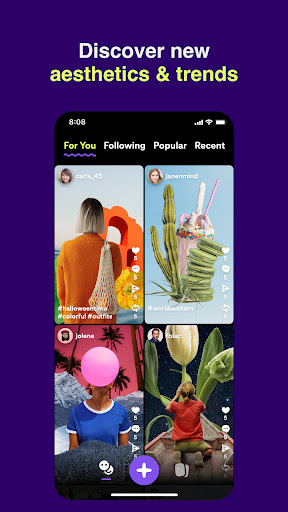
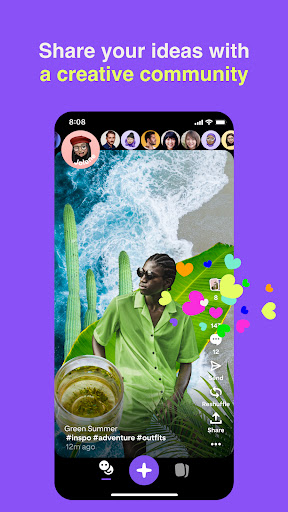
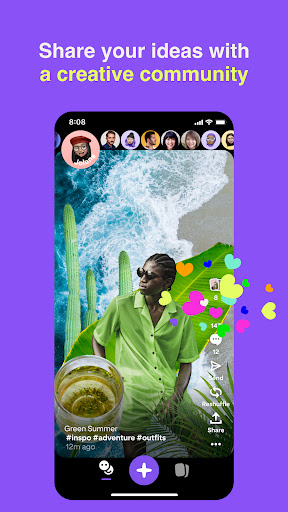
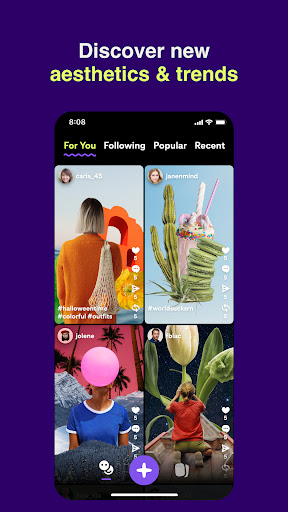
More than just a creating tool, Shuffles by Pinterest is a vibrant community of artists and enthusiasts sharing their work. The app fosters a space for inspiration, filled with diverse styles and innovative ideas that can spark your own creative journey. Seeing others’ creations often prompts new concepts and approaches, making collaborative and individual projects more enriching.
Sharing your masterpieces is simple—whether posting on social media or keeping it within the app's community, Shuffles ensures your work reaches the right audience. Whether you’re winding down after a busy day or planning your next big project, this app offers an accessible platform for self-expression and collaboration. It’s a space where creativity truly has no boundaries, making it a must-have for anyone who loves visual arts, branding, or just having fun with images.
If you're searching for a fun, feature-rich, and user-friendly app to explore endless creative possibilities, Shuffles by Pinterest is worth trying. Once you start experimenting, you'll find it hard to stop unlocking new ideas and pushing your artistic limits.
Pros
- User-friendly interface and design.
- Seamless integration with Pinterest.
- A wide variety of creative tools.
- High-quality content sharing capabilities.
- Active community engagement.
Cons
- Limited offline functionality.
- Occasional app crashes.
- In-app purchases are necessary.
- Advertisements can be intrusive.
- Concerns regarding data privacy.











