

Securly Home: The Ultimate Online Safety Solution for Families
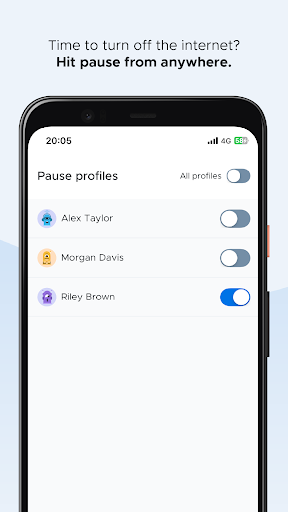
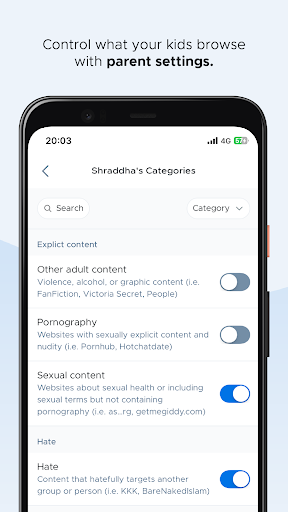
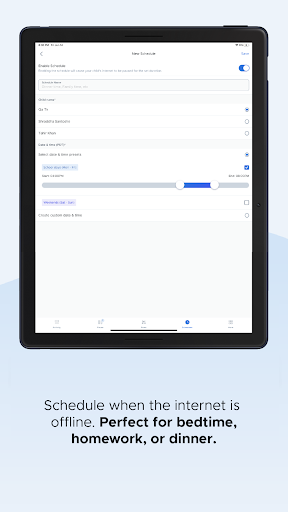
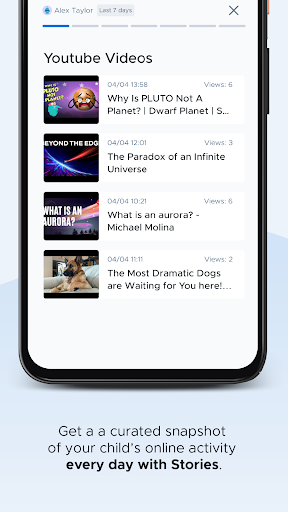
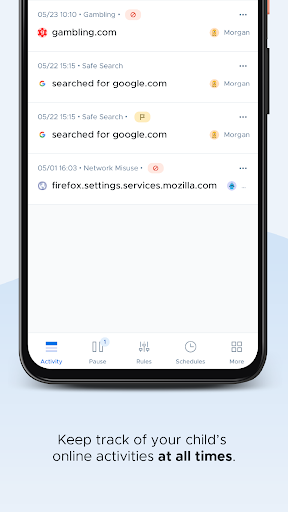
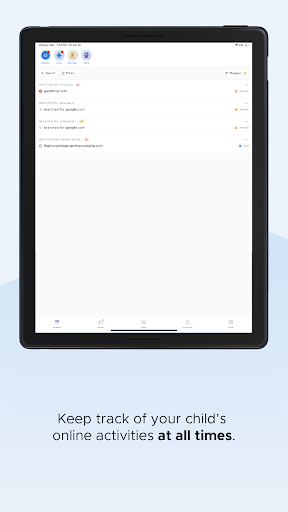
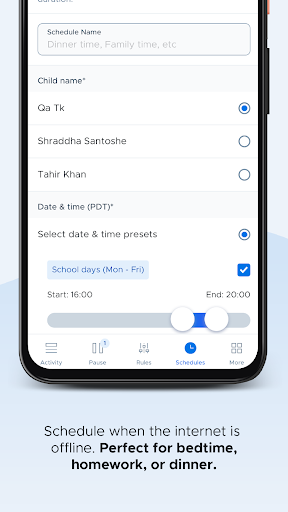
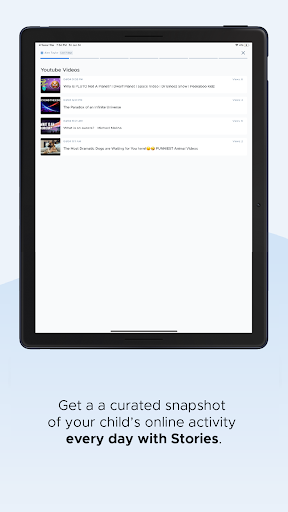
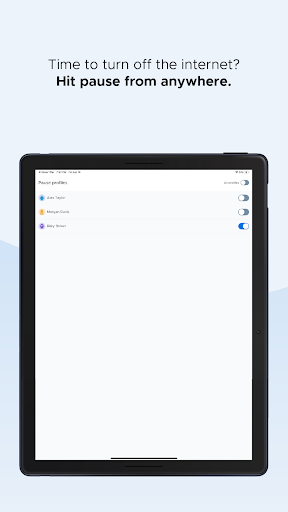
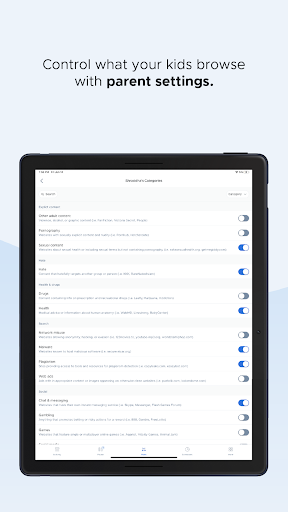
Bring the trusted online safety solution used by over 15,000 schools into your home with Securly Home. Designed to ease the stress of managing school devices when they go home, this free feature—available with your school's Filter purchase—empowers parents to control and monitor their child's online activity seamlessly. With Securly Home, parents can enjoy comprehensive tools like web filtering, site restrictions, and regulated screen time management. Whether your child is using a school-issued device at home or at school, this app ensures safety and peace of mind. It maintains transparency by allowing parents to stay informed about online activity with a real-time activity feed, and the ability to block inappropriate content or pause the internet altogether from any location.This app works exclusively with school-owned devices, making it an ideal solution for families seeking reliable oversight without the hassle. Parents can customize rules tailored specifically for their child's device usage at home, receive notifications about concerning activities such as bullying or self-harm, and enforce screen time limits with just a few taps. The offline scheduling feature further allows parents to determine when internet access should be restricted or available, aligning device usage with family routines.
Empowering Parents with Ease of Use and Effective Control
Hello, fellow parents! If you're navigating the challenges of digital parenting, Securly Home might just be your new best friend. This powerful app is designed to give you peace of mind by helping you oversee your child's online interactions without micromanaging every second.At its core, Securly Home is focused on keeping children safe online. It offers a suite of features that make monitoring straightforward and effective. One of its standout elements is the real-time activity feed, letting you see exactly what your child is doing online as it happens. This immediate insight allows you to intervene promptly if anything questionable occurs.The app’s filtering technology effectively blocks inappropriate content, acting as a digital shield that provides reassurance about your child's online environment. Setting customized rules for device usage—like restricting certain websites or enforcing time limits—is simple and flexible. Plus, the scheduling feature allows you to set specific hours when internet access is available or blocked, making it easier to enforce routines such as bedtime, homework, or family time.Getting started with Securly Home is quick and easy. Available for both Android and iOS, the app’s intuitive interface allows parents—even those less tech-savvy—to set up and navigate with minimal effort. You can manage settings from the dashboard whether at home or on the go, giving you constant control over your child's online safety.
Why Choose Securly Home for Your Family?
In today’s digital age, ensuring your child's safety online is more important than ever. Securly Home offers a robust set of parental control tools designed to create a safer digital environment for your kids. It’s not just about restricting access; it’s about empowering parents to guide their children through responsible and safe technology use.By implementing Securly Home, you gain peace of mind knowing you can monitor online activity, set boundaries on screen time, and respond swiftly to potential issues. Its easy setup and adaptable controls make it an ideal choice for busy families seeking reliable online safety management. Whether trying to prevent excessive screen time or shielding your child from harmful content, Securly Home helps you establish healthy boundaries.In the end, this app transforms digital parenting from a stressful challenge into an organized, manageable process. It creates a collaborative space where children can explore their online worlds safely, while parents retain the tools to guide and protect them. Give Securly Home a try and see how it can make digital parenting more manageable, safer, and more reassuring for your family.
Pros
- Intuitive interface facilitating easy navigation
- Real-time notifications for suspicious activities
- Adjustable settings tailored to individual preferences
- Detailed reports on activities
- Works across multiple device platforms
Cons
- Limited features available for free
- Occasional false alarms
- Dependence on a stable internet connection
- Potential impact on device performance
- Subscription costs may be high











