

Introduction to the Screen Time - Parental Control App
Are you concerned about how much time your children spend on digital devices? Managing •screen time and app usage has become a challenge for modern parents, especially with the increasing reliance on smartphones and tablets. The Screen Time - Parental Control app offers a comprehensive solution to help guardians monitor, control, and foster healthier digital habits for kids on both Android and iOS devices.
This innovative parental control application enables you to set •time limits, block inappropriate •content, track •location, and much more. Designed to encourage outdoor play, family interaction, and restful sleep, the app provides valuable insights into your children’s device usage, making it an essential tool for responsible digital parenting.
Core Features of Screen Time - Parental Control
Basic Monitoring Capabilities
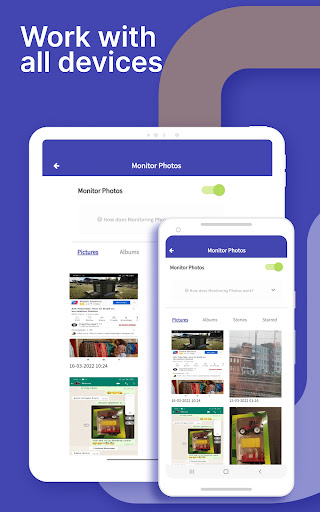
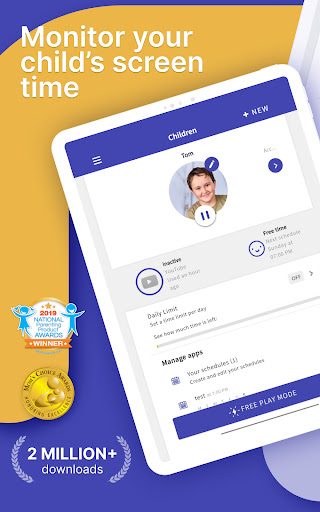
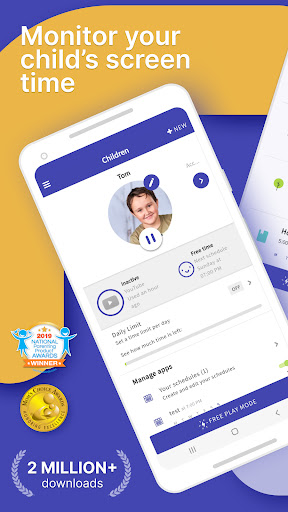
The app offers straightforward features for parents who want to keep an eye on their children’s smartphone activities. With the screen time tracker, you can:
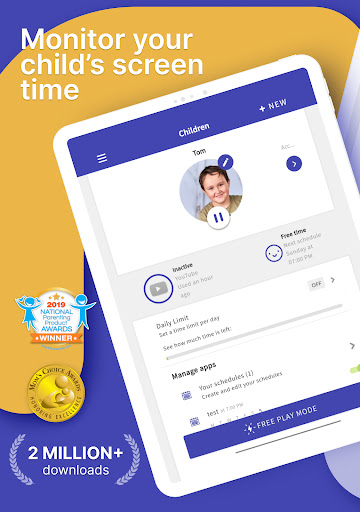
- Monitor your kids’ •screen time
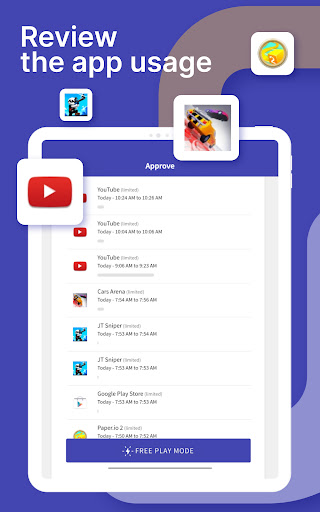
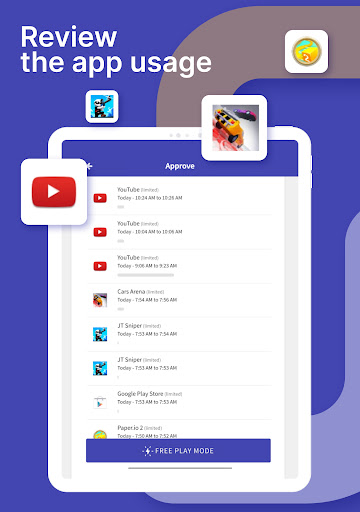
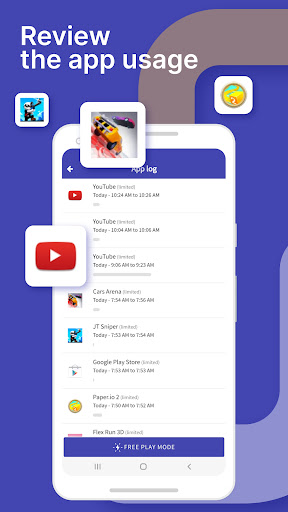
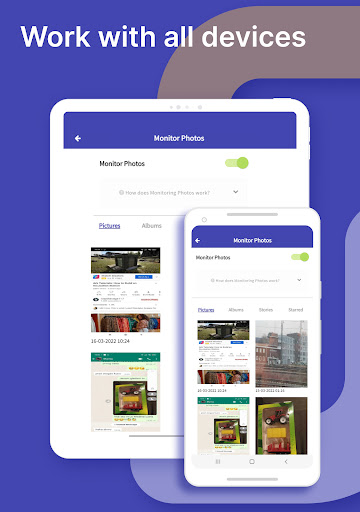
- See which •apps are being used and for how long
- View visited •websites
- Track usage of •social media platforms and •YouTube videos
- Receive notifications when your children try to •install new apps
- Get daily summaries of app and web activity
This comprehensive overview helps parents understand their children’s digital habits and identify areas where adjustments might be needed.
Enhanced Control with Premium Features
For parents seeking more proactive management, the Premium version unlocks a suite of advanced tools to regulate device usage more effectively:
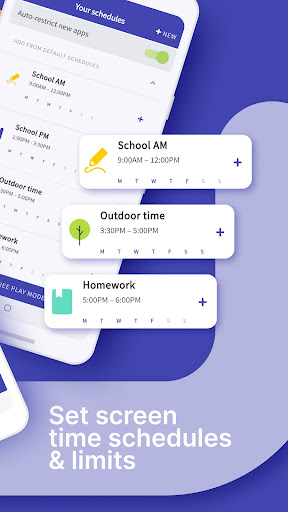
- •Set specific daily time limits for device usage
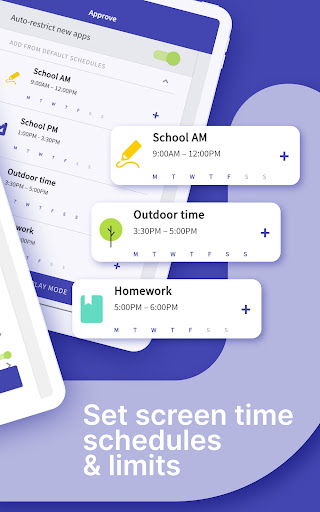
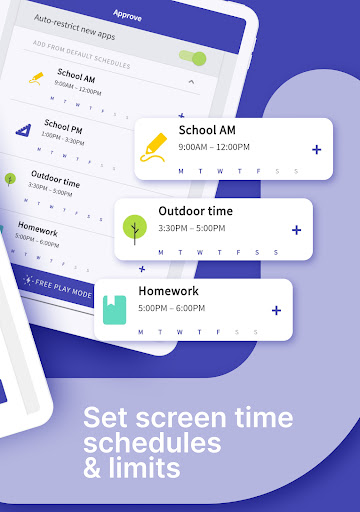
- •Create schedules for when children can and cannot use their devices
- •Instantly pause device activity with a single tap
- •Block access to certain apps during bedtime
- •Restrict websites from being accessed
- •View detailed web and search history
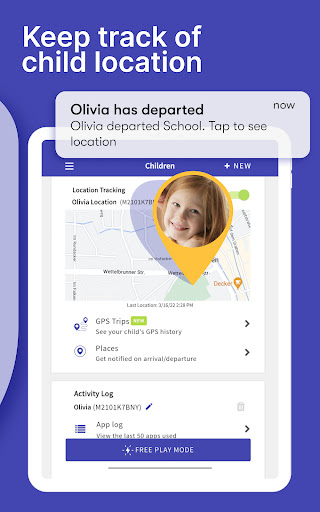
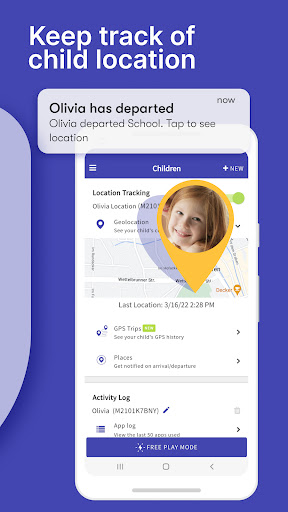
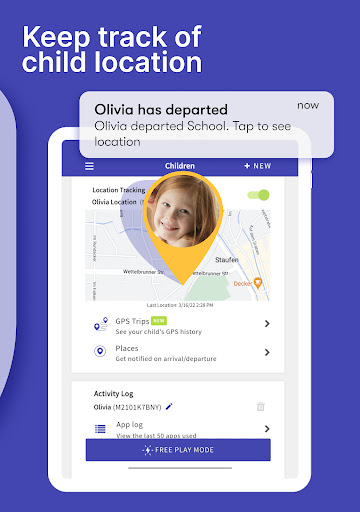
- Track your children’s •location via GPS
- Receive alerts when your child •arrives or •leaves a specific location
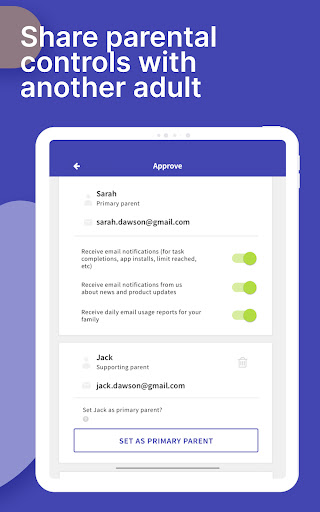
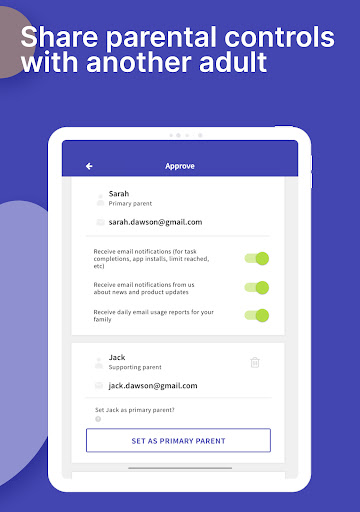
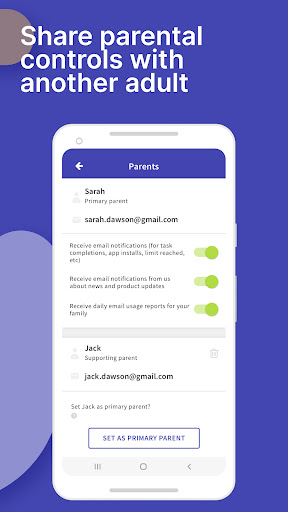
- •Share app management with other trusted adults
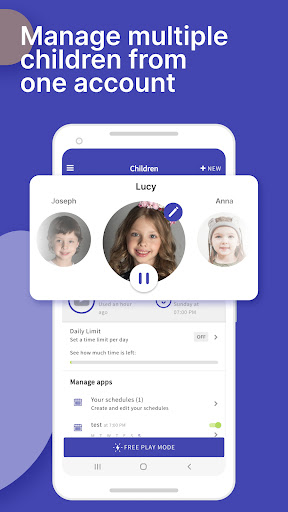
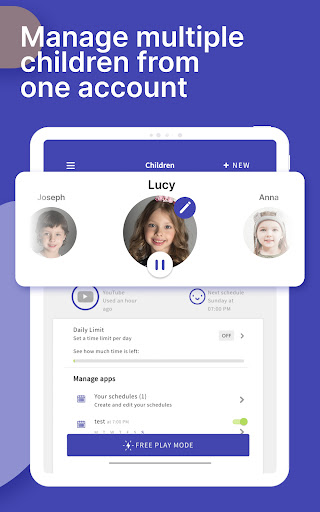
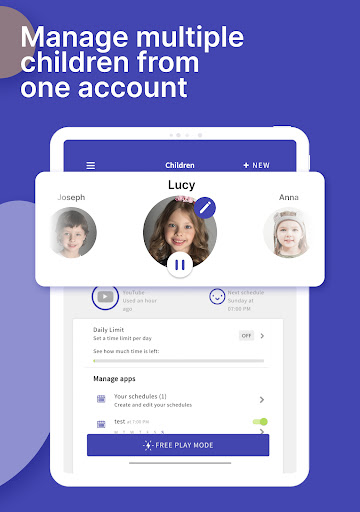
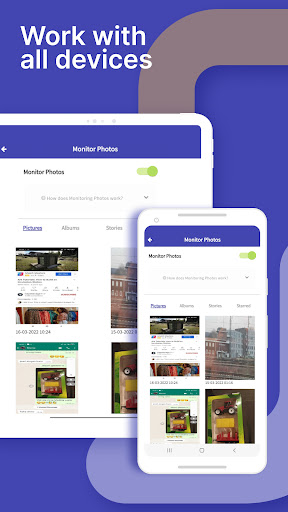
- Manage up to •5 devices per account to monitor multiple kids simultaneously
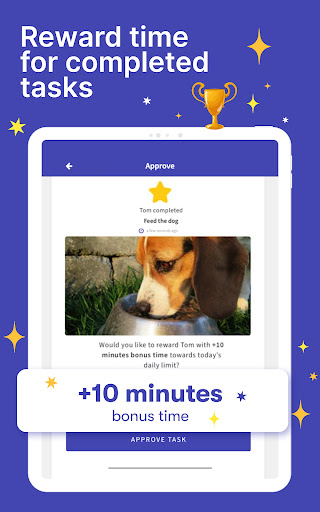
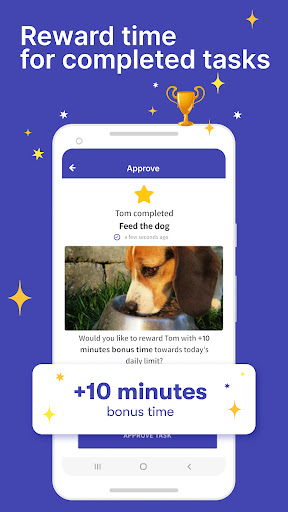
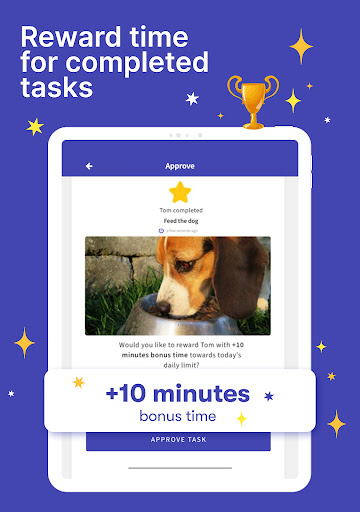
Additionally, you can create tasks and chores for your children to complete as a way of earning extra •screen time, turn on •Free Play mode during long trips, and utilize real-time GPS tracking for peace of mind.
New users can enjoy a 7-day free trial of the Premium features, with no credit card necessary. You can learn more about the pricing on the official website.
How to Get Started with Screen Time - Parental Control
Getting started with Screen Time is simple and user-friendly. After downloading the app, you’ll be guided through an easy setup process. Compatible with both Android and iOS, the app ensures seamless integration across devices.
Once installed, create an account and link your child’s device. The intuitive interface makes it easy to customize settings, set limits, and monitor activity, empowering parents to take control of their children’s digital life responsibly.
Promoting Healthy Digital Habits
Beyond monitoring, Screen Time emphasizes encouraging healthier habits. Its built-in features help foster balance by rewarding children for completing chores and tasks — earning extra •screen time as motivation.
Reminders for regular breaks remind kids to step away from screens, promoting physical activity and social interactions. These small nudges serve as effective tools to cultivate a balanced and mindful approach to technology use.
Conclusion: Why Choose Screen Time - Parental Control?
In summary, Screen Time - Parental Control is more than just a management app — it’s a powerful platform that equips parents with the necessary tools to oversee and guide their children’s digital experiences. With features ranging from real-time monitoring to location tracking and task management, it supports fostering responsible online habits, ensuring your kids stay safe online, and encouraging productive device use.
If you’re ready to take control of your children’s •screen time and help them develop healthier tech habits, downloading this app could be a game-changer. Empower yourself today and create a more balanced digital environment at home.
Pros
- Easy-to-navigate user interface
- Detailed reports on app usage
- Customizable limits on screen time
- Effortless blocking of inappropriate content
- Supports multiple child profiles
Cons
- Premium features available only through subscription
- Limited functionalities in the free version
- Potential impact on device performance
- Requires a stable internet connection
- Setup may be complicated for users without technical skills











