
RepairSolutions2: A Complete Vehicle Care and Repair Companion
RepairSolutions2 is a comprehensive vehicle care and repair resource designed for car and truck owners, skilled DIYers, and entry‑level technicians. It stands as the only complete solution from diagnosis to fix, seamlessly pairing with the newest generation of compatible OBD2 scanners and dongles to deliver ASE Master Technician–verified fixes across a robust automotive repair database. No tool? No problem—this app now includes a “no tool needed use” option, free Vehicle Care info, and an in‑app feature to schedule repairs.
Whether you’re checking warranty status, planned maintenance, technical service bulletins (TSBs), recalls, or the five‑year cost to own, RepairSolutions2 puts essential insights at your fingertips. The database is built on decades of data and cross‑referenced for accuracy, giving laypersons and pros alike access to clear DTC definitions, how each issue affects the vehicle, and the number of fixes available. When you’re ready to diagnose, the app connects with your OBD2 tool to generate detailed diagnostic reports right on your mobile device, and with ASE Master Technicians on the back end, you’ll receive repair guidance that’s trustworthy and well‑researched.
Whether you’re checking warranty status, planned maintenance, technical service bulletins (TSBs), recalls, or the five‑year cost to own, RepairSolutions2 puts essential insights at your fingertips. The database is built on decades of data and cross‑referenced for accuracy, giving laypersons and pros alike access to clear DTC definitions, how each issue affects the vehicle, and the number of fixes available. When you’re ready to diagnose, the app connects with your OBD2 tool to generate detailed diagnostic reports right on your mobile device, and with ASE Master Technicians on the back end, you’ll receive repair guidance that’s trustworthy and well‑researched.
What You'll Find Inside RepairSolutions2
Vehicle Care Info for Anyone
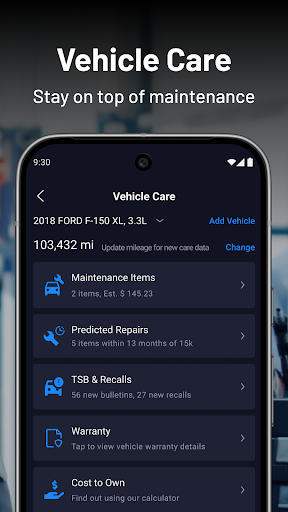
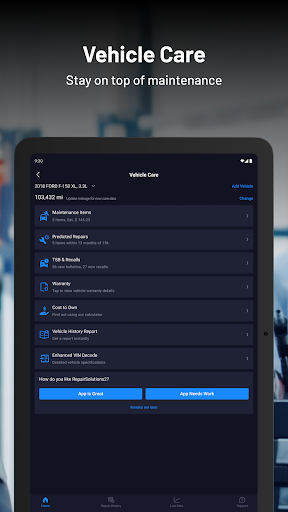
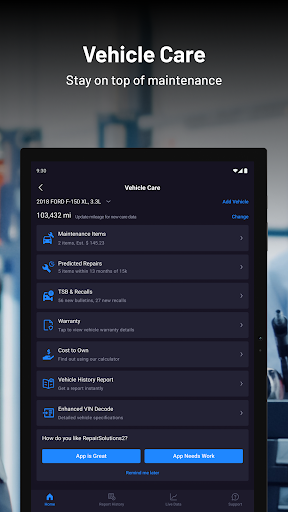
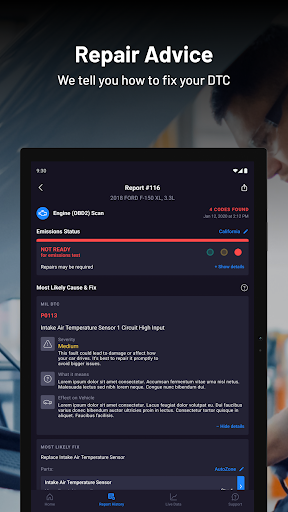
Access warranty status, scheduled maintenance, technical service bulletins, recalls, and the 5‑year cost to own. Get layman definitions of diagnostic trouble codes (DTCs), their effect on the vehicle, and an overview of how many fixes are available from the RepairSolutions2 database.
Find the Problem
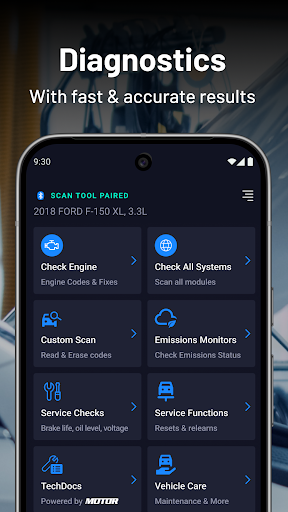
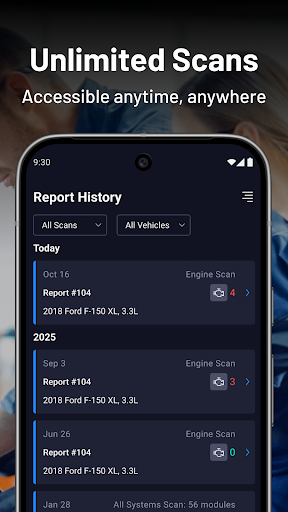
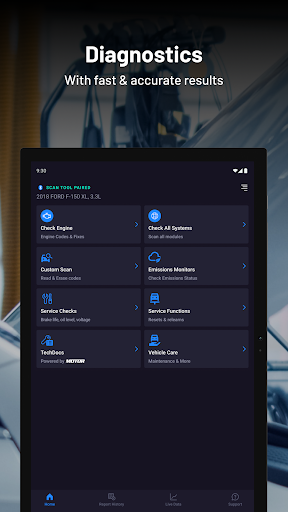
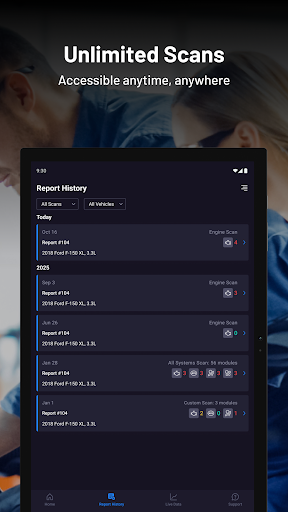
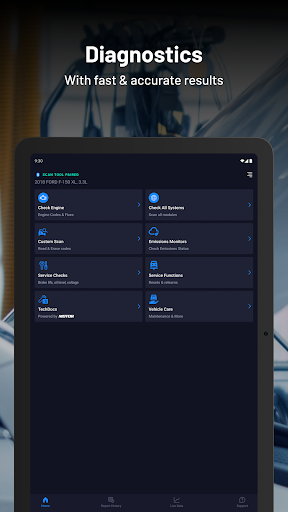
Download the app for free and instantly connect with your compatible OBD2 tool or dongle to create detailed vehicle diagnostic reports on your mobile device.
Find the Fix
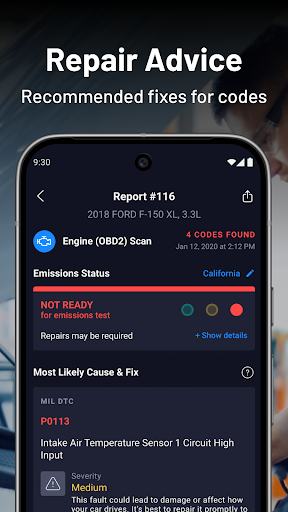
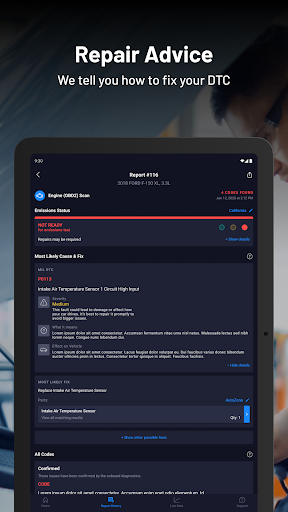
ASE Master Technicians provide the right solutions for your vehicle’s problem, with fixes cross‑referenced for accuracy against an extensive vehicle index and nearly 30 years of data collection.
Find the Parts
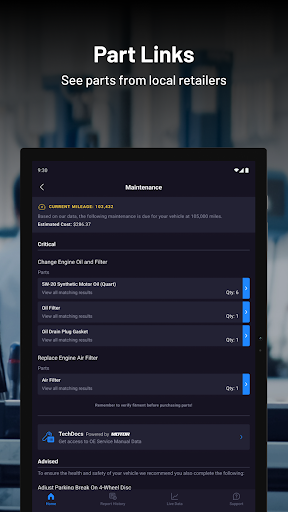
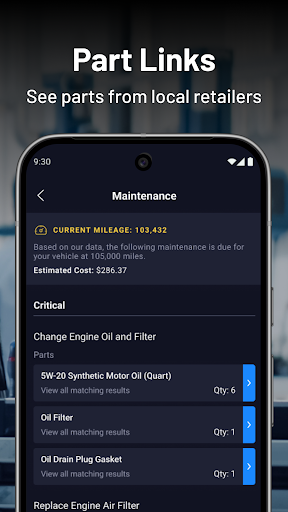
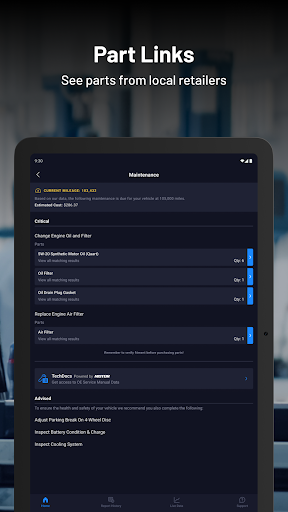
Identify and purchase the correct maintenance and repair parts for your specific vehicle directly from your preferred online retailer—right from within the app.
Key Features and Capabilities
- Lookup DTC Code Definitions – Access layman explanations and the effect on the vehicle, all paired with ASE‑verified fixes at your fingertips.
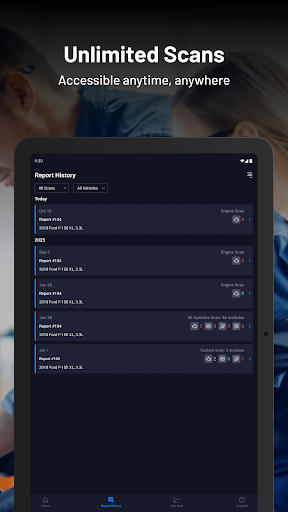
- Complete Vehicle Scan – Engine‑only scans, module‑specific scans, and full network scans.
- Read/Erase DTC codes
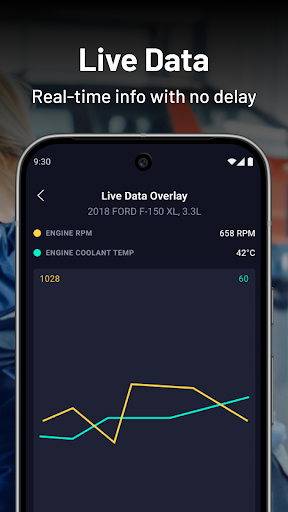
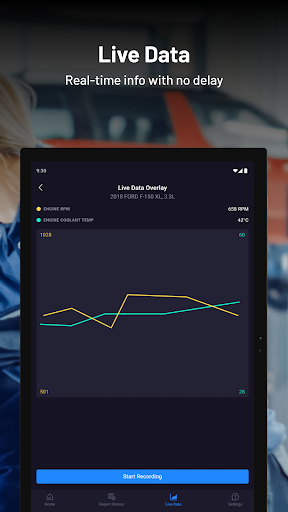
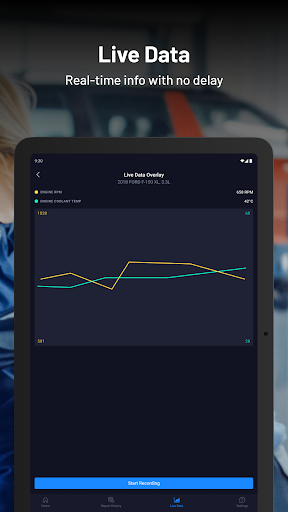
- LIVE DATA – A customizable live data feed with selectable inputs, the ability to create line graphs, and the option to record and review previous sessions.
- Scheduled Maintenance – Manufacturer‑recommended maintenance with direct purchase links based on your vehicle’s history and OEM service items.
- Predicted Repairs – Insight into what repairs might be around the corner using RepairSolutions2’s advanced database.
- RepairPal – A simple “Schedule Repair” workflow to choose the right repair facility at a time that fits your schedule.
- No Tool Needed – View vehicle maintenance, predicted repairs, TSBs/recalls, Cost to Own, and Code Definitions—even if you don’t own a compatible tool.
Getting Started and Important Notes
No purchase is required to install the app. Some features and functions require pairing with a compatible OBD2 scan tool or dongle. Not all features are supported by every vehicle, and capabilities vary by year, make, and model as determined by the vehicle manufacturer.
A “dongle” is a small adapter you can plug into the OBD port of a vehicle. The port is usually found on the driver’s side under the dashboard in most cars and trucks.
Pros
- Intuitive user interface
- Comprehensive vehicle diagnostics
- Instant repair guidance
- Works with a broad range of car models
- Core features are free
Cons
- Requires an OBD2 scanner
- Free content is limited
- Certain features require a subscription
- Occasional connectivity problems
- Interface can lag on older devices











