

Overview of Qustodio Parental Control App
The Qustodio Parental Control App has earned recognition as PC Mag’s Editors’ Choice for its comprehensive features designed to help parents ensure their children's online safety. This powerful app simplifies digital parenting by providing a suite of tools such as daily screen time limits, app blocking, kid tracking, AI-powered search and message alerts, along with social media monitoring and content filtering capabilities. Whether you're wanting to control your child's device usage or keep an eye on their online interactions, Qustodio offers a reliable solution compatible across multiple platforms including Android, iOS, Windows, Mac, and Kindle devices.
Key Features of Qustodio Parental Control App
Screen Time Management
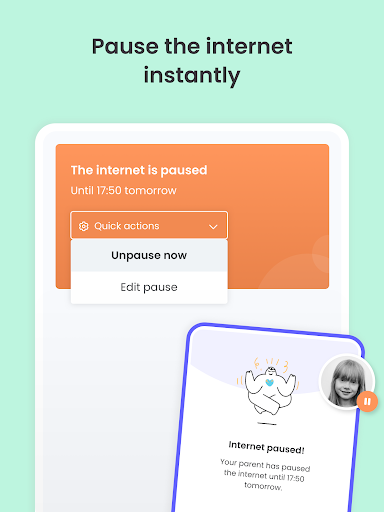
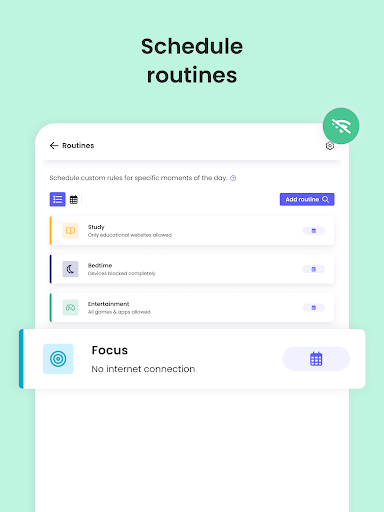
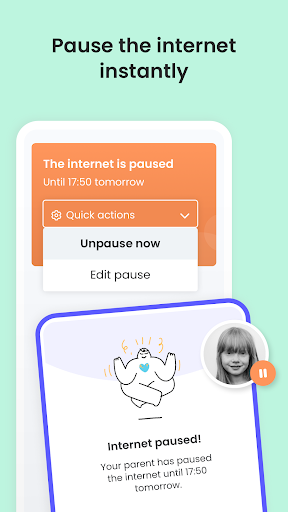
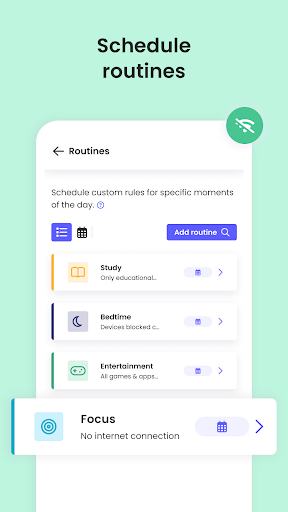
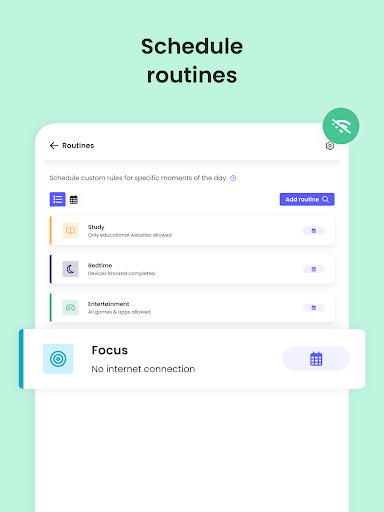
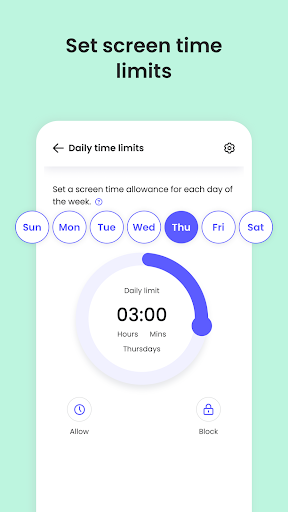
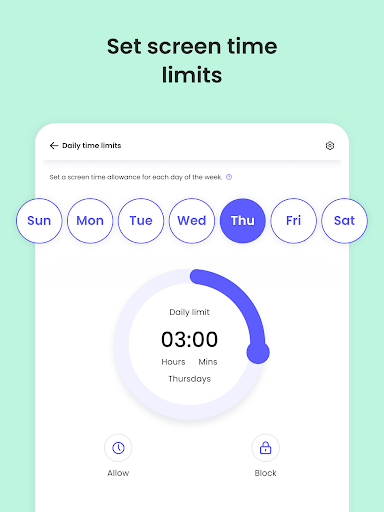
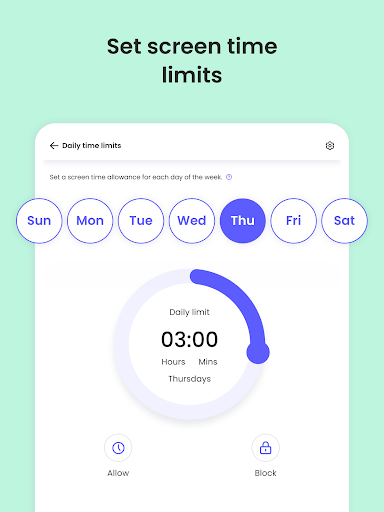
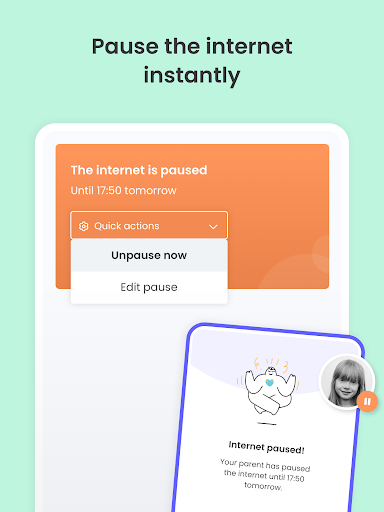
Qustodio makes it effortless to set daily screen time limits across all devices. It automatically blocks the device after the specified time, helping cultivate healthy digital habits and preventing excessive usage during study or bedtime hours. Additionally, parents can instantly pause internet access with just a tap, providing quick control to manage their children’s device usage.
Location Tracking & Family Locator
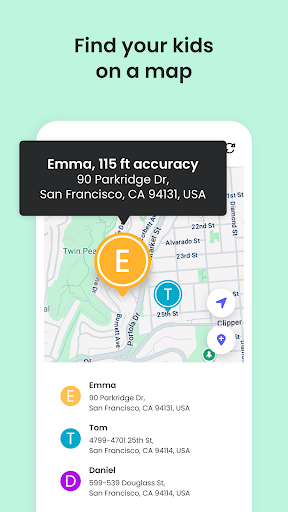
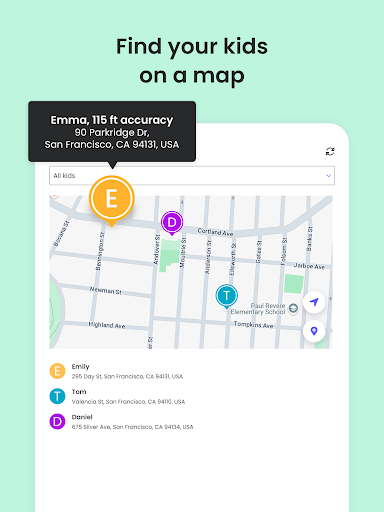
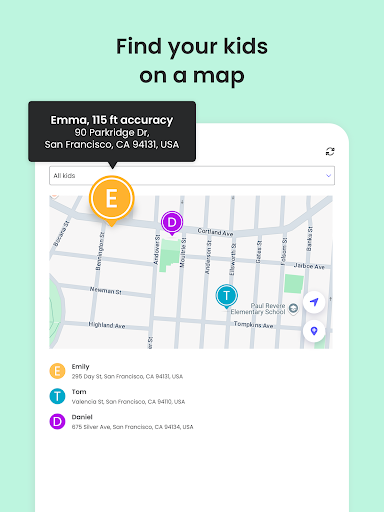
The app's GPS family tracker feature allows parents to continuously monitor their child's location. It offers real-time GPS tracking of phones, helping to ensure children are where they’re supposed to be. Parents can also share their own location, locate a lost device, and save favorite places, enhancing safety during outings or emergencies with a convenient panic button.
Web & Content Filtering
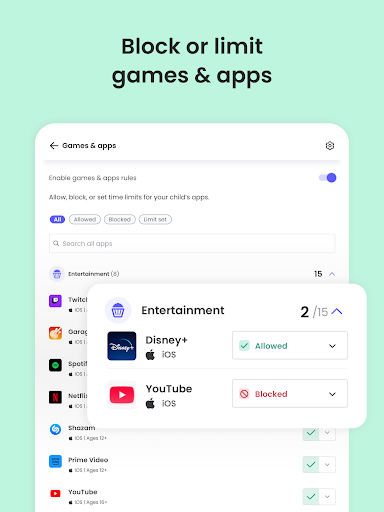
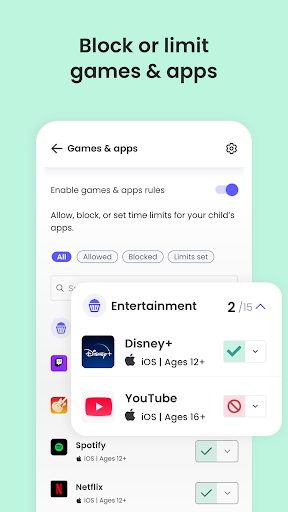
Qustodio enables content filtering to block access to inappropriate websites, including pornography, gambling, or violent content. It also enforces safe search on popular search engines and can block specific apps and games, ensuring a safer online environment for children. The app sends alerts about web activity and attempts to access blocked sites, keeping parents informed of browsing behaviors.
Monitoring & Alerts
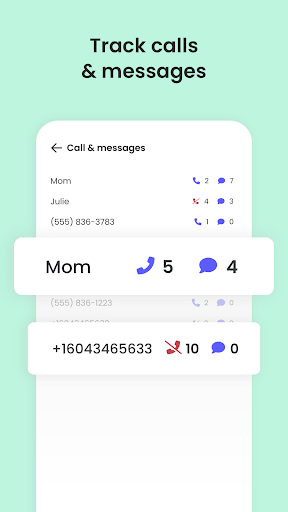
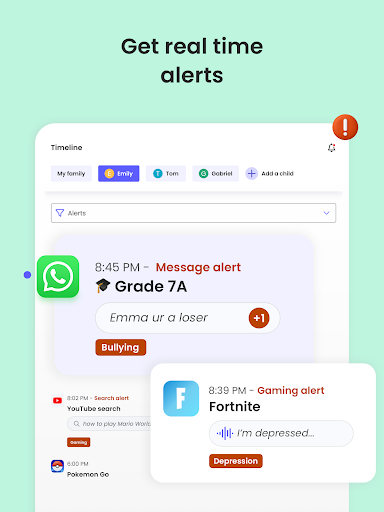
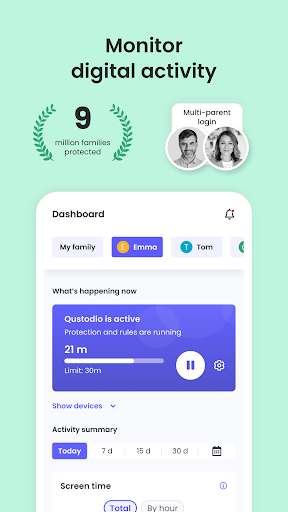
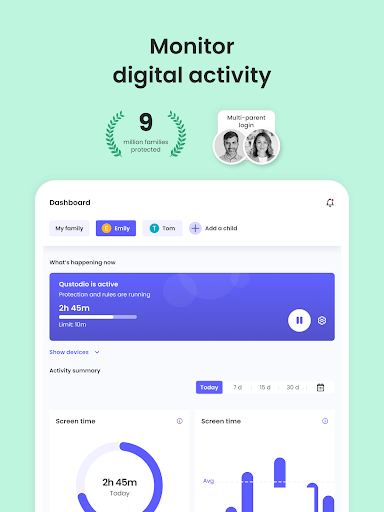
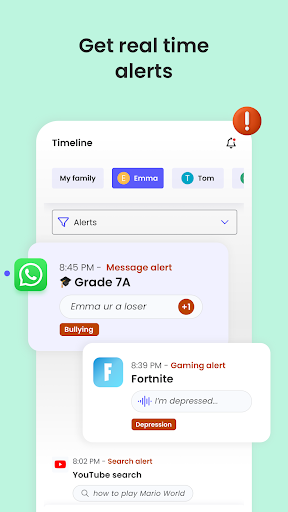
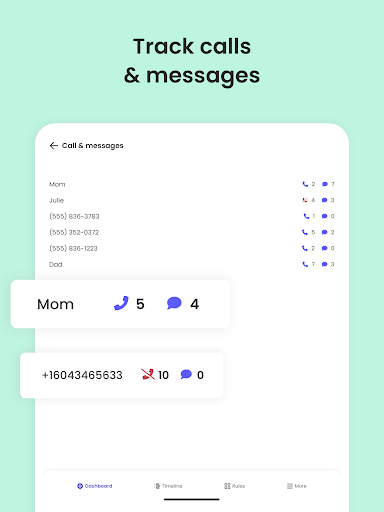
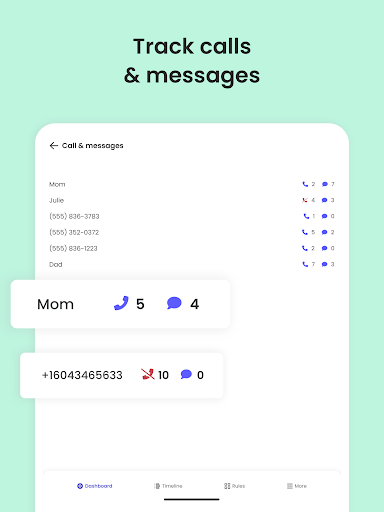
This app provides comprehensive visibility into your child's digital activities. You can receive search alerts, SMS message alerts, and social media monitoring alerts (including platforms like WhatsApp, Instagram, and Line). In addition, parents get daily, weekly, and monthly activity reports straight to their inbox, giving a detailed overview of online usage. The feature to monitor YouTube activity and track & block unwanted calls and SMS further enhances safety measures.
Multi-Device & Co-Parenting Support
Qustodio supports supervising on any iOS, Windows, Mac, Android, or Kindle device. Multiple parents or guardians can be invited to supervise together and set shared rules for children, promoting collaborative parenting in managing online safety.
Security & Privacy
To prevent unauthorized uninstallation, the app uses Device Administrator permissions. It also employs Accessibility services to assist users with disabilities in setting appropriate device access levels. For Huawei device owners, note that disabling battery-saving mode is necessary for optimal performance.
How to Set Up & Use Qustodio Parental Control App
- Download the Qustodio Parental Control App on your device.
- Create an account or log in.
- Install the Kids App Qustodio on your child's device.
- Follow the quick setup instructions for both apps.
- Once configured, inappropriate websites will be automatically blocked, and activity can be monitored from your device or the online dashboard.
For ongoing management, access the Qustodio Family Dashboard to review activity reports and adjust settings as needed, ensuring comprehensive parental control across devices.
Supported Platforms & Languages
Qustodio is compatible with Android (including Android 8 and above), iOS, Windows, Mac, Kindle, and other major operating systems. It is available in multiple languages including English, Spanish, French, Italian, Portuguese, Dutch, German, Japanese, and Chinese, making it versatile for families worldwide.
Pricing Plans & Support
The basic Qustodio parental control plan offers essential features suitable for most families. For advanced control and detailed reporting, consider upgrading to the premium plan. The app uses Accessibility services and Device Administrator permissions to provide effective monitoring and protection.
Need support? Visit the Qustodio Help Center or contact support at support@qustodio.com.
Final Thoughts
Overall, Qustodio Parental Control App stands out as a reliable and feature-rich solution for modern digital parenting. Its ability to monitor screen time, social media activity, location, and web browsing provides parents peace of mind and encourages safe online habits for children. With easy setup and cross-platform support, Qustodio makes managing your child's digital activities straightforward while fostering a healthy online environment. Whether you are looking to protect online safety, establish healthy screen time limits, or keep tabs on their social interactions, Qustodio is a trusted tool to have in your family safety arsenal.
Pros
- Comprehensive monitoring dashboard.
- Real-time alerts for suspicious activity.
- Customizable screen time limits.
- Cross-platform compatibility.
- User-friendly interface.
Cons
- Limited free version features.
- Can drain device battery quickly.
- Occasional syncing issues.
- Some privacy concerns.
- Subscription can be pricey.











