
Parental Control - Kroha: The Ultimate App for Child Safety and Digital Management
In today's digital age, ensuring the safety and well-being of children online is more crucial than ever. Parental Control - Kroha is a comprehensive child control application designed to empower parents with the tools they need to monitor and manage their kids' digital activity seamlessly. Whether you're looking to limit screen time, track location, block inappropriate content, or get real-time alerts, Kroha offers a wide range of features tailored for family safety and digital well-being.
Key Features of Parental Control - Kroha
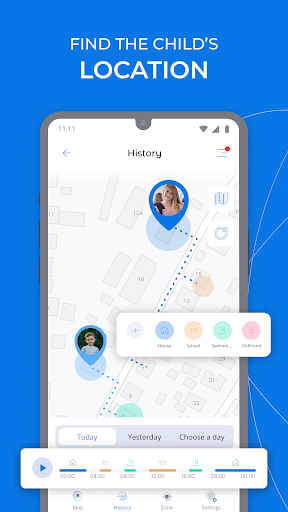
Family Locator & GPS Tracking allows parents to keep an eye on their child's whereabouts with real-time location updates. You can set geo-zones and receive notifications whenever your kid leaves designated safe zones, providing peace of mind and increased safety.
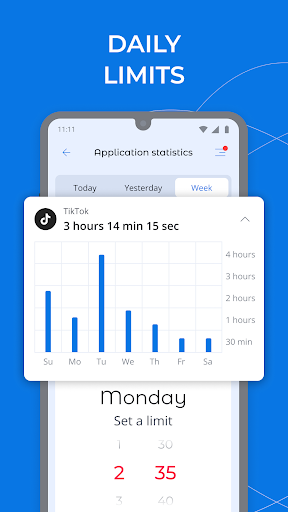
<Device Screen Time Management offers a detailed overview of daily device usage. Parents can set specific time limits for apps and monitor how long their children spend on different applications. This helps instill healthy digital habits and prevents excessive screen time.
App Lock & Phone Lock provides the ability to block access to unwanted apps and social media platforms. You can remotely enforce schedules for device usage, especially during family time, study hours, or bedtime, promoting disciplined device use.
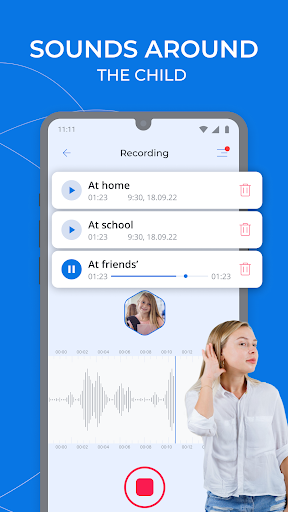
Sound Around the Child is an innovative feature that allows parents to listen to the environment around their kids by remotely accessing their device microphone. You can also send requests to record sound snippets (up to 30 seconds), ensuring your child's safety in real-time.
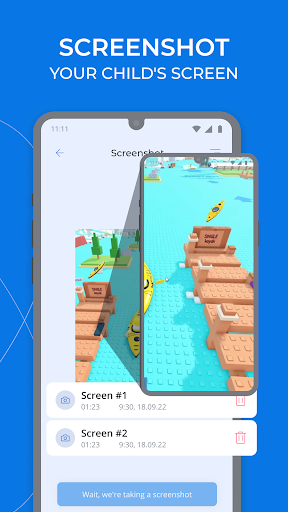
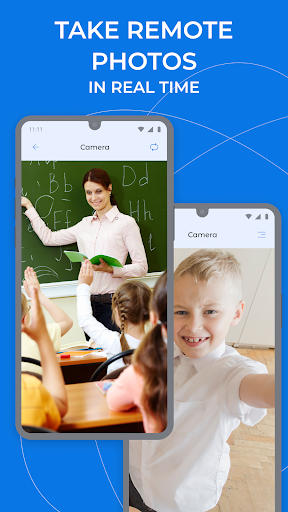
Screen Captures enable you to access your child's device camera to take photos or screenshots instantly. This real-time monitoring of their surroundings adds an extra layer of security.
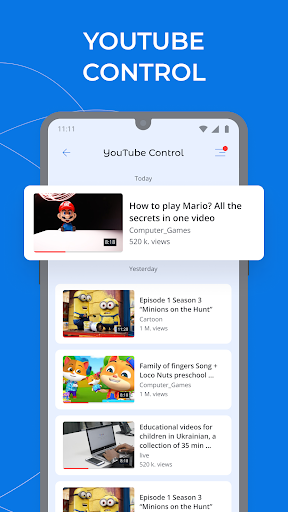
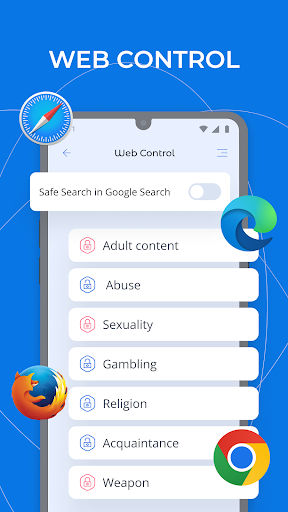
Website & YouTube Content Filtering helps protect children from harmful online content by filtering websites and monitoring YouTube videos watched. You can activate Safe Search to further safeguard their online searches.
Social Media & Messaging Monitoring allows you to oversee messenger conversations and YouTube activities, ensuring your child is engaging safely online.
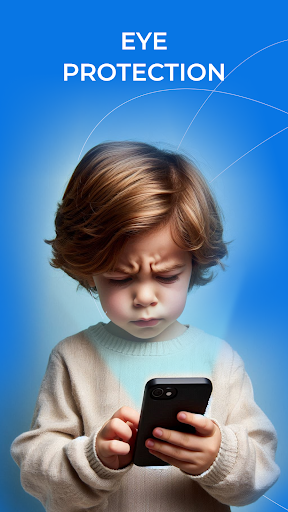
Eyes Protection & Night Mode features help safeguard your child's eyesight. Night Mode reduces blue light exposure in the evening, while Eyes Protection ensures the phone screen is maintained at a safe distance during use.
Additional Parental Controls
Beyond online activity monitoring, Kroha lets you oversee and manage your child's Phonebook, review their latest photos, and keep track of battery levels, ensuring comprehensive device management.
Easy Setup and Family Integration
Getting started with Kroha is simple. Just install the app on your device and your child's device, link them through your family account, and you're all set. The app uses network data to send configurations and monitor activities. The one-year license allows control over up to five devices, making it perfect for whole-family management with a single account.
Subscription and Support
The subscription offers flexibility and value, enabling seamless control across multiple devices. For detailed pricing and subscription options, visit the official site. Should you encounter any issues, the dedicated support team is available to assist via email.
Permissions & Privacy
To function effectively, Kroha requires specific permissions: VPN access for filtering websites, Device Administrator rights, and Accessibility Service for activity monitoring and uninstallation prevention. These permissions ensure comprehensive control while respecting user privacy and security policies.
Why Parental Control - Kroha Stands Out
Many parents find Kroha intuitive and robust, thanks to its straightforward setup process and user-friendly interface. The app's diverse features, from real-time alerts to environmental monitoring, ensure parents can maintain oversight without being intrusive. Additionally, tools like task management and rewards motivate children to develop healthier digital habits, making Kroha more than just a control app — it’s a partner in nurturing responsible device usage.
Conclusion
If you're searching for a reliable, feature-rich parental control app, Parental Control - Kroha is an excellent choice. It combines real-time monitoring, content filtering, device management, and child safety features into an easy-to-use solution. By installing Kroha on your family devices, you can confidently oversee your child's online activity, ensuring they stay safe while cultivating healthy digital routines. Take control today and enjoy peace of mind knowing your child's digital environment is protected.
Pros
- User-friendly interface for straightforward navigation
- Options to customize screen time limits
- Real-time location monitoring feature
- Reports on app usage for enhanced oversight
- Web filtering capabilities for safer browsing
Cons
- Full feature access requires a subscription
- May rapidly deplete device battery life
- Limited choices for customer support
- Occasional performance glitches in the app
- Compatibility problems with certain devices











