

Introduction to FamiSafe: The Ultimate Parental Control App
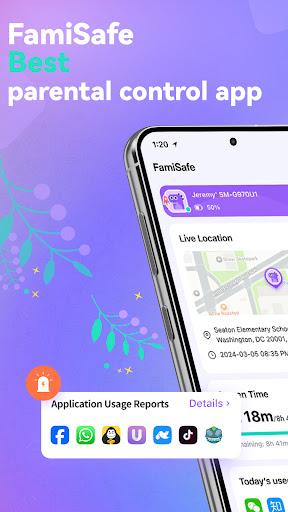
In today's digital age, parents face the challenging task of ensuring their children's online safety while fostering responsible device usage. FamiSafe is a comprehensive parental control app designed to empower parents with reliable tools to monitor their children's digital habits, control screen time, and protect them from harmful content. With features like real-time location tracking, app management, and content filtering, FamiSafe offers peace of mind for busy parents striving to keep their kids safe online.
Key Features of FamiSafe
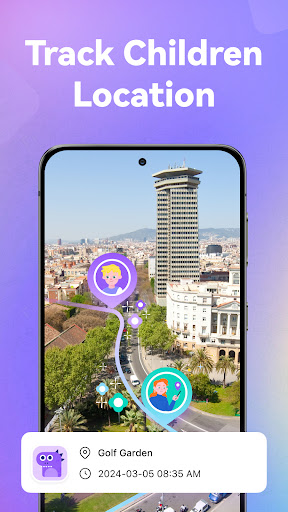
1. Real-Time Location Tracking
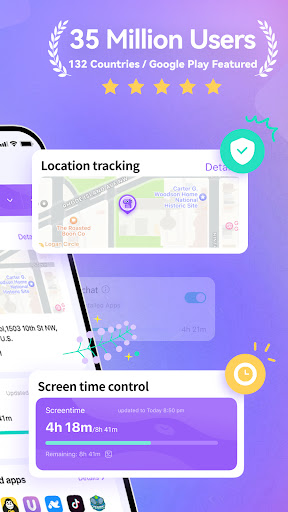
One of the standout features of FamiSafe is its highly accurate GPS location tracker. Parents can effortlessly monitor their child's current whereabouts and view historical location data. The geofencing feature allows setting up safe zones and provides instant alerts if a child enters or leaves a designated area, ensuring you always know if your child is within safe boundaries.
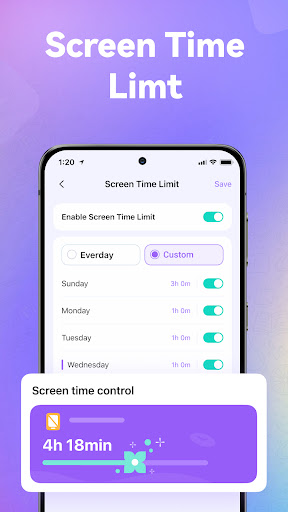
2. Screen Time Management
Concerned about excessive device use? FamiSafe enables you to customize screen time limits based on different days or times. Whether it's restricting phone usage during school hours or allowing more screen time on weekends, this feature helps promote healthier digital habits. Detailed usage reports give insights into how long children spend on various apps and websites.
3. Content Filtering and App Management
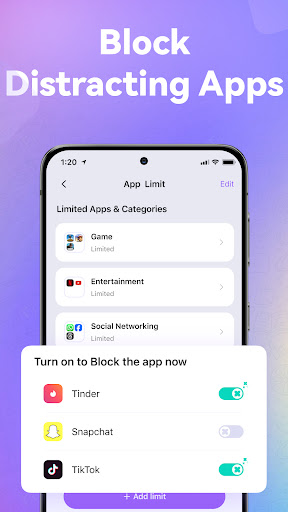
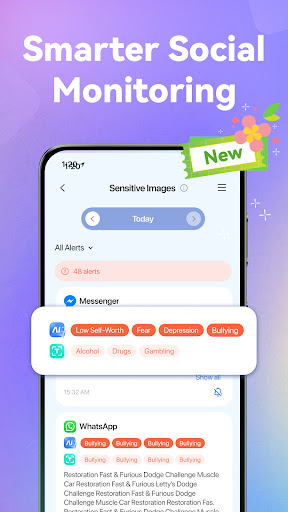
Protect your children from inappropriate content with FamiSafe’s advanced web filtering capabilities. It blocks adult websites, inappropriate apps, and platforms like social media, messaging apps, and gaming sites. The app also detects sensitive words, emojis, and explicit images across popular social platforms such as WhatsApp, Facebook, Instagram, and TikTok, ensuring your child's online environment remains safe.
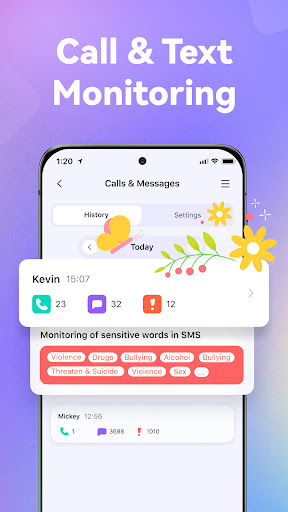
4. Monitoring Calls and Messages
This feature allows parents to oversee calls and messages, with keyword detection to identify potential risks. Keeping track of your child's communication helps detect signs of cyberbullying, dangerous interactions, or exposure to inappropriate content.
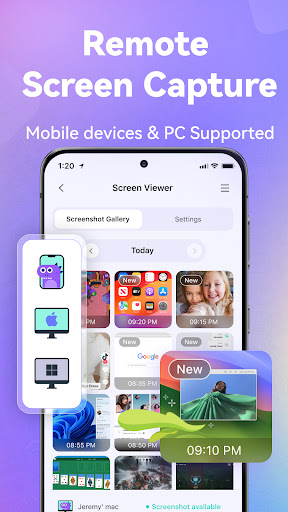
5. Remote Screen Monitoring
Parents can remotely view their child's phone screen activity, take screenshots, or even use the new One-Way Audio feature to listen in on their surroundings. This fosters safer communication and ensures children are in secure environments when unsupervised.
6. Emergency Safety Features
Panic Button: If your child feels threatened or is in danger, they can press the SOS button within the app. This instantly sends an alert with their current location, allowing immediate parental response and assistance.
Getting Started with FamiSafe
Setting up FamiSafe is straightforward. Parents need to download the app on their device and install the companion app on their child's device. Linking devices with a unique code takes just about 10 minutes, making it accessible even for busy families. A single parent account can manage multiple children’s devices simultaneously, supporting co-parenting efforts.
Why Choose FamiSafe?
FamiSafe stands out due to its trusted reputation among leading organizations. Recognized as one of the Best Products for Elementary Kids 2024 and winner of the National Parenting Product Awards 2024, it provides a secure, ad-free environment focused solely on family safety. Its features facilitate better digital habits, promote healthy device boundaries, and ensure children’s safety both online and offline.
Final Thoughts
If you're seeking a reliable parential control app that combines ease of use with powerful monitoring features, FamiSafe is an excellent choice. It helps parents stay connected with their children, understand their digital engagement, and intervene when necessary—all while fostering responsible and safe device use. Investing in FamiSafe means investing in your child's safety and your peace of mind in today's technology-driven world.
Pros
- Comprehensive monitoring tools
- User-friendly interface
- Real-time location tracking
- Flexible screen time management
- Geofencing alerts
Cons
- Premium features require purchase
- Limited free features
- Occasional app crashes
- High battery consumption
- Complex setup for beginners











