
Introduction to OpenCPN
OpenCPN is a comprehensive Chart Plotter and Navigator application designed for marine navigation. Building on its extensive desktop experience, OpenCPN for Android brings many of the same powerful features to mobile devices, offering sailors, boaters, and maritime enthusiasts a reliable tool for safe and efficient navigation.
This open-source app supports a variety of chart formats, including raster and vector charts, and seamlessly integrates with GPS, AIS, and other sensor data. Whether you're cruising, racing, fishing, or working professionally on the water, OpenCPN equips you with the navigation tools needed to enhance safety and improve your maritime experience.
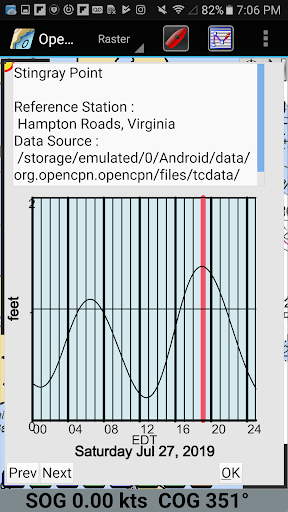
Join a global community of users dedicated to advancing electronic charting, and enjoy features like route planning, tide and current prediction, and customizable display themes—all designed to make your maritime adventures more enjoyable and secure.
Key Features of OpenCPN
Chart Support and Display Options
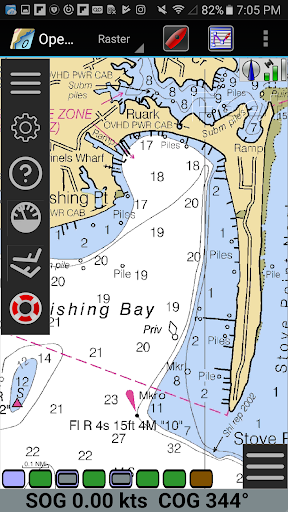
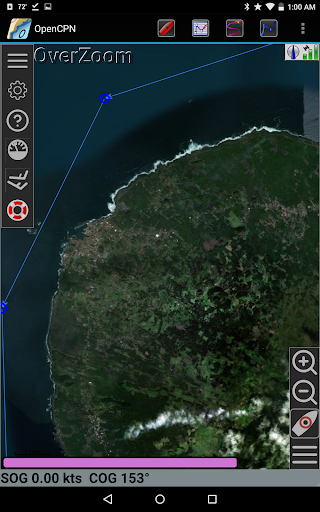
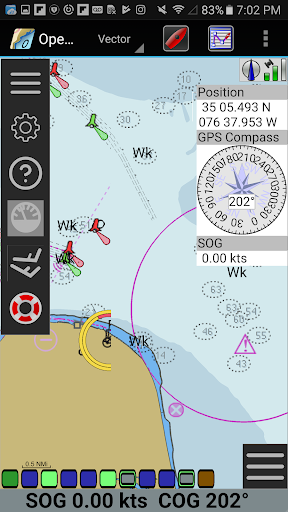
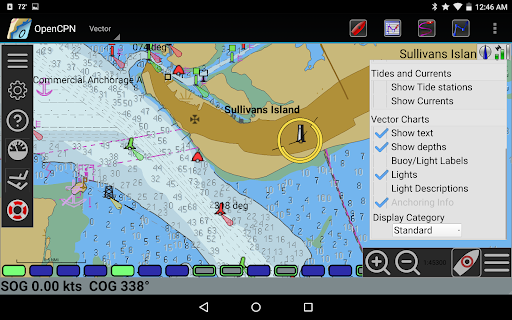
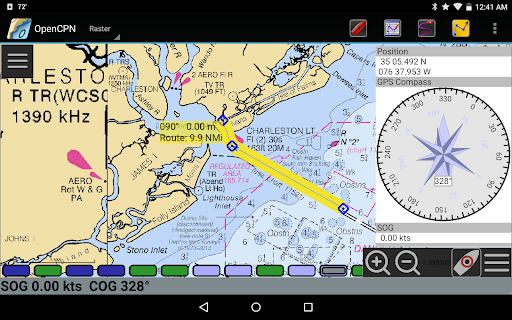
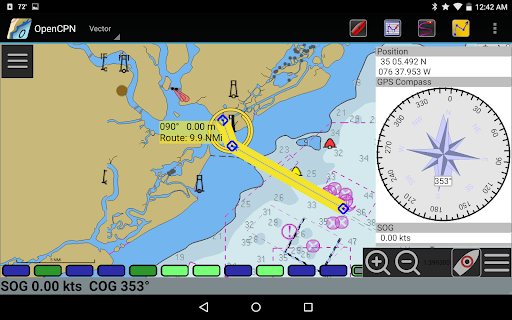
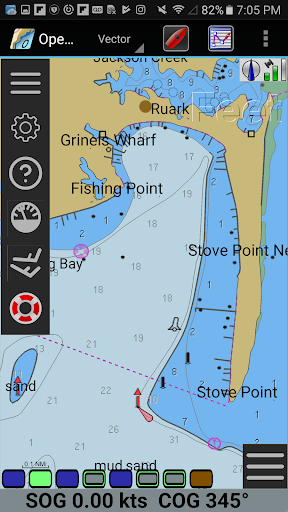
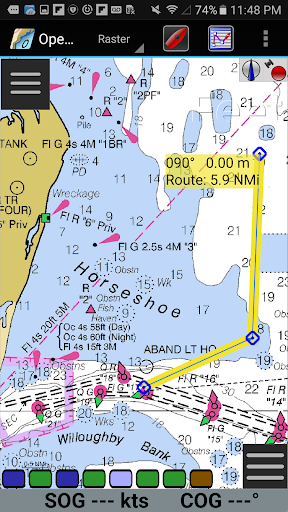
The application supports a variety of chart formats, including:• BSB v3 raster chart (RNC), • S57 vector chart (ENC), and • CM93 vector charts, with per cell offset corrections. Additionally, MBTiles chart overlay support allows for personalized chart customizations. The app offers multiple display modes such as single-chart, quilted, north-up, course-up, and chart-up. For dynamic situational awareness, the moving-map display mode provides real-time map movement.
Navigation and Routing
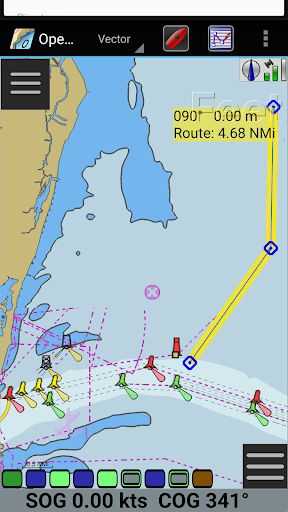
Route navigation and ship tracking functions allow users to plan routes with tidal and current considerations. Features like waypoint navigation and built-in great-circle routing facilitate efficient course plotting. Users can also take advantage of GPX Layers for chart annotations, and select from multiple display themes to suit their preferences.
Sensor and Device Integration
GPS support is extensive, including device-integrated GPS, Bluetooth remote GPS, and network GPS (TCP/UDP). The app is compatible with NMEA 0183, with advanced message handling and built-in multiplexer for robust data processing. Autopilot output support and full AIS integration, including target tracking and collision alerts, enhance operational safety.
Additional Marine Safety Features
Other notable functionalities include anchor watch alarms, tide and current predictions by location, and proactive MOB (Man Overboard) handling via full AIS support for SART and MMSI selections. Support for DSC and GPSGate Buddies ensures comprehensive communication capabilities.
Data Management and User Interface
User-friendly features such as GPX input/output for waypoints, tracks, and routes, alongside an integrated eBook manual, make navigation straightforward. The app also offers flexible chart annotation and theme options, along with Google Maps integration for enhanced mapping versatility.
Why Choose OpenCPN?
Whether you are a cruiser, racer, fisherman, or marine professional, OpenCPN provides the tools needed for safer, more efficient voyages. Its open-source model ensures consistent updates, bug fixes, and community-driven improvements. This means you'll always have access to the latest features and navigational data, making it a dependable companion on the water.
Additionally, OpenCPN fosters a community-driven environment through forums and support networks, helping users troubleshoot and share insights. Its compatibility across devices and intuitive interface makes it accessible to users of all skill levels—whether you’re charting a course for the first time or managing complex marine operations.
In summary, OpenCPN is a versatile, feature-rich, and reliable navigation application that enhances your maritime experience by providing accurate charts, safety features, and seamless device integration. Embark on your next adventure with confidence, knowing that your navigation needs are well covered with this outstanding tool.
Pros
- User-friendly interface for easy navigation
- Supports various chart formats
- Provides real-time weather updates
- Customizable through plugins
- Open-source and supported by a community
Cons
- Requires initial setup and learning curve
- Limited compatibility with mobile devices
- Some features require internet connectivity
- Occasional bugs in the software
- Interface may appear outdated to certain users











