












Introducing Offline Maps - Route Planner: Your Ultimate Navigation Companion
Are you an avid traveler, urban explorer, or outdoor enthusiast seeking a reliable navigation app that works seamlessly even without internet connectivity? Offline Maps - Route Planner is designed to meet your needs, offering a comprehensive suite of features that make every journey safer, easier, and more enjoyable.
Main Features of Offline Maps - Route Planner
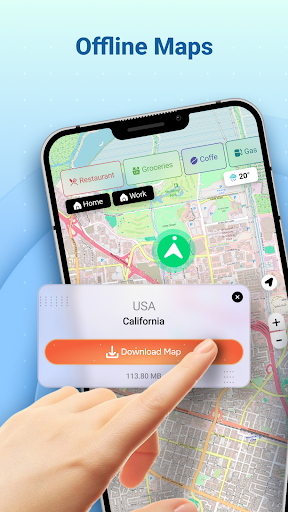
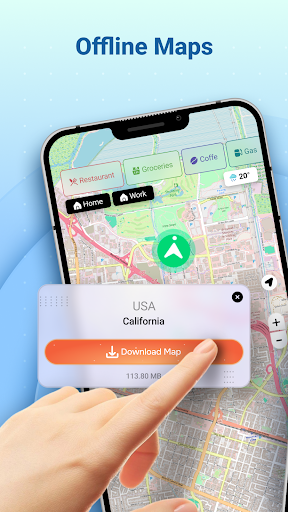
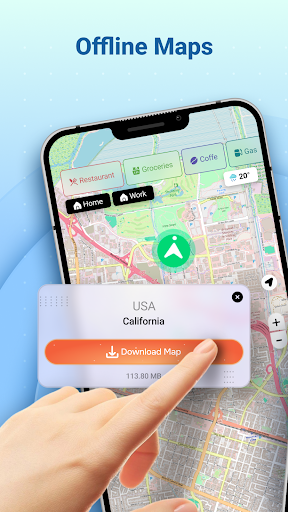
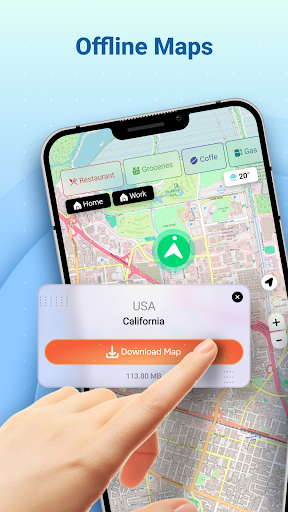
Offline Maps
This app allows you to download maps for offline use, so you can access detailed maps even in areas with limited or no internet signal. Whether you're hiking in remote mountains or exploring a foreign city, having offline maps ensures you won't get lost and can navigate confidently at all times.
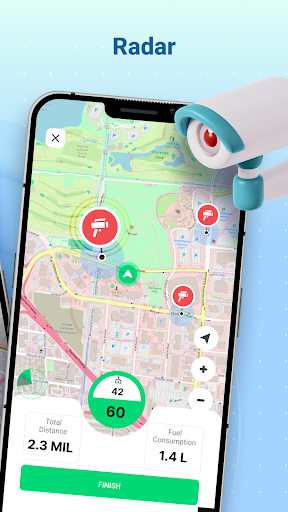
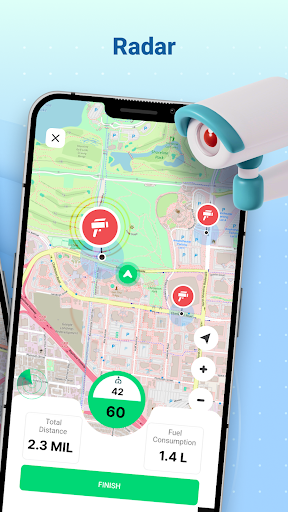
Speedometer
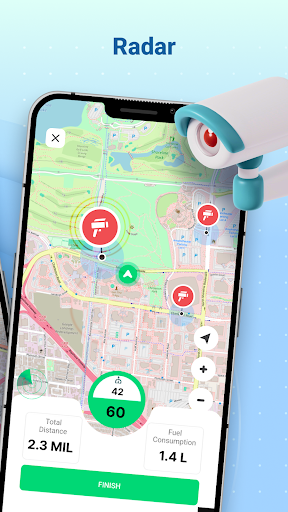
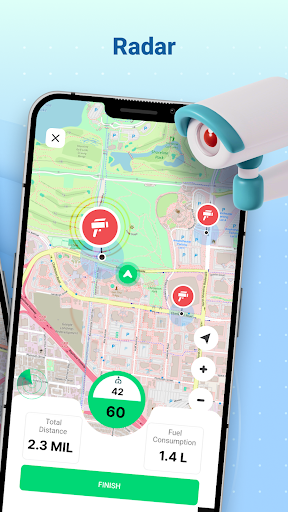
The integrated speedometer displays your current speed and alerts you to radars on the road. This feature helps you adhere to speed limits, avoid traffic fines, and drive more responsibly during your trips.
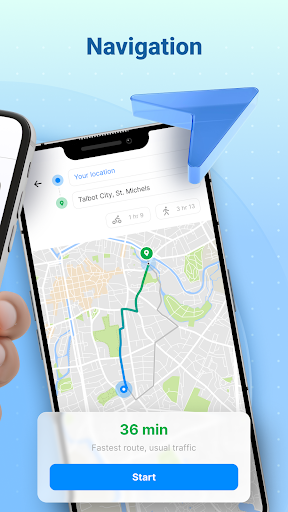
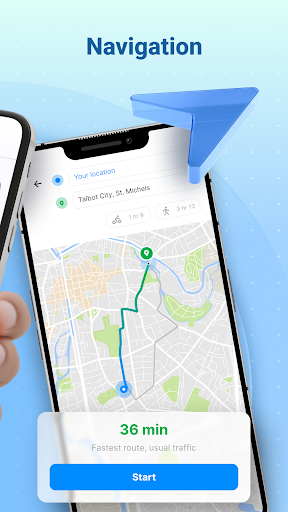
Navigation & Route Planning
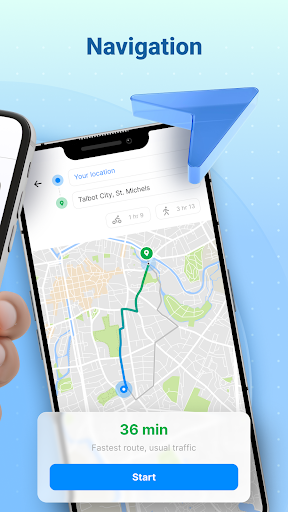
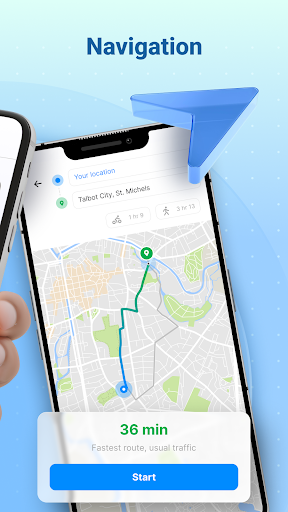
The app offers detailed navigation by drawing routes from your current location to your selected destination, with voice-guided, turn-by-turn directions to guide you along every step. You can compare different routes and transportation modes—car, walking, cycling, or public transport—to choose the most efficient option based on estimated time, distance, and cost.
The favorites feature allows you to save regularly visited areas, so you can quickly plan routes without re-entering destination details.
Location Sharing
Keep your loved ones or colleagues informed by sharing your location. The app enables you to view your current position from a bird's-eye perspective and send your whereabouts easily—perfect for arranging meetups, emergencies, or simply staying connected while on the move.
Nearby Places
Find essential nearby places such as cafes, restaurants, fuel stations, hospitals, hotels, shopping malls, and more along your route. This feature ensures you have access to amenities and points of interest without straying far from your planned path, making your trip smoother and more convenient.
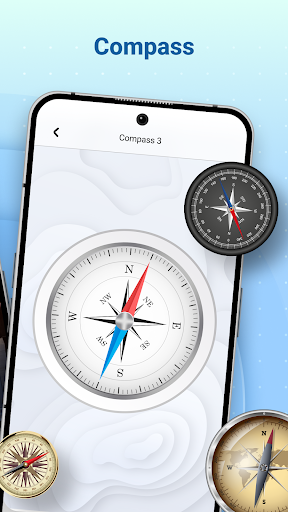
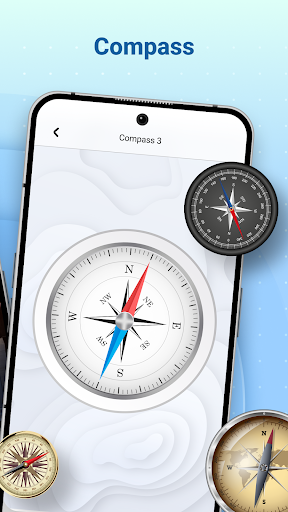
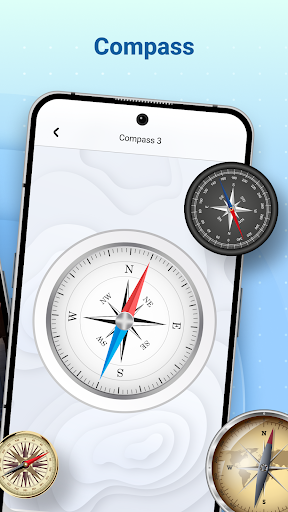
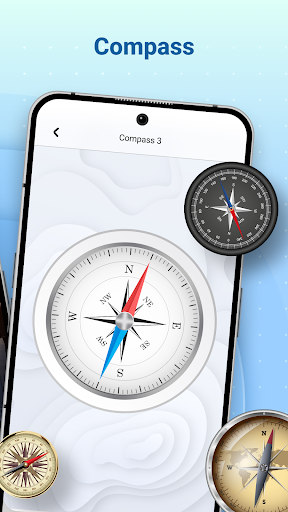
Compass
The built-in compass helps you determine directions—North, South, East, and West—so you always know which way you’re heading, even without looking at the map. It’s a simple yet effective tool for orientation, especially in unfamiliar environments.
Why Choose Offline Maps - Route Planner?
Designed to be a practical and user-friendly navigation solution, Offline Maps - Route Planner is ideal for travelers who want reliable, offline access to maps and navigation tools. Its lightweight design conserves your device’s memory, while its sleek interface ensures an intuitive experience—even for first-time users.
What sets this app apart is its commitment to offline functionality. In our connected world, it’s empowering to disconnect and explore without worrying about data charges or losing signal. Whether planning a road trip, a biking adventure, or an urban expedition, this app adapts to your needs, providing accurate directions and local information whenever you need it.
Its comprehensive features—such as route comparison, multiple transportation modes, real-time navigation, location sharing, and extensive points of interest—make Offline Maps - Route Planner a must-have application for explorers seeking a dependable travel buddy. Download it today and take your adventures to new heights, confidently and with ease.
Pros
- Works offline without an internet connection
- Extensive map coverage
- Customizable routing options
- User-friendly interface
- Regular updates
Cons
- Limited features in the free version
- Occasional inaccuracies in maps
- High battery usage
- Requires significant storage space
- Lacks real-time traffic updates











