

Offline Map Navigation: Your Reliable Travel Companion
Have you ever found yourself lost in a new city, with your cellphone signal dropping just when you need it most? Whether you're hiking in remote areas or exploring unfamiliar urban landscapes, having a dependable navigation tool can make all the difference. The Offline Map Navigation app is designed to be your trusted backup, providing seamless, accurate, and offline-capable mapping and routing features that ensure you’re never truly lost. This innovative application empowers travelers, commuters, and adventure enthusiasts to navigate confidently without requiring an internet connection.
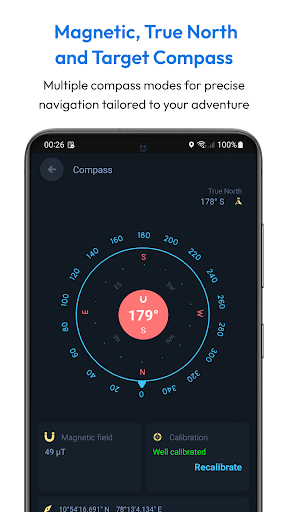
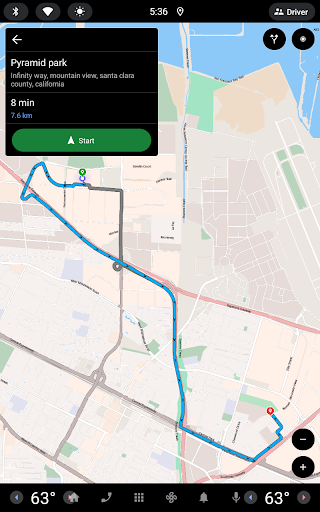
The core strength of Offline Map Navigation lies in its ability to download detailed maps of cities, regions, or even entire countries, enabling users to access turn-by-turn directions whenever they need them — no matter their connectivity status. Imagine the peace of mind during a mountain trek or while wandering through rural areas where cell coverage is sparse. This powerful navigation app transforms your smartphone into a reliable GPS device, supporting travel modes like driving, biking, cycling, or walking.
Key Features That Make Offline Map Navigation Stand Out
Turn-by-Turn Navigation
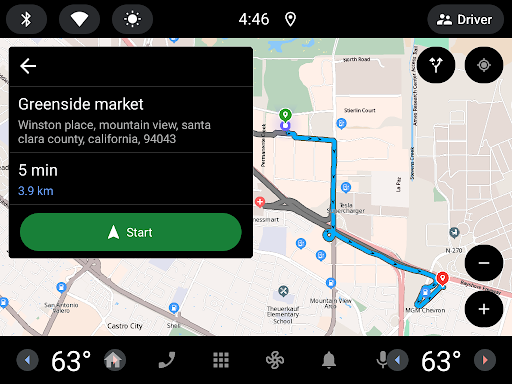
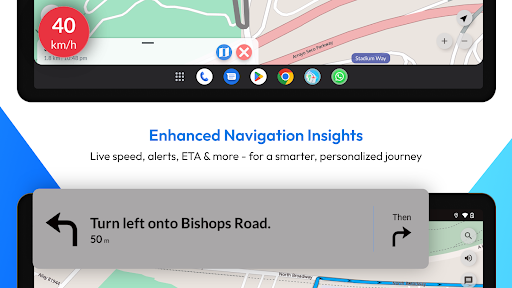
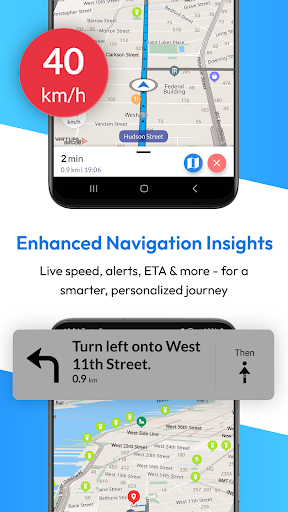
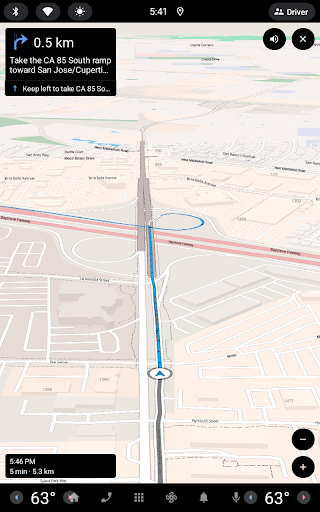
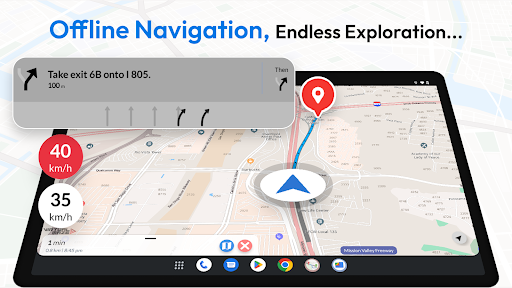
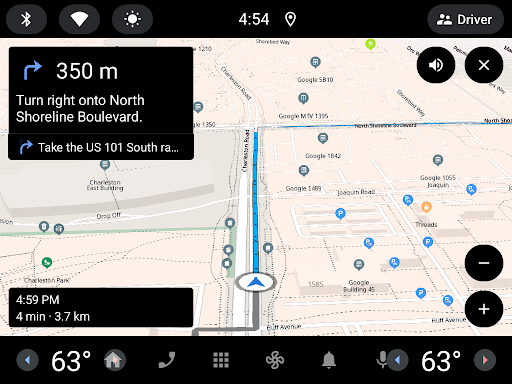
Receive precise voice-guided route instructions that keep you focused on your journey, whether you're driving or walking. The app provides clear guidance, helping you reach your destination safely and efficiently.
Multiple Transport Modes
Find the fastest routes tailored for car, motorbike, bicycle, or walking. This flexibility ensures optimal routing for all kinds of travelers and their preferred modes of transport.
Offline Points of Interest
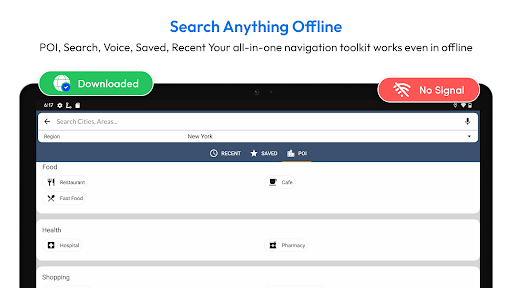
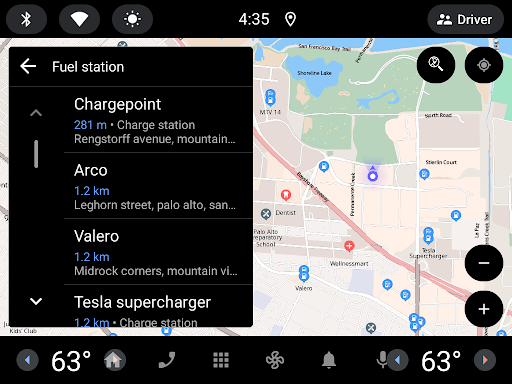
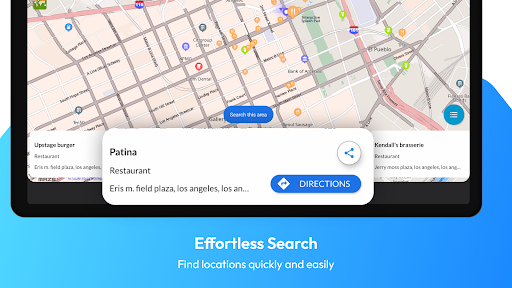
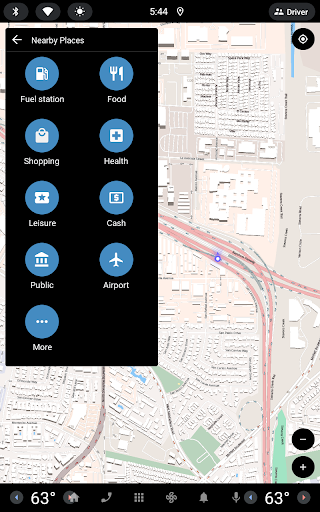
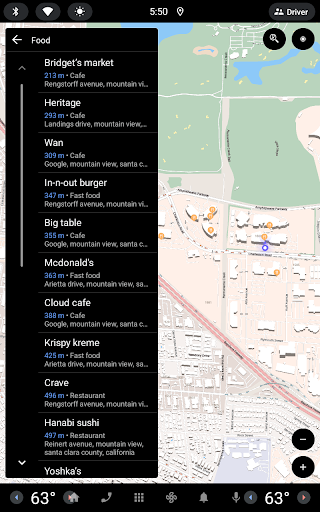
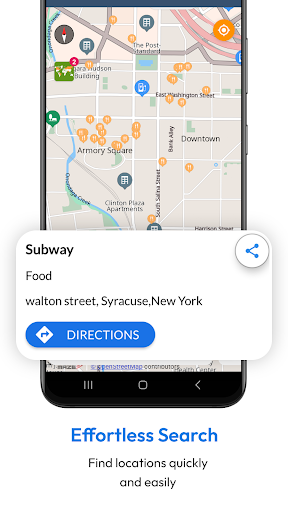
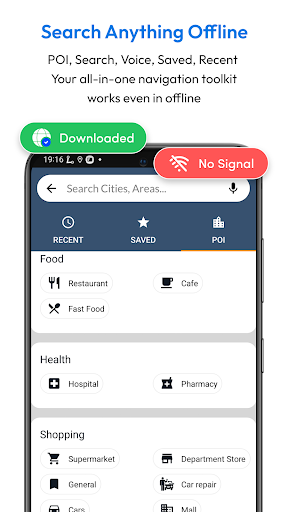
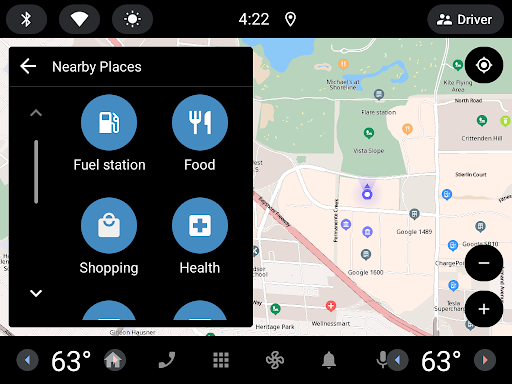
Search for nearby hotels, restaurants, hospitals, ATMs, banks, charging stations, and shopping centers without needing an internet connection. This feature is particularly useful during travel planning and spontaneous stops.
Complex Intersection Navigation
Junction View helps you navigate intricate intersections easily, reducing confusion during busy urban drives or complex road networks.
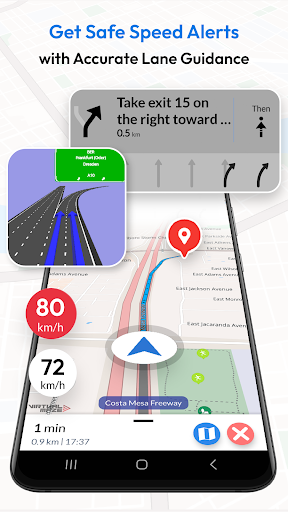
Voice Guidance & Lane Assistance
Get accurate voice prompts in multiple languages and detailed lane guidance to ensure you're in the correct lane for upcoming turns, enhancing safety and convenience.
EV Routing & Weather Updates
The app includes electric vehicle route planning with charging station info, plus real-time weather updates for your current location, helping you plan better and avoid surprises.
Multi-Stop Routing & Automatic Rerouting
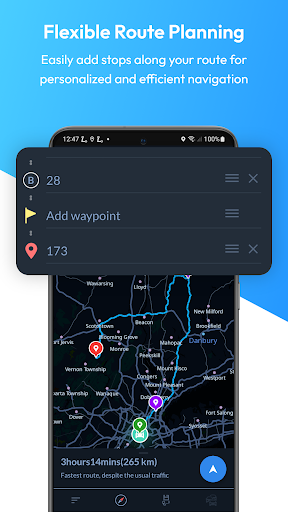
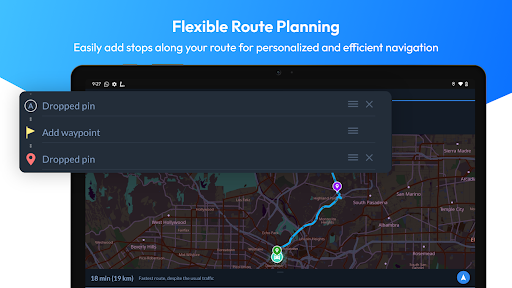
Add multiple way-points, optimize your route, and get the most efficient path. Plus, the app automatically reroutes if you deviate or encounter unexpected traffic.
Additional Features
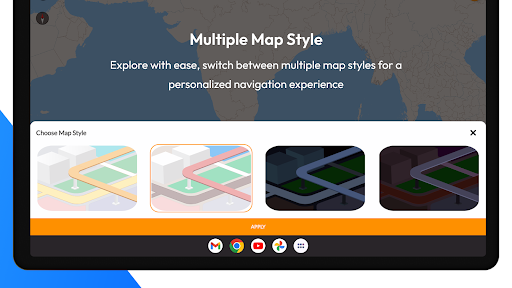
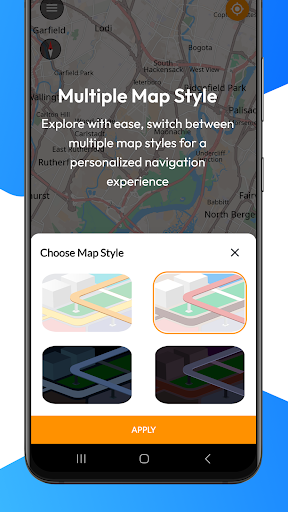
Other notable features include route sharing, location saving, fast GPS updates, day/night modes for maps, downloadable offline maps, and offline search capabilities. Safety is enhanced with over-speed alerts and community-generated points of interest for richer local insights.
Why Choose Offline Map Navigation for Your Travels
This app is ideal for anyone looking to reduce roaming charges since it works entirely offline, saving your mobile data. Planning a road trip or hiking expedition? Use its trip planning features to save favorites, add way-points, and share plans with friends. Its multi-language support and comprehensive coverage make it suitable for users worldwide, while its user-friendly interface ensures ease of use for all age groups.
With regular updates, high accuracy, and personalization options, Offline Map Navigation delivers reliable, detailed navigation when you need it most. Whether for daily commuting, international travel, or outdoor adventures, this app guarantees peace of mind, guiding you safely to your destination.
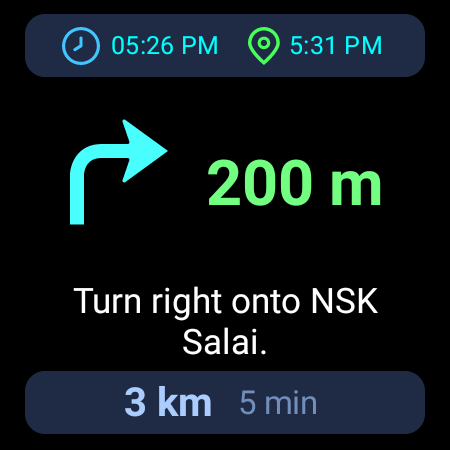
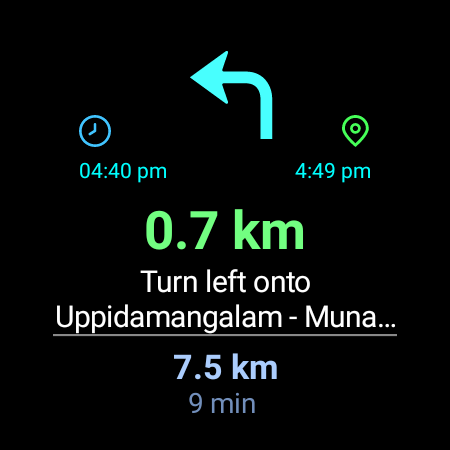
Additionally, for Wear OS smartwatch users, seamless integration allows you to receive turn-by-turn instructions directly on your wrist, further enhancing your navigational experience. Just install on both devices, set up, and start navigation — it’s that simple.
Conclusion
In a world teeming with constant connectivity, the Offline Map Navigation app stands out as an essential tool for explorers, commuters, and travelers alike. Its robust offline capabilities, detailed maps, and comprehensive features make it a must-have for anyone wanting to navigate confidently without relying on internet access. From saving on roaming charges to exploring new cities, this app provides the reliability and flexibility you need for any journey. Download it today and experience the freedom of truly offline navigation—your reliable travel companion wherever you go.
Pros
- No internet connection required for navigation
- Highly accurate map details
- Enables offline search functionality
- Provides regular updates to maps
- Intuitive and user-friendly interface
Cons
- Limited real-time traffic information
- App size is large due to extensive map data
- May not include very recent roads
- Update frequency is slower compared to online maps
- Initial download process can be time-consuming











