



Introduction to Norton Family Parental Control
In today’s digital age, ensuring your children's online safety can feel overwhelming. Parents often worry about the websites they visit, the content they access, and their overall online behavior. Norton Family Parental Control emerges as a comprehensive tool designed to help parents guide and monitor their children's digital activities effectively. With an array of features tailored to promote safe, healthy, and balanced internet usage, this app serves as a virtual guardian for your family’s online experience. Whether your kids are at home, attending school remotely, or on the move, Norton Family provides essential insights and controls that foster responsible internet habits.
Key Features of Norton Family Parental Control
Website and Content Monitoring
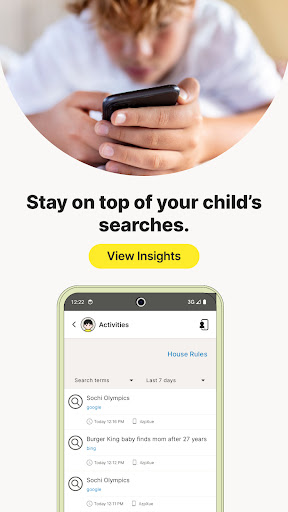
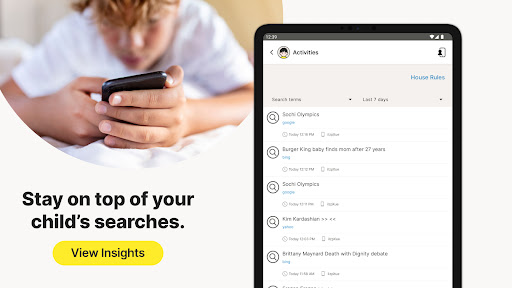
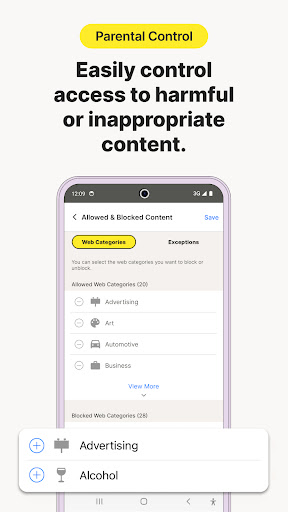
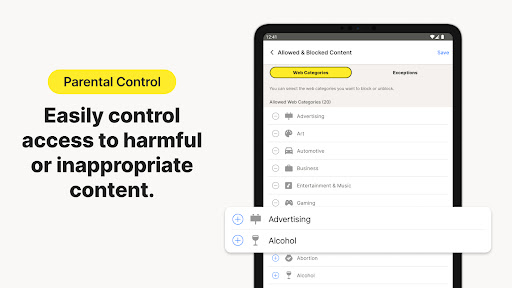
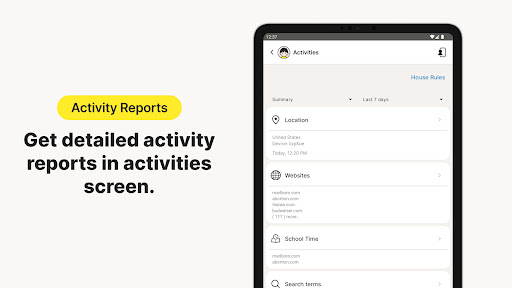
One of the standout features of Norton Family is the ability to monitor the sites and content your children view online. This helps make web exploration safer by keeping parents informed about which sites their kids are visiting. It allows you to block potentially harmful or inappropriate content by simply setting filters, ensuring your children avoid exposure to unsuitable material. With real-time alerts and reports, you can effortlessly oversee their browsing habits and maintain control over their online environment.
Time Management and Screen Limits
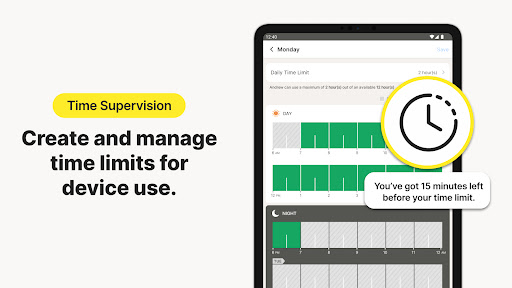
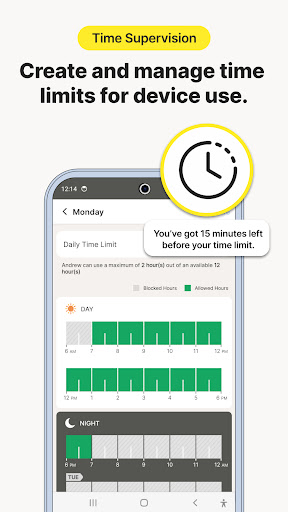
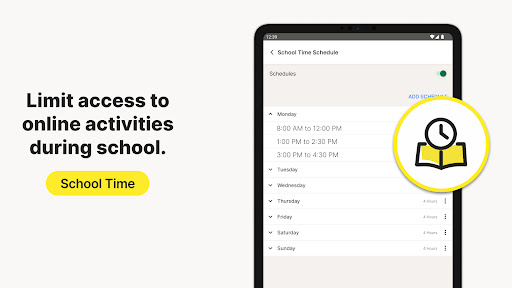
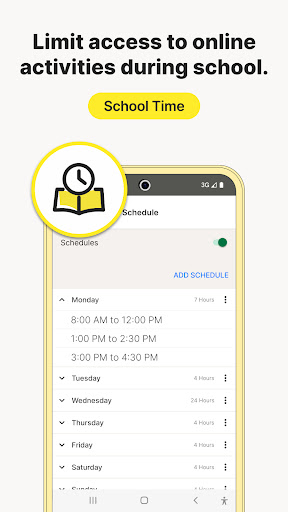
Managing screen time is crucial, especially during remote learning or before bedtime. Norton Family enables you to set detailed limits on internet usage by scheduling specific times when your child's device can be accessed. This helps your children maintain a healthy balance between online and offline activities, focusing on their studies, family time, or outdoor play. Whether it's restricting access during school hours or bedtime, the app ensures your kids stay within the designated boundaries.
Location and Geo-Location Tracking
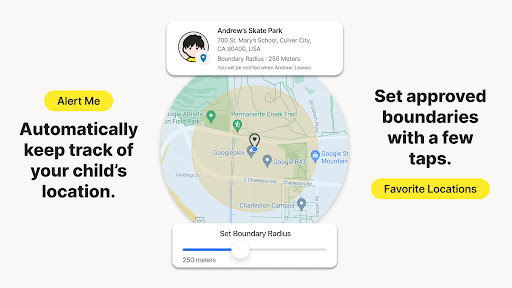
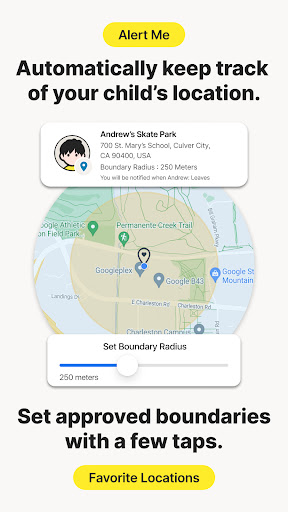
For parents with mobile children, knowing their physical location offers significant peace of mind. Norton Family includes geo-location features that allow you to track your child's whereabouts in real-time. You can receive automatic alerts when they arrive at or leave designated areas—known as geofences—such as school, home, or other locations. Note that location supervision features require activation and are subject to region-specific availability.
Additional Parental Controls
Norton Family provides various tools to further ensure your child's online safety:
- Instant Lock: Temporarily lock your child's device to help them take a break, focus on homework, or join family activities. During lock mode, communication remains possible.
- Web Supervision: Allows your kids to explore the web with the reassurance that unsuitable sites are blocked, while you stay informed of their browsing.
- Video Supervision: View the list of YouTube videos your children watch, preview snippets, and discuss appropriate content.
- Mobile App Supervision: Monitor and manage the apps your children download on their Android devices, with the ability to permit or restrict specific applications.
User-Friendly Setup and Management
Even if you're not tech-savvy, setting up Norton Family Parental Control is straightforward. The app guides you through a simple installation process, featuring an intuitive interface accessible via any device—Windows PC, iOS, or Android. Once installed, managing your child's online activities is as easy as logging into your dashboard, where you can view reports, adjust settings, and enforce rules with just a few clicks. This centralized control system makes it convenient for parents to stay engaged without feeling overwhelmed.
Why Choose Norton Family Parental Control?
In an era where kids are more connected than ever, having effective parental controls is essential. Norton Family Parental Control not only protects children from online dangers but also promotes responsible internet use. Its features such as website monitoring, time management, location tracking, and app supervision combine to provide a comprehensive safety net tailored for today’s digital challenges. Plus, its ease of setup and user-friendly design mean parents can start safeguarding their children immediately. By leveraging this powerful tool, you're empowered to foster a balanced online/offline lifestyle while maintaining peace of mind.
Pros
- Offers comprehensive web filtering capabilities.
- Includes customizable tools for managing time.
- Provides location tracking for children.
- Features an intuitive and user-friendly interface.
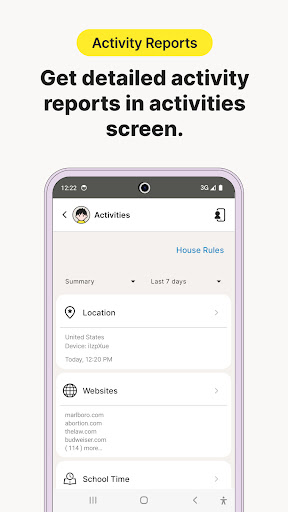
- Generates detailed activity reports.
Cons
- Limited functionality available on iOS devices.
- Some reports are not sufficiently detailed.
- Does not support monitoring of social media platforms.
- Requires a continuous internet connection to function.
- May produce occasional false alerts.











