

Navigation Pro: Maps on Watch — Your Ultimate Smart Navigation Companion
Are you tired of fumbling with your smartphone while navigating busy streets or on the go? If you're looking for a sleek, efficient way to access Google Maps instructions directly on your wrist, Navigation Pro: Maps on Watch might be the perfect solution. This innovative app transforms your compatible Samsung smartwatch into a hands-free navigation device, providing real-time directions, voice guidance, and customizable notifications — all seamlessly synced from your phone's Google Maps. Whether you’re driving, cycling, or using public transportation, this app ensures you stay on track without ever reaching for your pocket.
Key Features of Navigation Pro: Maps on Watch
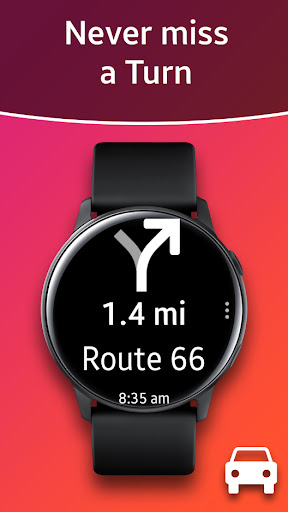
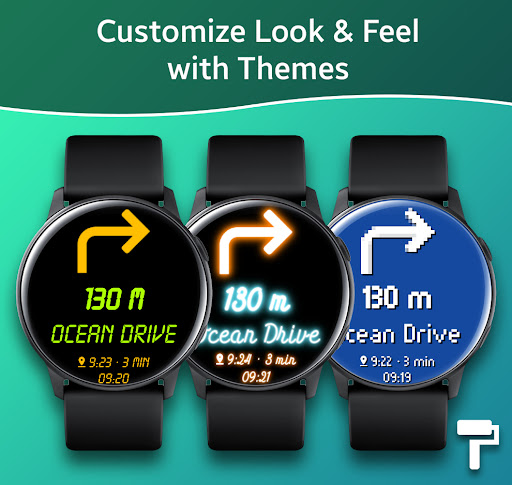
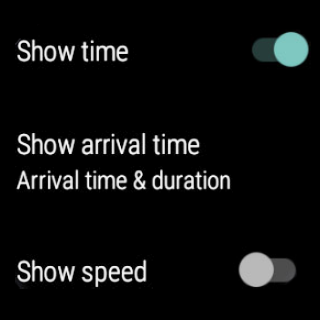
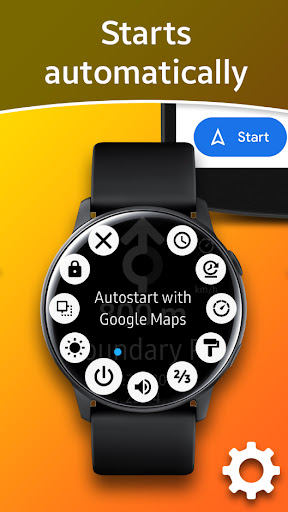
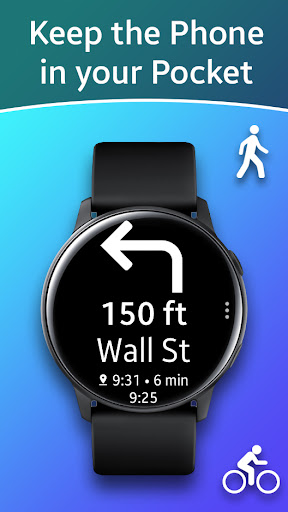
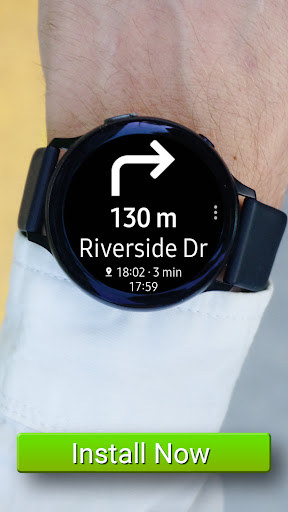
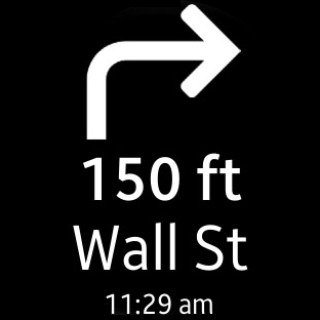
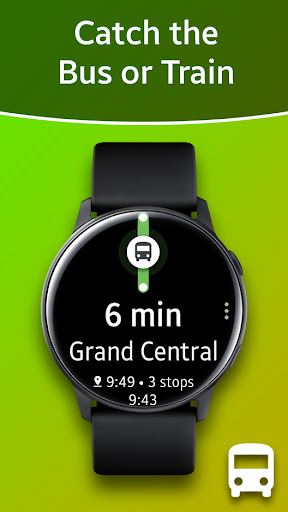
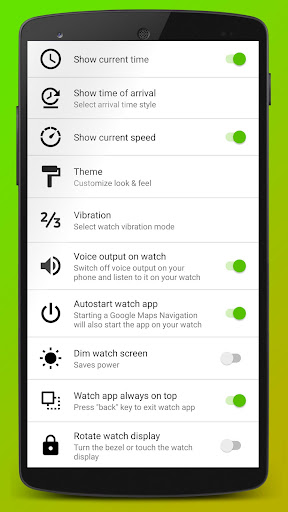
Designed to enhance your mobile navigation experience, Navigation Pro offers a host of powerful features. It displays Google Navigation instructions directly on your smartwatch, making it effortless to follow routes without interruption. The app automatically starts with navigation, so once you launch your trip, directions are pushed to your watch, allowing for hands-free guidance. With voice output, you receive clear turn-by-turn instructions, while customizable vibrations alert you to upcoming turns or important updates. You can personalize your experience with different themes and use helpful tools like the integrated speedometer for speed monitoring.
Compatibility and Setup
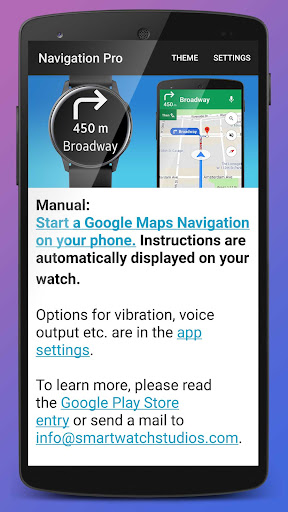
Navigation Pro is compatible with all Galaxy Watch models, such as Gear S2, S3, Gear Sport, Gear 1, Gear 2, and Gear S, as well as Gear Fit2 (Pro). To get started, you'll need to install the free companion app on your phone via Google Play and connect it with your Samsung smartwatch using the Galaxy Wearable app. On your phone, install the Navigation Pro app from Google Play, then launch it and grant notification access (navigate to Settings > Security > Notification Access). Pair your devices, start Google Maps navigation on your phone, and directions will be pushed smoothly to your smartwatch. Setting up is straightforward, even for first-time users.
Helpful Troubleshooting Tips
If you encounter issues with the app, ensure your Gear watch is correctly connected to your phone with Galaxy Wearable installed. Verify that map notifications are enabled on your phone by visiting Settings > Apps > Maps and turning on “Show notifications.” Restart both your smartphone and smartwatch if needed. For Xiaomi users, activate “Gear Navigation” in Security > Permissions > Autostart to enhance performance. Remember, Navigation Pro requires your phone to be actively involved; it’s not a standalone standalone app. Compatibility spans popular models like Gear S3, Gear S2, and Gear Fit2, making it a versatile choice for Samsung smartwatch users.
Experience Navigation on Your Wrist: Real-World Usage & Benefits
Imagine walking or cycling without the constant need to pull out your phone. Navigation Pro provides a seamless navigation experience by integrating directly with Google Maps. Once set up, the app delivers real-time directions on your smartwatch, accompanied by vibrations and visual notifications that keep you on course. I personally tested it during a daily jog, and the app's discreet alerts and voice guidance kept me focused on my route, smartly avoiding the need to stop and check my phone.
Enhanced Convenience and Safety
Besides its convenience, this app boosts safety by allowing you to keep both hands on the wheel or handlebar. Its battery-efficient design means you can use it for hours without excessive power drainage, which is especially helpful during long trips. The customizable vibration alerts and interface themes further tailor the experience to your preferences. Whether you’re navigating through busy city streets, scenic cycling routes, or public transit directions, Navigation Pro enhances your mobility with modern technology and intuitive design.
Final Thoughts
For anyone seeking a reliable, user-friendly smartwatch navigation solution, Navigation Pro: Maps on Watch is an excellent choice. Its ability to seamlessly connect with Google Maps, combined with features like voice output, customizable notifications, and compatibility across numerous Galaxy Watch models, makes it a standout app for active, tech-savvy users. Say goodbye to constant phone checks and hello to safer, smarter navigation right on your wrist. Embrace the future of navigation and make every journey more convenient and enjoyable.
Pros
- Maps are viewable directly on the smartwatch
- Features real-time GPS tracking
- Offline maps can be accessed without internet connection
- Offers highly customizable settings
- Has an intuitive and user-friendly interface
Cons
- Compatibility with watches is limited
- Battery consumption increases significantly when using GPS
- Applications may crash occasionally
- Offline maps take up storage space on the device
- The free version offers limited features











