

Introduction to MMGuardian Parental Control
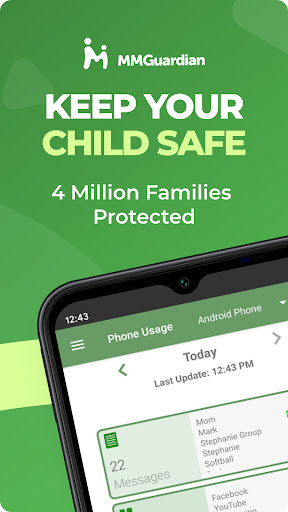
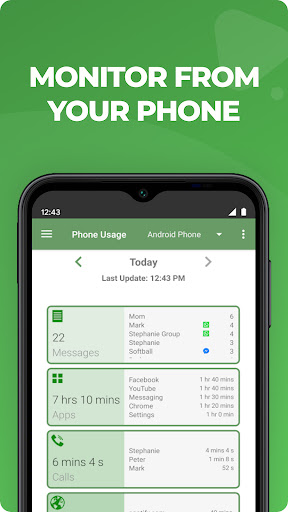
Are you searching for an effective way to monitor and protect your child's digital activities without invading their privacy? MMGuardian Parental Control offers a comprehensive solution designed for parents who want peace of mind while respecting their child's independence. This powerful app allows you to oversee messages, screen time, application usage, and web activity on your child's smartphone, helping you keep them safe from online risks such as cyberbullying, sexting, and exposure to inappropriate content. By installing the MMGuardian Parent App on your device and the Child App on your child's phone, you gain valuable insights and control over their digital behavior, all through an intuitive interface and real-time alerts.
Key Features of MMGuardian Parental Control
The app excels in providing a broad range of features to ensure your child's safety and healthy device usage. These include:
Message Monitoring and Alerts
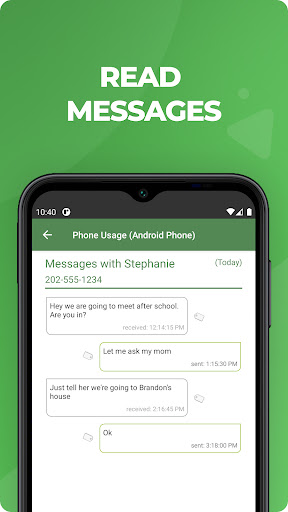
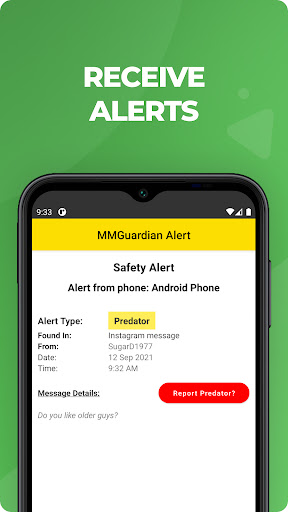
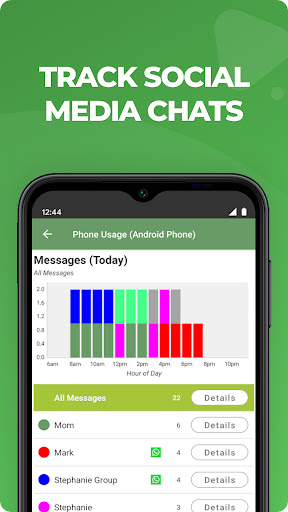
With MMGuardian, you can view SMS text messages and chat messages from platforms like Facebook Messenger, WhatsApp, Snapchat, Instagram, Kik, TikTok, and Discord. The app analyzes chat content and sends alert notifications if it detects messages related to sensitive categories such as sexting, cyberbullying, or suicidal thoughts. Moreover, it can notify you if photos sent or received, including MMS messages, are of an adult nature or indicative of inappropriate content.
Web and Application Monitoring
During your monitoring sessions, you can keep an eye on your child's web browsing activity, application usage, and even call history. This comprehensive oversight helps ensure they are not accessing harmful content or engaging in risky online interactions.
Location Tracking and Device Management
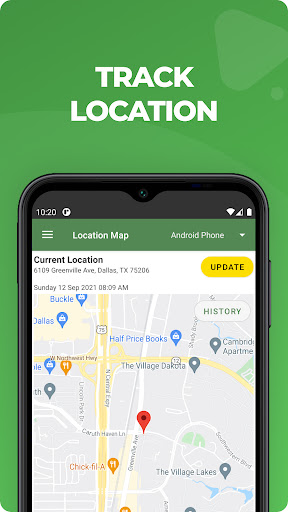
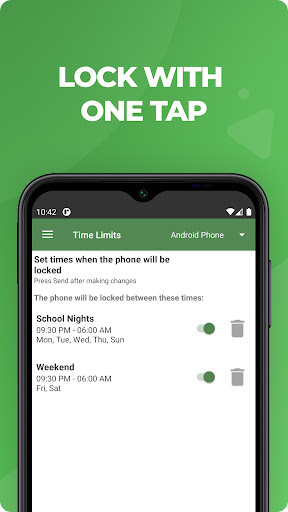
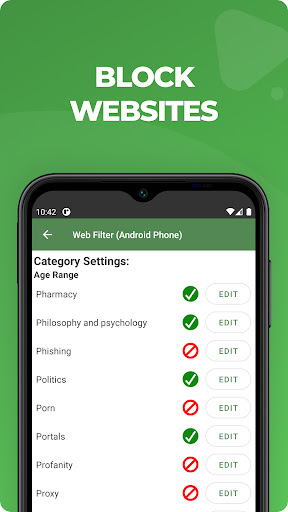
The app also provides real-time location tracking to know where your child is, especially useful during emergencies. You can["quickly lock or unlock"] the device and set limits for screen time, app usage, and web filtering, promoting healthy device habits and reducing overexposure to screens.
Additional Functionalities
Apart from monitoring, MMGuardian offers features such as:
- Locate your child's phone
- Lock or unlock the device remotely
- Set screen time and app usage limits
- Web filtering
Trial Period, Subscription Plans, and Usage Tips
MMGuardian offers a free 14-day trial of the child app. Once the trial ends, functions related to premium features may be disabled unless a subscription is purchased. You can subscribe directly via the parent app for as little as $4.99/month or $49.99/year per child device, with family plans available for multiple children at adjusted rates. The app encourages parents to open dialogues with their children about why monitoring is important—emphasizing safety from risks such as excessive screen time, cyberbullying, and sexting.
Why Choose MMGuardian?
In a digital age where online threats are pervasive, MMGuardian Parental Control stands out as a balanced and reliable tool for modern parents. It combines ease of use with robust security and privacy protocols, ensuring your data is encrypted and your child's rights are respected. The app’s user-friendly interface makes setup straightforward, and detailed reports keep you informed without being intrusive. Overall, it’s a valuable investment for parents seeking a proactive way to support their child's wellbeing online.
Conclusion
If safeguarding your child's digital world is a priority, MMGuardian Parental Control offers peace of mind through extensive monitoring features, real-time alerts, and device management capabilities. Whether you're concerned about social media interactions, web browsing, or device usage, this app provides the tools to supervise effectively without overstepping boundaries. Consider giving it a try and take a step forward in fostering a safer online environment for your children today.
Pros
- Comprehensive monitoring features
- User-friendly interface
- Real-time alert system
- Customizable settings
- Support for multiple platforms
Cons
- Limited free version available
- Occasional app crashes
- High battery consumption
- Some features have complex setup processes
- Premium features may be costly











