



Introduction to Maps All in One, Speedometer App
Discover the ultimate navigation solution with Maps All in One, Speedometer. This comprehensive app consolidates multiple mapping and GPS functionalities into a single, user-friendly platform designed to enhance your travel experience. Whether you are planning your trip, navigating new routes, or tracking your journey, this app offers a suite of features aimed at providing convenience, accuracy, and safety. From offline maps and route planning to real-time traffic alerts and speed monitoring, Maps All in One is your reliable travel companion for all your journey needs.
Main Features of Maps All in One, Speedometer
All-in-One Navigation Hub
One of the standout qualities of Maps All in One is its integrated map services. The app combines •Google Maps, •Waze, and •MapQuest, allowing users to switch seamlessly between these popular navigation tools without juggling different apps. This integration simplifies route planning, directions, and navigation, ensuring you have access to diverse map data and traffic information all within a single interface.
Route Planning and Sharing
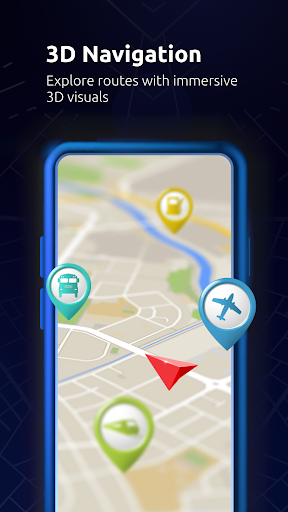
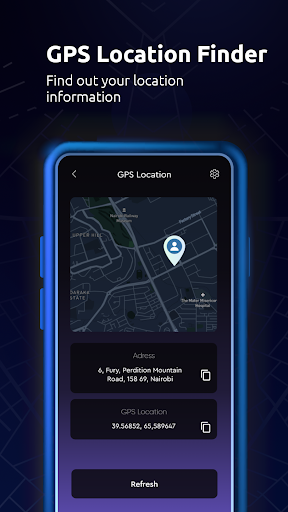
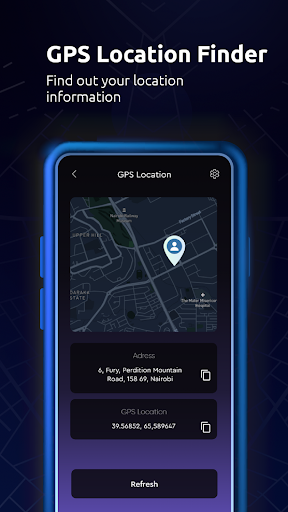
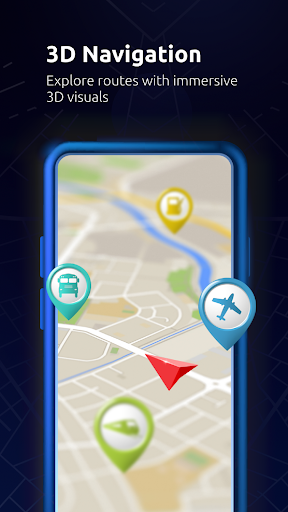
Plan your trips in advance by finding and creating routes tailored to your needs. The app enables you to locate essential places such as gas stations, restaurants, malls, airports, cafes, places of worship (like masjid, temples, churches), stores, and other significant locations. Simply find a place on the map, click on it, and explore the details through the directory. You can easily share your location with friends or family, making group trips more manageable and enjoyable.
Furthermore, the app supports exporting routes to your GPS or navigation app, perfect for on-the-go directions. Ideal for road trips, bike rides, or walking tours, this feature helps you estimate travel time and find the shortest, fastest, or most scenic routes.
Real-Time Traffic and Offline Maps
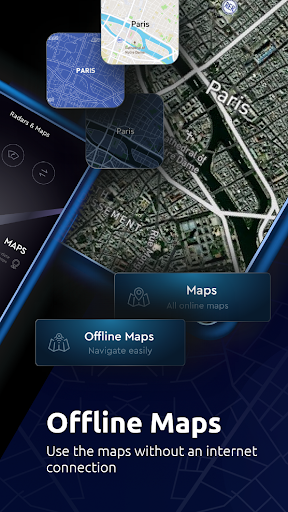
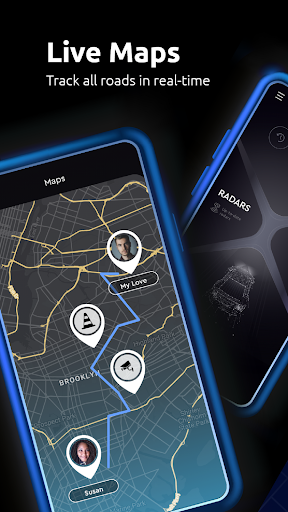
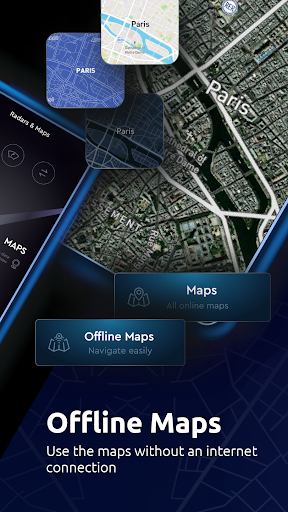
Navigation is dynamic. When unexpected delays like car crashes, traffic jams, or road construction occur, Maps All in One suggests the best alternative routes using real-time traffic alerts. For areas with poor internet connectivity, offline maps enable reliable navigation without internet access. Download maps beforehand to quickly search, navigate, and save data—optimizing performance and conserving your mobile data plan.
Additional Navigation Tools
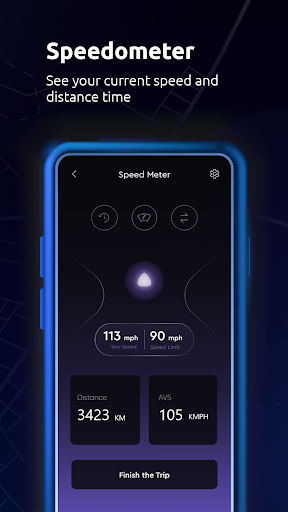
Beyond basic navigation, the app includes features like a speedometer to monitor your current speed, and tools to check altitude. Use the integrated digital compass to determine your orientation accurately, especially useful for outdoor adventures or hiking. Keep a record of your GPS tracks and visited places to create a personalized trip history.
Maps and Layers
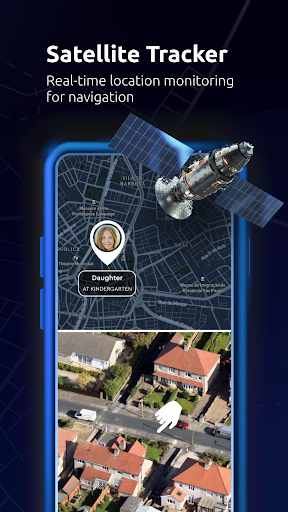
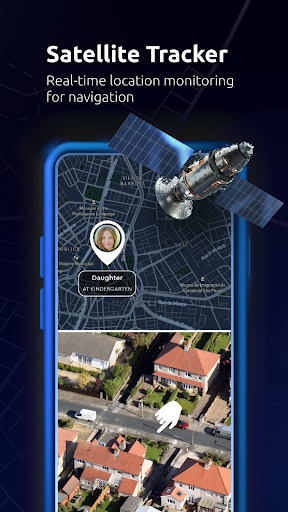
The app offers multiple map layers including road maps, satellite maps, topographic maps, and radar. These layers can be added over any map to visualize terrain, weather, or other geographic data, aiding in better trip planning and exploration.
Additional Trip Planning Features
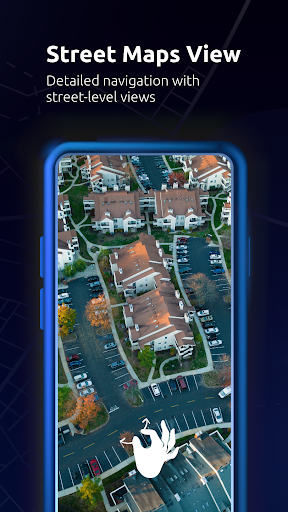
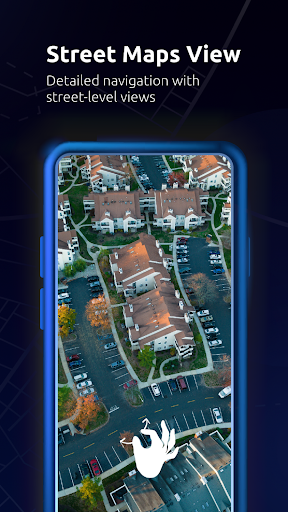
From live street view maps and voice-guided directions to trip memories and travel guides, Maps All in One offers a comprehensive travel toolkit. It excels as a trip planner, allowing you to set destinations such as your home location or favorite spots, and guiding you safely and efficiently.
Why Choose Maps All in One, Speedometer?
If you frequently find yourself switching between multiple navigation apps, Maps All in One consolidates all your needs into one streamlined platform. It enhances convenience by providing multi-map support, real-time traffic updates, offline capabilities, and additional tools like altitude meters and speedometers. Designed for both daily commuters and adventurous travelers, this app ensures your journeys are safer, faster, and more enjoyable.
Its intuitive design means even those less comfortable with technology can easily operate it. With built-in features for route optimization, navigation, and trip recording, Maps All in One is a practical choice for modern travel. Download it today and experience a more organized, efficient, and enjoyable travel experience—because your journey deserves the best tools available.
Happy traveling!
Pros
- Comprehensive navigation features
- Accurate speed tracking
- User-friendly interface
- Customizable map views
- Offline map availability
Cons
- Consumes a lot of battery
- Ads can be intrusive
- Limited language support
- Requires frequent updates
- Data-heavy on mobile networks











