

Map Chart Mosaic: An Innovative Map Visualization App
Map Chart Mosaic is a powerful and versatile mapping application designed to bring together various map sources and create stunning map mosaics. Whether you're a professional cartographer, a geography enthusiast, or someone who simply loves exploring maps, this app offers a comprehensive platform to visualize, customize, and share your cartographic creations.
Key Features of Map Chart Mosaic
Offline Maps for Phone and Smart Watch
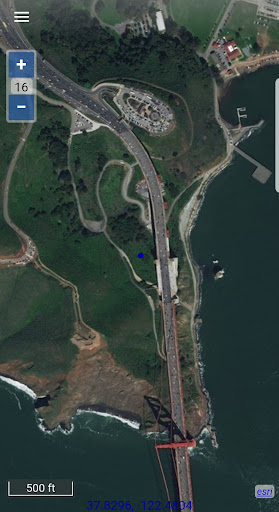
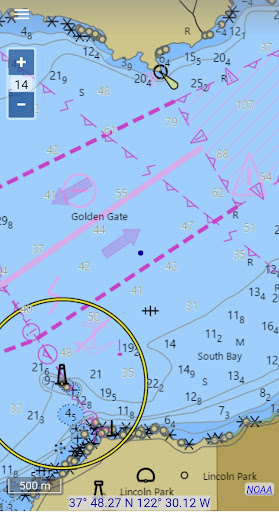
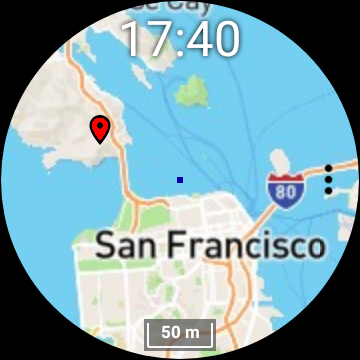
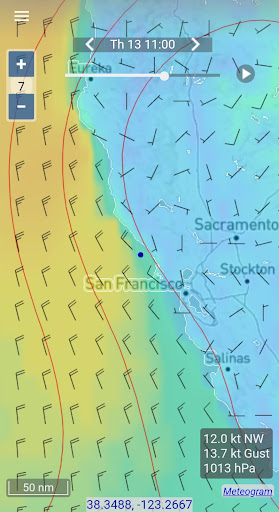
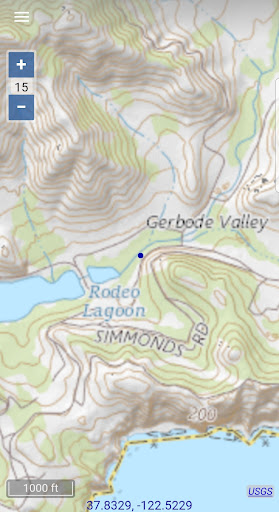
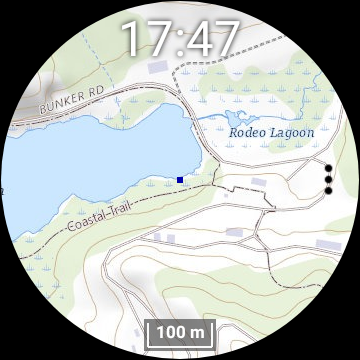
One of the standout features is the ability to access offline maps across devices, including phones and smartwatches. The app provides a range of map types such as topographic maps, satellite imagery, GRIB weather forecast maps, and detailed road maps with cycle and hiking trails. Currently, nautical charts are available only for the USA and Canada, but the app continues to expand its offerings.
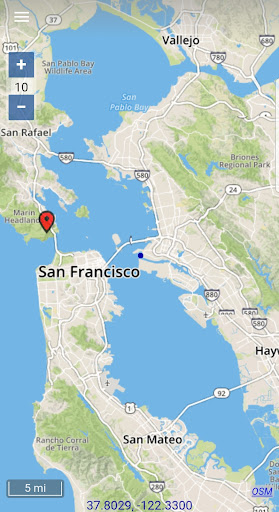
Seamless switching between map sources allows users to get detailed information about locations effortlessly. The map views are automatically stored in an offline cache, enabling users to view maps later without an internet connection. This feature is especially useful for outdoor activities, emergency situations, or locations with limited connectivity.
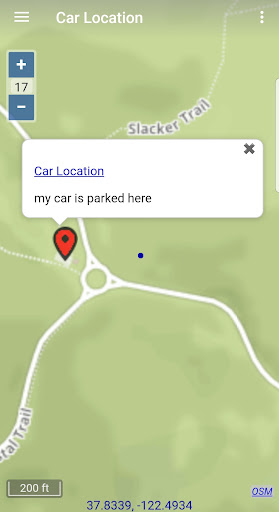
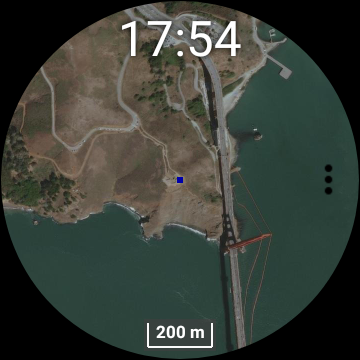
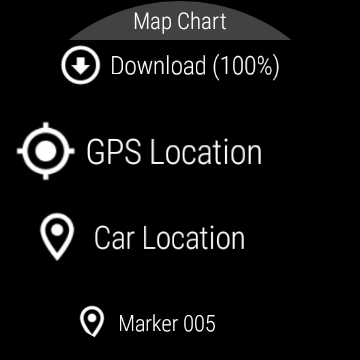
Users can also download offline maps directly to their smartwatches, making navigation and map viewing possible without needing to connect to a phone. Additionally, map markers and notes—such as parking locations or points of interest—can be added to offline maps, further enhancing their utility. The app supports creating travel routes and recording GPS tracks, which can be exported as GPX files for sharing or further analysis.
Real-time GPS data such as speed, course, odometer readings, and estimated time of arrival (ETA) can be accessed, providing valuable insights during travels. For weather updates, users can download GRIB weather forecast maps via internet, email, or satellite connection like Iridium Go. The app’s compatibility with Wear OS smartwatches enables map viewing directly on the smartwatch, with the need for an initial download and synchronization through the phone app.
It’s important to note that DISCLAIMER: the app is not intended for navigation purposes that could result in personal injury or property damage. Use it responsibly and at your own risk.
Intuitive User Interface & Customization
The interface of Map Chart Mosaic is designed to be sleek, intuitive, and user-friendly. Upon launching, users are greeted with a clean layout that focuses on core mapping functionalities—creating mosaic maps and integrating various data sources without unnecessary clutter.
Navigating through features is straightforward thanks to clearly labeled buttons and simple instructions. The app supports integrating multiple map sources like Google Maps, OpenStreetMap, and others, allowing for rich customization options. Users can alter transparency, color schemes, and the size of individual mosaic pieces, fostering a high level of personalization.
The ability to export creations in multiple formats makes sharing maps or using them in projects seamless.
Community & Performance
A significant advantage of Map Chart Mosaic is its community-driven approach. Users are encouraged to share their mosaics and collaborate on different projects, inspiring creativity and learning. Discovering designs from other users offers fresh ideas and highlights the diverse potential of this mapping platform.
The app offers excellent performance, running smoothly even with large datasets. No lag or delays mean professionals and enthusiasts can work efficiently without frustration.
Final Thoughts
In summary, Map Chart Mosaic transcends traditional mapping tools by combining functionality with creative flexibility. Its ability to assemble multiple map sources, customize mosaics, and operate offline makes it a go-to app for outdoor explorers, researchers, and map lovers alike. With an intuitive interface, robust features, and a vibrant user community, this app stands out as an innovative solution for map creation and visualization.
Whether you’re plotting routes, analyzing geographic data, or simply enjoying creating map mosaics, Map Chart Mosaic offers an immersive experience that enhances your understanding and appreciation of maps. Give it a try and unlock a new dimension of cartography!
Pros
- User-friendly interface for straightforward navigation.
- Extensive options for customizing maps.
- Ability to export maps in high resolution.
- Regular updates introducing new features.
- Available across multiple platforms.
Cons
- Limited functionalities in the free version.
- Reports of occasional app crashes.
- Some features require an internet connection.
- Advanced features may be intimidating for beginners.
- In-app purchases needed to access all features.











