
Introduction to Magic Board - Doodle & Color
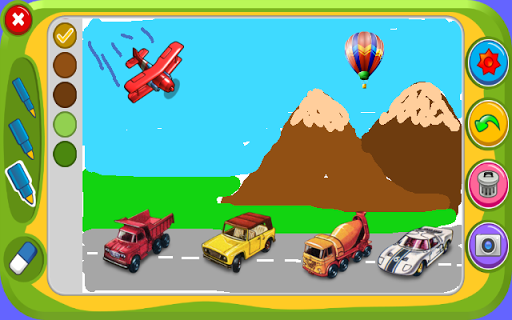
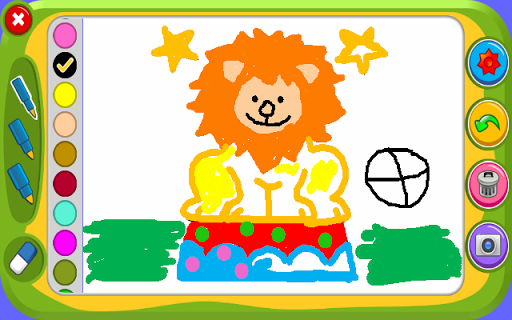
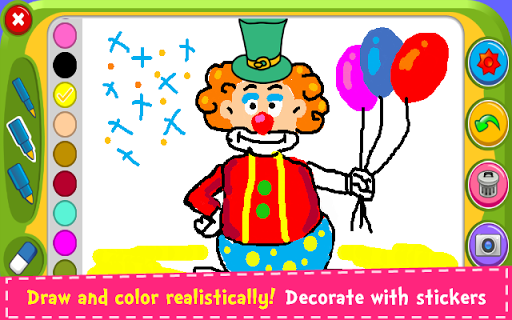
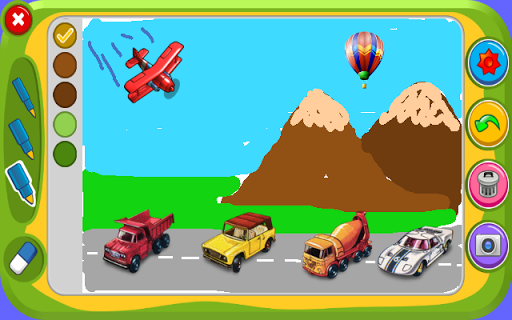
Discover Magic Board - Doodle & Color, a versatile digital drawing and coloring app designed to inspire creativity for users of all ages. Whether you're a beginner or an experienced artist, this app offers a seamless platform to express your artistic talents and enjoy hours of entertainment. With its user-friendly interface, coloring, drawing, and decorating features, Magic Board creates a fun and engaging experience right on your smartphone or tablet.
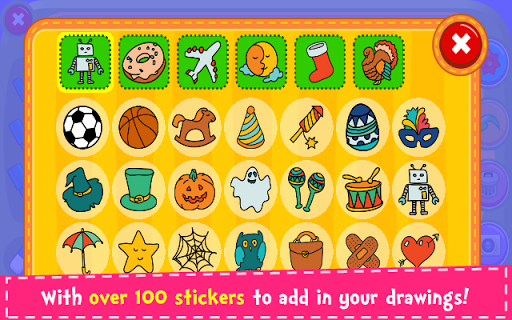
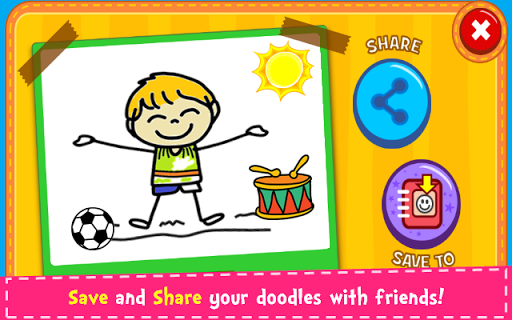
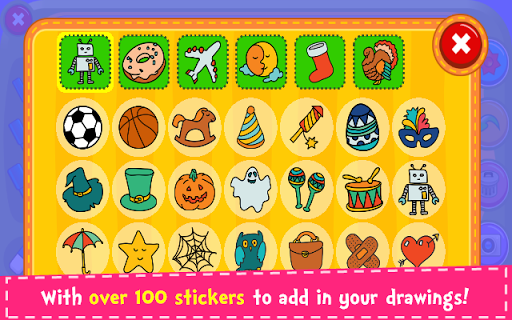
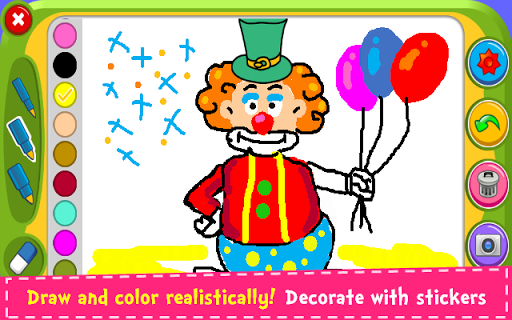
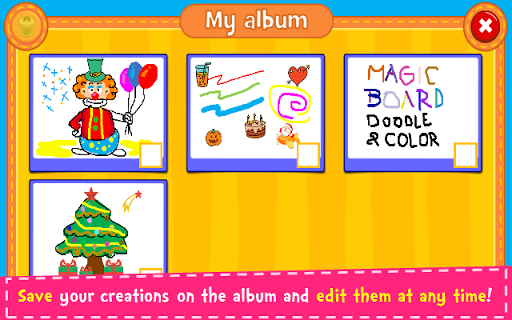
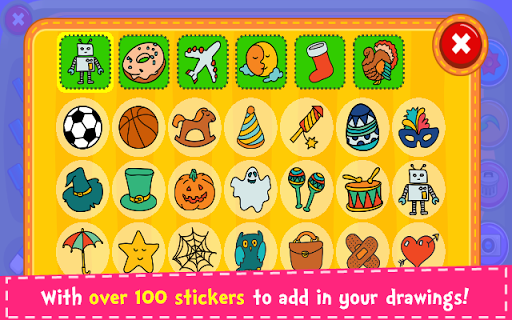
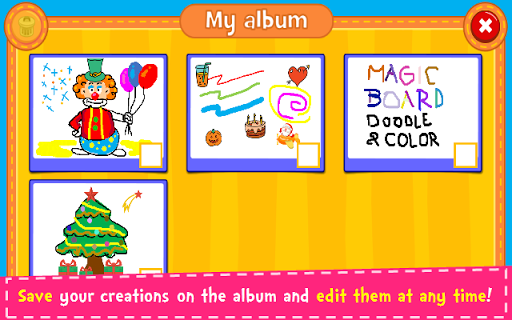
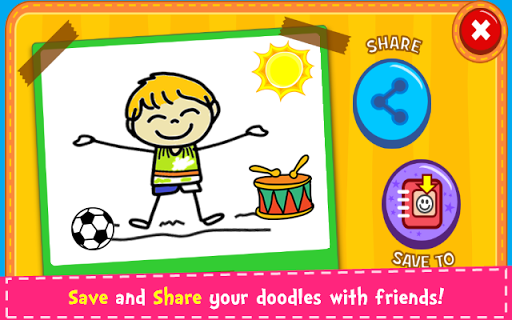
This entertaining drawing game is perfect for children, teenagers, and adults alike. It promotes imagination development and increases concentration and fine motor skills. Users can decorate their artwork with over 100 beautiful stickers, making each creation uniquely personalized. Plus, the app allows you to save your masterpieces in an album, giving you the opportunity to revisit and edit your artwork anytime. Sharing your colorful doodles is easy and quick, with options to post on Facebook, Twitter, Instagram, WhatsApp, or email, helping you showcase your talents with friends and family.
Key Features of Magic Board - Doodle & Color
Enjoy a Creative and Intuitive Drawing Experience
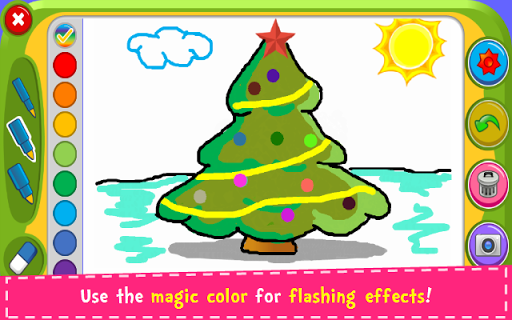
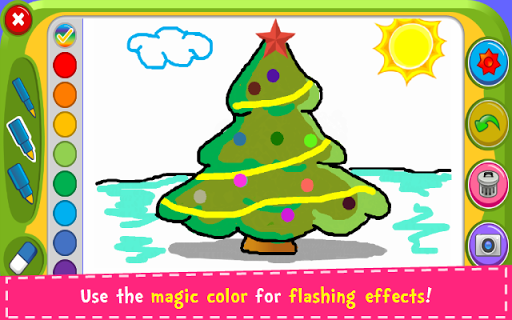
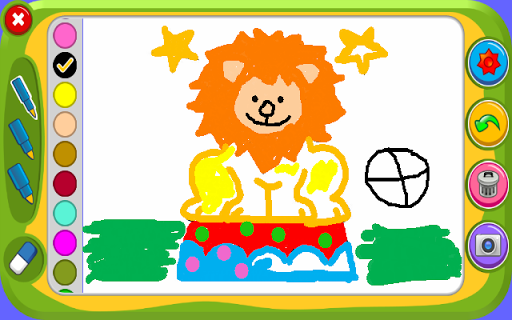
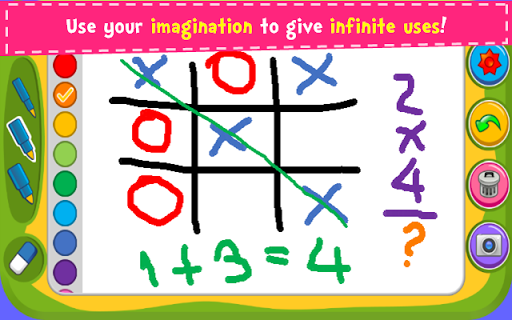
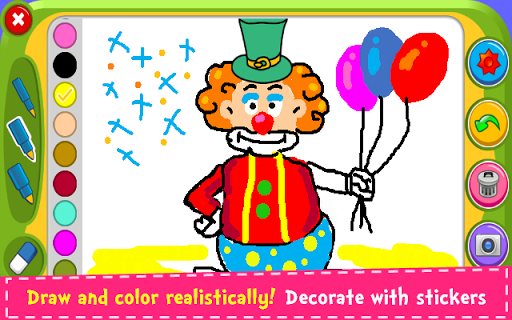
Unlike traditional drawing tools, Magic Board offers an intuitive interface making it accessible for all users. Whether you're a novice or a seasoned artist, you'll find the app easy to navigate. Choose from a variety of brushes, such as different strokes of pencil, and an array of vibrant colors that bring your ideas to life. Experience the dynamic flash effect with colors for endless bright and lively artwork.
Create and Decorate with Advanced Tools
The app features a comprehensive layer system, akin to professional image editing applications like Photoshop. You can add, move, and adjust layers, giving your artwork depth and professionalism. Adding charming stickers, utilizing the eraser tool, or undoing mistakes with the handy "Undo" button ensures a smooth drawing experience. When you're ready, save your creation directly into the album to share or continue editing later.
Enhanced Creativity with Templates and Pressure Sensitivity
For quick projects or social media content, Magic Board provides a selection of pre-made templates. If you love to create detailed artwork, the support for pressure sensitivity is a bonus, especially when using a stylus. This feature allows for greater depth and variation in your strokes, mimicking real drawing tools. The inclusion of a rich sticker collection adds a fun and decorative element to your art, making each piece stand out.
Versatility and Fun for All Ages
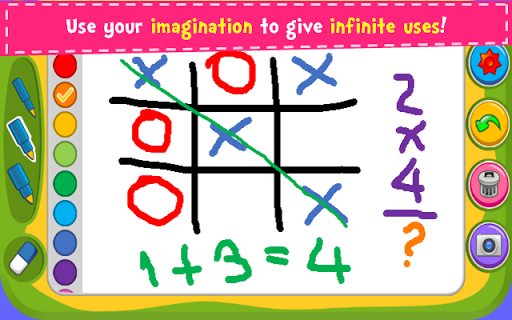
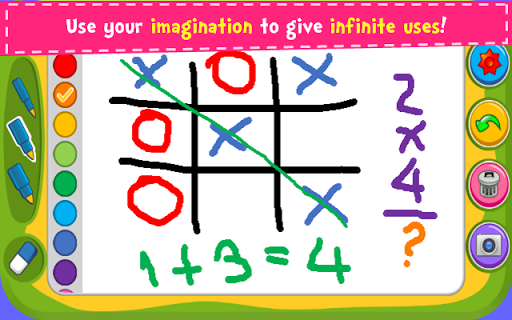
One of the most appealing aspects of Magic Board - Doodle & Color is its family-friendly design. Children can enjoy doodling and coloring, while adults can leverage the advanced features for more detailed projects. The app is ideal for keeping kids entertained during long trips or waiting times, transforming idle moments into a creative adventure.
Sharing your artwork is effortless—post your colorful sketches on social media platforms or save them to your device’s gallery. This ease of sharing fosters a sense of community and allows for quick feedback from friends and family.
Why Choose Magic Board - Doodle & Color?
In a digital age where creativity often takes a backseat, Magic Board - Doodle & Color revitalizes the joy of drawing and coloring with a modern twist. It is more than just a drawing app; it’s a platform for self-expression and artistic exploration. Whether you want to relax, create beautiful artwork, or share your talents online, this app caters to all your needs.
Download Magic Board today and unleash your imagination—it's a free and fun way to explore the world of digital art. With its simple design, powerful features, and endless creative potential, you'll find yourself returning to it again and again to doodle, color, and decorate your way to artistic fulfillment.
Pros
- Intuitive interface suitable for users of all ages.
- Wide selection of colors and brush options.
- Supports multi-touch drawing capabilities.
- Easy to share completed artwork.
- Free version does not contain ads.
Cons
- Restricted features in the free version.
- Does not support offline usage.
- Reports of occasional app crashes.
- Large file size for an art application.
- Missing advanced editing features.











