

Discover the World with Live Street View 360
Navigate the world with ease using our live street view 360! This innovative app offers real-time visuals of streets and landmarks, allowing you to explore and experience locations as if you were there. Whether you're planning a trip, locating nearby services, or simply satisfying your wanderlust, Live Street View 360 provides a comprehensive suite of mapping tools designed to enhance your navigation experience.
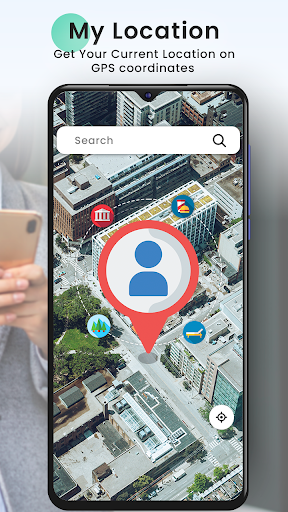
Explore the globe with features such as Live Earth Map to see cities and natural landscapes in 3D, utilize Live Maps Satellite View for bird’s-eye perspectives, and find nearby places like restaurants, hotels, and attractions effortlessly. This app is the perfect companion for travel enthusiasts, explorers, or anyone looking to make their journeys more meaningful and visually engaging.
Immersive Street-Level Exploration
Live Street View
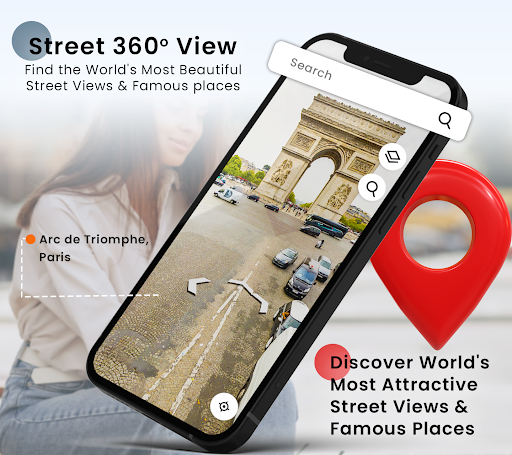
Get up close and personal with the street view feature that brings streets, landmarks, and neighborhoods to life in real-time. Whether you're wandering through an unfamiliar city, revisiting familiar spots from childhood, or browsing iconic landmarks, Live Street View offers an authentic and captivating visual journey. With the ability to pan, zoom, and switch viewing modes, you can explore streets in 360 degrees, immersing yourself in the environment without leaving your home.
Advanced Navigation and Route Planning
GPS Navigation with Street View
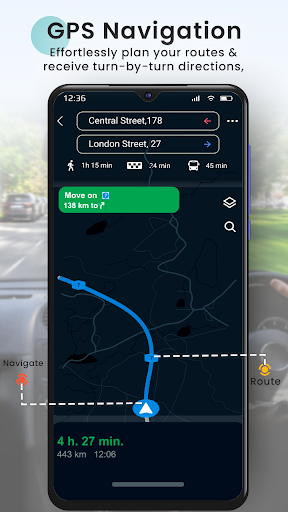
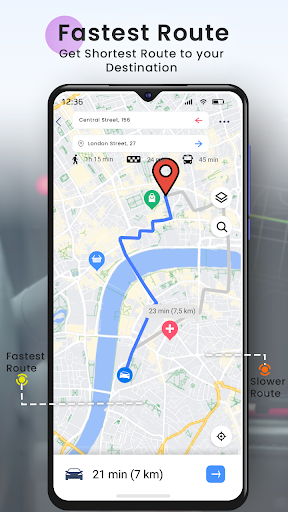
Navigate confidently with GPS integration that provides step-by-step directions for driving, walking, or cycling. The combined use of Street View Maps allows users to experience immersive visuals along their routes, making navigation safer and more engaging. Discover shortcuts, avoid traffic congestion, and enjoy a seamless travel experience whether you're commuting or embarking on a road trip.
Explore the Globe with Cutting-Edge Mapping
Live Earth Map
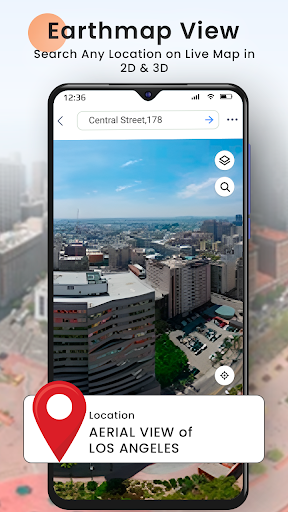
Travel the world virtually with the Live Earth Map, an interactive tool presenting 3D views of cities, landscapes, and natural wonders. This feature offers unparalleled detail, enabling users to explore urban skylines and scenic vistas from a global perspective. Combine it with Live Maps Satellite View for comprehensive geographical insights and detailed virtual exploration.
Visualize and Discover Nearby
Nearby Places
Find what you need in your vicinity with the Nearby Places feature. Whether you're looking for a restaurant, gas station, hotel, or shopping center, this tool helps you locate essential services and attractions quickly, making your travel experience smoother and more convenient.
Experience the World in Real Time
Webcams
Experience real-time scenes from bustling city streets, serene landscapes, and iconic landmarks through live webcams. This feature offers a virtual window to the world, allowing you to enjoy live feeds from various locations, perfect for travelers and explorers who want to witness current events and natural beauty from afar.
Measure and Plan with Precision
Area Calculator
Use the Area Calculator to measure distances and land areas accurately. Whether for land surveying, property planning, or curiosity about the size of parks and other regions, this tool works seamlessly with Live Maps Satellite View to deliver precise results, aiding your planning and exploration efforts.
The Perfect Travel Companion
Live Street View 360 is more than just a navigation app; it’s a gateway to global exploration. With features like 360-degree street views, precise GPS routing, interactive 3D maps, and live webcams, this app transforms how we see and experience the world. Whether you're preparing for travel, exploring new destinations virtually, or simply indulging your curiosity from home, this application puts the world at your fingertips.
Embark on your virtual journeys today and discover the endless possibilities for adventure and discovery!
Pros
- High-quality 360-degree imagery
- User-friendly interface
- Real-time map updates
- Offline map access
- Accurate location search
Cons
- Consumes a lot of data
- Can be slow on older devices
- Limited offline features
- Requires constant updates
- Some areas not covered











