

Discover the Power of the LG ThinQ App for Smart Home Management
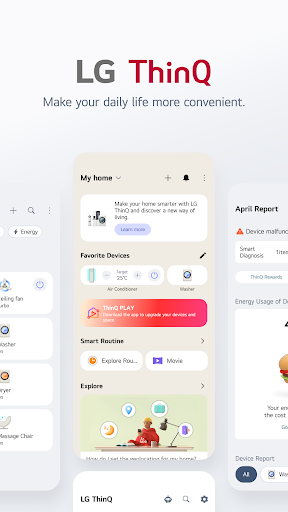
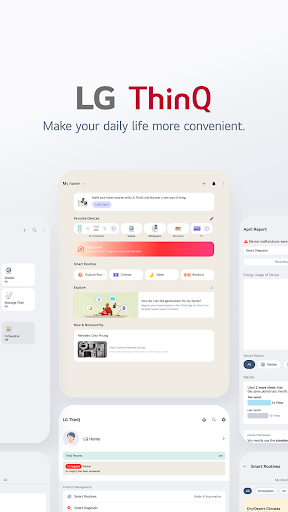
Have you ever wished for a smarter way to manage your home appliances? The LG ThinQ app is a revolutionary tool designed to simplify your life by providing seamless control and management of your smart home devices. Whether you want to monitor energy consumption, troubleshoot issues, or automate routines, the LG ThinQ app offers an intuitive and feature-rich experience that transforms your living space into a truly connected environment.
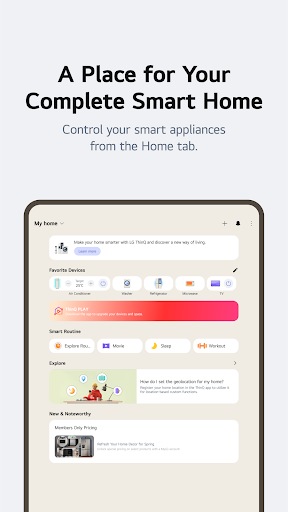
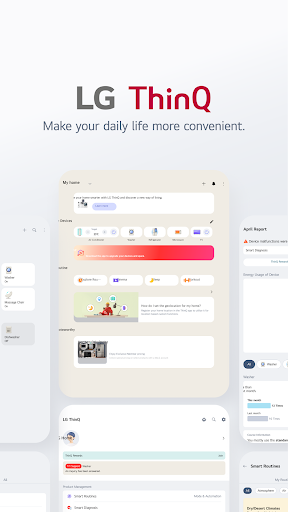
Getting started with the LG ThinQ app is straightforward. Upon downloading, users are welcomed with a sleek, user-friendly interface. The setup process is smooth, guiding you effortlessly through connecting your compatible LG smart appliances. This ensures even those new to smart home technology can quickly enjoy the benefits of remote control and automation.
Getting started with the LG ThinQ app is straightforward. Upon downloading, users are welcomed with a sleek, user-friendly interface. The setup process is smooth, guiding you effortlessly through connecting your compatible LG smart appliances. This ensures even those new to smart home technology can quickly enjoy the benefits of remote control and automation.
Key Features and Functionality of the LG ThinQ App
The core strength of the ThinQ app lies in its ability to enable effortless, remote management of your household devices. From controlling appliances from anywhere to receiving real-time notifications, it brings convenience right to your fingertips. Here are some of its most notable features:
Effortless Product Control
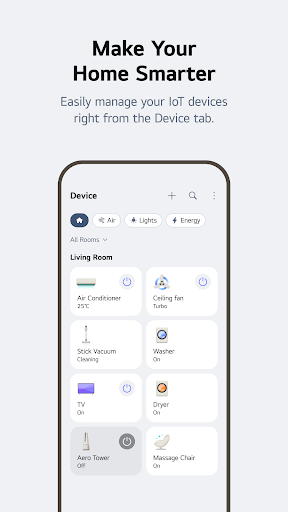
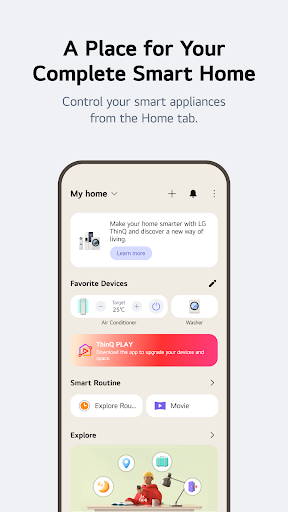
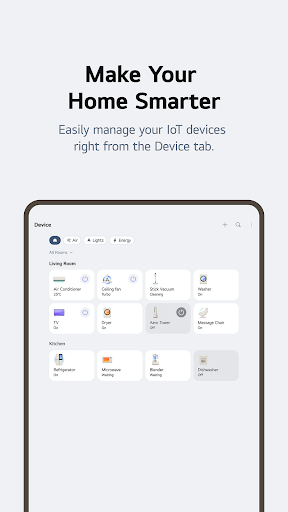
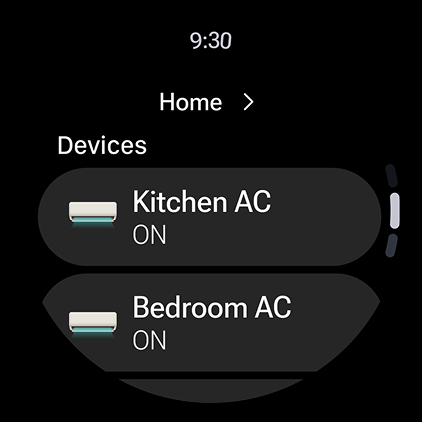
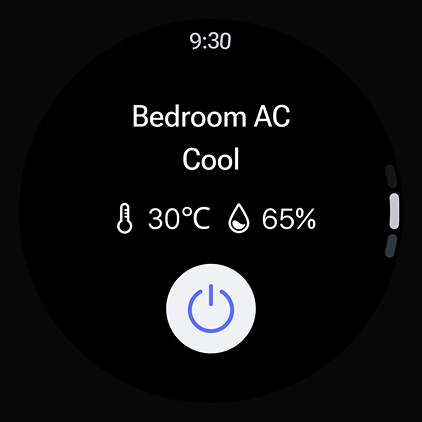
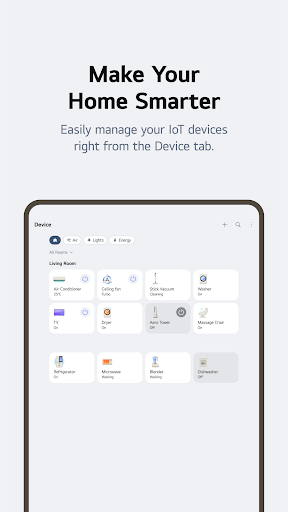
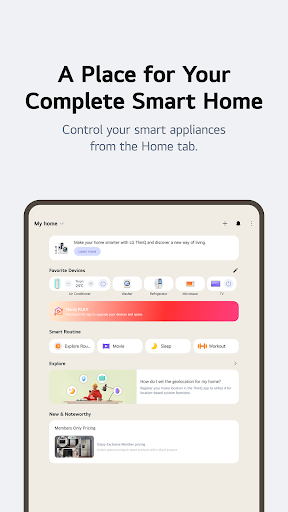
Users can easily operate their LG smart appliances—even when away from home. Whether it’s starting your washing machine, preheating your oven, or adjusting the settings on your dryer, all it takes are a few taps on your smartphone. This level of remote control ensures your home is always optimized for your schedule and needs.
Smart Care and Troubleshooting
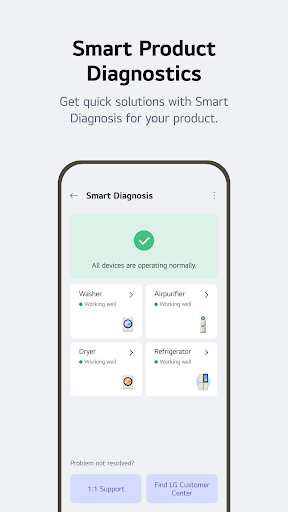
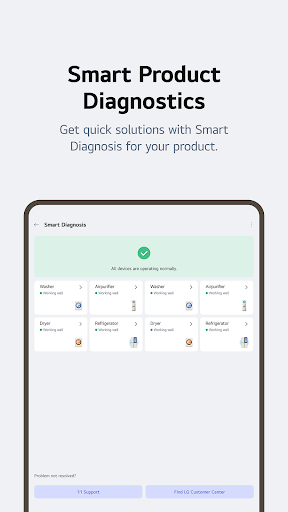
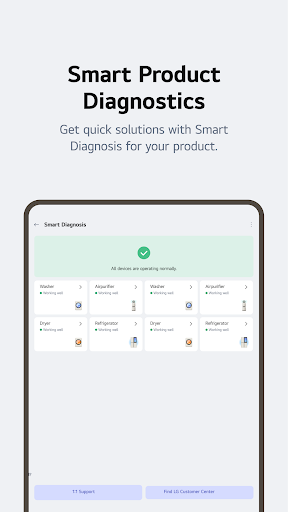
The Smart Diagnosis function allows appliances to communicate their status directly with the app. If a device encounters an issue, the app can help diagnose the problem quickly, reducing downtime and avoiding unnecessary service calls. Should problems persist, you can easily book a service visit with a professional engineer through the app, streamlining maintenance and repairs.
Personalized Routines and Automation
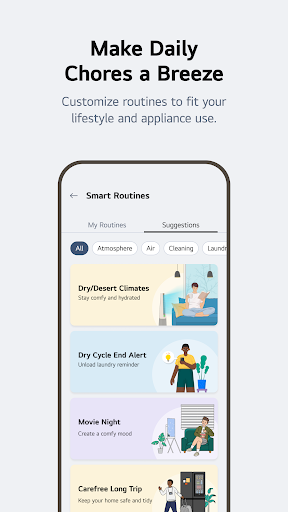
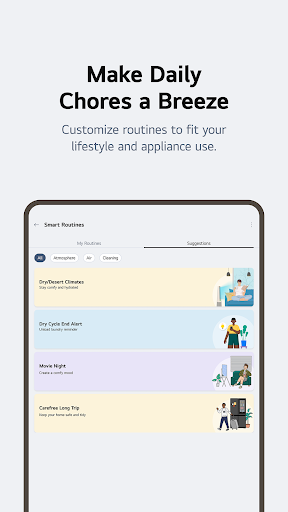
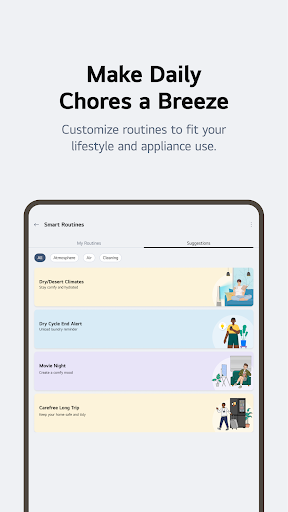
Create customized routines that enhance your daily life. For instance, set your lights to turn on and your air purifier to activate when your alarm goes off in the morning. You can also program your appliances to turn off automatically when you're on vacation, helping save energy and reduce costs. The app makes automation simple, allowing you to match your routines perfectly to your lifestyle.
Energy Monitoring and Saving
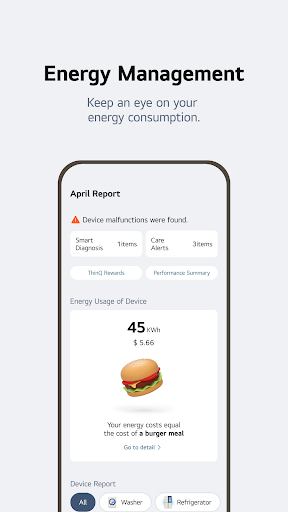
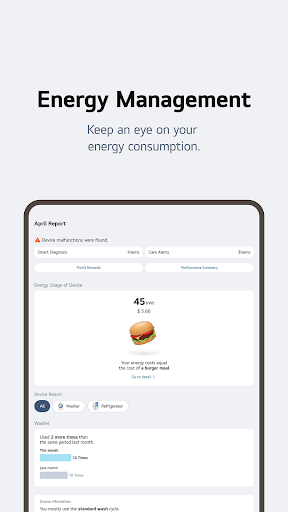
Monitor your energy consumption through the app's Energy Monitoring feature. Compare your power usage with others, set personal goals, and receive notifications about your energy habits. These insights empower you to make smarter choices and optimize your home's energy efficiency.
Discover New Uses and Features
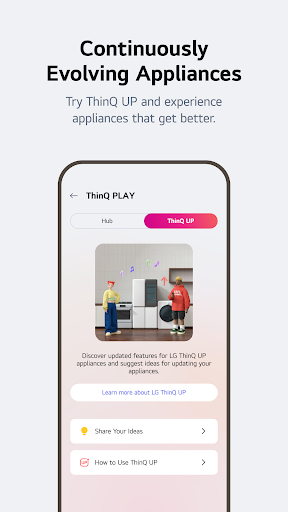
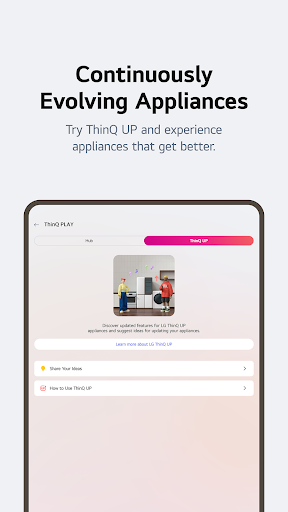
Explore special laundry care techniques and new appliance cycles in the Discover tab. These features inspire innovative ways to utilize your appliances, extending their functionality and efficiency.
Comprehensive Manuals and Support
Access detailed product manuals in one centralized location. Find function descriptions, troubleshooting guides, and usage tips, ensuring you get the most out of your LG appliances whenever needed.
Additional Benefits of the LG ThinQ App
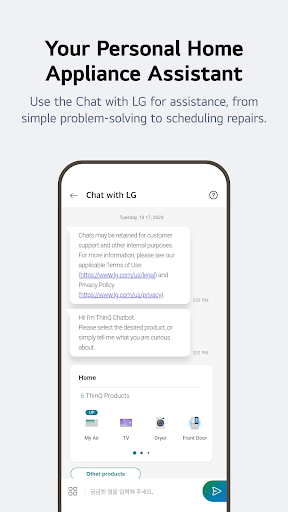
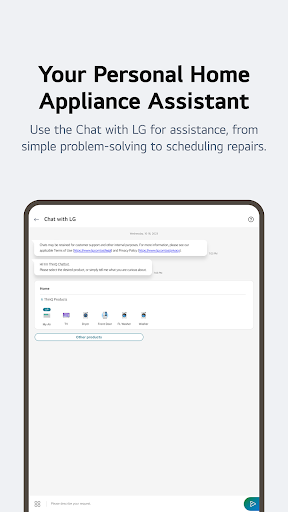
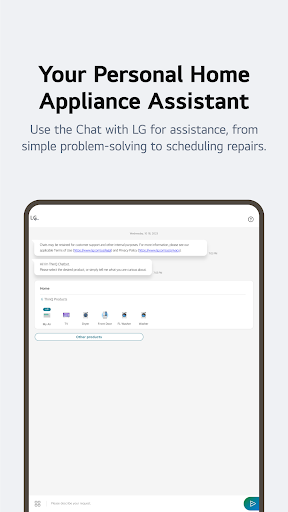
The LG ThinQ app also features an intelligent AI-powered chat service, Ask LG, available 24/7. This virtual assistant offers tailored answers to your product questions, providing guidance and support whenever you need it.
Moreover, the app handles a variety of service requests effortlessly. From checking your appliances' status to booking professional maintenance, all interactions are designed to be quick and hassle-free, saving you time and effort.
Please note that some services and features may vary depending on your appliance model and region. Optional access permissions are required for certain functionalities, such as utilizing the camera or microphone for specific features like QR code scanning or Smart Diagnosis.
Moreover, the app handles a variety of service requests effortlessly. From checking your appliances' status to booking professional maintenance, all interactions are designed to be quick and hassle-free, saving you time and effort.
Please note that some services and features may vary depending on your appliance model and region. Optional access permissions are required for certain functionalities, such as utilizing the camera or microphone for specific features like QR code scanning or Smart Diagnosis.
Conclusion: Elevate Your Smart Home Experience
In summary, the LG ThinQ app is an indispensable companion for owners of LG smart appliances. Its comprehensive control, insightful energy management, and automation capabilities provide a seamless smart home experience. Whether you're automating routines, troubleshooting issues, or simply staying connected to your devices, the app offers a centralized platform that truly elevates your lifestyle.
Embrace the future of home management today with the LG ThinQ app—a powerful tool that transforms your house into a smarter, more efficient, and more comfortable home. With continuous updates and innovative features, it’s clear that LG is committed to making smart living accessible and effortless for everyone.
Embrace the future of home management today with the LG ThinQ app—a powerful tool that transforms your house into a smarter, more efficient, and more comfortable home. With continuous updates and innovative features, it’s clear that LG is committed to making smart living accessible and effortless for everyone.
Pros
- User-friendly interface with intuitive controls.
- Seamless integration with LG smart devices.
- Remote control of home appliances via app.
- Customizable settings for personalized use.
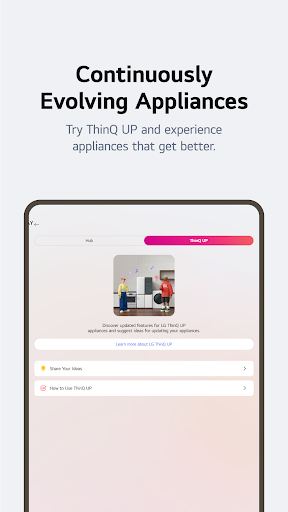
- Regular updates with new features.
Cons
- Limited compatibility with non-LG devices.
- Requires stable internet for optimal performance.
- Can be complex for non-tech-savvy users.
- Occasional connectivity issues reported.
- Battery drain during extended use.











