
Introduction to KidsGuard Pro-Phone Monitoring
Key Features of KidsGuard Pro
Monitor Social Media & Screen Time
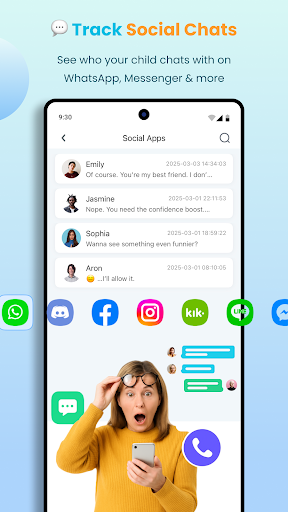
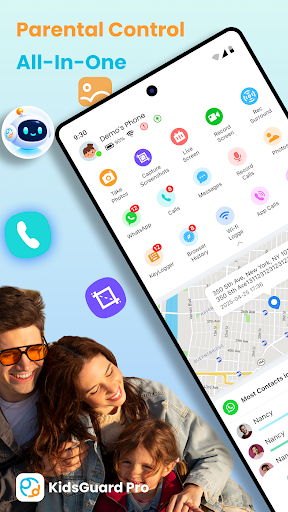
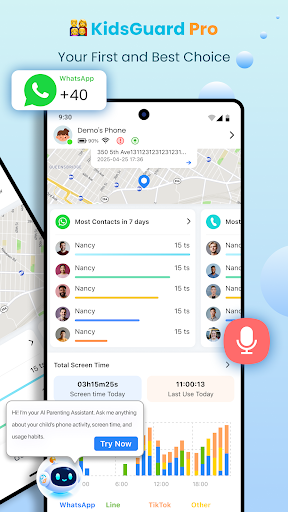
With KidsGuard Pro, you can view your child's TikTok and YouTube history, gaining insights into what they watch and how long they spend on these platforms. Additionally, the app supports the detection of suspicious content through setting sensitive keywords related to sex, violence, or drugs. You can also track chats from popular messaging apps such as WhatsApp, LINE, Viber, Kik, WeChat, Facebook, Instagram, and QQ, including shared media files, emojis, and more. This helps you understand your child's interactions beyond what they might disclose verbally.
Real-Time Location & Geofencing
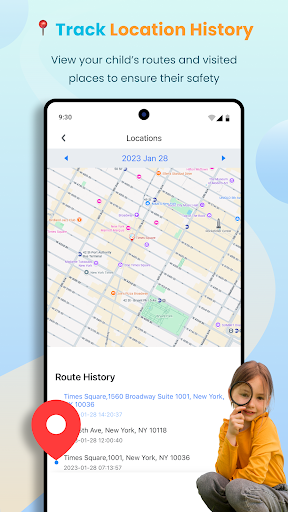
Stay informed about your child's whereabouts with the real-time location tracker. KidsGuard Pro offers continuous GPS tracking, allowing you to know their current position at any time. You can set up geofences to receive instant alerts when your child enters or leaves designated areas like home, school, or any other trusted zone. This feature enhances safety by providing timely updates and peace of mind.
Remote Control & Screen Monitoring
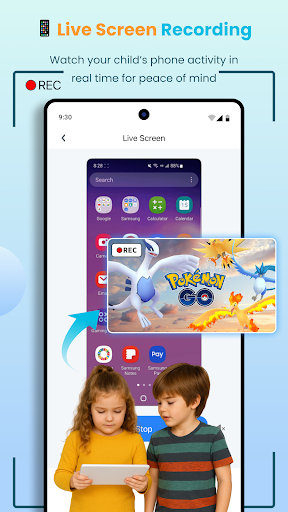
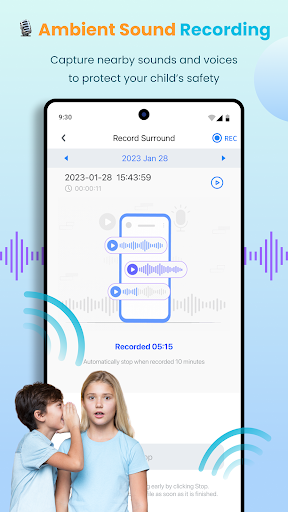
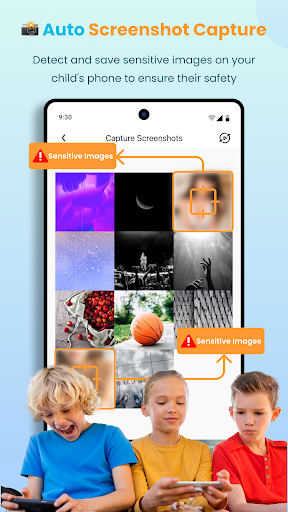
Take snapshots of your child's phone screen or record activities remotely with just one tap. These features enable you to keep an eye on their online environment in real-time, making online safety more manageable. The app's instant screenshot and screen recording functions are invaluable for monitoring potential risky behaviors without invasive measures.
Detailed Usage Reports & Alerts
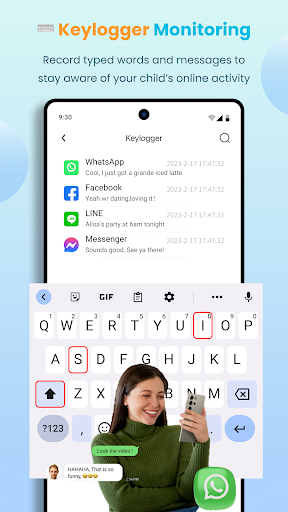
KidsGuard Pro generates comprehensive reports about your child's device activity, including app usage, browsing history, and keystrokes. These insights allow you to identify potentially harmful or unproductive behaviors and act accordingly. Additionally, you can set up alerts for specific keywords or activities, ensuring you stay proactive in your child's online safety management.
Compatibility & Safety
This app is compatible with most Android and iPhone models from brands like Samsung, Xiaomi, Motorola, and more. Importantly, KidsGuard Pro operates in stealth mode, remaining undetectable on the target device, which means no rooting or jailbreaking is required—making the setup process straightforward and secure.
Why Choose KidsGuard Pro for Parental Control?
KidsGuard Pro is a trusted screen time management and location tracking tool designed for modern parents. It provides an extra layer of security in today's digital age, helping you monitor texts, calls, chat histories, and online searches seamlessly. By understanding your child's digital footprint, you can promote healthier online habits and intervene when necessary.
This top-rated parental control app ensures you are always aware of your child's online environment, helping you prevent exposure to inappropriate content, cyberbullying, or other online risks. With regular updates and user-friendly controls, KidsGuard Pro simplifies parental monitoring, making it accessible even for non-tech-savvy users.
Incorporate KidsGuard Pro into your family’s safety routine and give your children the freedom to explore the digital world securely. Remember, maintaining open communication combined with responsible monitoring creates the best environment for your child's growth and safety.
Getting Started with KidsGuard Pro
To begin your monitoring journey, follow these simple steps:
- Install KidsGuard Pro on your device.
- Sign up for a KidsGuard Pro account to unlock full features.
- Download and install the KidsGuard Pro Assistant on the target device.
- Start monitoring remotely and customize your parental control settings according to your needs.
Designed for ease of use, KidsGuard Pro ensures a smooth setup process with clear instructions, providing parents peace of mind in safeguarding their children effortlessly.
Pros
- Easy to install and set up.
- Real-time location tracking.
- Monitors social media applications.
- Provides comprehensive activity logs.
- Allows remote control of devices.
Cons
- Installation requires physical access.
- May raise privacy concerns.
- Full features require a subscription.
- Compatibility is limited with some devices.
- May cause increased battery drain on devices.











