
Introduction to Kids360: Parental Control App
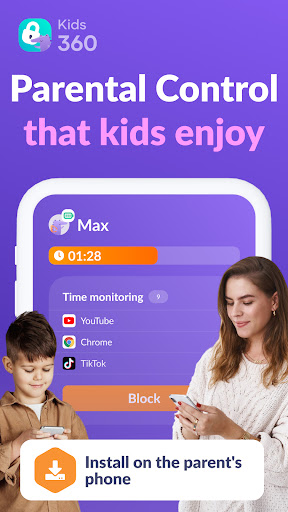
Every parent understands the challenge of balancing the desire to give children freedom to explore with the need to ensure their safety online. Kids360 is a comprehensive parental control app designed to help parents monitor and manage their child's smartphone usage effectively. With a suite of features including screen time limits, app blocking, GPS tracking, and educational content, Kids360 offers a reliable solution for establishing healthy digital habits while safeguarding your child's online experience.
Key Features of Kids360 Parental Control App
Efficient Screen Time Management
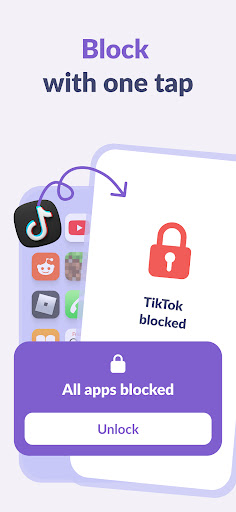
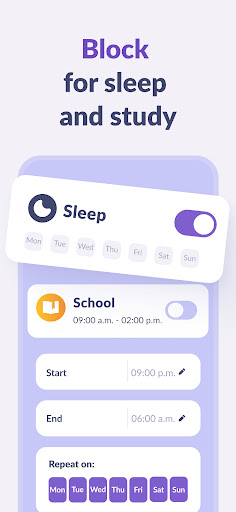
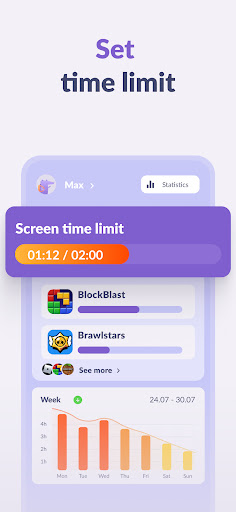
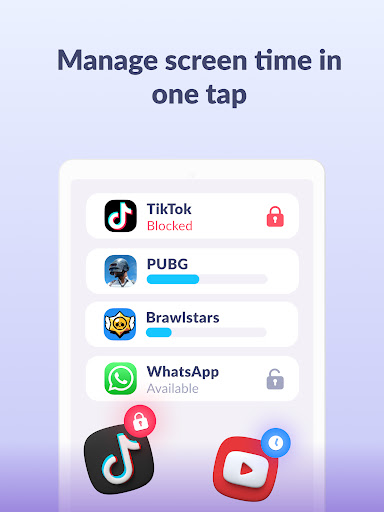
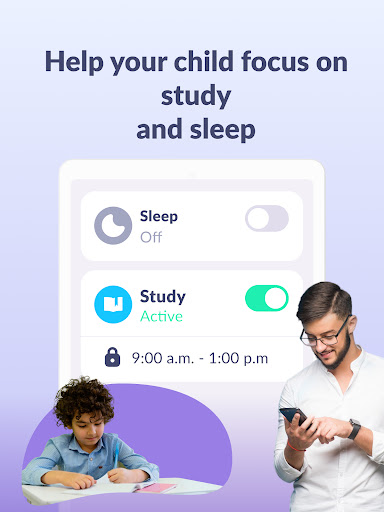
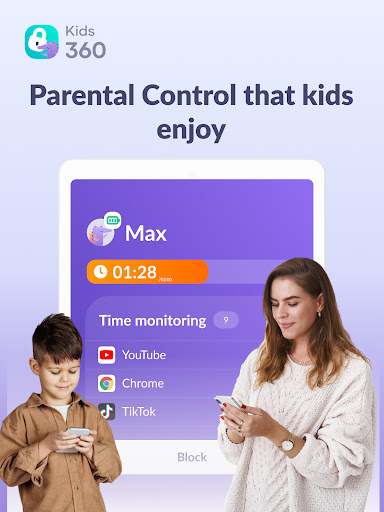
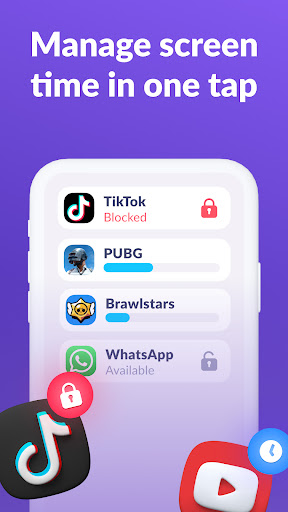
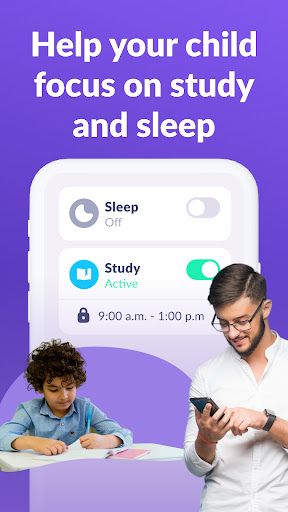
One of the primary benefits of Kids360 is its ability to set screen time limits on your child's device. By specifying durations for apps, games, or social media, parents can prevent excessive usage and encourage balanced digital habits. The app functions like a child lock, enabling parents to quickly lock or unlock apps, or set scheduled usage times that align with school hours and bedtime routines.
App Usage Monitoring & Usage Statistics
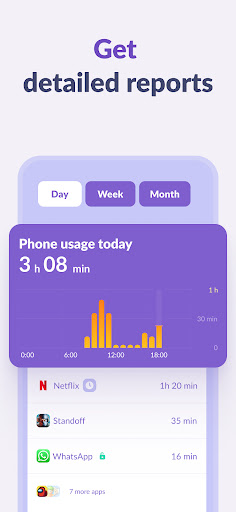
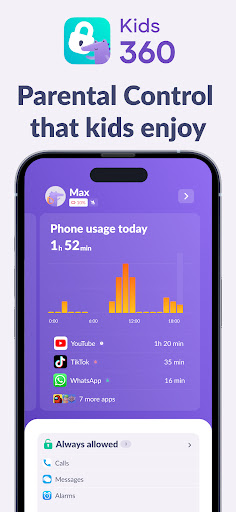
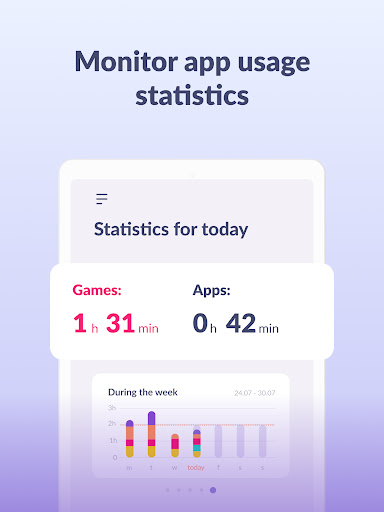
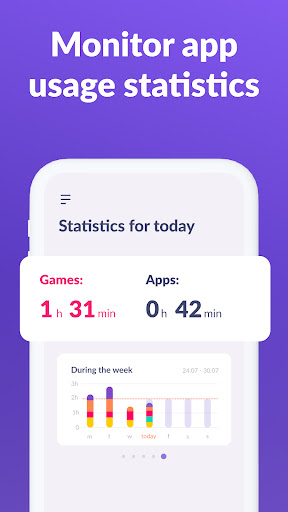
Kids360 offers detailed insights into your child's app activity. You can see which applications are used most frequently, how long they are active, and whether your child is spending excessive time on certain apps during class or leisure. This feature helps facilitate open conversations about healthy screen practices and ensures your child’s digital engagement is appropriate.
Educational Content & Fun Activities
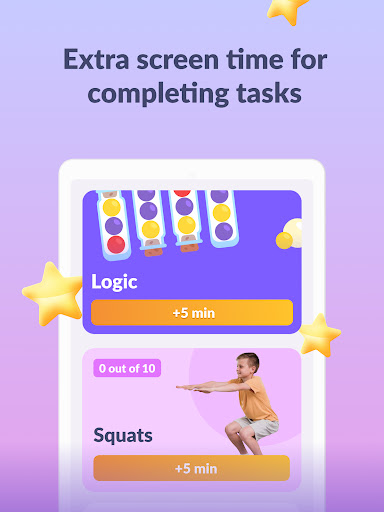
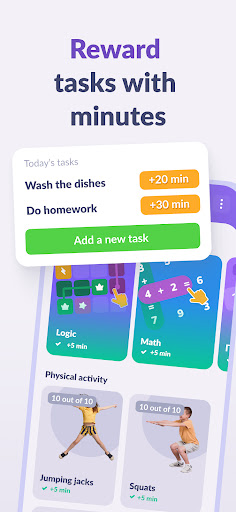
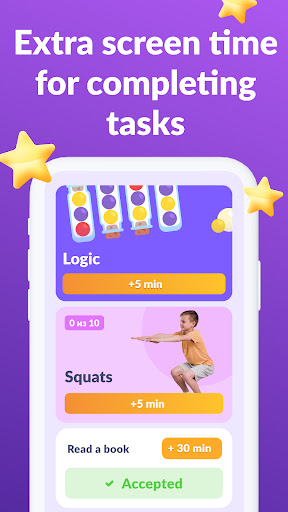
Beyond restrictions, Kids360 promotes educational games and interactive activities, making device usage both safe and enriching. Parents can select suitable content and encourage learning while maintaining control over entertainment options.
Location Tracking and Geofencing
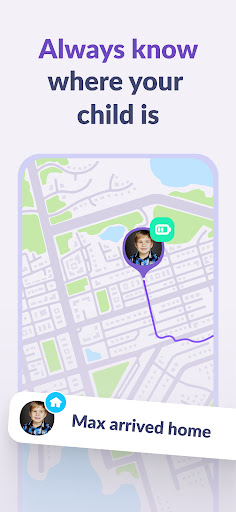
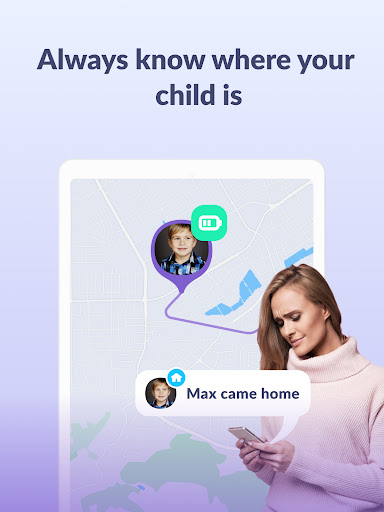
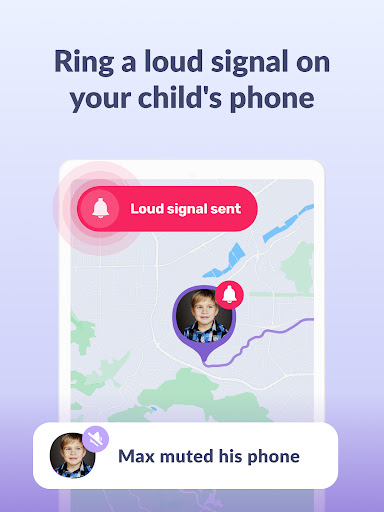
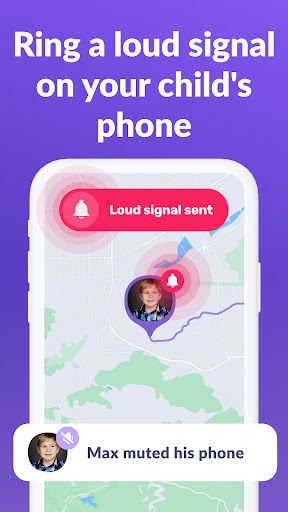
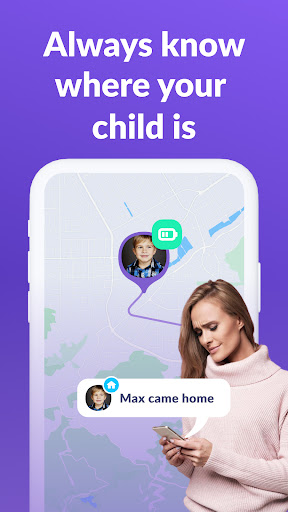
With real-time GPS tracking, parents can always know where their children are. The app enables setting up geofences—virtual boundaries that alert parents if their child leaves a designated area, such as home, school, or a playground. This ensures children’s safety and provides peace of mind.
App Lock and Kids Mode
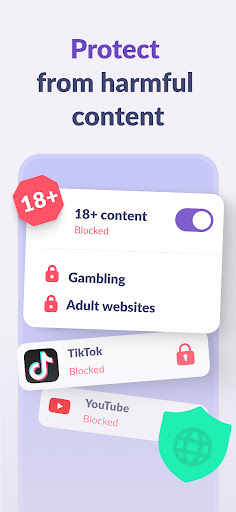
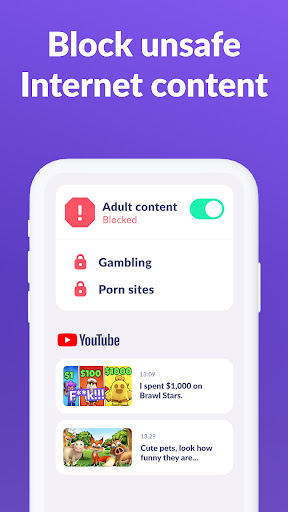
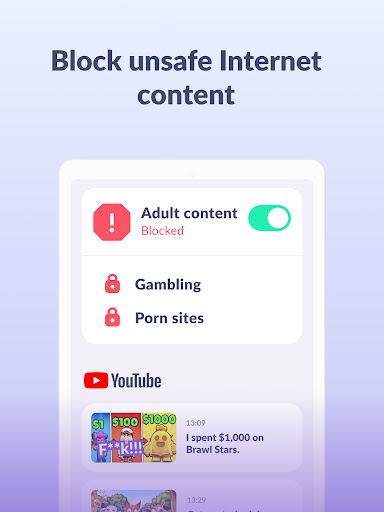
The app features a child lock mode that restricts access to non-acceptable applications during study or rest periods. It also supports a kids mode to create a safe environment free from unwanted apps or internet browsing. The parental control app cannot be deleted without authorization, which ensures consistent monitoring.
Real-Time Notifications & Communication
Kids360 keeps parents connected through notifications about their child's activity, such as app usage or leaving designated zones. Essential communication apps, like calling and messaging, remain accessible, so parents can stay in touch without compromising safety.
Setup and Usage of Kids360
Easy Installation and Configuration
Getting started with Kids360 is straightforward. First, install the Kids360 app on your device and the Alli360 app on your child’s smartphone. Enter the provided code to connect the devices and allow monitoring. You’ll then be able to manage and adjust settings remotely, including setting time limits, app blocks, and monitoring usage logs—all through an intuitive interface.
Permissions Required
The app requires several permissions to function optimally:
- Display over other apps — to block applications when time expires
- Special access — to limit screen time
- Usage data — to gather statistics about app activity
- Autorun — to run the tracker in the background at all times
- Device administrator — to prevent uninstallation and enable child lock mode
Privacy and Data Security
Personal data collected by Kids360 strictly complies with applicable laws and GDPR policy, ensuring user privacy and data protection. The app cannot be installed secretly without child’s consent, fostering trust while maintaining effective oversight.
Why Parents Love Kids360
In today’s digital world, Kids360 stands out as an essential tool for parents seeking a balanced approach to children's device usage. It offers real-time location tracking, app monitoring, and time controls, all in a user-friendly interface. The app empowers parents to limit distractions during study periods, enforce bedtime rules, and stay connected with their children’s whereabouts. By providing parents with actionable insights and control, Kids360 helps nurture responsible digital habits and ensures online safety.
Final Thoughts
If you're searching for a reliable parental control app that combines functionality with ease of use, Kids360 is an excellent choice. Its features promote safe and healthy device habits without compromising the trust and independence of your child. Download Kids360 today and take the first step toward a safer digital environment for your family.
Pros
- Easy to set up with an intuitive user interface.
- Provides real-time tracking of children's locations.
- Allows customization of screen time restrictions.
- Includes app blocking features to enhance safety.
- Works on both Android and iOS devices.
Cons
- Can rapidly deplete the device's battery life.
- Depends on a stable internet connection.
- Requires a subscription to access premium features.
- Offers limited capabilities in the free version.
- Children might find methods to circumvent the controls.











