

Introduction to Headunit Reloaded Emulator HUR
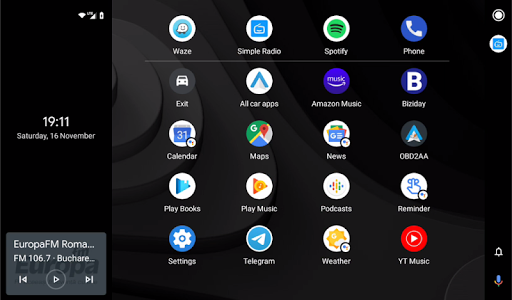
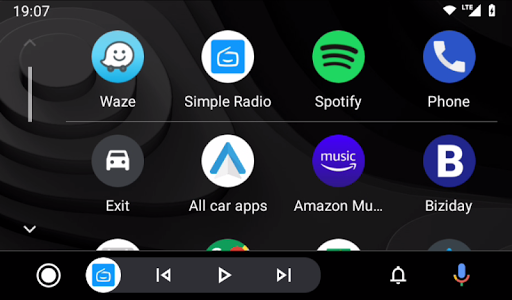
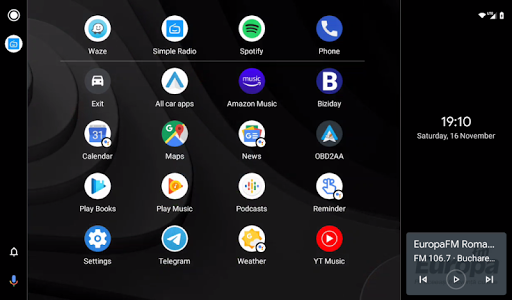
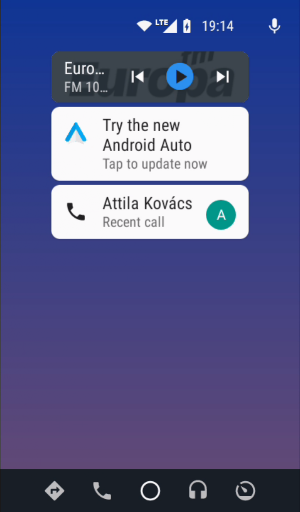
Are you looking for a seamless way to integrate your smartphone with your car's infotainment system? The Headunit Reloaded Emulator HUR is an innovative app designed to emulate a head unit on your Android device. Perfect for tech-savvy drivers, this app transforms your smartphone or tablet into a fully functional Android Auto display, offering a convenient, on-the-go multimedia and navigation interface. Whether your vehicle doesn't support Android Auto natively or you're seeking an enhanced connectivity experience, HUR provides an excellent solution for bringing smartphone features directly to your car's dashboard display.
How Does the Headunit Reloaded Emulator HUR Work?
Content1: Connection Modes and Setup Process
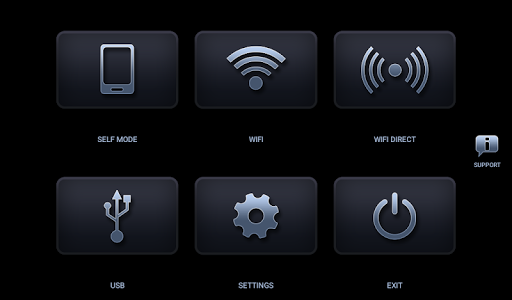
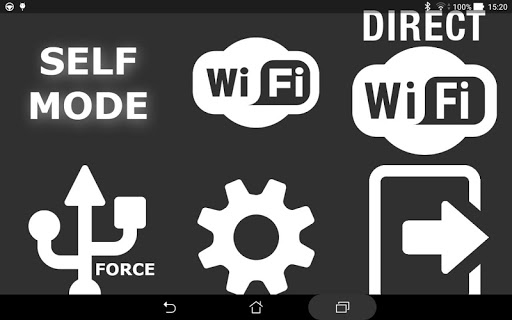
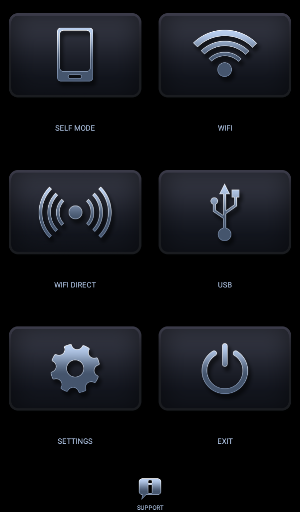
The Headunit Reloaded Emulator HUR supports multiple connectivity options, making it adaptable to various user preferences and vehicle setups:
- USB Mode: Connect your device using a USB cable (or OTG cable for tablets). When prompted, ensure you allow HUR to be the default app for the connected action and check the always box for future connections. On devices running Android 7.0 or higher, you may also need to pull down the notification shade and select the connected USB device before launching the app.
- WiFi Mode: Install the WiFi Launcher app on your phone. In WiFi Launcher, select your car's Bluetooth, enabling the app to start automatically. Activate the hotspot feature in WiFi Launcher, connect your car’s head unit to your phone's hotspot, and launch Headunit Reloaded. You can also reverse roles between hotspot and client depending on your setup.
Content2: Self-Mode and Compatibility
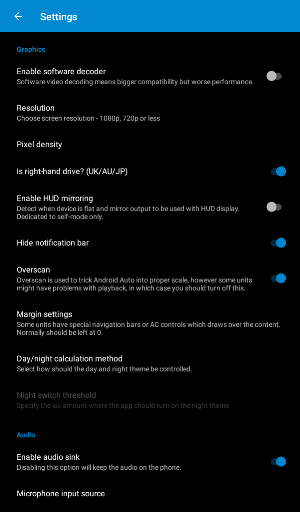
For users aiming to run Android Auto and the HUR app on the same device, the Self Mode feature allows for this setup, provided Android Auto is installed and properly configured. The app is compatible with a variety of popular Android-based head units, including Joying, Xtrons, Grom Vline, PX5, PX3, A-Sure, RK3188, RK3066, and Avin models. Troubleshooting tips, such as enabling software decoding or adjusting video playback settings on certain head units, can help resolve issues like black screens or connectivity disruptions.
Compatibility and Support
The Headunit Reloaded Emulator HUR has been tested with many Android-powered head units, supporting hardware keys, intent integration, and various other functionalities. For advanced support and troubleshooting, users can refer to dedicated forums like the XDA Developers Forum. The app's development was originally conceptualized by the late Michael Read, highlighting its strong community and ongoing support.
Why Choose Headunit Reloaded Emulator HUR?
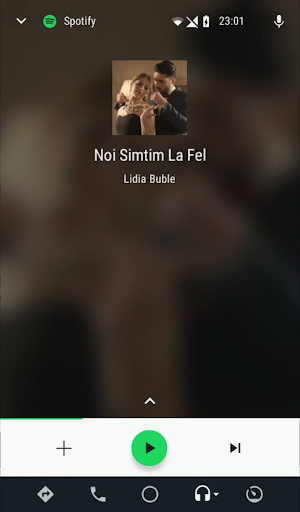
The Headunit Reloaded Emulator HUR stands out as a powerful tool for drivers eager to boost their in-car entertainment and navigation experiences. It effectively emulates a head unit, elevating the functionality of non-compatible vehicles or aftermarket units lacking native Android Auto support. This app unlocks features like GPS navigation, music streaming, message notifications, and voice commands, creating a safer and more convenient driving environment. Its offline capabilities ensure access to maps and media even without an internet connection, making it ideal for road trips and remote adventures.
Final Thoughts
While initial setup involves a degree of technical tinkering—such as connecting via USB or configuring WiFi hotspot—the effort pays off with a highly customizable and robust Android Auto emulator. The Headunit Reloaded Emulator HUR offers drivers a way to modernize their in-car experience without investing in a new head unit. Its flexibility, wide compatibility, and extensive features make it a must-have app for anyone seeking to enhance their vehicle’s multimedia capabilities and bring smartphone connectivity directly to their dashboard. If you're ready to take control of your in-car tech and enjoy a smarter drive, this app is well worth exploring.
Pros
- Easy to set up and use.
- Supports multiple car brands.
- Provides regular updates and bug fixes.
- Customizable interface.
- Compatible with both Android and iOS devices.
Cons
- May consume battery quickly.
- Some features require payment.
- Occasional connectivity problems.
- Limited offline functionality.
- Interface may lag on older devices.











