What is the Great Clips Online Check-in App?
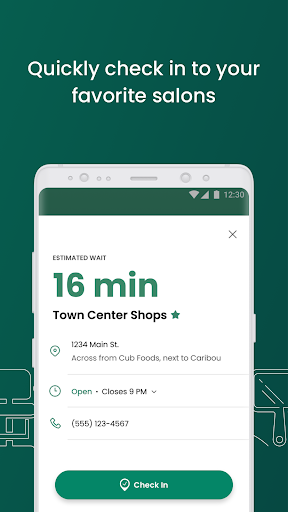
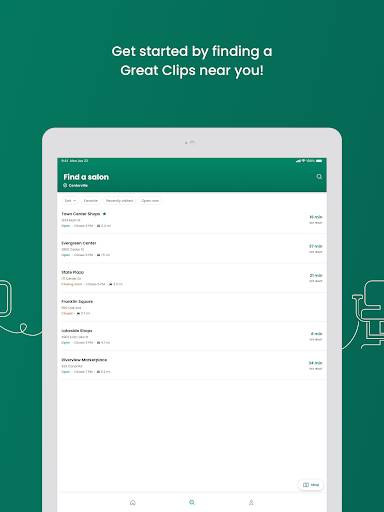
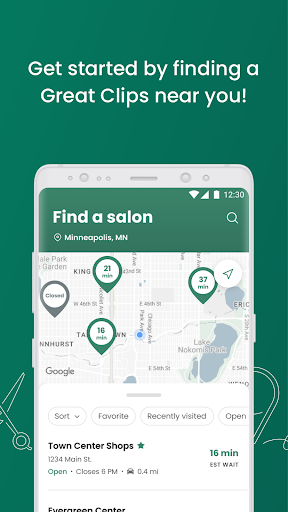
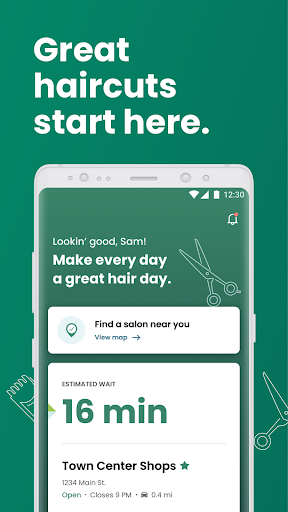
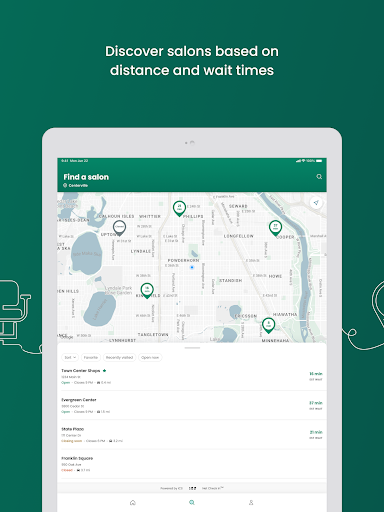
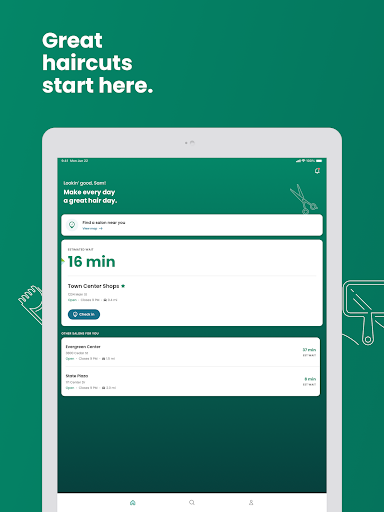
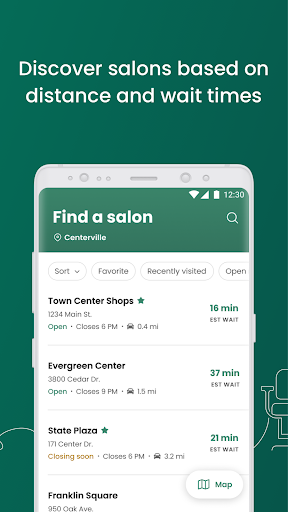
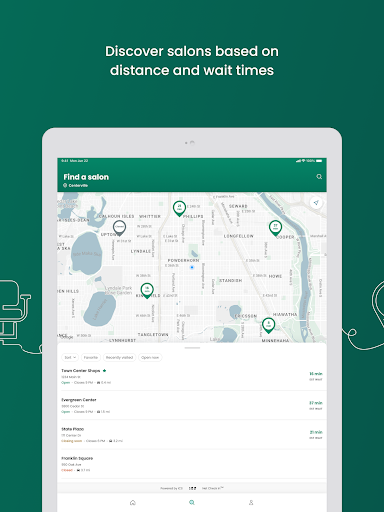
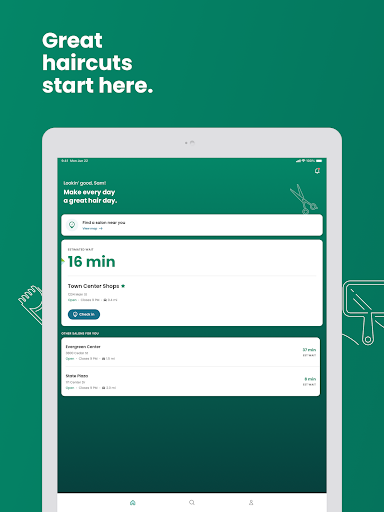
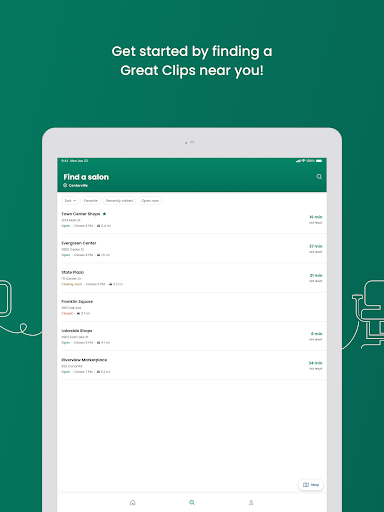
Great Clips Online Check-in allows you to check-in to your nearest Great Clips salon, view estimated wait times, and even select your preferred stylist—essentially serving as your personal hair salon assistant. With features designed to enhance your experience, the app saves you valuable time and minimizes frustration, making it an indispensable tool for busy individuals and those who appreciate efficient service.
How It Works
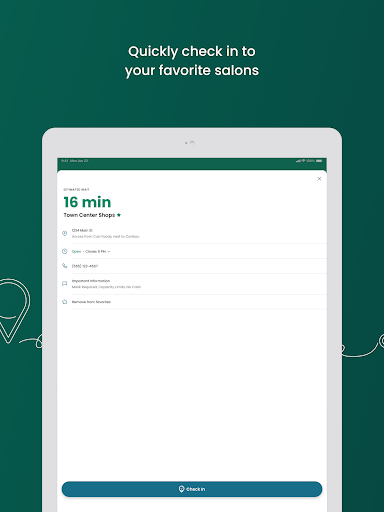
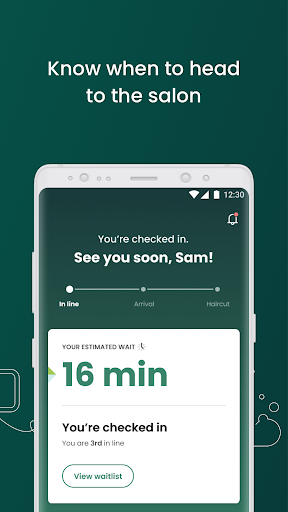
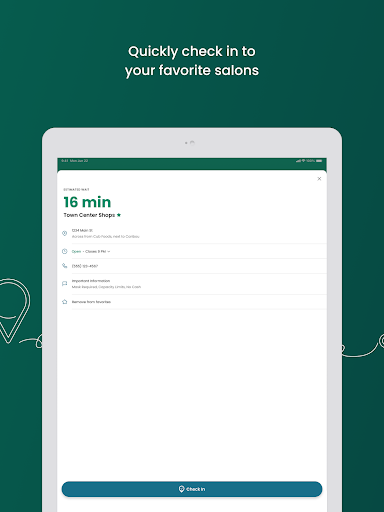
One of the app’s key features is the ability to check-in online to reserve your spot in line, which means you no longer have to wait idly in the salon’s lobby. If you have a favorite stylist, you can request them (availability permitting), making your experience even more personalized. Plus, the app provides text alerts to notify you when your estimated wait time is about to reach 15 minutes—that’s your cue to head to the salon.
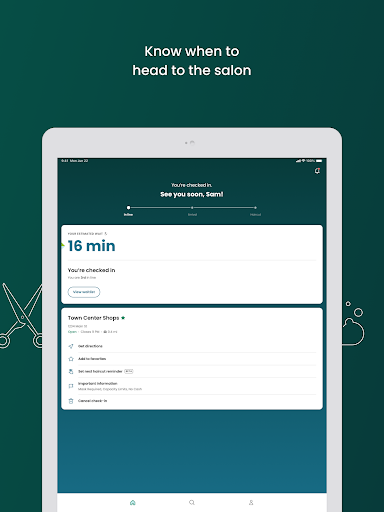
Arriving at the salon just before your turn ensures a smooth experience, and you can notify the staff when you arrive to complete your check-in. The system allows you to monitor your countdown and arrive prepared, helping you make the most of your time.
Key Features of Great Clips Online Check-in
Real-Time Wait Times
Quick and Easy Check-In
Favorite Salons
Notification and Alerts
Flexible Service Use
Availability & Usage
Customers can access Great Clips Online Check-in during salon operating hours, with the app not available during the first five minutes after opening to accommodate walk-in customers. Online check-in is acceptable until 30 minutes before closing, after which you can visit the salon directly for your haircut or service.
If you don’t have a mobile device, you can still use the service from any device with internet access by visiting greatclips.com. Simply enter your postal code or address and follow the prompts. Alternatively, walking into any salon and adding your name to the waitlist in person remains an option.
What to Do After Checking In
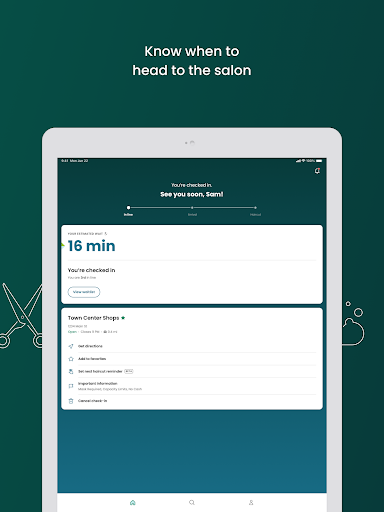
Once checked in, you'll see your position in the queue. It's advisable to arrive before your turn, especially if you want to ensure minimal waiting. The ReadyNext® feature sends you a text when your estimated wait reaches 15 minutes, allowing you to leave or run errands and return just in time for your appointment.
If unforeseen circumstances cause you to be late, don’t worry—your name will stay on the list for a short period. And if you need to cancel your check-in, simply tap Cancel check-in on the app’s home screen.
Final Thoughts
Pros
- User-friendly interface
- Speeds up check-in process online
- Provides real-time updates on wait times
- Allows selection of preferred stylist
- No login needed for check-in
Cons
- Limited number of salon locations
- App sometimes crashes unexpectedly
- No options to specify haircut preferences
- Customer support options are limited
- Requires an active internet connection