

Introduction to GPS Speedometer Odometer (Pro)
Ever felt the need to keep track of your speed while driving, cycling, or even jogging? The GPS Speedometer Odometer (Pro) is an innovative mobile application designed to cater to all your speed measurement needs for car, bike, and outdoor activities. This app is packed with powerful features that make it an essential tool for anyone who wants accurate speed tracking, trip statistics, and location details, all wrapped in a simple and user-friendly interface.
Key Features of GPS Speedometer Odometer (Pro)
COMPLETELY AD FREE GPS Speedometer and Odometer
The app offers a completely ad-free experience, ensuring you stay focused on your journey. It provides precise speed measurements for your car, bike, or any vehicle, making it arguably the best GPS speedometer app available for Android.
Offline Functionality with Rapid Connection
One of the standout features is its ability to operate in OFFLINE mode. This means you don’t need an internet connection to get accurate speed data, unlike many other apps. Plus, it connects to GPS in just about 20 seconds, a significant improvement over competitors that often take 2-3 minutes.
Accurate and Reliable
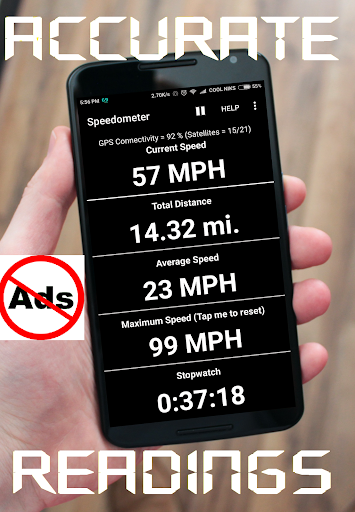
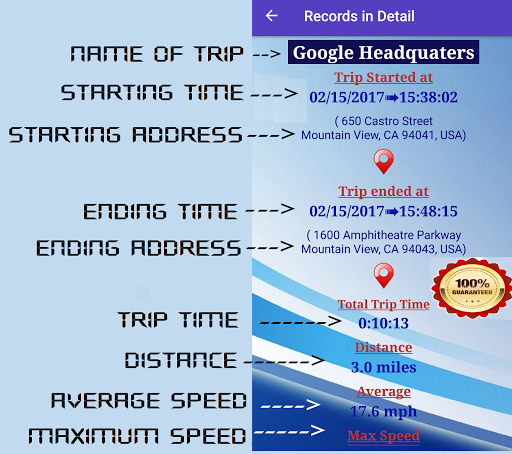
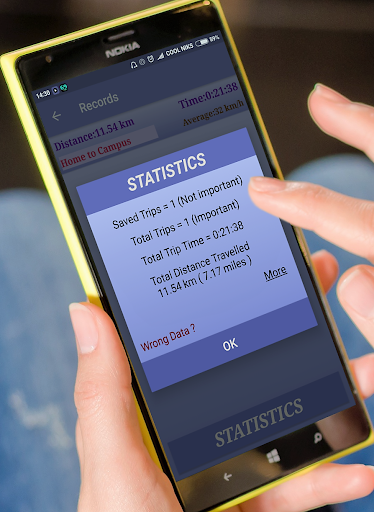
The app boasts an accuracy of 98% for speed measurement, ensuring dependable readings during your trips. It also displays a variety of valuable data including current speed, average speed, total distance, maximum speed, and trip time.
User-Friendly and Customizable Interface
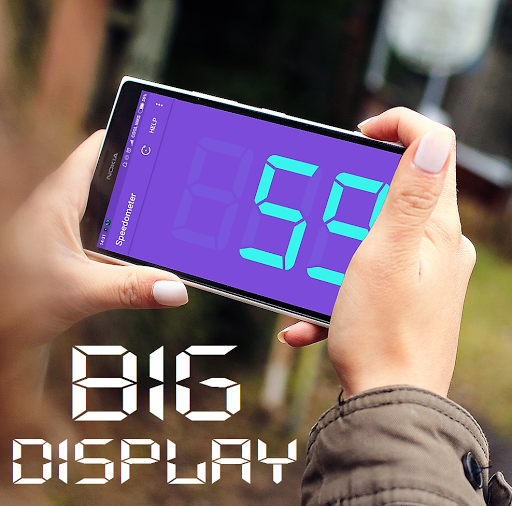
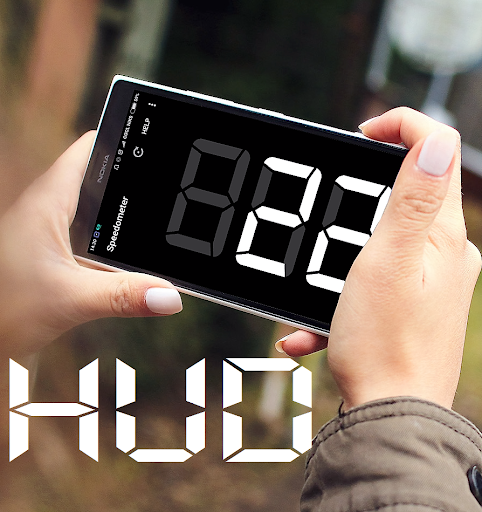
With its SIMPLE and ATTRACTIVE design, the app makes navigation effortless. Users can select from two themes: Jet Black and Purple. It also offers dual HUD modes for easier viewing on vehicle windshields, making it convenient for night driving.
Multi-Unit Support and Flexibility
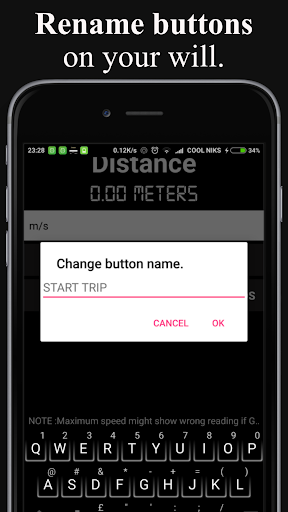
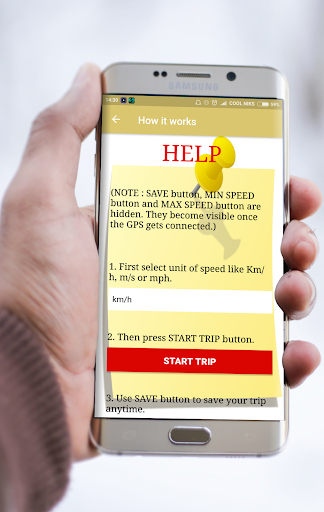
Whether you prefer measuring in Km/h, m/s, or mph, this app allows you to set your desired units. Plus, units can be changed anytime during your trip, providing complete flexibility.
Additional Features for Enhanced Usage
- Set minimum and maximum speed alerts, with **siren** and **vibrations** to keep you within your preferred speed range.
- Long press to delete entries and easily manage your records.
- View GPS latitude, longitude, and altitude even if your device lacks a barometer.
- Share your current location effortlessly.
- Operate in background mode while using other apps, so your speed is always visible.
- Includes an inbuilt calculator and a countdown feature that notifies you upon reaching the target.
Performance and Usage Tips
The app is optimized to be lightweight and battery-efficient. It performs best in open areas with clear sky view, which ensures accurate GPS detection. For devices running customized versions of Android, such as Xiaomi, it may initially take longer (up to 5 minutes) to connect to GPS due to security policies.
It's perfect for measuring the speed of buses, trains, cycling, walking, and even jogging. The app also functions as a pedometer when walking, making it versatile for fitness and outdoor activities. Additionally, it's a handy replacement for broken speedometers or odometers in vehicles.
Why Choose This GPS Speedometer App?
This GPS speedometer and odometer app stands out because of its offline capability, quick GPS connection, high accuracy, and rich feature set. It is suitable for motorists, cyclists, joggers, hikers, or anyone interested in tracking their speed and distance with precision. Its customizable interface, flexible units, and light memory footprint make it a top choice for users seeking reliable and straightforward speed measurement software.
In summary, the GPS Speedometer Odometer (Pro) is an all-in-one tool designed to enhance your outdoor and driving experiences. Whether you are tracking your bike route, monitoring your jogging pace, or simply checking the speed of a moving train, this app delivers accurate data in an easy-to-use package. Give it a try and stay informed about your speed and travel stats in real-time!
Pros
- Accurate speed tracking
- User-friendly interface
- Customizable display options
- Works offline
- Battery efficient
Cons
- Limited free features
- Ads in free version
- No voice navigation
- Requires GPS access
- Occasional lag issues











