
GPS Navigation Maps Directions: Your Ultimate Travel Companion
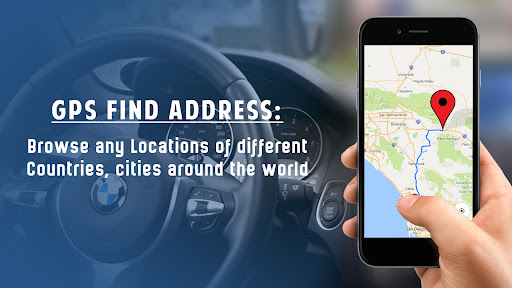
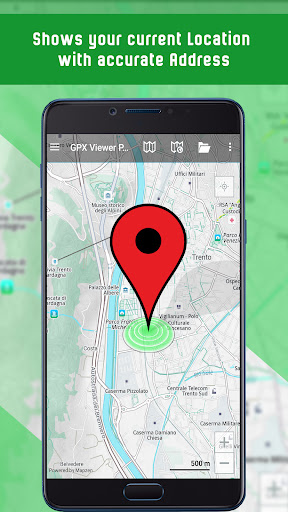
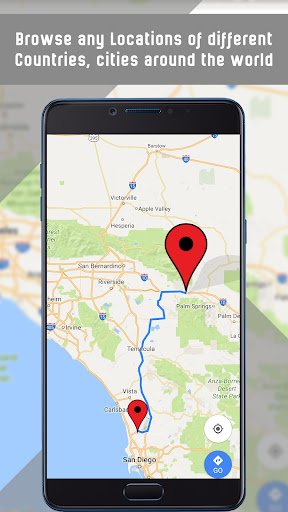
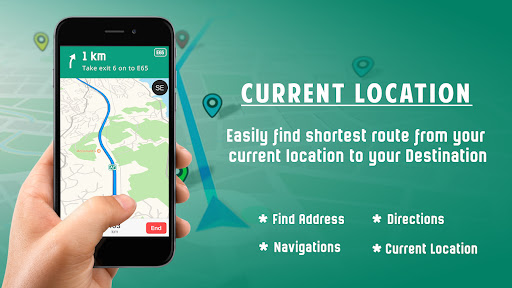
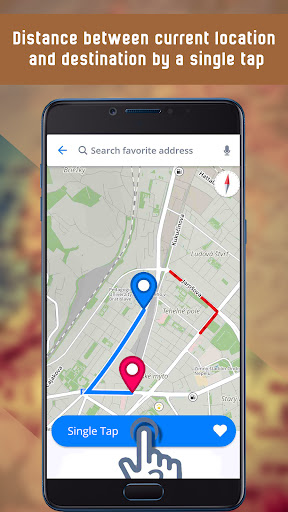
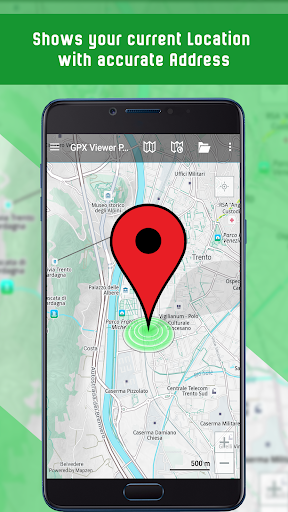
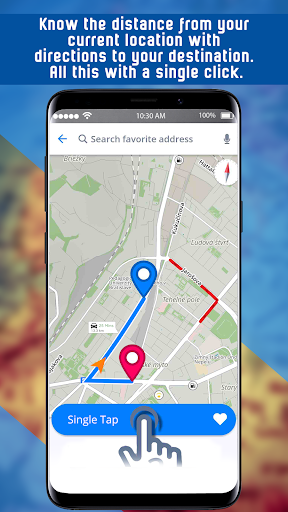
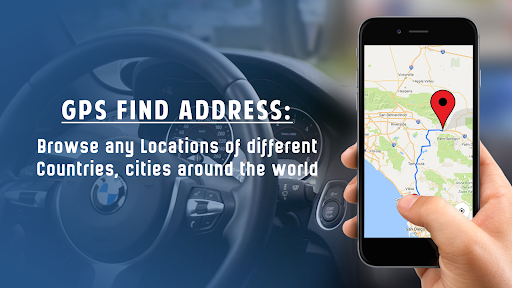
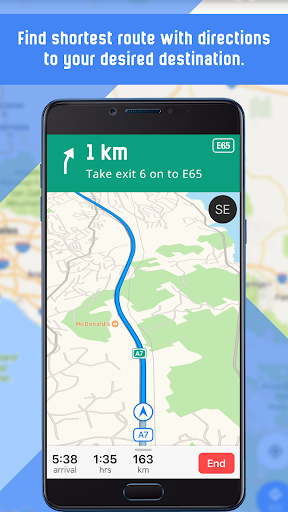
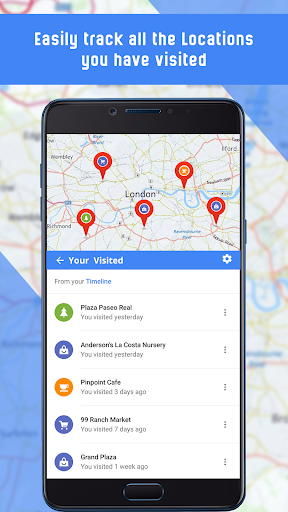
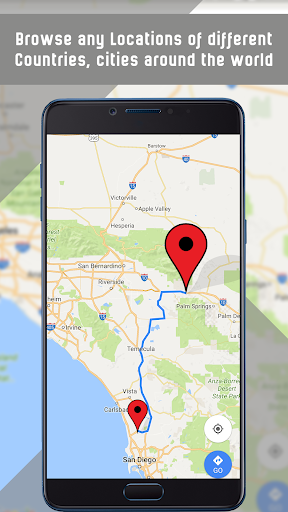
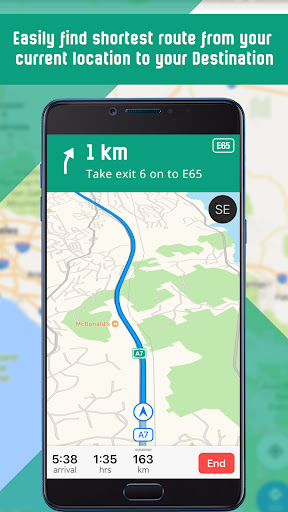
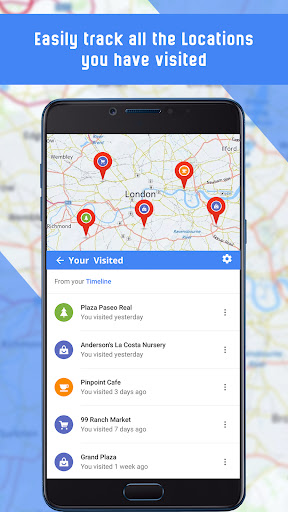
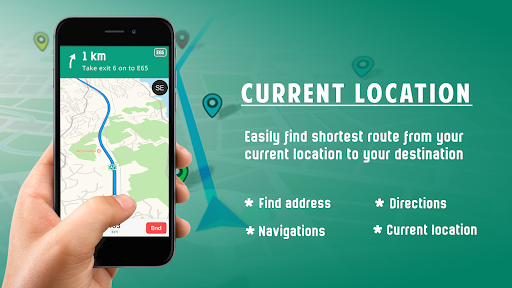
Are you tired of getting lost in unfamiliar cities or wasting time figuring out the best route to your destination? Look no further — GPS Navigation Maps Directions is a comprehensive mobile application designed to make navigation seamless, reliable, and stress-free. Whether you're on a road trip, exploring new places, or just trying to find a nearby coffee shop, this app offers a suite of features tailored to enhance your travel experience. With its advanced technology and user-friendly interface, GPS Navigation Maps Directions provides both offline and online navigation options, ensuring you stay on course no matter where you are. The app’s robust features include **live online maps**, **downloadable offline maps**, accurate **driving directions**, and real-time **traffic updates**, making it an essential tool for drivers and travelers alike.One of the standout attributes of this app is its ability to deliver **real-time traffic information**. By constantly updating your route based on current road conditions, it helps you avoid congestion and save valuable time. The integrated **weather alerts** also contribute to better planning, especially during unpredictable weather conditions. You can easily monitor weather changes that might impact your journey, ensuring safety and comfort.The app goes beyond basic navigation by offering helpful travel tools such as a **translator**, **GPS speed meter**, and a **sound meter**, all designed to assist your journey. Imagine having a **digital compass** at your fingertips, or sharing your current location with friends and family, which adds an extra layer of convenience and safety. Using GPS Offline Maps with Navigation and Directions, you can generate detailed routes with step-by-step guidance, even without an internet connection. This feature is perfect for remote areas or international travel where cellular service might be limited. You can view maps in various modes—standard, hybrid, satellite, or traffic view—to better visualize your surroundings. Additionally, the app provides **street view** where applicable, giving you a visual orientation of your route.Searching for destinations is quick and easy. You can click directly on the map or type in a location to get directions. For added convenience, the app displays the **distance to your destination** and provides detailed routing information. The **voice-guided navigation** ensures you don't have to constantly look at your screen—just listen and follow the directions as your personal GPS guide. This feature is perfect when driving, biking, or walking in unfamiliar areas.This navigation app also features a **history option**, allowing you to revisit previously searched locations. Plus, it maintains a **list of favorite places** like airports, restaurants, hospitals, cafes, bars, cinemas, and popular food spots nearby, so you can find what you need swiftly.Another impressive aspect is the app’s adaptability to different viewing preferences. Users can toggle between **day and night modes**, choose map types like **standard**, **hybrid**, or **satellite views**, and customize their navigation experience according to their preferences. The app's update frequency ensures users always have the most current map data, traffic info, and points of interest.In summary, GPS Navigation Maps Directions is more than just a simple map app — it's your personal travel assistant that helps you find the **fastest route**, navigate with **voice assistance**, and explore the world with confidence. Its comprehensive features, real-time updates, offline capabilities, and user-focused design make it an excellent choice for everyday commutes and adventurous expeditions alike.Next time you set out on a journey, rely on GPS Navigation Maps Directions to guide you there smoothly and efficiently. With this app in your pocket, you'll always be just a tap away from discovering new places or reaching your destination quicker than ever before.
Pros
- Intuitive interface makes navigation straightforward
- Delivers live traffic information
- Allows offline map access to conserve data
- Features voice-guided directions
- Supports multiple languages for broader usability
Cons
- Drains battery quickly
- Frequent advertisements can be disruptive
- Limited options for customization
- Maps can sometimes be inaccurate
- Needs a constant internet connection for updates











