



Introduction to FlashGo: Fake GPS Location App
Imagine being able to change your phone's GPS location to any place across the globe with just a tap. FlashGo is a revolutionary app designed to fulfill this fantasy, providing users with a seamless way to manipulate their device’s GPS settings. Whether you’re an avid traveler, a developer testing location-based functionalities, or simply someone who wants to prank friends, this app offers a wealth of features to make your virtual travels believable and fun.
Key Features of FlashGo
Universal Compatibility and Ease of Use
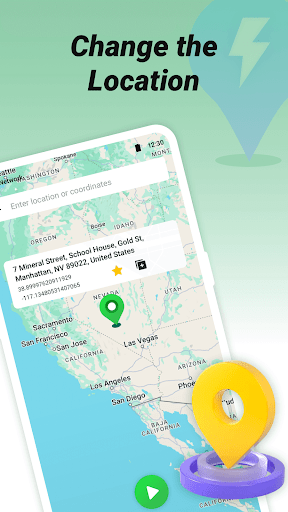
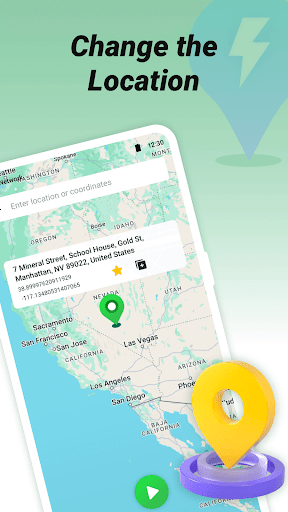
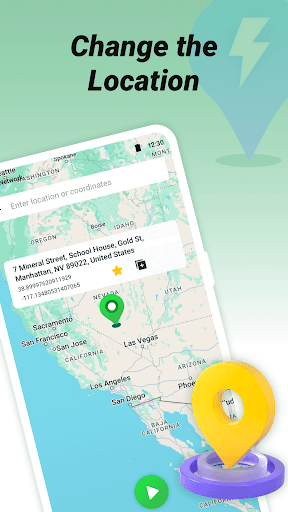
One of the most impressive aspects of FlashGo is its support for all devices and phone brands, without any restrictions based on Android system versions. It works even when the app is running in the background, ensuring continuous location spoofing. The intuitive interface immediately guides users to select a location on the map, enter a desired spot, and push the button to activate the change with ease.
Advanced Route Mode and Customization
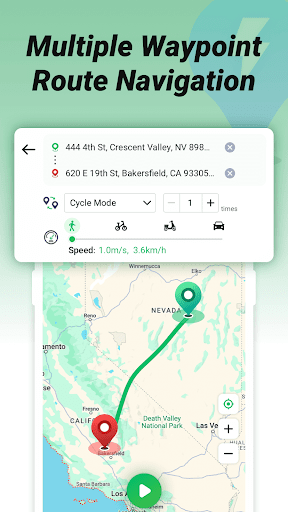
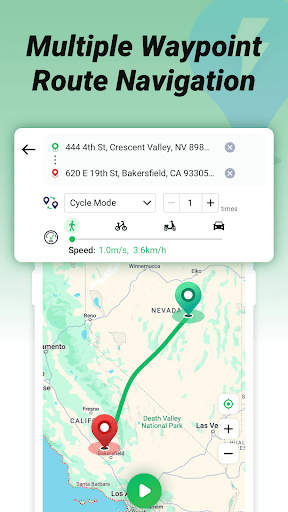
Not just limited to static locations, FlashGo introduces a sophisticated route mode, enabling you to set multiple waypoints and generate an optimized route. You can choose different modes such as driving, walking, or cycling, and set specific speeds for each. This feature is ideal for simulating realistic movement along a path, making GPS spoofing incredibly convincing for location-based apps or games.
Privacy Protection and Instant Location Jumping
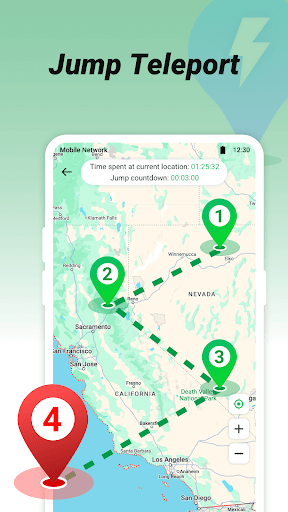
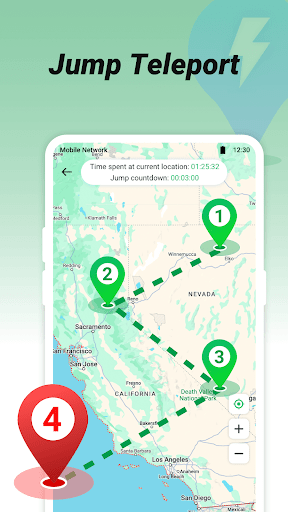
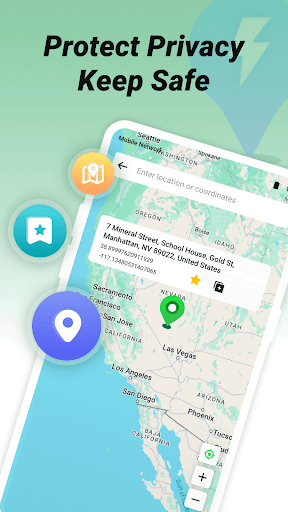
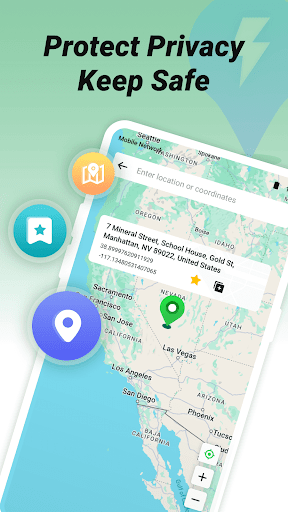
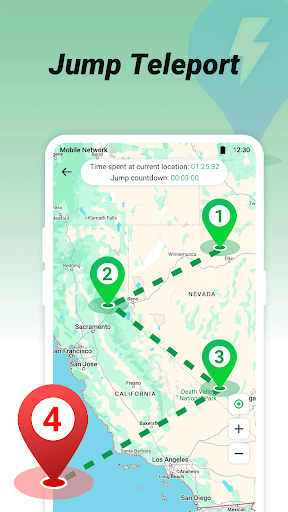
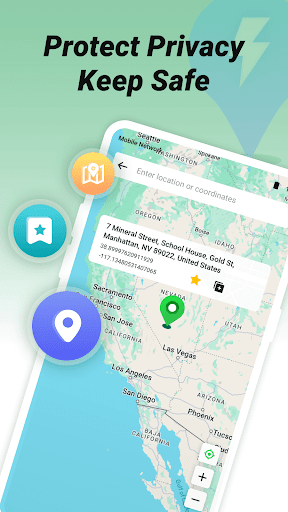
Your location privacy is safeguarded as the app effectively hides your real GPS. With the powerful Jump Teleport Mode, you can instantly transfer your phone to any point worldwide with a single click. This instant teleportation feature is perfect for quick virtual visits, saving you time and effort while exploring new spots or testing local apps.
Additional Functionalities
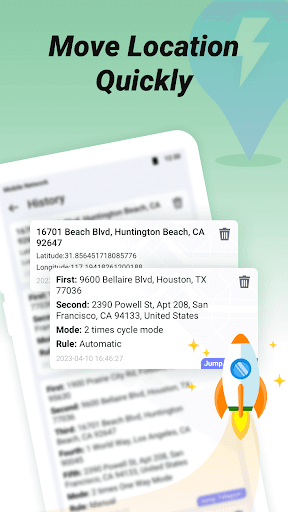
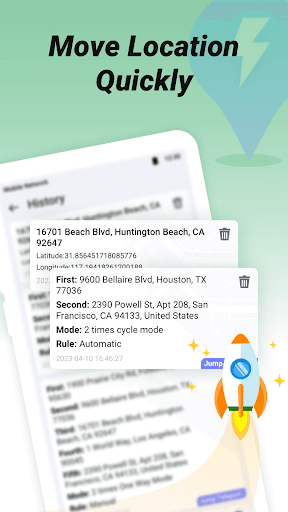
Other notable features include support for location history and favorite locations, making it easy to revisit your preferred spots. You can also manually control your virtual movement using the joystick mode for more precise and dynamic navigation. Various modes and speeds allow you to customize the experience based on your needs, whether for casual fun, safety testing, or app development.
How to Use FlashGo
Getting started with FlashGo is straightforward:
- Select your desired location on the map or enter an address.
- Press the start button.
- The app injects a fake GPS signal into your device’s system, making it appear as if you’re physically present in the chosen spot.
For route creation, simply add multiple waypoints, customize the travel mode and speed, and let the app optimize the path for you. Whether you want to travel virtually around the world or make your location mimic walking, cycling, or driving speeds, FlashGo makes it possible with just a few taps.
Why Choose FlashGo?
If you’ve ever dreamed of teleporting to exotic locations or conducting location-based testing without physically being there, FlashGo offers an effortless solution. Its simplicity combined with powerful features sets it apart from other fake GPS apps. You don’t need to be an expert to navigate its functions, and its robust performance handles various scenarios, from casual prank-playing to technical testing.
In an era where our phones are integral to daily life, tools like FlashGo add a layer of fun, utility, and flexibility. Use it responsibly, and enjoy the freedom to explore the world virtually—anywhere and anytime.
Pros
- Ability to customize location preferences
- Easily bypass geographical restrictions
- Intuitive and easy-to-use interface
- Compatible with both Android and iOS devices
- Useful for app testing purposes
Cons
- May infringe upon terms of service
- Potential for account suspensions
- Consumes battery life rapidly
- Necessary to enable developer mode
- Possible privacy concerns











