

Introducing FlashGet Kids:Parental Control
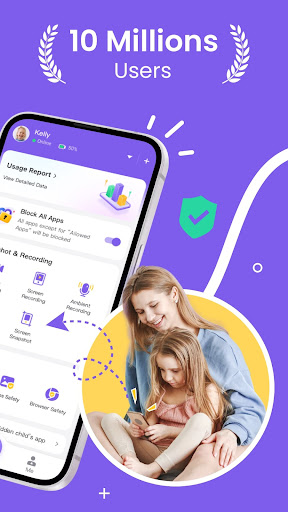
< p>< strong>FlashGet Kids parental control is a comprehensive remote control software designed specifically for parents who want to stay connected with their children’s digital lives. With just one account, parents can efficiently track their child's real-time location and monitor their online activities directly through their smartphone. This powerful app aims to promote online safety, cultivate healthy device usage habits, and provide peace of mind for parents navigating the digital landscape alongside their kids.
What Can FlashGet Kids Do?
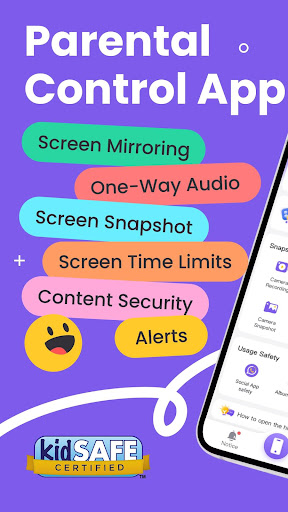
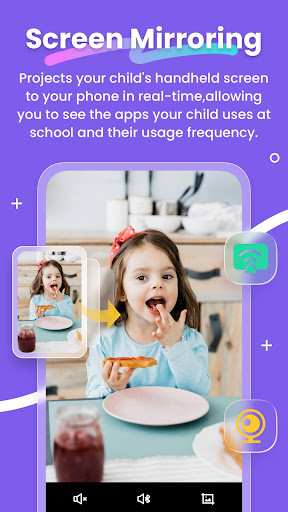
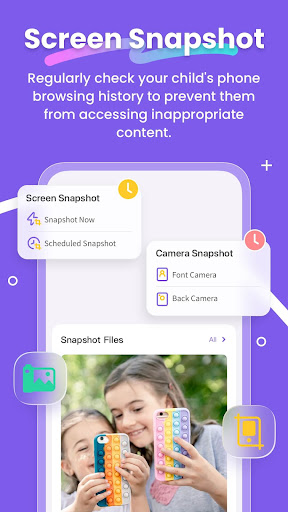
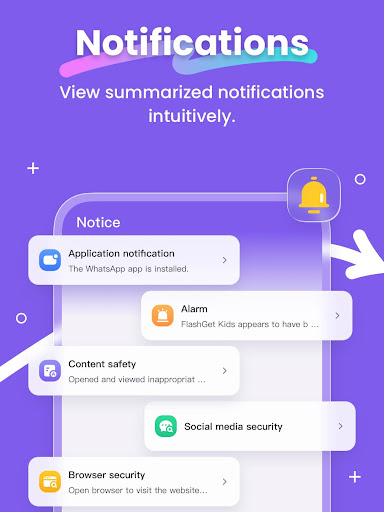
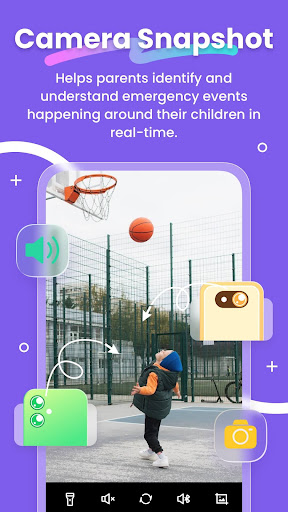
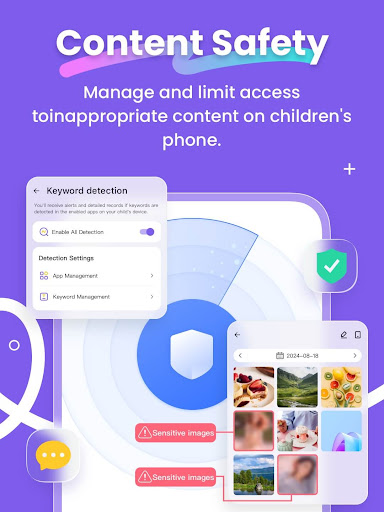
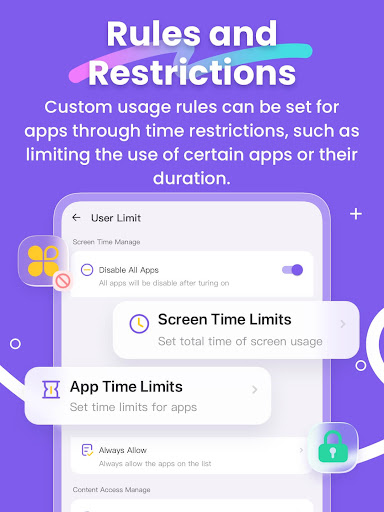
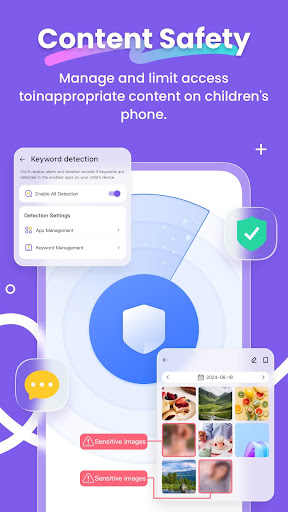
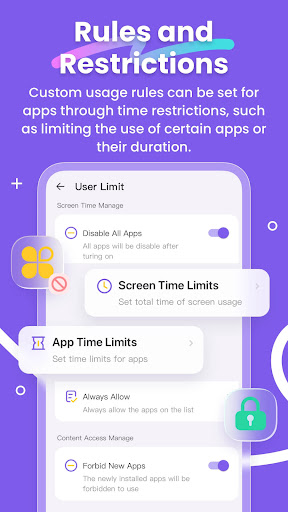
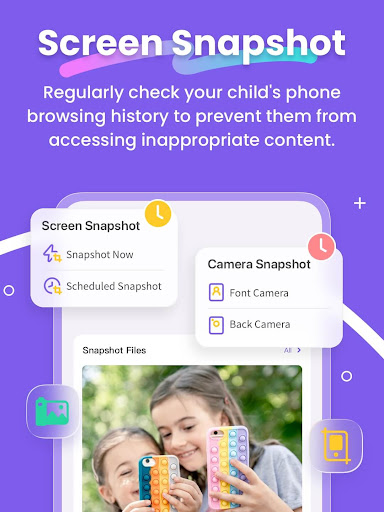
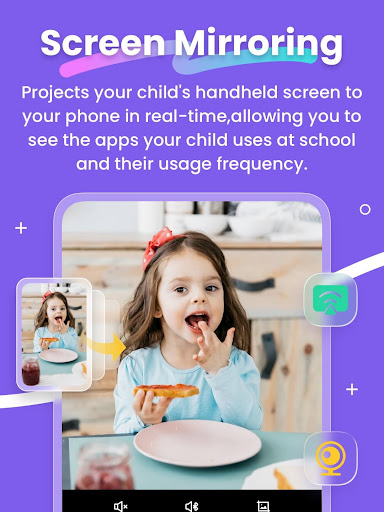
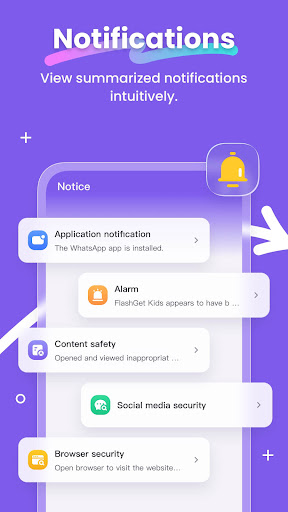
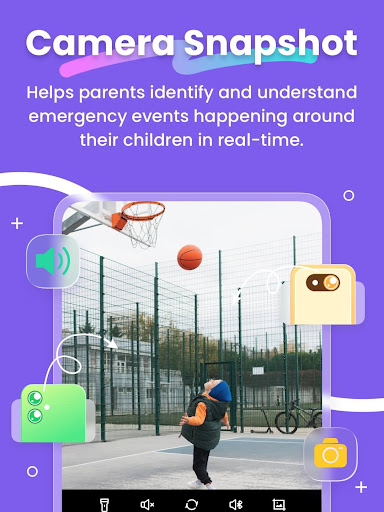
< p>This versatile parental control app offers a range of features to ensure your child's safety and responsible device use. First, through intelligent content management, parents gain insight into how children engage with their devices. The app allows for screen time management and application usage control, creating a safe online environment free from dangers such as pornography, scams, bullying, or even cybercrime. Additionally, it generates detailed usage reports for parents to review, helping them better understand their child’s digital habits.< p>Moreover, the app provides a Live Location function, enabling real-time tracking of your child's device location. Parents can set up geo-fences, receiving notifications whenever their child enters or leaves designated zones—an excellent tool for enhancing safety during outdoor activities or school runs.< p>Another key feature is the Remote Camera/One-Way Audio function, which allows parents to view their child's surroundings in real time, helping identify potential safety issues. Coupled with sync app notifications, parents can stay informed about social media chats, aiding in the prevention of cyberbullying and online fraud.
Product Features
< ul>Real-time understanding of your child's device usage Alert reminders for location tracking and GEO-Fencing Remote view and management of your child's device activities Discover and limit access to inappropriate content
Getting Started with FlashGet Kids
< p>Activating FlashGet Kids is straightforward:< ol>Install FlashGet Kids on your device Connect to your child's device using an invitation link or code Link your account to your child's device to enable monitoring
Privacy and Support
Your privacy is important. Refer to our Privacy Policy and Terms of Service for detailed information on data handling and user rights. If you need assistance, our support team is ready to help—simply contact us via email at help@flashget.com.
Why Parents Love FlashGet Kids
< p>Managing children’s digital lives can be challenging. That’s where FlashGet Kids: parental control comes into play—a trusted app that empowers parents with essential tools for maintaining oversight and ensuring online safety. It’s ideal for busy parents seeking a hassle-free solution for controlling screen time, reviewing app usage, and tracking their children’s whereabouts without being intrusive.< p>The app’s intuitive setup makes it easy to install and connect both your device and your child's device. Once configured, parents can effectively set daily screen time limits and block inappropriate applications. If you are concerned about your child's online environment, this app provides peace of mind by helping you prevent access to harmful content. Plus, the location tracking feature ensures you always know where your kids are, giving you peace of mind during their outdoor play or school commute.< p>Another highlight is the tasks and rewards feature — a smart way to encourage constructive digital habits. Assign tasks for your child, and reward responsible device use with additional screen time or rewards, fostering healthy online behavior and time management skills. The detailed usage reports give insights into how long and which apps your child interacts with, enabling informed decisions about their digital diet.
In Conclusion
< p>Overall, FlashGet Kids: parental control is an invaluable tool for parents aiming to keep their children safe in the digital age. Its features—ranging from real-time location tracking and content management to task setting and detailed reports—make managing your child's device usage straightforward and effective. Whether you’re concerned about online safety, screen time, or fostering responsible habits, FlashGet Kids offers a reliable solution. Give it a try and experience how easy it is to supervise and guide your child's digital journey with confidence.
Pros
- Intuitive interface suitable for parents
- Ability to set personalized screen time restrictions
- Location tracking in real-time
- Features ensuring safe browsing online
- Simple to block applications
Cons
- Dependence on a continuous internet connection
- Few features available without payment
- Potential rapid battery consumption
- In-app purchases may be expensive
- Possible privacy concerns for children











