

Fake GPS Location-GPS JoyStick: Your Ultimate Location Spoofing Tool
Are you curious about how to effortlessly spoof your device’s location for fun, testing, or gaming? The Fake GPS Location-GPS JoyStick app is a powerful and user-friendly solution designed to help you simulate your whereabouts instantly. Whether you want to trick location-based apps, prank friends, or explore new virtual destinations, this app offers a wide array of features to make your experience seamless and enjoyable.
Key Features of Fake GPS Location-GPS JoyStick
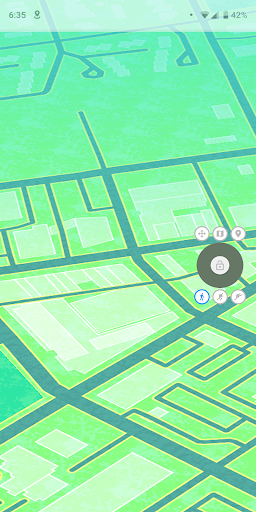
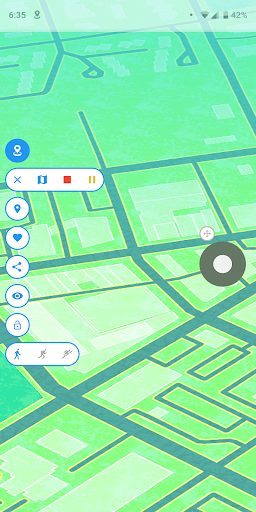
This app turns your mobile device into a versatile virtual GPS tool packed with features that cater to both casual users and tech enthusiasts. With instant GPS location change capabilities, you can set your desired location anywhere in the world, from bustling cities like New York or London to remote exotic spots. The app's standout JoyStick option offers a simple, fun, and interactive way to manipulate your position in real-time, giving you full control over your virtual location.
Easy Setup and Compatibility
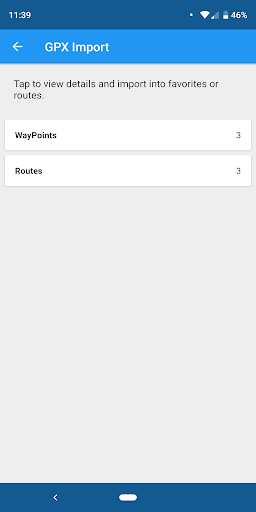
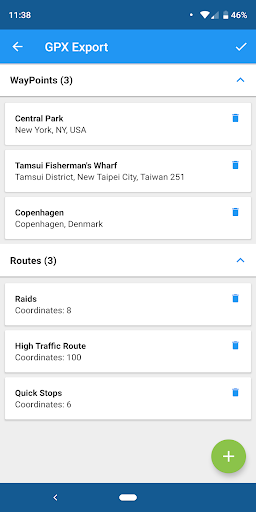
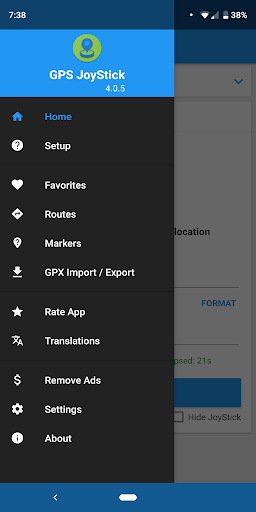
Getting started is straightforward. After installing the app, you’ll find an intuitive interface guiding you through enabling "mock locations" on your device. Detailed FAQ instructions are available to assist with setup, ensuring you’re ready to use the app without hassle. The app supports importing and exporting GPX files, making it easy to load routes, manage favorites, and preserve your custom locations.
Powerful Location Control and Customization
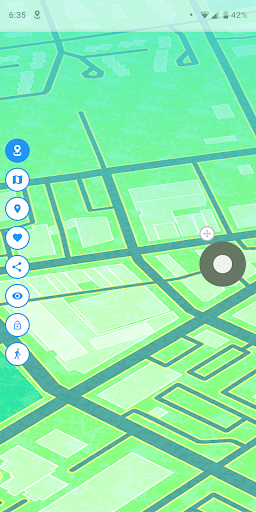
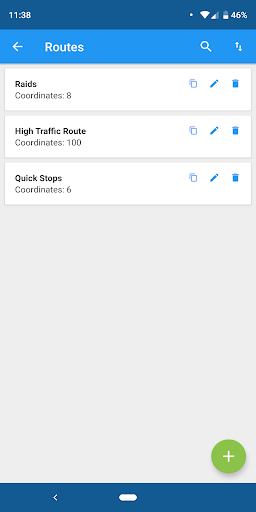
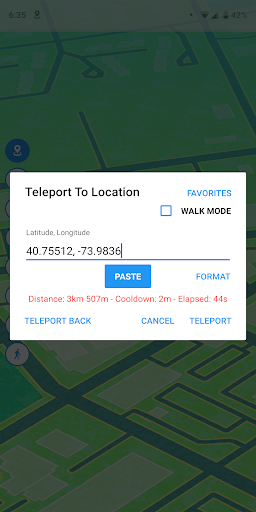
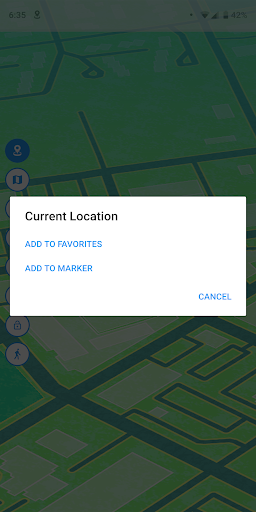
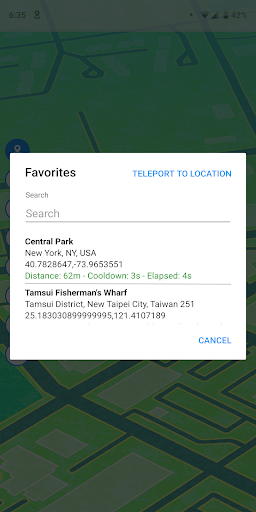
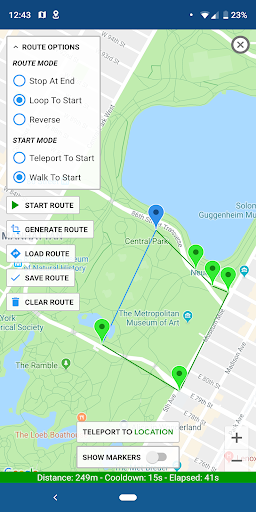
Once set up, you can select your current location or explore anywhere in the world using the map or the joystick interface. Enter precise latitude and longitude values to teleport instantly. The app enables you to change your location in any direction simply by moving the joystick, making location testing more dynamic. You can also create routes with multiple points—ideal for simulating walking, driving, or cycling paths—and save these routes for automatic walking or looping modes.
Advanced Route and Speed Management
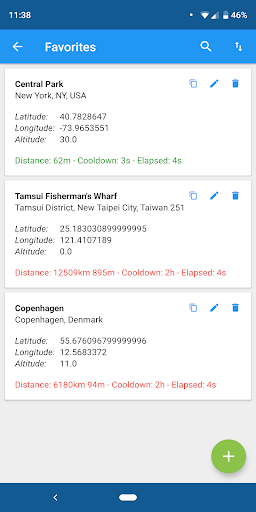
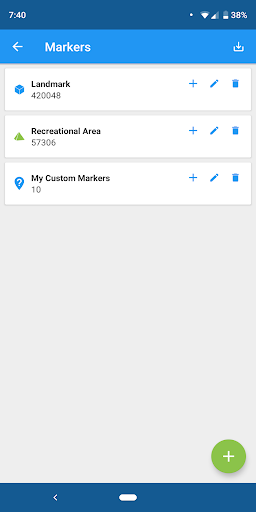
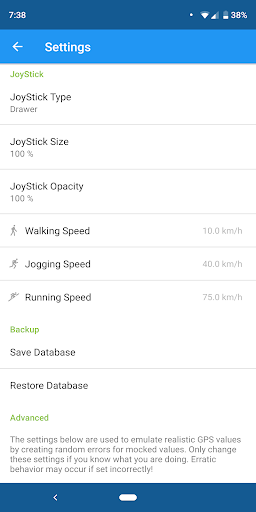
Control your movement speed with up to three customizable speeds and use features like loop or reverse modes to walk repeatedly along your saved routes. Pause and resume your journeys at any time directly from the joystick. Keep track of your favorite locations and points of interest with dedicated markers, and utilize import/export options for your route data to ensure all your preferred spots are easily accessible.
Additional Customization Options
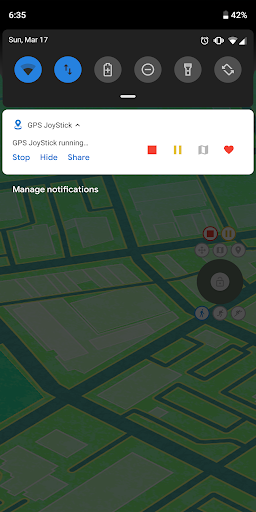
The app offers extensive settings, including size, type, and opacity customization for the joystick, along with multiple options for realistic GPS variance to make spoofing look more authentic. Distance and cooldown time information are displayed to help you monitor your routes effectively. Plus, you can hide or show the joystick through a convenient notification toggle, enabling a cleaner screen experience.
Why Choose Fake GPS Location-GPS JoyStick?
This app is ideal for gamers, developers, or casual users interested in testing location-based applications or simply having fun. Its user-friendly interface makes setup a breeze, while its powerful features provide precision control over your virtual position. Whether you're trying to access geographically restricted content, prank friends, or simulate movement for augmented reality games, Fake GPS Location-GPS JoyStick empowers you with the tools needed to manipulate your device’s location convincingly.
Conclusion
In a digital world where location data opens doors to countless opportunities, the Fake GPS Location-GPS JoyStick app offers a reliable, customizable, and enjoyable way to take control of your device’s geolocation. With features like instant teleportation, route creation, real-time movement control, and extensive personalization settings, this app ensures you can explore the virtual world on your terms. Whether it's for practical testing, entertainment, or curiosity, this versatile application is a must-have for anyone looking to push the boundaries of mobile location simulation.
Pros
- User-friendly interface facilitating easy navigation.
- Enables location spoofing without requiring device rooting.
- Offers customizable location options and speed settings.
- Compatible with both Android and iOS operating systems.
- Regular updates to improve app stability and performance.
Cons
- May consume battery life more rapidly than usual.
- Possible interference with other location-based applications.
- Some features are accessible only through in-app purchases.
- Not accessible in every country or region.
- Potential legal risks if used for illicit activities.











