Introducing DRIVE Electric for Tesla: Your Ultimate Tesla Control App
Ever wondered how to manage your Tesla seamlessly? DRIVE Electric for Tesla is a revolutionary smartwatch application designed specifically for Wear OS devices. This app transforms your smartwatch into a powerful, reliable key capable of communicating with your vehicle via NFC, Bluetooth, and internet access. Whether you're locking or unlocking your car, starting the drive, or checking its status, DRIVE Electric for Tesla offers a convenient and efficient way to control your Tesla right from your wrist.
Key Features of DRIVE Electric for Tesla
Versatile Access Options
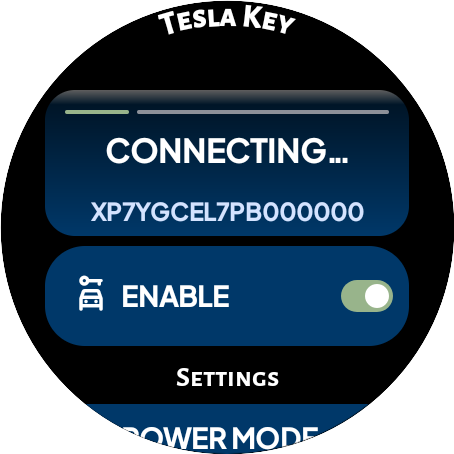
The app supports NFC and Bluetooth access, allowing you to unlock and start your vehicle effortlessly when you're nearby. You can pair your watch as a digital key card and tap the b-pillar to lock or unlock the doors, providing a seamless, keyless entry experience.
Remote Control Capabilities
With an optional subscription, you can gain remote internet access to your Tesla, enabling you to send commands and check vehicle status from anywhere. This feature is especially useful for those who want to monitor or operate their vehicle without being nearby.
Security and Privacy
The app is designed to prioritize security, ensuring that your credentials remain confidential. It communicates directly with Tesla's servers or the vehicle itself via NFC or BLE without proxying or sharing data through third-party servers. Users can enable optional PIN code protection for added security.
Quick Access and Convenience
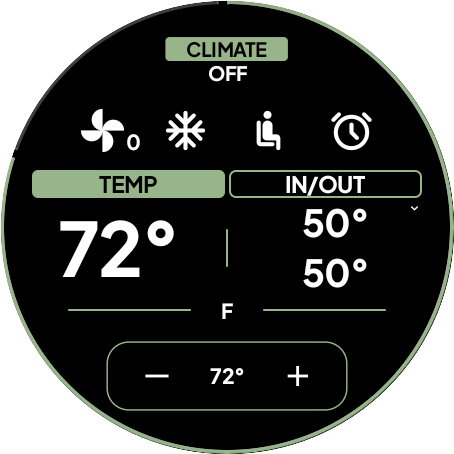
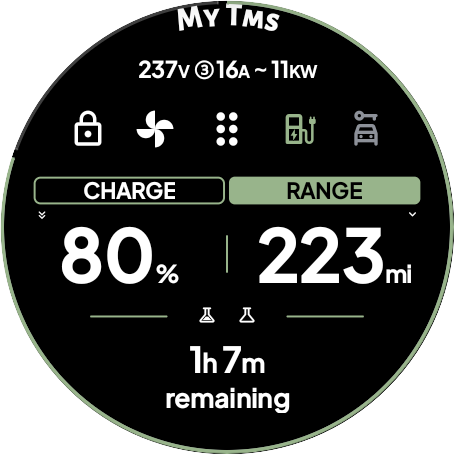
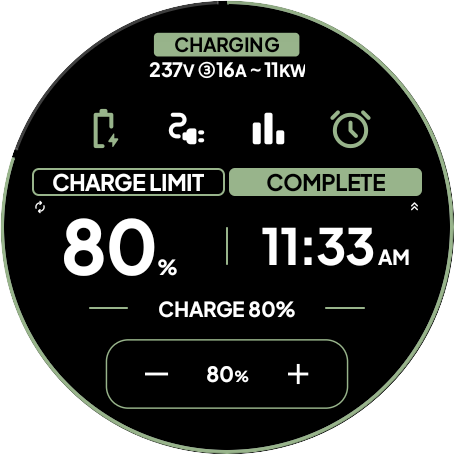
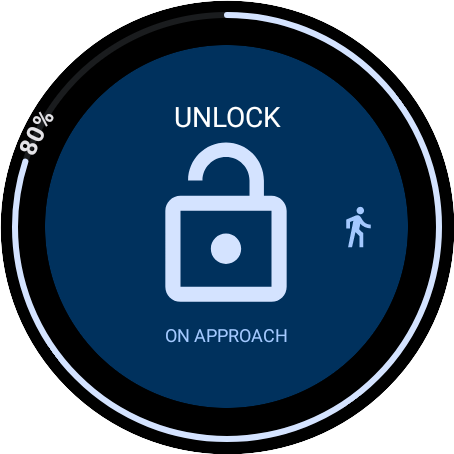
Six distinct tiles provide rapid access to common commands. The watch complication displays battery levels or remaining charge time, helping you plan your trips better. When approaching your vehicle, you can delay commands with the On Approach feature—perfect for situations like carrying groceries.
Additional Functionalities
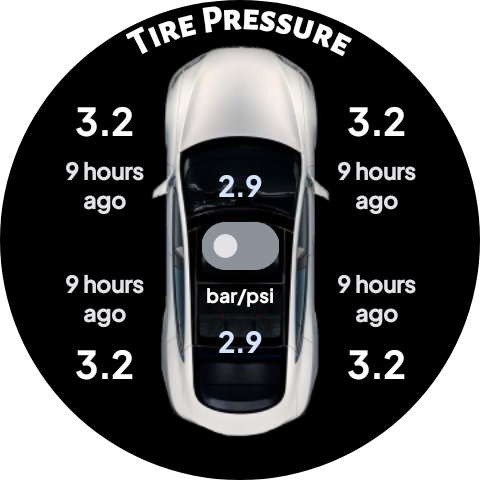
Most commands available in the official Tesla app are supported over BLE. The app also offers map and compass views to locate your parked vehicle. For enhanced security, users can set up PIN codes and enjoy more control over their vehicle's operations.
Important Notices and Updates
Announcement: Tesla’s recent decision to charge developers for access to the Fleet API starting February 2025 will impact remote access features. The basic app will work near the vehicle using NFC or Bluetooth, but remote internet access will require a premium subscription. This subscription helps cover developer costs and does not generate profit for the app’s creator. Be sure to read the disclaimer and ensure your vehicle supports the necessary hardware before subscribing.
Note: Tizen OS and unsupported models will not be compatible. Always keep your official Tesla app available as a backup, as API access might change or be revoked without notice.
Getting Started with DRIVE Electric for Tesla
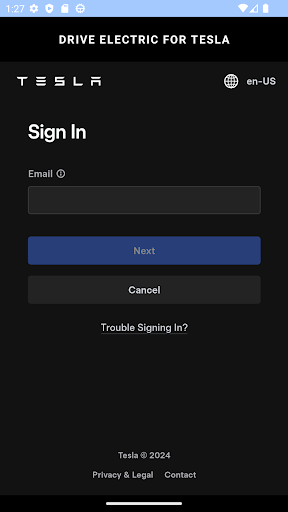
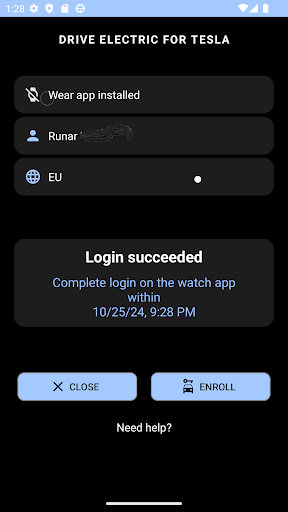
Before diving in, review the FAQ section to familiarize yourself with setup instructions, login information, and best practices. Important considerations include enabling location permissions and ensuring your Tesla model supports NFC and BLE, such as Model 3, Model Y, and 2021 S/X onwards.
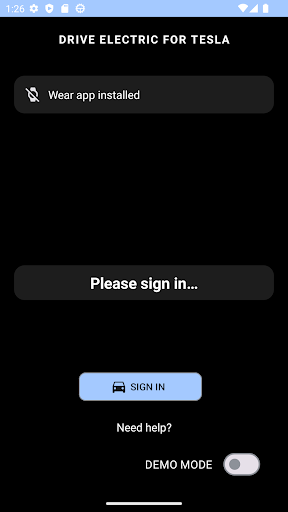
Remember, demo mode simulates vehicle interactions in Oslo, Norway, and does not connect to a real car. For real use, ensure proper setup and hardware compatibility.
Why DRIVE Electric for Tesla is a Must-Have
If you own a Tesla, this app becomes an indispensable tool, streamlining vehicle management and elevating the ownership experience. Its intuitive interface makes it accessible to both tech enthusiasts and casual users. From monitoring battery charge to remotely starting your car, DRIVE Electric for Tesla offers a comprehensive suite of features designed specifically for Tesla owners who want more control at their fingertips.
By integrating seamlessly with the Tesla ecosystem, this app ensures reliable, fast, and secure access to your vehicle, whether you’re parked in a crowded lot or miles away. It’s an effective way to stay connected with your Tesla, improve convenience, and enhance your driving experience. Consider this app your digital assistant for smarter, safer Tesla ownership.
Pros
- User-friendly interface
- Real-time charging status updates
- Customizable notifications
- Simplifies trip planning
- Provides comprehensive battery health information
Cons
- Limited to Tesla vehicles only
- Premium features require a subscription
- Occasional connectivity problems
- High data consumption
- Lacks offline functionality