

Design Space: DIY with Cricut
Experience the ultimate creative freedom with Cricut Design Space™, the essential app for every craft enthusiast. Whether you're a beginner or a seasoned DIYer, this versatile tool empowers you to design, cut, and draw using your Cricut Explore™ or Cricut Maker™ machines. With a seamless, cloud-based platform, you can start your craft projects from anywhere, at any time, ensuring inspiration never misses you. Connecting effortlessly via Bluetooth®, the app provides a smooth workflow whether you're working from your home studio or on the go.
Intuitive Interface and Easy Setup
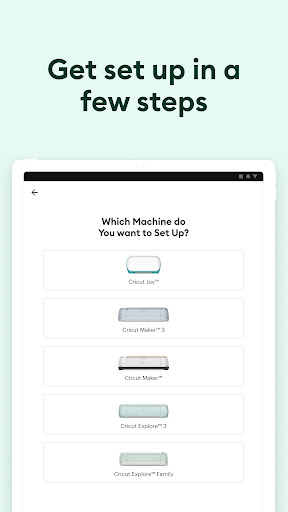
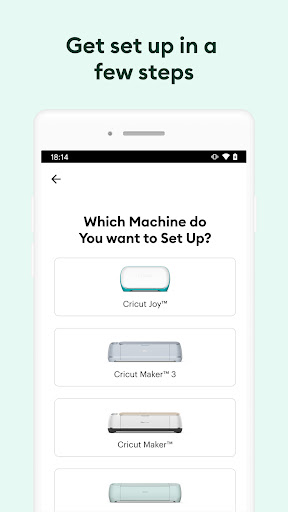
Right from the moment you launch Design Space: DIY with Cricut, you'll notice its user-friendly interface designed for simplicity and ease of use. Setting up your new Cricut device is straightforward, guiding you through each step to activate your machine at cricut.com/setup. No matter your technical skill level, you'll find it effortless to navigate and start creating. The app's intuitive layout makes jumping into your first project feel natural and enjoyable.
Vast Library of Designs and Customization
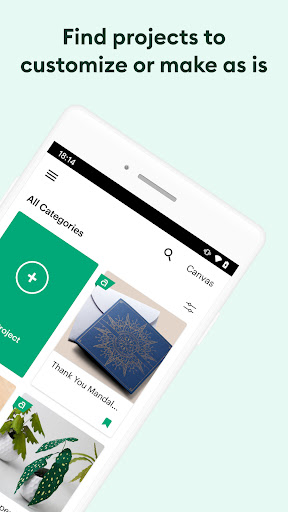
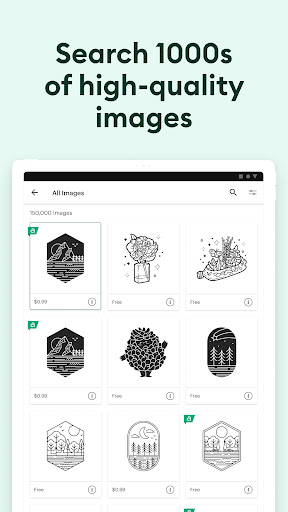
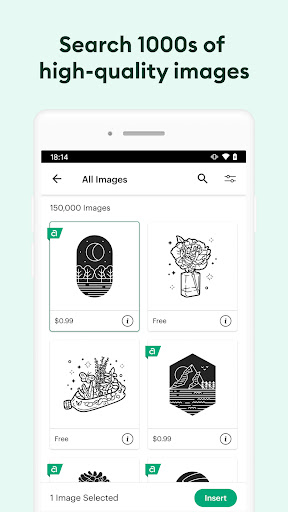
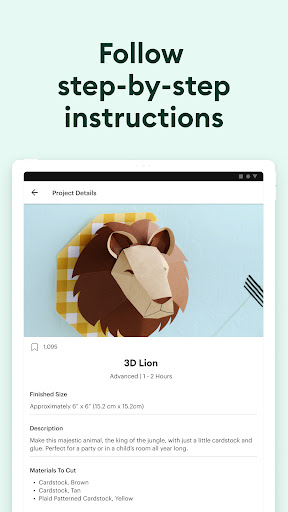
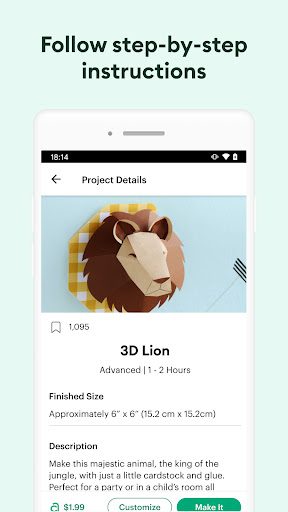
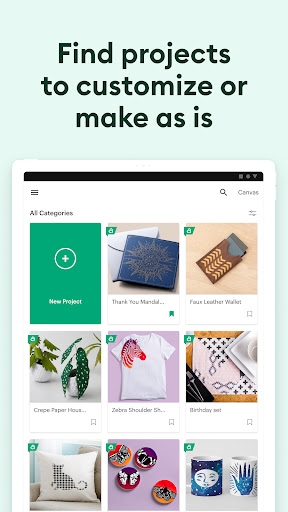
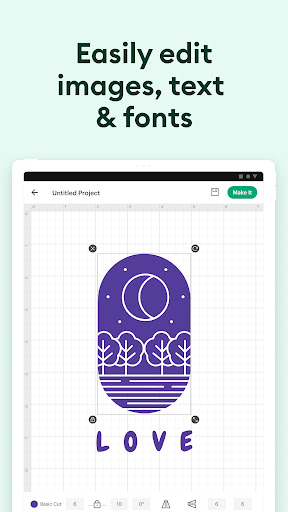
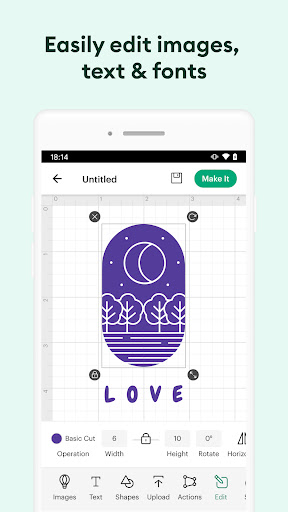
One of the app's standout features is its extensive library of images, fonts, and ready-to-make projects. Choose from thousands of pre-designed options or unleash your creativity by creating original designs from scratch. The ability to upload your own images allows for unparalleled personalization—transforming everyday items into uniquely crafted masterpieces. Whether you're designing custom T-shirts, home decor, or personalized gifts, this app makes each project truly one-of-a-kind.
Seamless Cloud Integration and Connectivity
Work smarter with the app’s cloud-based sync, enabling you to store and access your projects seamlessly across multiple devices. Start designing on your smartphone and finish on your tablet or computer without any hassle. The secure Bluetooth® connection ensures you can operate your Cricut machines from the comfort of your couch or workspace, providing complete flexibility for your creative process.
Enhanced Features for Improved Crafting
Upgrade your experience with new features like kerning, spell check, and support for right-to-left text. These advanced tools enable more precise and professional-quality designs, perfect for intricate projects. To access these enhancements, ensure your device runs on Android 9 or above, keeping you at the forefront of crafting technology.
Community Support and Resources
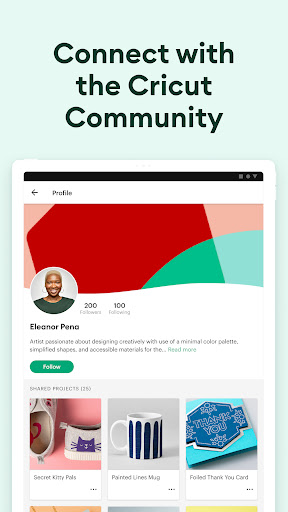
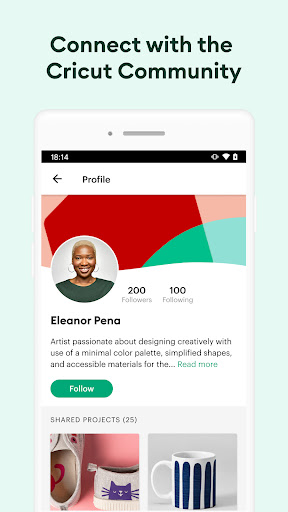
Join a vibrant community of crafters, sharing tips, tricks, and inspiration through the app's integrated network. When you need guidance, the built-in help section and tutorials are at your fingertips, making it easy to learn new techniques or troubleshoot issues. This supportive environment turns your crafting journey into a shared experience, boosting motivation and creativity every step of the way.
Getting Started and Final Thoughts
New to Cricut? No problem! Simply activate your machine and download Design Space: DIY with Cricut to begin your crafting adventure. Whether you're creating custom apparel, personalized home decor, or unique gifts, this app simplifies the process, making sophisticated design accessible to everyone. Dive into the world of DIY projects today and let your creativity soar with Cricut's powerful, easy-to-use platform.
Pros
- User-friendly interface suitable for beginners.
- Offers a wide range of design templates.
- Integrates seamlessly with Cricut machines.
- Provides regular updates with new features.
- Allows offline design creation.
Cons
- Some features are available only through a subscription.
- App occasionally experiences crashes.
- Limited number of free templates.
- Large file sizes consume significant storage space.
- In-app purchases can be expensive.











