



Introduction to Canopy - Parental Control App
Canopy is a comprehensive parental control app designed to help families navigate the digital landscape safely and responsibly. In today’s connected world, children and teens are exposed to a myriad of online content, some of which may be inappropriate or potentially harmful. Canopy empowers parents to monitor and manage their children’s online activity effectively while fostering healthy digital habits. With an array of innovative features—such as real-time content inspection, porn blocker, and location tracking—Canopy creates a safer, more positive online experience for the whole family.
Key Features of Canopy
Real-Time Smart Filter & Porn Blocker
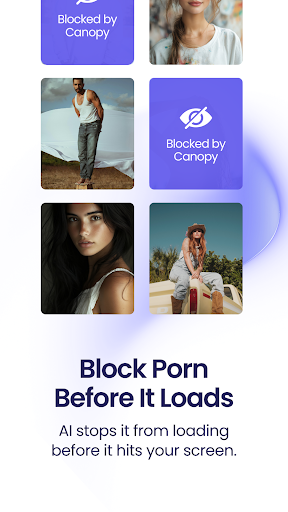
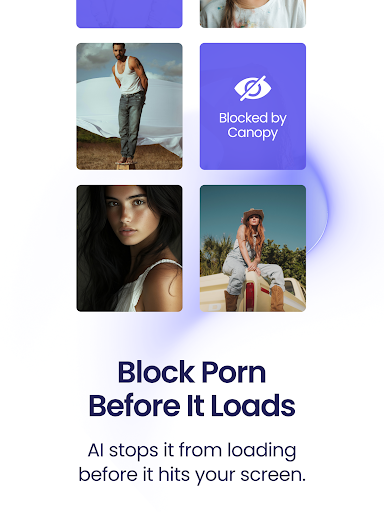
Harnessing the power of artificial intelligence, Canopy’s advanced smart filter instantly inspects images, videos, and websites before they appear on your child’s device. This porn blocker is capable of removing explicit and partial nudity content within milliseconds, ensuring children are not exposed to unsafe material. Importantly, the AI is designed to distinguish between harmful and safe browsing content, allowing kids to access appropriate material without unnecessary restrictions.
Sexting Alerts
Canopy’s sexting alert feature monitors the device’s camera to prevent children from sharing inappropriate photos. If a risky or inappropriate photo is detected, parents receive an immediate notification. This proactive measure helps in safeguarding children from potential digital exploitation and encourages open conversations about online safety.
Screen Time Management
Managing screen time is vital for healthy development. Canopy allows parents to set specific Downtime periods and overall usage limits to regulate when and how long their children can access the internet. These controls help establish boundaries, promote balanced device use, and reduce exposure to digital overload.
Removal & Website Management
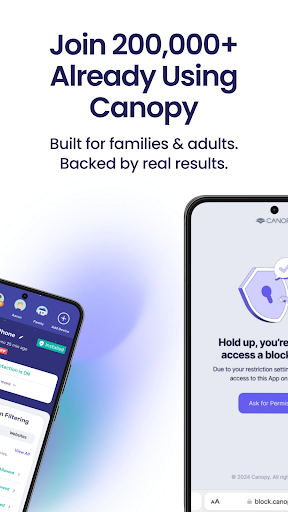
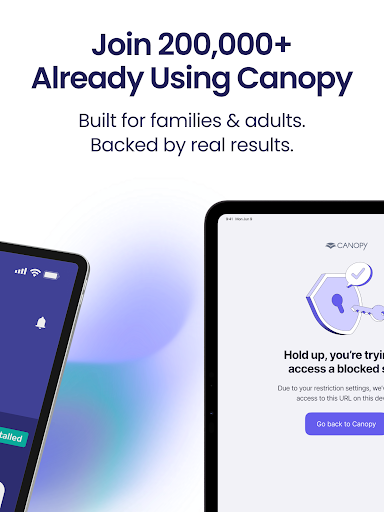
Parents get removal alerts whenever their child attempts to disable or uninstall Canopy. Additionally, they can create a customized list of blocked or allowed websites, tailoring the browsing environment to suit their family’s values and rules.
Location Awareness & App Control
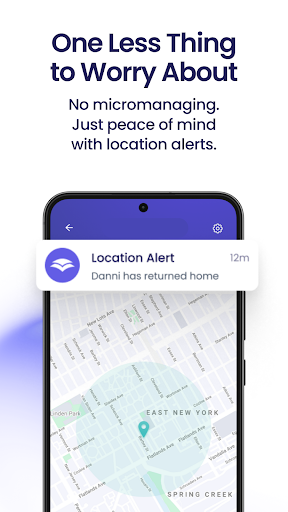
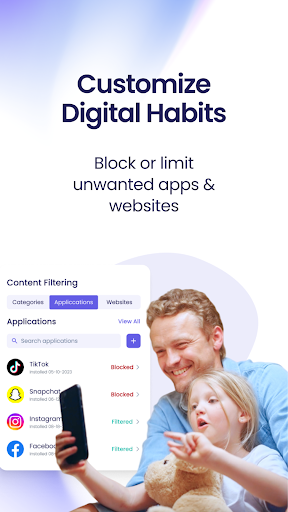
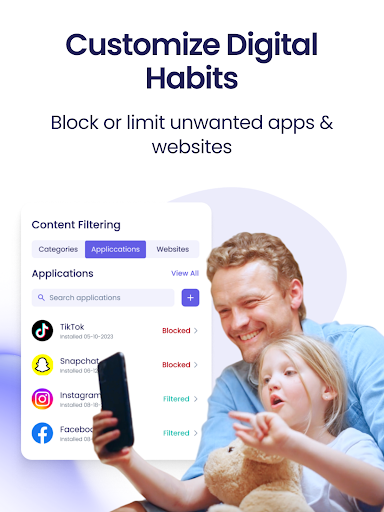
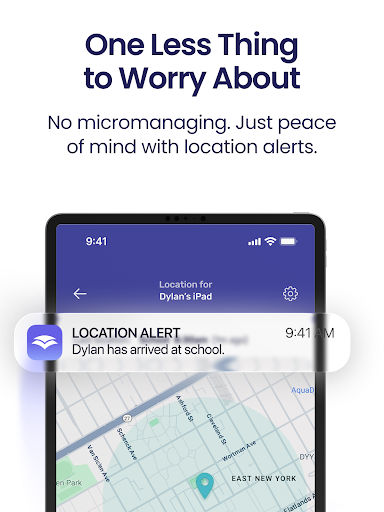
Stay informed about your child's whereabouts with real-time GPS tracking. This feature provides peace of mind by displaying a detailed map of your child's location. Moreover, app management tools let parents curate and restrict apps and games, preventing access to distracting or inappropriate content.
Monitoring & Notifications
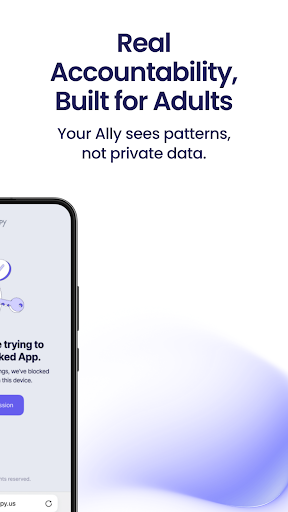
Canopy’s easy-to-use dashboard sends notifications whenever it successfully blocks unsafe content or detects risky behavior. These updates keep parents informed and enable quick responses to potential issues, fostering a transparent and responsible digital environment.
Getting Started with Canopy
To begin protecting your family online, download Canopy and enjoy a free 7-day trial. Subscription options include monthly or annual plans, offering flexibility and value. As the control app for the Canopy Shield, this app must be installed on your device first. Once your account is set up, Canopy guides you through installing Canopy Shield on your child's device—compatible with Android phones and Chromebooks. For parents supervising their own devices, both apps can be installed on the same device.
Why Choose Canopy?
More than just a parental control tool, Canopy functions as a digital partner in responsible parenting. It encourages open dialogue about online safety, promotes healthy tech habits, and respects your child’s privacy. With over 100,000 families worldwide trusting Canopy, this app not only protects but also educates children about responsible digital behavior. Whether you’re tech-savvy or new to parental controls, Canopy’s user-friendly interface and comprehensive features make it a must-have for modern families striving for online safety.
Customer Support & Additional Resources
Have questions? Canopy offers friendly customer support available every day from 12 p.m. to 8 p.m. CT via phone or online help center. For more information, visit the Canopy Help Center. To ensure your privacy and understand the terms of service, review the Terms of Use and Privacy Policy.
Conclusion
In conclusion, Canopy - Parental Control App is a powerful, proactive solution that helps parents guide their children safely through the digital world. By combining real-time content filtering, location tracking, app management, and insightful notifications, Canopy ensures a secure, healthy, and responsible online experience. Take charge of your family’s digital safety today—download Canopy and create a safer online environment for your loved ones.
Pros
- User-friendly interface for easy navigation.
- Real-time location tracking for safety.
- Customizable screen time limits.
- Wide range of content filtering options.
- Compatibility with multiple devices.
Cons
- Requires a monthly subscription for full features.
- Limited offline capabilities.
- May consume battery quickly.
- Reports of occasional app crashes.
- Initial setup can be time-consuming.











