





Overview of the Amazon Alexa App
The Amazon Alexa app serves as a comprehensive tool designed to help users manage their Alexa-enabled devices effortlessly. With the app, you can set up your smart devices, stream music, create shopping lists, stay updated with news, and much more. As you continue to use Alexa, she adapts to your unique voice patterns, vocabulary, and personal preferences, making the experience more personalized and seamless. Whether you’re managing a smart home or seeking entertainment, the Amazon Alexa app is your central hub for all things Alexa-related.
Discover More with Alexa
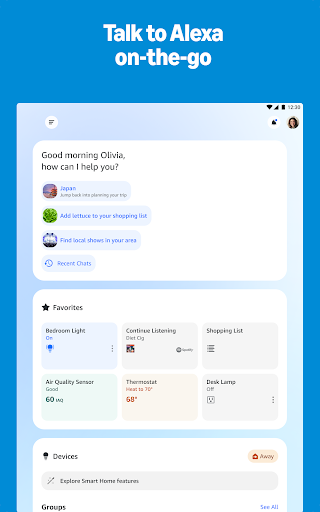
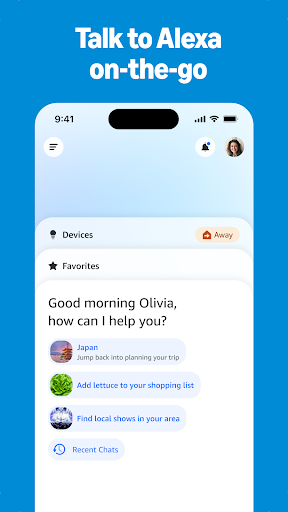
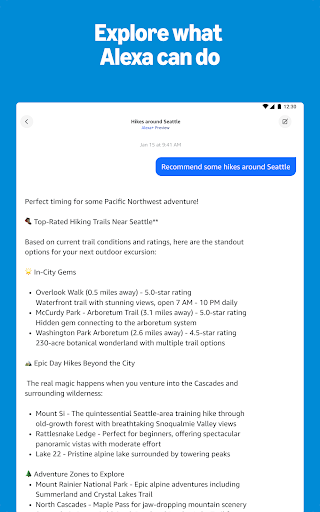
Enhance your interaction with Alexa through personalized feature recommendations tailored to your routines and preferences. Discover and enable recommended Alexa skills to extend functionality and tailor the experience to your needs. The app allows you to pick up where you left off, with quick access to your lists, shopping items, recently played music, and books directly from the home feed, offering a smart and streamlined way to stay organized and entertained.
Manage Your Devices
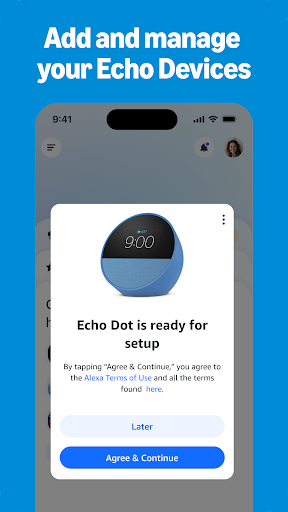
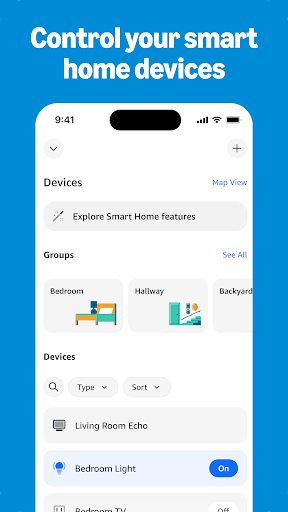
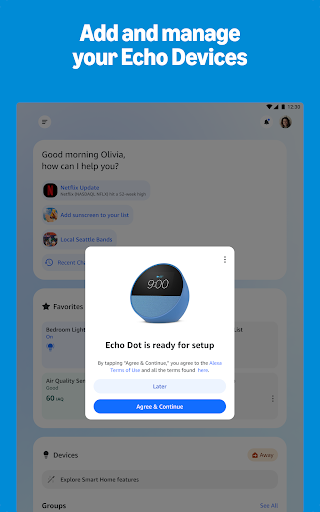
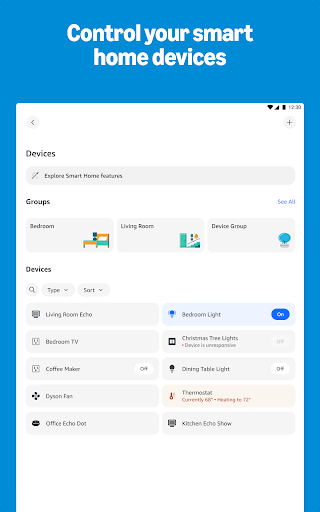
The Amazon Alexa app empowers you to easily set up and control your Alexa-enabled devices. Check the status of compatible smart home gadgets such as smart lights, locks, and thermostats remotely, whether at home or on the go. You can create routines to automate various smart home functions, turning your living space into a truly smart environment, all manageable through the app’s intuitive interface.
Music & Books
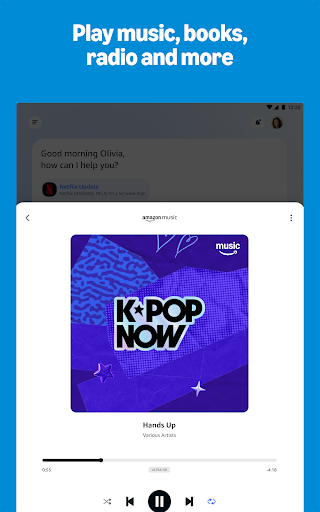
Enjoy your favorite tunes by connecting your Alexa to popular music services including Amazon Music, Pandora, Spotify, TuneIn, and iHeartRadio. Simply ask Alexa to play a specific song or playlist, and enjoy high-quality audio on your Alexa-enabled devices. For a larger listening experience, you can create speaker groups and stream music across multiple Echo devices simultaneously, perfect for multi-room music.
Organize Your Day
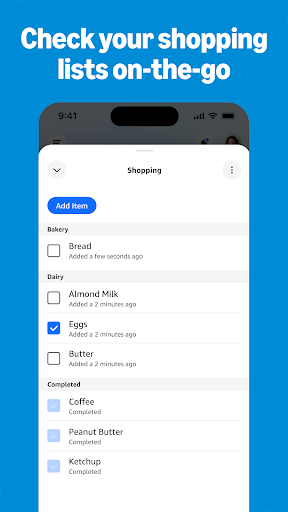
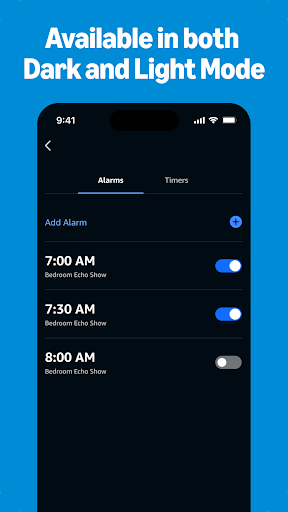
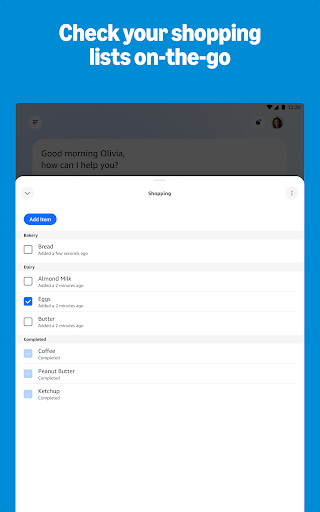
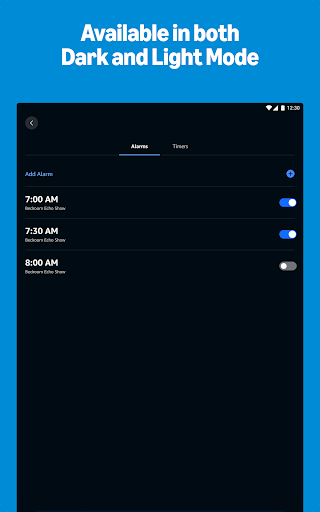
Keep your day organized by viewing and editing shopping lists and to-do lists directly within the app. Get up-to-date weather and news reports, manage timers and alarms, and stay on top of your schedule effortlessly. The app makes daily planning straightforward and accessible no matter where you are.
Stay Connected with Alexa
The Amazon Alexa app includes features like Drop In, allowing instant connection with your compatible Echo devices, functioning as a two-way intercom. You can also make calls or send messages to any supported Alexa-enabled device without additional charges, making communication quick and easy within your smart home ecosystem.
Getting Started with Amazon Alexa
Setting up your Amazon Alexa device is simple. Just plug in your Echo device, download the Alexa app on your smartphone, and follow the step-by-step instructions to connect to your Wi-Fi network. The app features an intuitive design, ensuring even beginners can get Alexa up and running smoothly. Once set up, you can start enjoying a variety of features designed to simplify daily life.
Features that Simplify Your Life
After setup, the Amazon Alexa app unlocks a host of functionalities. Use voice commands to control compatible smart home devices, such as lights, thermostats, and even kitchen appliances like a coffee maker. Alexa can also set reminders and alarms to help you remember important tasks. Manage your shopping lists by simply asking Alexa to add items—"Alexa, add milk to my shopping list"—making grocery shopping more convenient.
Entertainment at Your Fingertips
For music enthusiasts, Alexa provides access to a wide selection of music streaming services and can turn your home into a mini concert hall. Beyond music, Alexa can play games, tell jokes, or read audiobooks, turning your device into a versatile entertainment center. This combination of smart home control and entertainment makes Alexa a valuable addition to any household.
Privacy and Security
Concerns about privacy are understandable, and Amazon respects that. The Alexa app allows you to manage and delete voice recordings easily. Additionally, you can mute the microphone on your device whenever privacy is a priority. These controls ensure you can enjoy the benefits of Alexa while maintaining peace of mind.
Conclusion
In essence, the Amazon Alexa app offers a smart, user-friendly interface to control your smart home, organize your daily routines, and enjoy entertainment effortlessly. Whether you're managing your devices, organizing your schedule, or interacting with your Echo devices, Alexa is designed to be your reliable digital assistant. Its blend of convenience, customization, and privacy makes it a top choice for transforming your home into a more connected space.
Pros
- Extensive compatibility with various smart devices
- Intuitive and easy-to-navigate interface
- Ability to customize routines to suit user needs
- Frequent updates to improve performance and features
- Supports interaction in multiple languages
Cons
- Dependent on a stable internet connection
- Limited functionality without internet access
- Potential for misinterpreting user commands
- Privacy concerns related to voice data collection
- Compatibility issues with certain devices











