

Introducing AirDroid Parental Control: The Ultimate Parenting Companion
Key Features of AirDroid Parental Control
Real-Time Location Tracking
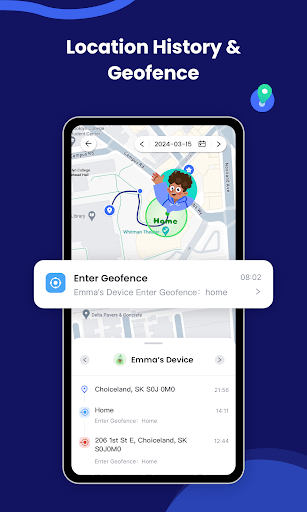
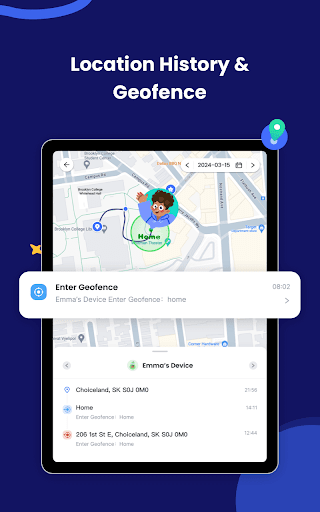
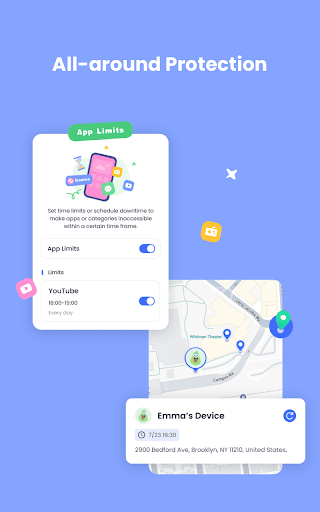
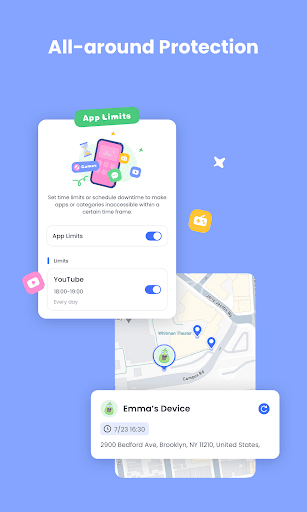
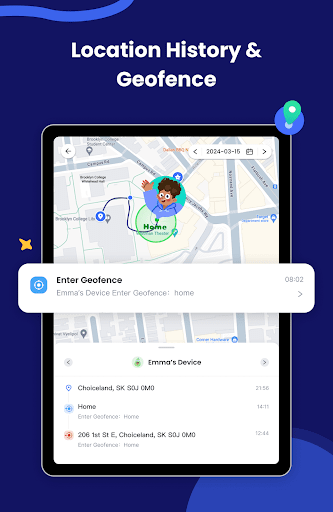
The GPS location tracker feature enables you to see your child's real-time location on a map, giving you peace of mind about their whereabouts. Additionally, the Location alert with geofence capabilities allows you to set safe zones, receiving notifications if your child steps outside designated areas. This feature acts as a digital leash, ensuring your child's safety without being invasive.
Live Screen Monitoring
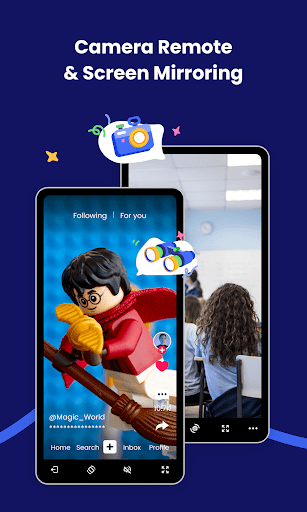
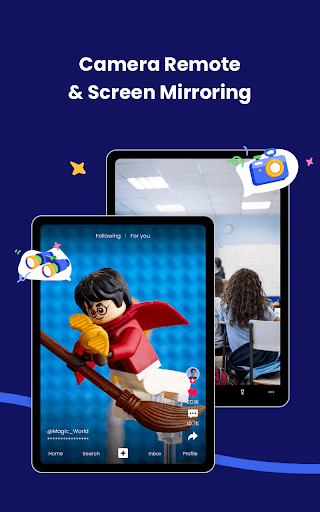
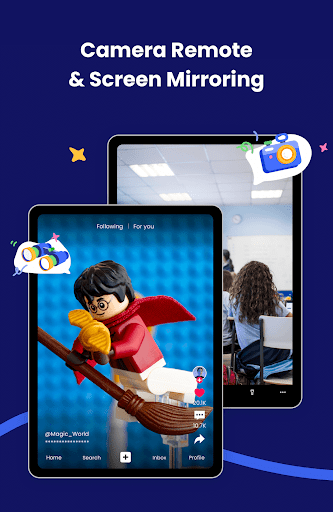
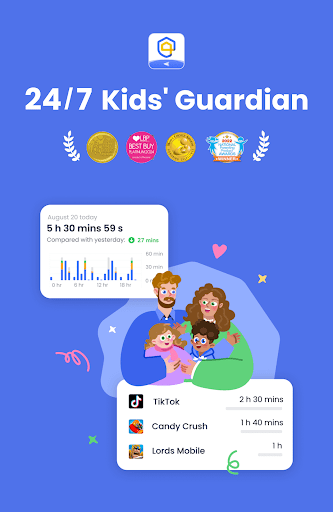
With real-time monitoring, you can cast your child's device screen to your phone. This helps you understand which apps they are using during school or at home and how frequently they access certain platforms. It’s an excellent way to prevent overuse or potential addiction to digital devices.
App Management and Restrictions
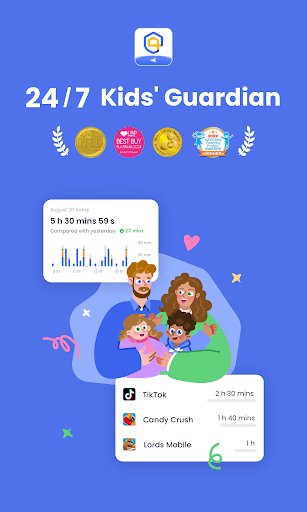
The app blocker feature allows you to set restrictions, ensuring your child only accesses permitted applications. You will be notified if they attempt to install or delete apps, enabling you to manage their digital environment more effectively and maintain healthy online habits.
Online Safety and Cyberbullying Prevention
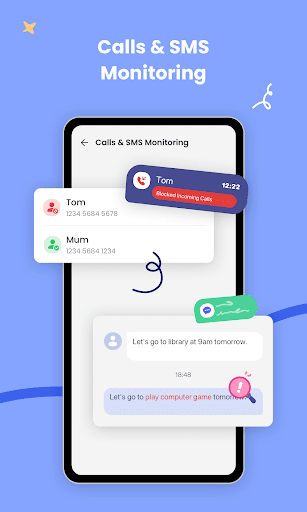
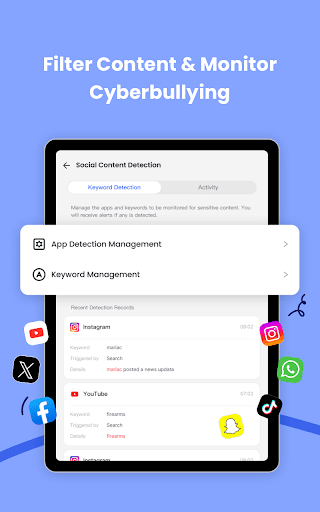
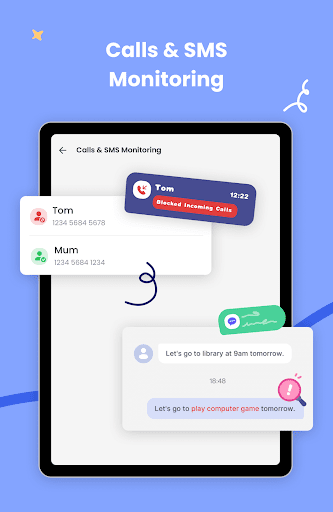
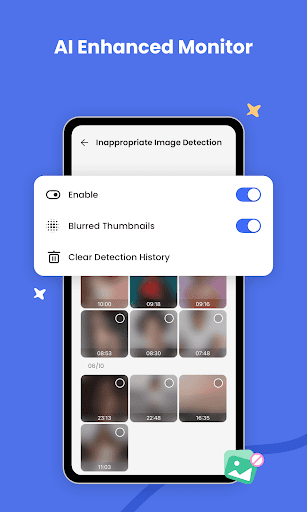
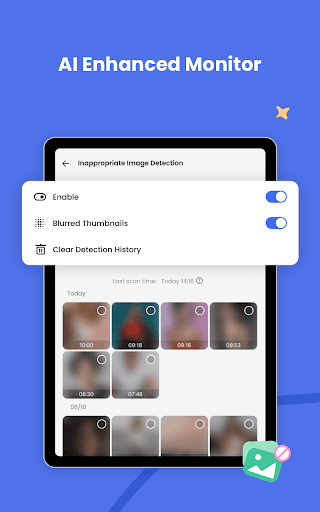
The app’s content filter and online monitor features help identify potentially harmful content and cyberbullying activities. Additionally, sync app notifications provide insights into your child's social media chats, like Facebook, Instagram, and Messenger, helping you intervene early if needed.
Screen Time & Usage Scheduling
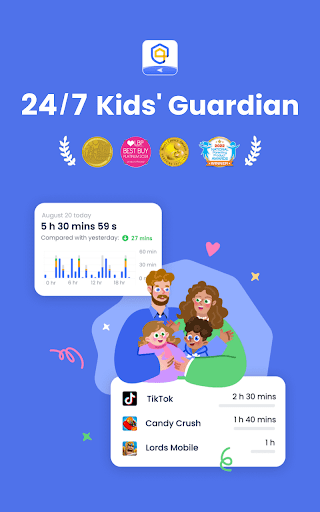
Set personalized schedules for your child's device use to prevent overuse during study or leisure time. The screen time feature helps establish healthier digital habits by limiting usage and reducing distractions.
Device Power & Battery Monitoring
The battery check feature keeps track of your child's device charging status. When the battery is low, a notification prompts your child to charge their device, ensuring they stay connected and responsive.
Easy Setup & Usage
Getting started with AirDroid Parental Control is straightforward:
- Download and install the app on your device.
- Connect your child's device via an invitation link or code.
- Install the complementary 'AirDroid Kids' app on your child's device.
- Link your accounts to start monitoring and managing your child's device seamlessly.
Subscription & Privacy
One paid account provides control over up to 10 devices, making it ideal for multiple children. The app offers a 3-day free trial of all Premium features, after which a subscription is required. Subscription costs are billed through Google Play, with automatic renewal unless canceled more than 24 hours before the cycle ends.
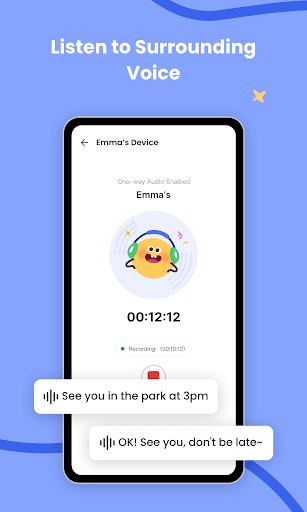
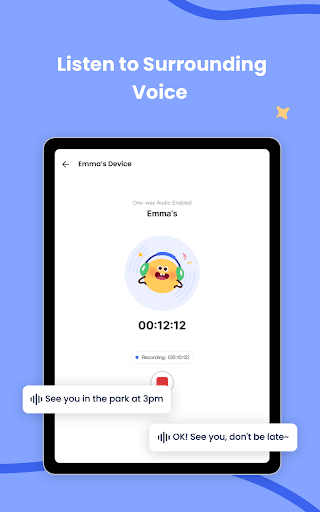
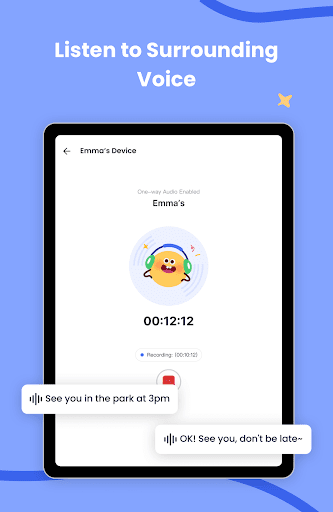
AirDroid Parental Control emphasizes user privacy, requiring access permissions like camera, microphone, location, and notifications to operate effectively. The app commits to safeguarding your information with a transparent Privacy Policy and clear terms of service.
Why Choose AirDroid Parental Control?
Whether you're concerned about online safety, screen time management, or simply want to stay updated on your child's activities, AirDroid Parental Control provides a reliable, easy-to-use platform. Its intuitive interface caters to busy parents, offering peace of mind through comprehensive monitoring tools and management features. It helps foster healthier digital habits and ensures your child's safety in an increasingly connected world.
Pros
- User-friendly interface.
- Comprehensive monitoring features.
- Real-time alerts and notifications.
- Cross-platform compatibility.
- Customizable app usage limits.
Cons
- Requires Internet connection.
- Subscription-based service.
- Limited offline functionality.
- Initial setup can be complex.
- May drain device battery.











