
Overview of the Air Traffic - Flight Tracker App
The Air Traffic - flight tracker app is an innovative mobile application designed to provide real-time flight tracking across the globe. Whether you are an aviation enthusiast, a frequent flyer, or simply curious about flight paths, aircraft details, and the aviation industry, this app is your perfect companion. Available for both Android and iOS devices, it offers a comprehensive view of air traffic with an intuitive and sleek interface.
Main Features
Live Flight Tracking
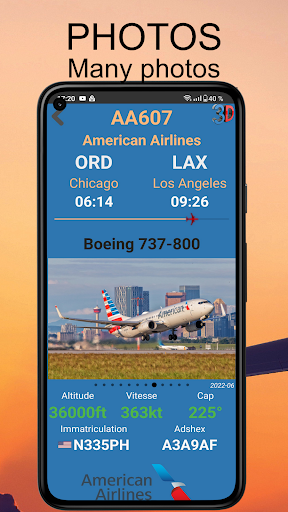
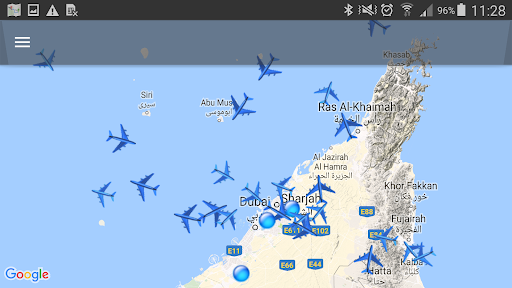
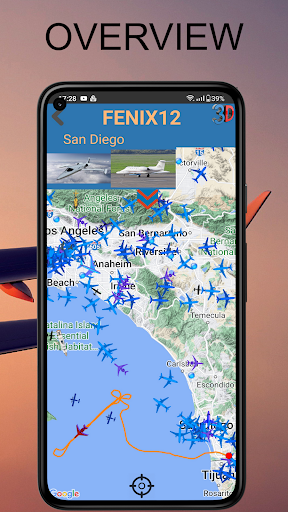
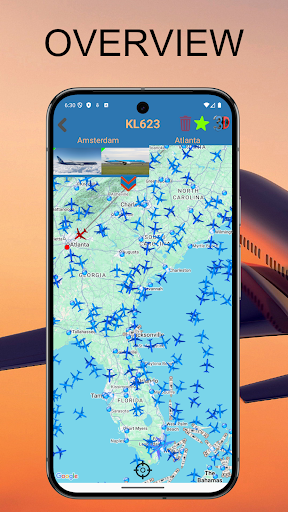
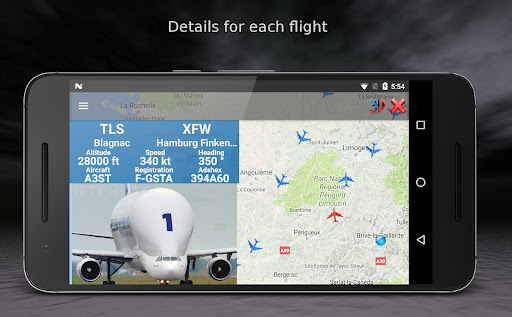
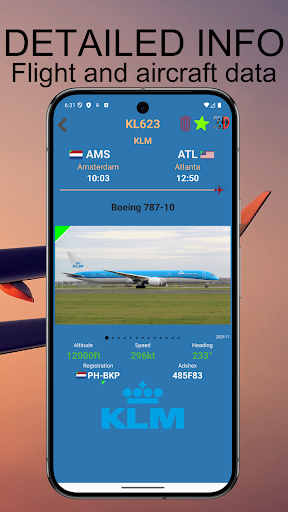
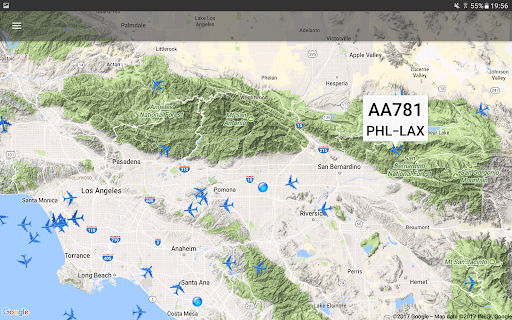
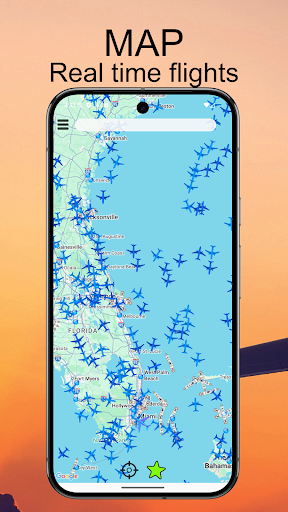
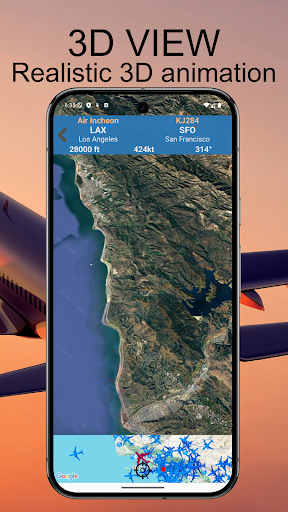
The app displays live planes on a dynamic map, functioning much like a radar with real-time position updates. You can observe flights as they traverse the sky, with detailed flight status information accessible at a tap. Selecting a plane reveals a wealth of details, including airline and flight number, origin and destination airports, departure and arrival times, as well as aircraft type with accompanying photos. You’ll also see altitude, speed, and heading, plus a captivating 3D pilot view animation—a feature aviation fans truly love.
Aircraft Icons and Search
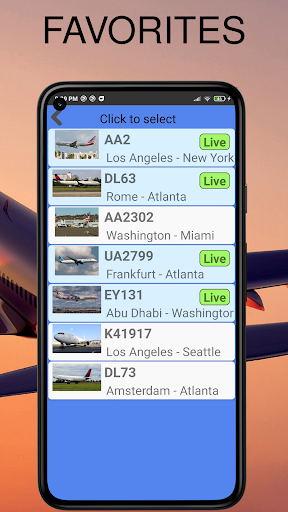
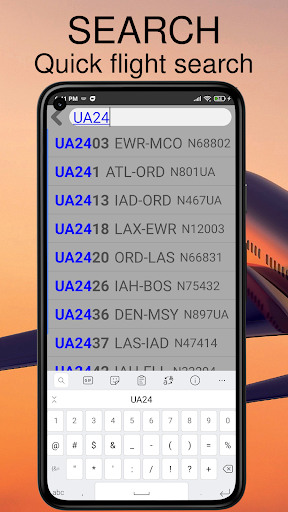
Planes are displayed with around ten different icons based on their type, including helicopters. The app's responsive search engine allows users to locate a specific plane by flight details or registration. Once found, flights can be added to a favorites list for quick future access and effortless switching between flights.
Customization and Views
In the settings, users can choose between various map types and units to personalize their experience. One standout feature is the real-time 3D ground view, offering a bird’s-eye perspective as if you are in the aircraft — perfect for enjoying landings and transitions. The app is highly responsive, making panning and zooming around the map smooth and seamless.
Privacy and Permissions
Prioritizing privacy, the app only requests location permission if you wish to use the around me feature. Users can deny this permission easily, ensuring a clean and trouble-free experience without unnecessary access to other device data.
Additional Capabilities and User Experience
The Air Traffic - flight tracker app ensures a smooth user experience with a well-designed interface suitable for all levels of tech savviness. The main screen’s dynamic map enables easy zooming and scrolling to focus on specific regions or airport zones. Its visual design balances realism and simplicity, making it informative yet not overwhelming. The search function swiftly helps you find specific flights or airports, enhancing usability.
Why Choose This Flight Tracker?
This app shines in its ability to deliver real-time flight tracking with precision and ease. It provides aircraft details, airport information, and weather updates, making it a valuable resource for aviation enthusiasts, travelers, and anyone interested in air traffic. The inclusion of features like favorites and 3D ground views creates a captivating experience, giving users a window into the world of aviation.
Conclusion
In summary, Air Traffic - flight tracker is a powerful, free-to-use application that offers an extensive suite of features for real-time flight monitoring. Its easy-to-navigate interface, detailed aircraft information, and immersive 3D views make it a must-have tool for aviation lovers. Stay connected to the skies wherever you are, follow flights live, and enjoy a seamless experience with this comprehensive flight tracking app. Give it a try and let your curiosity about the aviation world take flight!
Pros
- Real-time flight tracking
- Global coverage of flights
- User-friendly interface
- Detailed flight information
- Customizable alerts
Cons
- Requires internet connection
- Some features are premium
- Occasional data lag
- Limited offline functionality
- Ads in free version











