



Introducing YACReader Remote: The Best Comic Reader App for Android
YACReader Remote is an exciting new addition to the world of digital comics, bringing the powerful features of YACReader to the Android platform. Whether you're an avid manga reader or enjoy browsing through graphic novels, this app offers a seamless way to access your comic library on the go. With support for remote browsing, offline reading, and synchronized progress across multiple devices, YACReader Remote provides a comprehensive comic reading experience that is both intuitive and customizable. This innovative app is designed to enhance your reading journey, delivering a smooth and enjoyable interface tailored for comic enthusiasts of all levels.
Key Features of YACReader Remote
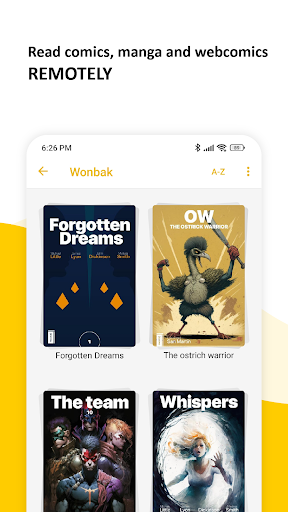
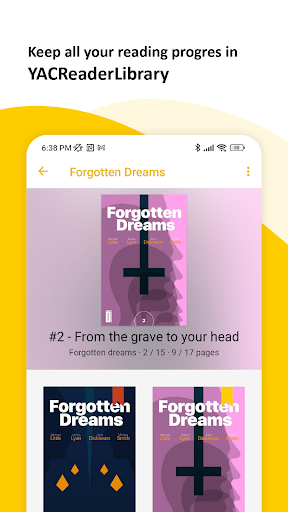
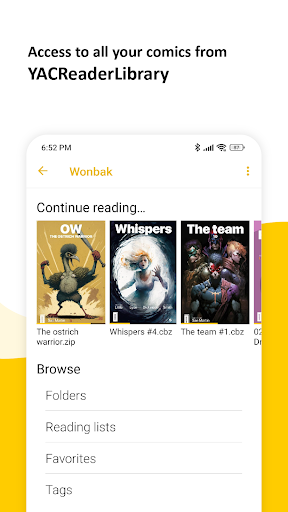
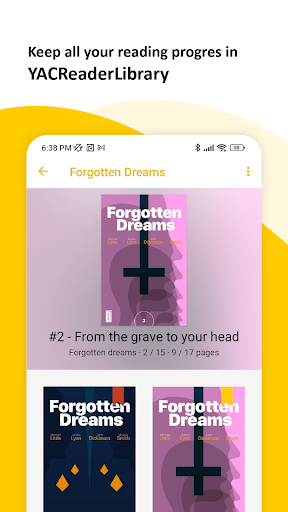
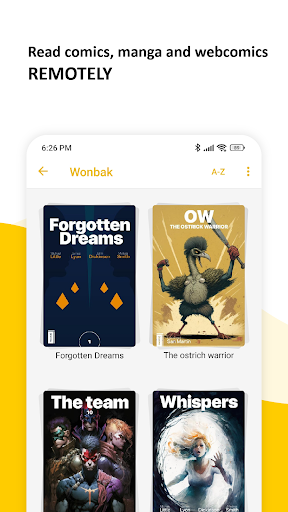
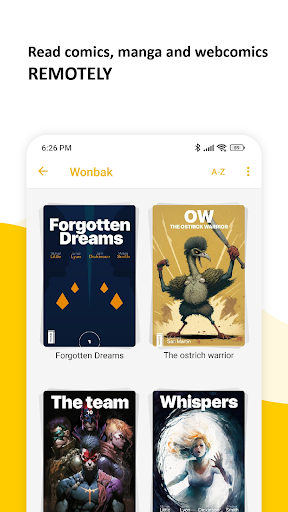
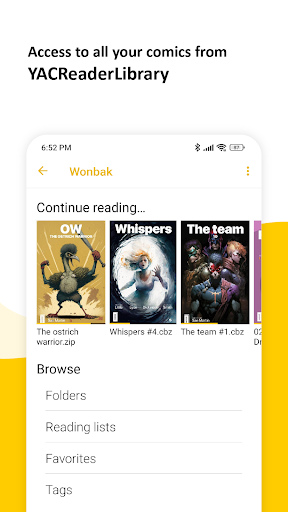
• Remote Library Access allows you to browse and read all your comics and mangas stored in YACReaderLibrary remotely. The app connects effortlessly to your desktop YACReader, enabling you to access your entire collection without cumbersome transfers or manual imports. This means you can enjoy your favorite comics anytime, anywhere, directly from your Android device.
Additionally, you can import content from your desktop library into a local library on your device, allowing offline access and complete freedom from connectivity constraints. The synchronization capability ensures that your reading progress is consistently updated across devices, so you can pick up right where you left off, no matter where you are.
Enhanced Reading Experience
YACReader Remote provides a superb user experience with its advanced reading features. The app supports multiple fitting modes, including fit to screen, width, and height, allowing you to customize how pages are displayed for maximum comfort. Manga fans will appreciate specialized reading modes such as manga reading and continuous vertical scroll, perfect for web-based content.
For an even more tailored experience, you can switch to double page mode, ideal for presentations that mimic physical comic books. The app also includes auto scroll by tapping to navigate pages effortlessly, making your reading sessions smoother and more engaging.
Versatile and User-Friendly
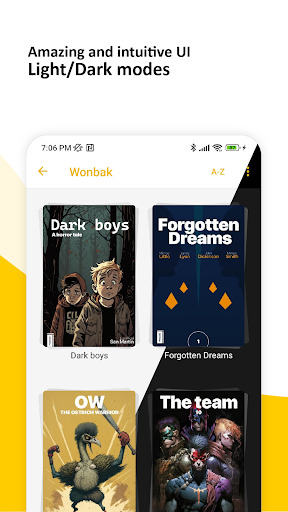
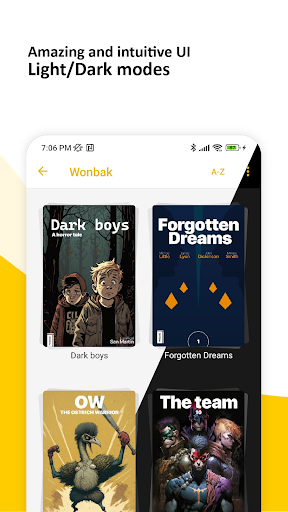
Designed with simplicity in mind, YACReader Remote features a user-friendly interface that is easy to navigate regardless of your tech proficiency. Whether you're selecting a comic from your library or adjusting settings, everything feels intuitive and straightforward, allowing you to focus on what matters most — enjoying your comics.
Customization and Performance
One of the standout aspects of YACReader Remote is its customizable reading options. Adjust your preferred zoom levels, page transition styles, and reading modes to match your personal preferences. This degree of customization ensures a comfortable and tailored reading experience every time.
Moreover, the app boasts excellent performance and reliability. Users report smooth operation during hectic reading sessions, with quick load times and minimal bugs. The stability and performance of YACReader Remote make it a dependable choice for comic lovers who demand quality and consistency.
Join the YACReader Family on Android
As a platform with over a decade of experience across Windows, macOS, Linux, and iOS, YACReader now extends its acclaimed comic reading technology to Android devices. This move marks a new chapter in providing access to high-quality comics and manga wherever you are. Whether at home or on the move, YACReader Remote ensures that your entire collection is always within reach.
In conclusion, if you're passionate about digital comics, YACReader Remote is a must-have app. Its seamless integration with your desktop library, extensive customization options, and smooth performance make it the top choice for comic enthusiasts seeking a reliable and feature-rich reading app on Android. Download YACReader Remote today and elevate your comic reading experience to new heights.
Pros
- Seamless synchronization with the desktop version
- Supports a variety of comic formats
- Intuitive and user-friendly interface
- Responsive loading speeds
- Options to personalize reading preferences
Cons
- Requires YACReader for complete functionality
- Limited features for reading
- Occasional issues with synchronization
- Lacks offline access mode
- Contains advertisements in the free version