Discover Perfect Viewer: The Fast and Versatile Image, Comic, and Ebook Reader
Perfect Viewer is a highly efficient and feature-rich application designed for viewing images, comics, and ebooks with exceptional speed and customization options. Whether you're a casual reader or a passionate comic enthusiast, this app offers a comprehensive platform to enjoy your digital library seamlessly. It supports a wide array of formats such as CBZ, CBR, PDF, and EPUB, making it a one-stop solution for all your reading needs. Its smooth performance, combined with user-friendly features, ensures an immersive experience whether you're scrolling through webtoons or flipping through comic pages.
Extensive Format Support for Every Type of Content
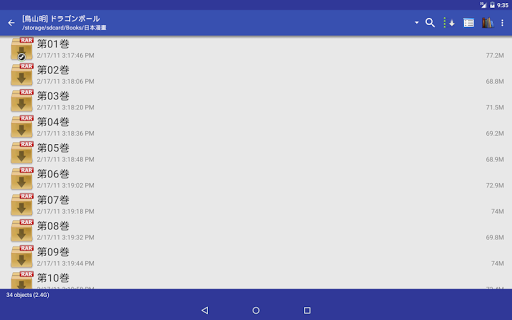
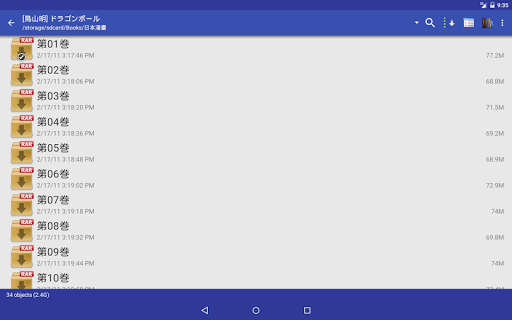
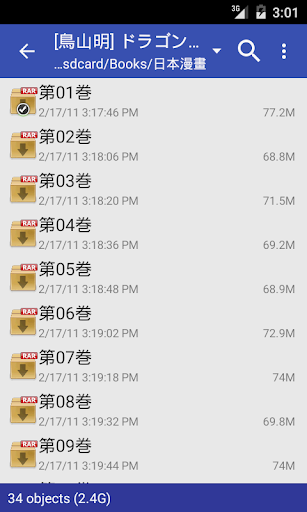
Perfect Viewer shines in its ability to handle numerous file formats. It supports popular image formats including JPEG, PNG, GIF, BMP, WebP, and TIFF. For comic lovers, it offers compatibility with archive formats like ZIP (.CBZ), RAR (.CBR), 7Z (.CB7), as well as LZH, TAR, and CBT. Additionally, ebooks can be read in EPUB, HTML, and TXT formats, providing flexibility for various digital reading preferences.
The app can open files directly from network sources, including CIFS/SAMBA, FTP, SFTP, FTPS, and OPDS, provided you grant the necessary internet permissions. With support for cloud services like Google Drive, Dropbox, and OneDrive through plugins, your entire library is just a tap away from anywhere.
The app can open files directly from network sources, including CIFS/SAMBA, FTP, SFTP, FTPS, and OPDS, provided you grant the necessary internet permissions. With support for cloud services like Google Drive, Dropbox, and OneDrive through plugins, your entire library is just a tap away from anywhere.
Advanced Features for an Enhanced Reading Experience
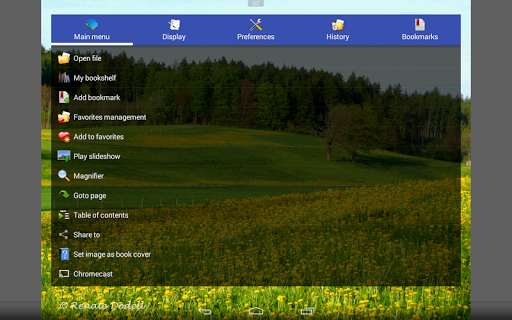
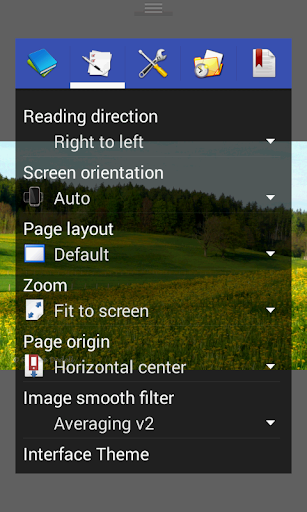
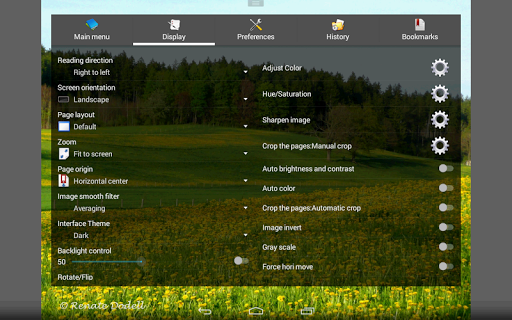
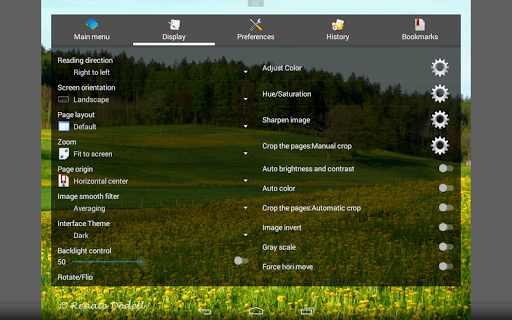
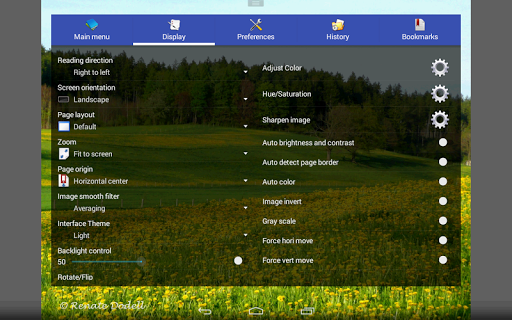
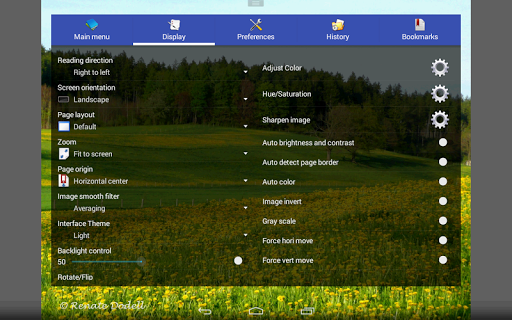
Perfect Viewer offers impressive customization options to tailor your viewing experience. You can adjust brightness, contrast, and gamma settings, or apply specific smooth filters such as Bilinear and Lanczos3 for optimized image rendering. The app provides multiple viewing modes, including single page, dual page, and a continuous scroll mode similar to webtoons or PDF viewers, supporting both Left-to-right and Right-to-left reading directions.
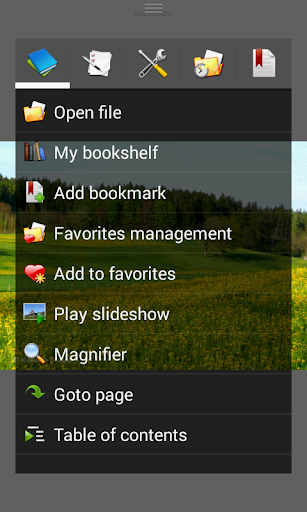
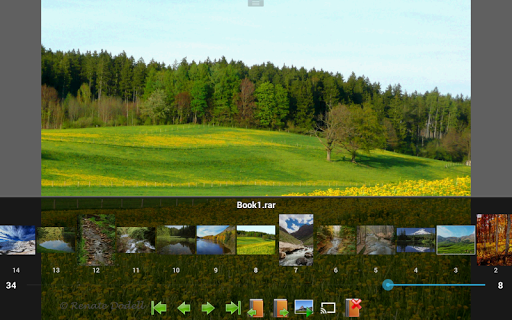
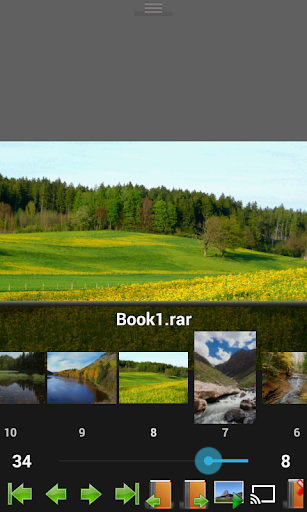
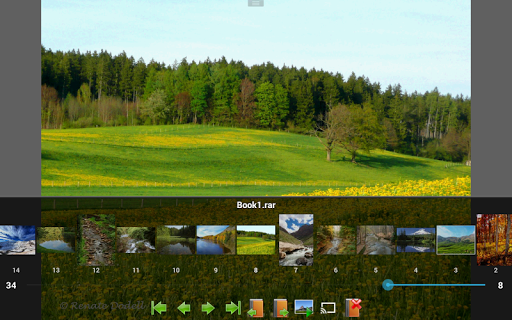
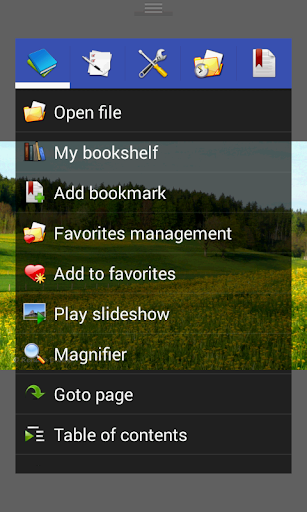
Additional features include setting images as wallpapers, browsing images as thumbnails, and simple bookmark management. For a more dynamic experience, you can enact slideshow modes, utilize the fullscreen view, or auto crop borders for cleaner images. The app also supports essential gestures such as pinch to zoom and fling for quick navigation.
For readers who enjoy a tactile experience, flick gestures and balloon magnifier further enhance usability, making browsing more intuitive.
Additional features include setting images as wallpapers, browsing images as thumbnails, and simple bookmark management. For a more dynamic experience, you can enact slideshow modes, utilize the fullscreen view, or auto crop borders for cleaner images. The app also supports essential gestures such as pinch to zoom and fling for quick navigation.
For readers who enjoy a tactile experience, flick gestures and balloon magnifier further enhance usability, making browsing more intuitive.
Performance, Convenience, and Extra Tools
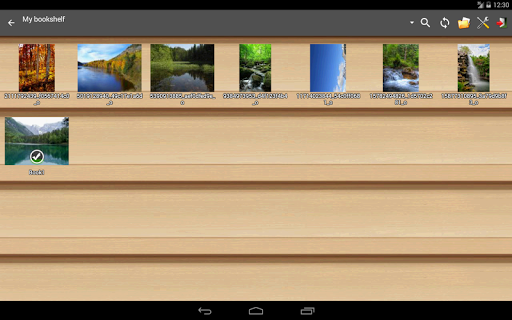
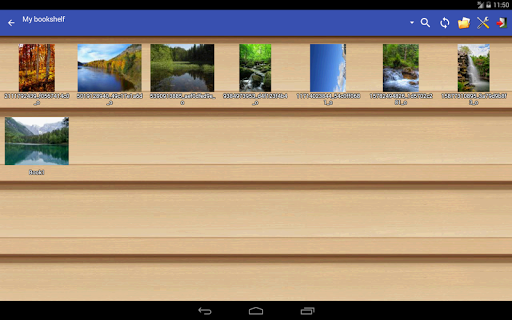
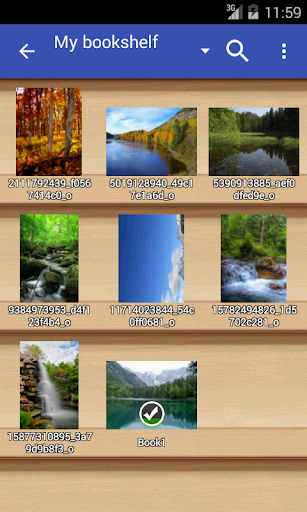
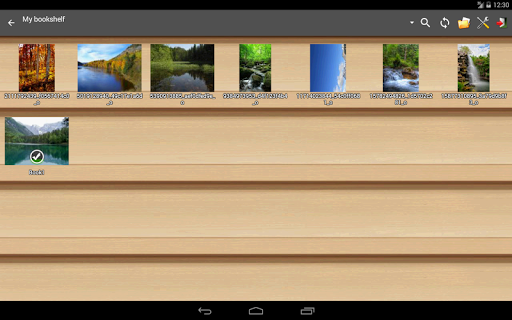
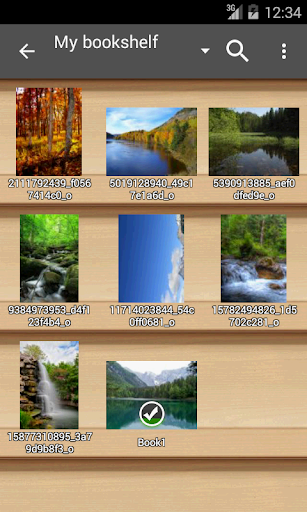
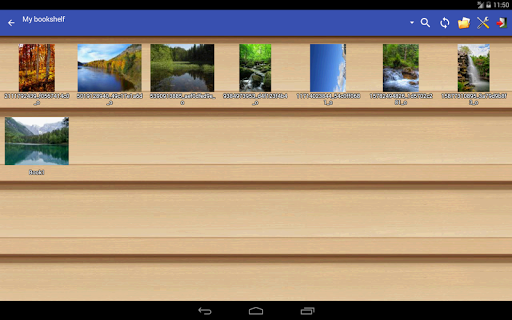
One of the app’s standout qualities is its performance efficiency. Lightweight and optimized, Perfect Viewer runs smoothly even on older hardware, providing rapid page transitions without lag or crashes. The integrated bookshelf feature helps organize your collections, making it easier to pick up exactly where you left off.
Managing files is straightforward with options to delete or rename items directly within the app. The cache system preloads the next and previous pages intelligently, ensuring interrupted reading sessions. Furthermore, the app supports file extraction from archives, and offers tools to edit images, including brightness, contrast, and gamma adjustments.
For a modern touch, it includes compatibility with Google Chromecast to cast images and comics directly to your TV or monitor, perfect for shared viewing experiences.
Managing files is straightforward with options to delete or rename items directly within the app. The cache system preloads the next and previous pages intelligently, ensuring interrupted reading sessions. Furthermore, the app supports file extraction from archives, and offers tools to edit images, including brightness, contrast, and gamma adjustments.
For a modern touch, it includes compatibility with Google Chromecast to cast images and comics directly to your TV or monitor, perfect for shared viewing experiences.
Special Highlight: Unique Image Enhancements
Notably, donated users gain exclusive access to advanced image effects such as colorization, transforming black-and-white images into full-color versions—adding a fun and creative layer to your reading. This feature requires installing the Perfect Viewer donation application. Plus, the app offers options like auto cut-off white borders to improve visual focus.
Conclusion
Perfect Viewer stands out as a comprehensive and reliable viewer for images, comics, and ebooks. Its extensive format support, customizable viewing modes, efficient performance, and handy additional features make it an essential tool for anyone passionate about digital reading—whether you enjoy manga, comics, or digital books. Designed to offer a smoother, more personalized experience, this app transforms the way you browse and enjoy your favorite content on your device. If you're looking to elevate your comic and ebook reading, Perfect Viewer could easily become your go-to app. Dive in today and experience a new level of digital reading convenience and enjoyment!
Pros
- Highly customizable interface
- Supports multiple file formats
- Fast and lightweight performance
- Offline reading capability
- Regular updates
Cons
- Lacks an integrated store for comics
- Limited cloud synchronization options
- Steep learning curve for new users
- No social sharing features available
- Contains advertisements in the free version