
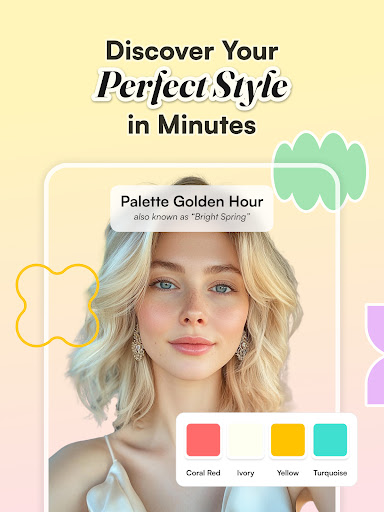
Introducing WhatColors: AI Color Analysis
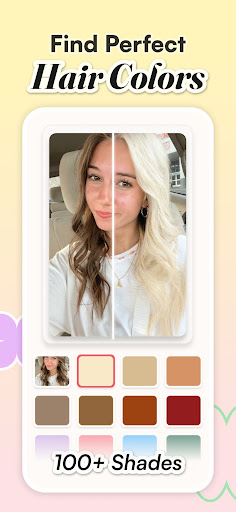
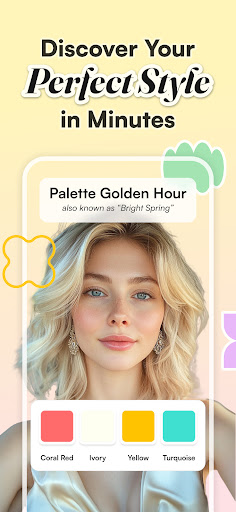
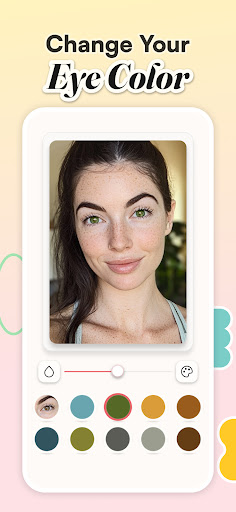
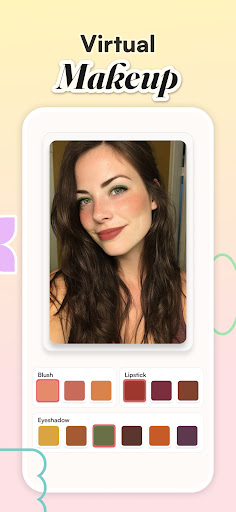
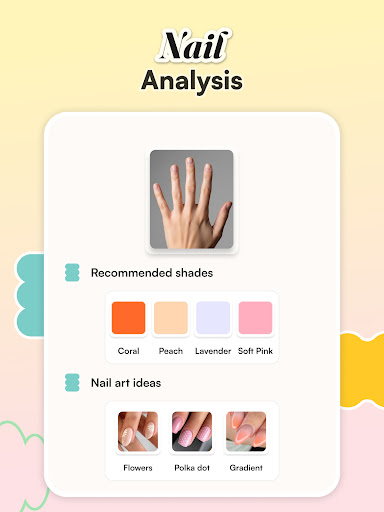
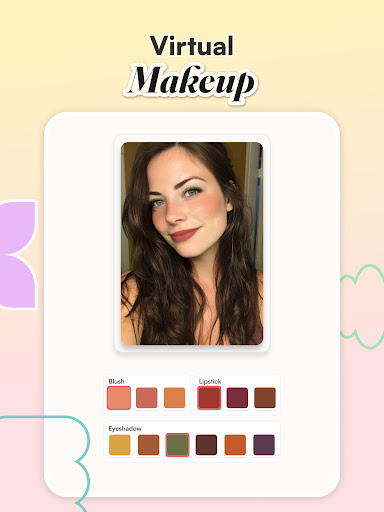
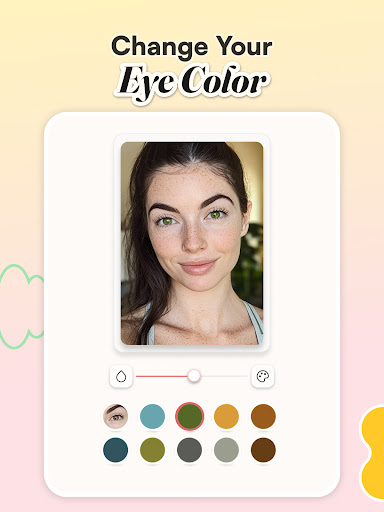
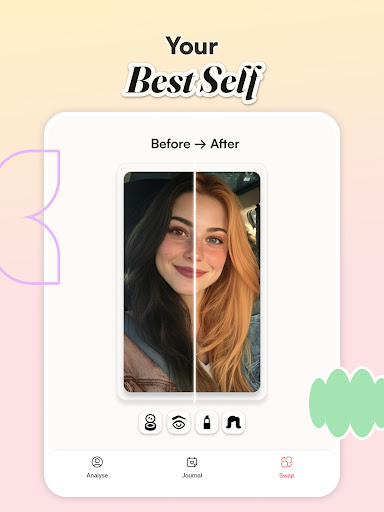
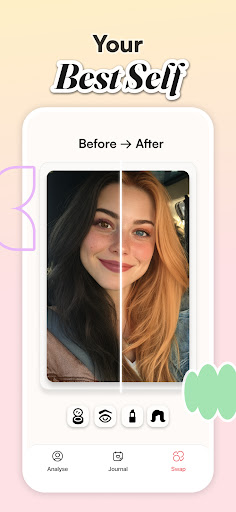
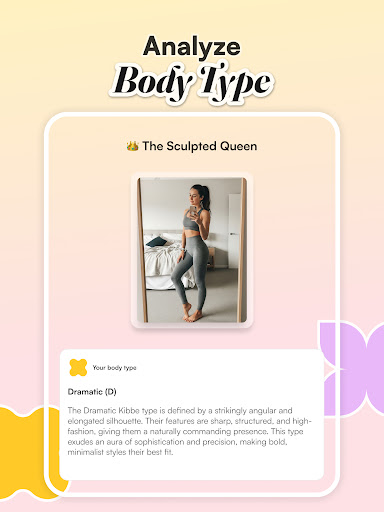
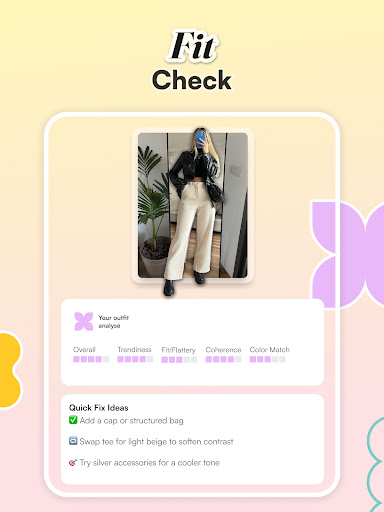
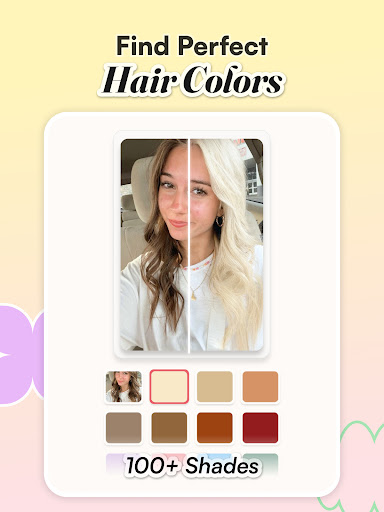
WhatColors: AI Color Analysis is the world's most sophisticated Personal Color Theory application designed to help you make better color decisions in various aspects of life. Whether you're exploring fashion, interior design, or simply curious about colors, this innovative app leverages cutting-edge artificial intelligence to analyze and recommend colors with remarkable accuracy.
How to Use the App
Getting started with WhatColors: AI Color Analysis is straightforward. Here's a quick guide:
- Upload a photo of your face taken in natural lighting
- Click the Scan button
- Wait approximately 1-2 minutes while the app processes your image
- Receive your ultra-personalized color palette tailored to you
Unveiling the Power of AI in Color Analysis
Ever found yourself puzzled in front of your wardrobe or indecisive about choosing wall colors? WhatColors: AI Color Analysis simplifies these challenges by using sophisticated algorithms to analyze colors in real-time. Simply open the app, point your camera at any object or surface, and watch as it deconstructs the colors into clear and understandable insights. Think of it as having a color expert in your pocket, ready to assist anytime you need guidance on hues and shades.
Features That Elevate Your Color Experience
This app is not just about identifying colors; it offers comprehensive features to enhance your decision-making:
- Complementary Color Suggestions: The app provides color pairings that work harmoniously, perfect for fashion planning or decorating your space.
- Visualizing Color Schemes: Interior design enthusiasts can preview different palettes on walls or furniture without any physical effort.
- Easy-to-Use Interface: The sleek design ensures smooth navigation, making it accessible for beginners and experts alike.
- Community Sharing: Users can share their color discoveries and find inspiration from a global network of color lovers.
User-Friendly Experience
WhatColors: AI Color Analysis boasts an intuitive interface with a clean, modern design. The toolset is easily accessible, allowing you to dip in and out without any hassle. It's also light on device resources, so you won’t have to worry about draining your phone’s memory or slowing it down. The app encourages exploration and creativity, making color discovery fun and engaging.
Room for Improvement
While the app delivers impressive results in most cases, it occasionally encounters difficulties with less common shades or complex color combinations. Nonetheless, its developers are actively working on updates to refine performance, demonstrating a commitment to providing the best user experience possible.
Final Thoughts
Overall, WhatColors: AI Color Analysis is a valuable tool for anyone interested in enhancing their understanding of colors, whether for fashion, home decor, or personal curiosity. It’s easy to use, packed with innovative features, and offers a unique interaction with the colorful world around us. Whether you’re a designer, fashion enthusiast, or just someone who loves colors, this app can elevate your decision-making process and inspire your creativity. Next time you face a color conundrum, remember where to turn—happy coloring!
Pros
- Accurate color identification.
- User-friendly interface.
- Fast processing time.
- Supports multiple image formats.
- Accessible offline.
Cons
- Limited free features.
- Occasional app crashes.
- Requires high-quality images.
- Ads in the free version.
- Limited customization options.