Discover the Magic of FoxEyes - Change Eye Color
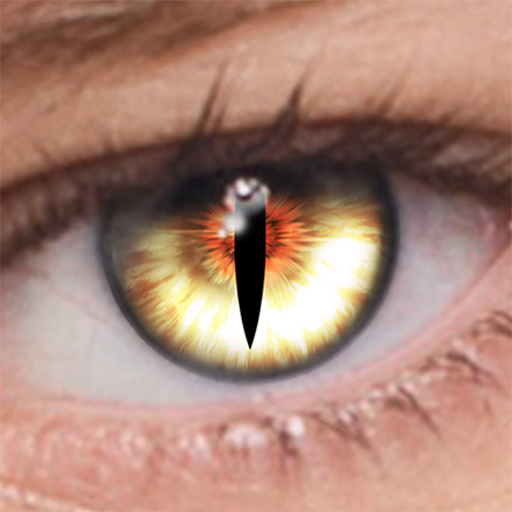
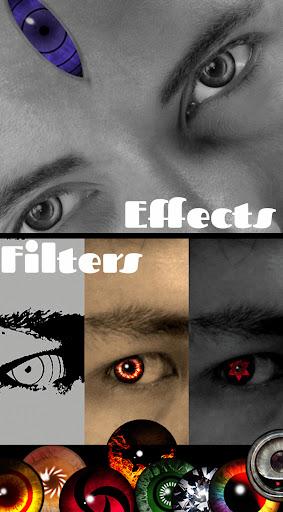
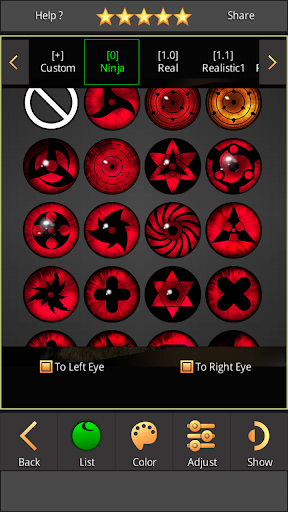
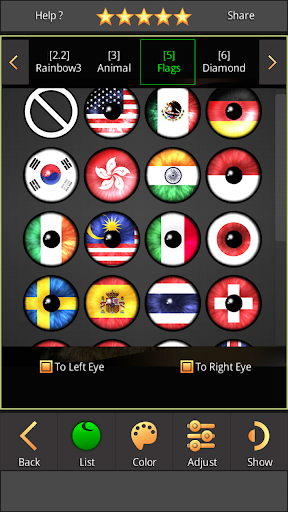
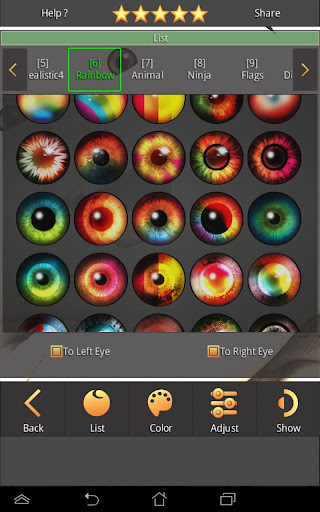
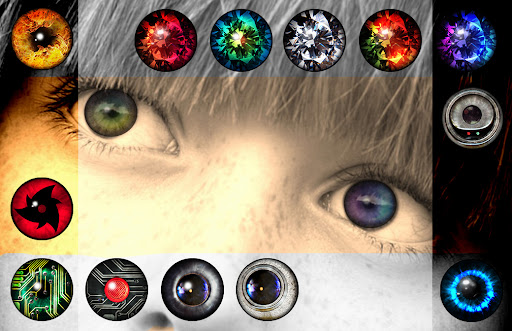
Have you ever wondered what you’d look like with different eye colors? If so, FoxEyes is the perfect app to satisfy that curiosity. This innovative, feature-rich application allows you to experiment with a multitude of exotic eye colors and effects right from your smartphone. Whether you want to try out rainbow eyes, diamond eyes, or even supernatural eye styles like Sharingan and Rinnegan, FoxEyes provides an entertaining way to transform your appearance effortlessly.
Main Features of FoxEyes
Easy Photo Transformation
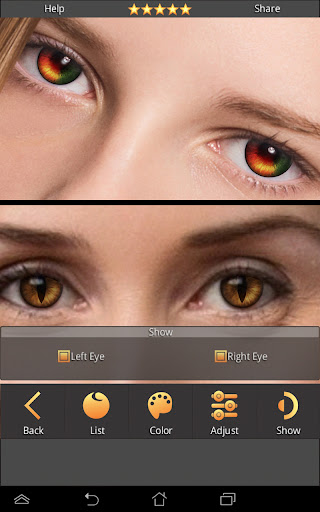
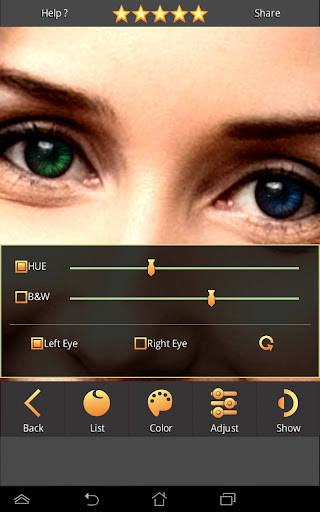
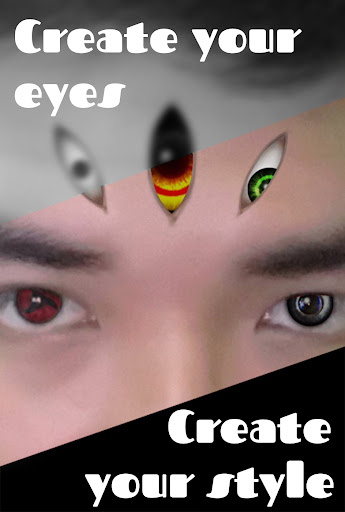
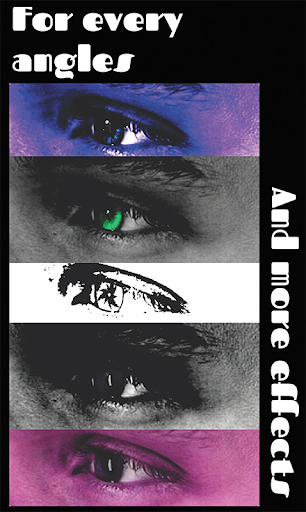
Getting started with FoxEyes is incredibly straightforward. Simply take a selfie or upload a photo from your gallery or camera, and the app does the rest. Its advanced facial recognition technology ensures that the eye edits appear natural and seamlessly integrated into your facial features. You can tweak the brightness, darkness, and specific colors of each eye, offering both realistic and fantastical options to suit your mood.
Extensive Collection of Eye Effects
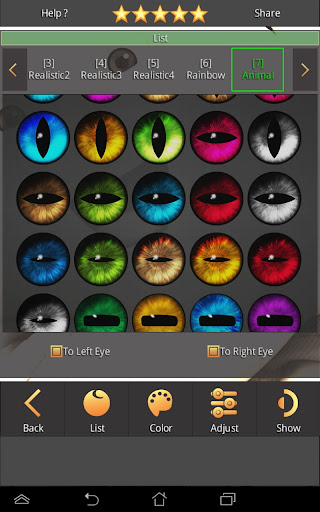
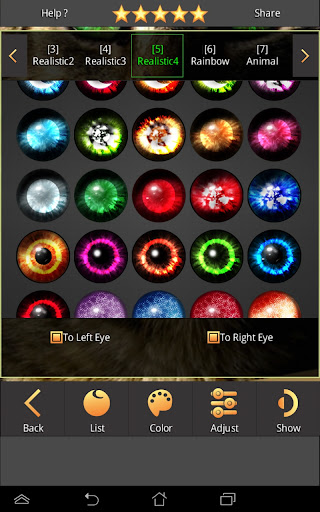
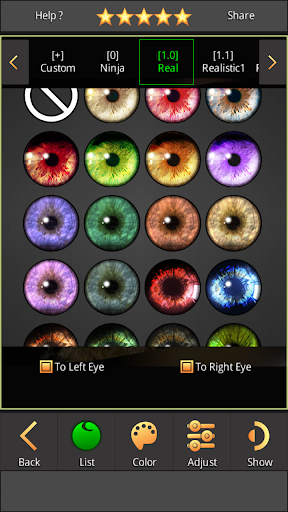
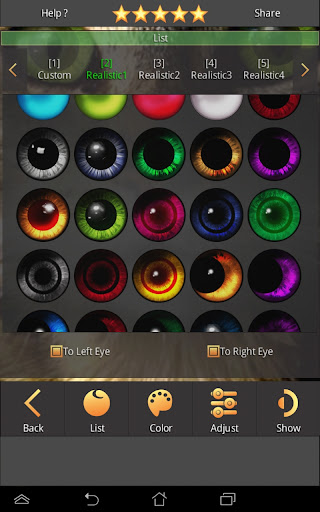
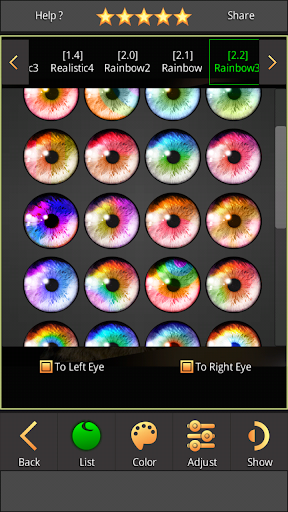
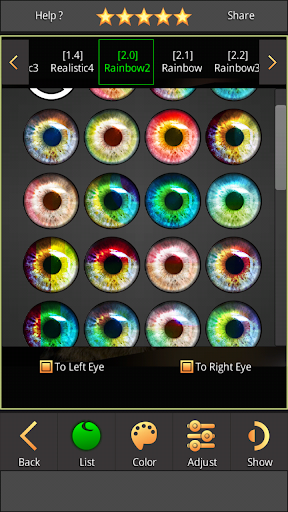
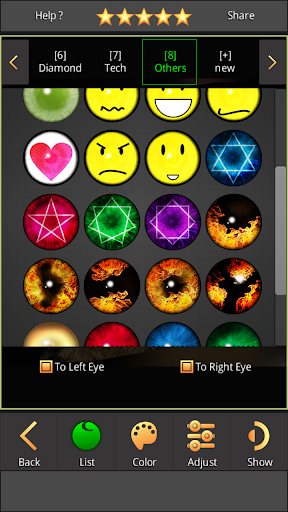
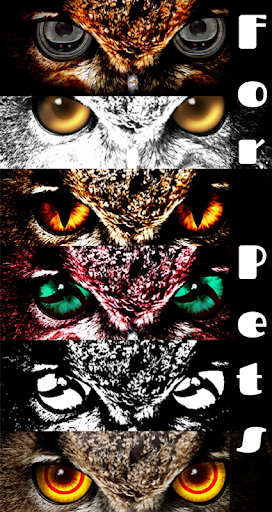
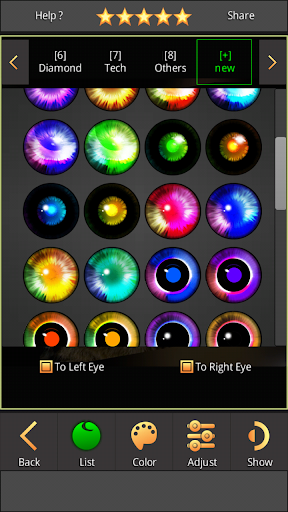
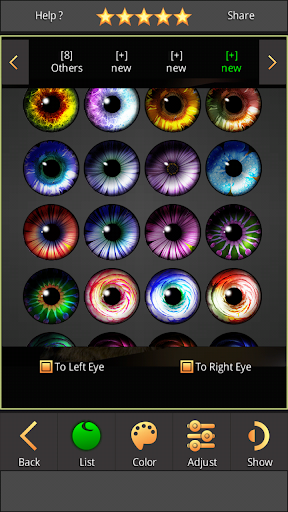
FoxEyes boasts a vast library of over 600 exotic eye styles, with more additions planned for future updates. Explore classic shades like brown, blue, and green as well as unique effects such as rainbow, diamond, and other fantasy-inspired eyes. The app also includes a collection of animal eyes—from cats and snakes to foxes and more—providing a playful way to create striking visual effects.
Customization and Creativity
One standout feature is the ability to create your own custom eye color by selecting from a photo gallery. You can also generate a new eye directly on your face using the recently added 3rd EYE feature, allowing for even more unique and artistic edits. Adjust the size of your eyes and modify the color intensity to achieve your desired look. This makes FoxEyes a powerful tool for creative expression and fun experimentation.
Sharing and Saving
Once you've perfected your new eye style, FoxEyes makes it simple to save your photos to your gallery. You can also share your transformed images directly on social media platforms like Facebook, Instagram, or others. This feature not only allows you to impress friends but also encourages sharing your creative works within your social circle.
Why Choose FoxEyes?
FoxEyes is a lightweight, user-friendly app that provides endless possibilities for visual makeover. It’s perfect for those curious about how different eye colors or effects will look in real life. The app's intuitive interface means you don’t need any special skills to create stunning images; just snap a photo, pick your desired effect, and customize to your liking. Whether you're exploring a new style or just having some fun, FoxEyes offers a creative playground for everyone.
If you're interested in experimenting with eye colors or exploring fantasy and animal eyes, FoxEyes is an excellent choice. Use it to see yourself with amazing new looks, test out different styles before trying contact lenses, or simply enjoy the process of personalizing your appearance. Download FoxEyes today and start creating eye-catching transformations!
FAQs
Q: Can not install or update the app?
A: You should uninstall the older version of the app, free up storage space on your device, and restart your device before attempting to install or update again.
Pros
- Realistic eye color effects
- User-friendly interface
- Wide range of eye colors
- Supports photo editing
- High-resolution outputs
Cons
- Limited free features
- Contains ads
- Occasional app crashes
- Requires in-app purchases
- No video editing support