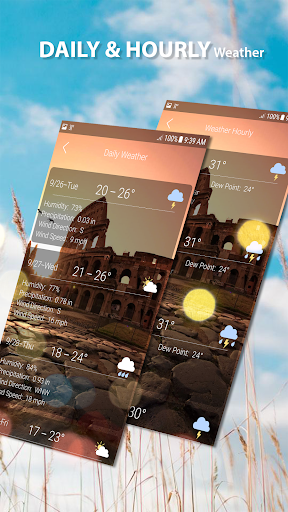
Overview of the Weather App
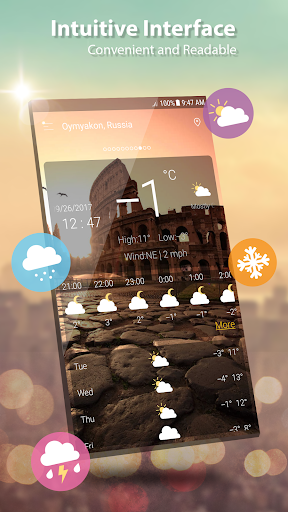
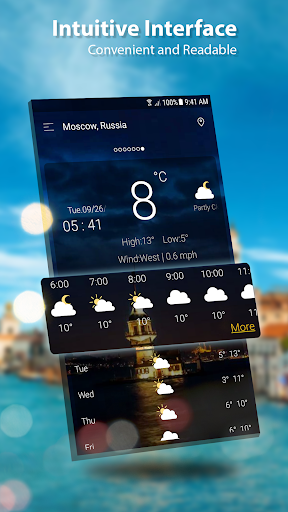
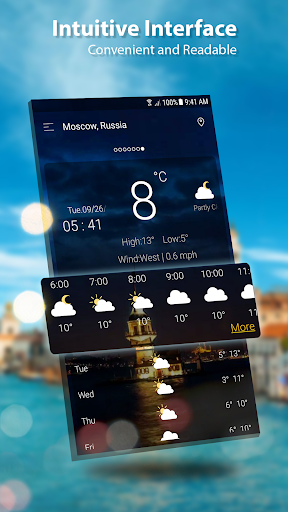
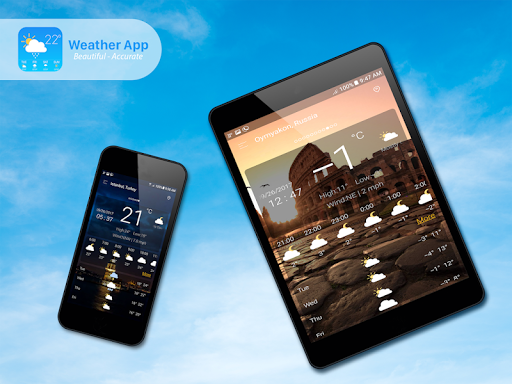
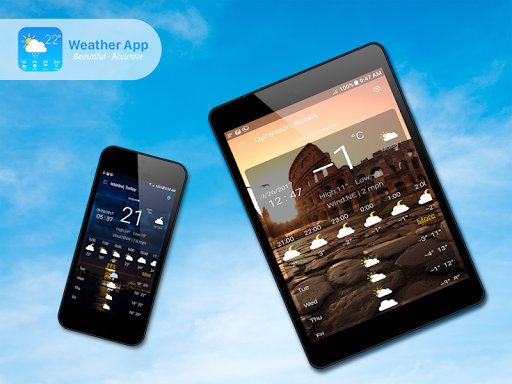
The Weather app is your ultimate companion for accurate, real-time weather information around the globe. With just one click to enable GPS location, it swiftly provides weather conditions for your current position. Whether you're planning a day outdoors or traveling to a new city, this app offers comprehensive weather data to keep you informed. Its modern design coupled with a user-friendly interface makes weather updates accessible and straightforward, ensuring you stay ahead of any weather changes.
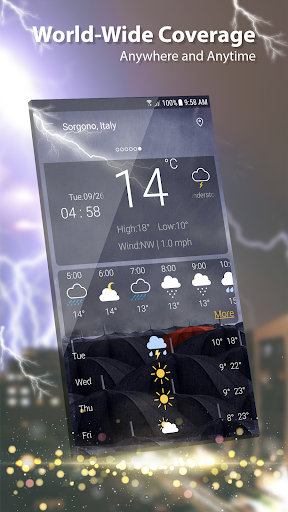
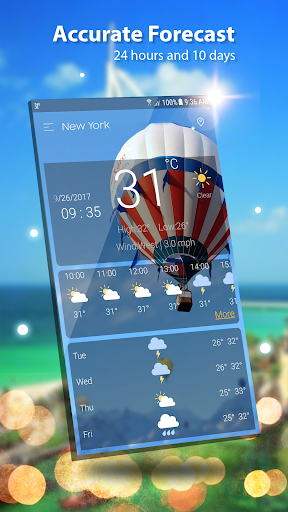
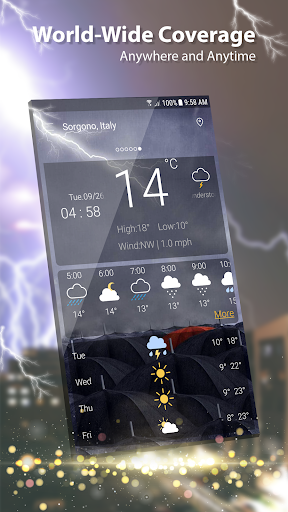
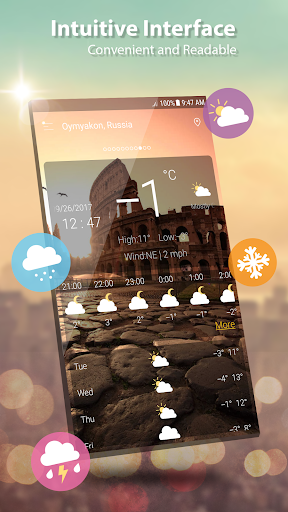
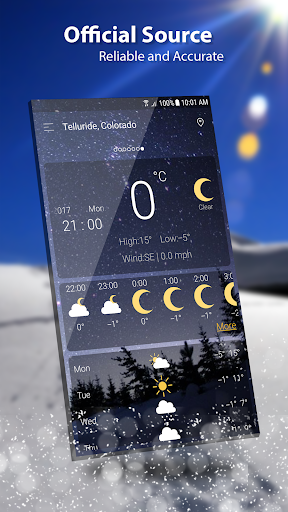
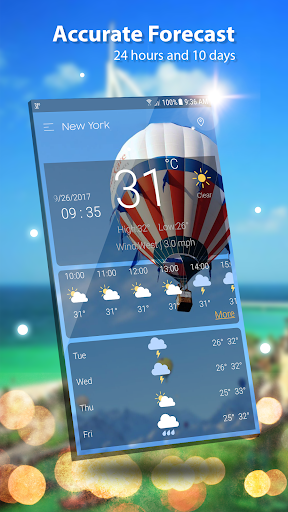
The app supports global weather tracking, covering locations from London to San Francisco, and provides detailed insights such as current temperature in Celsius or Fahrenheit, sunrise and sunset times based on city time zones, atmospheric pressure, visibility, humidity, precipitation, dew point, and wind details. It also features an hourly forecast for each hour and a ten-day forecast, giving users extensive planning capabilities. Realtime data on temperature, humidity, pressure, wind speed, and direction are displayed clearly, accompanied by live animations and graphics for a more immersive experience.
Key Features of the Weather App
Ease of Use and Customization
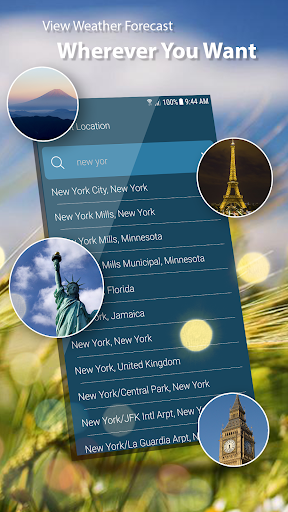
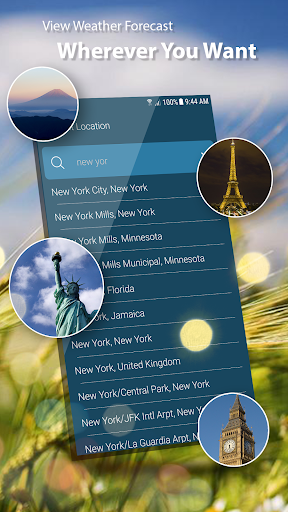
This free weather application is designed for speed and accuracy. Users can quickly access detailed weather information by tapping on intuitive icons that represent wind speed and direction, pressure, precipitation, sunrise/sunset times, and more. The app supports both automatic location detection via network or GPS and manual location addition, ensuring you always get precise weather updates regardless of your location.
Comprehensive Weather Data
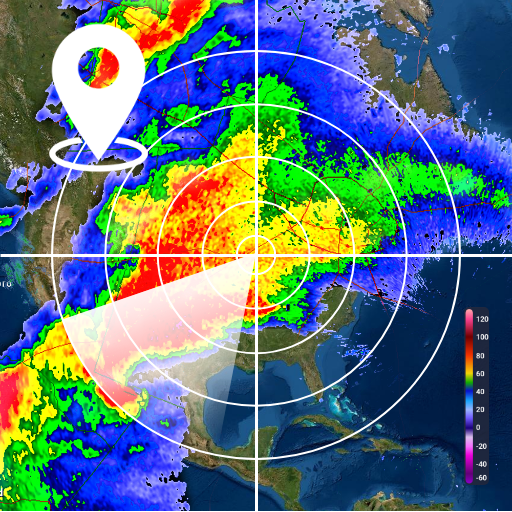
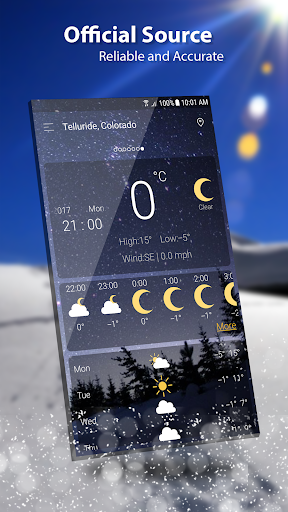
Get updates on various weather parameters such as temperature, wind, humidity, dew point, and visibility. The app provides multiple units for atmospheric pressure and wind speed, allowing customization to your preference. You can view detailed hourly weather information, forecast charts, and observe weather patterns live through animated maps and rain radar for real-time storm tracking.
Forecast Flexibility
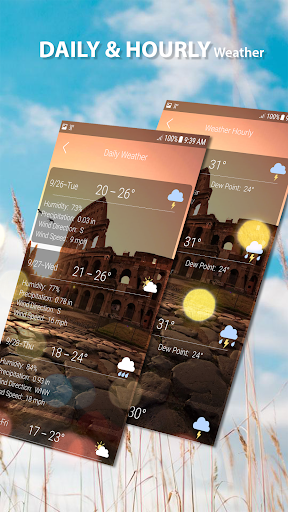
Plan ahead with both hourly and daily forecasts, including detailed 7-day or 10-day outlooks. It displays sunrise and sunset times and offers the option to see weather updates for multiple locations simultaneously. Whether you're at home or on the move, it's easy to update your location and track weather conditions as you travel.
Visual and Interactive Elements
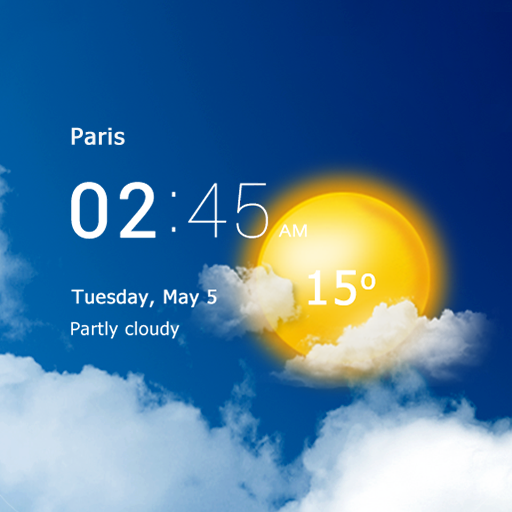
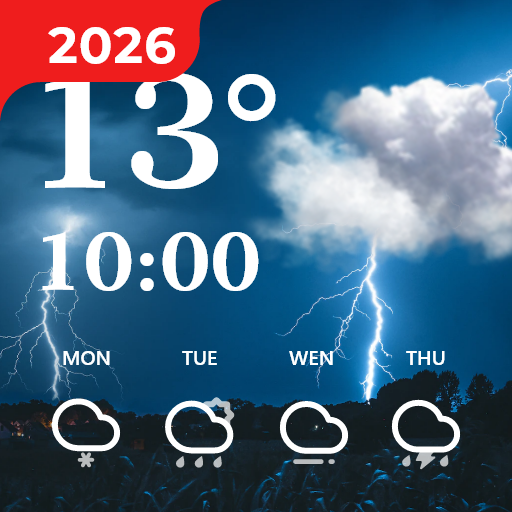
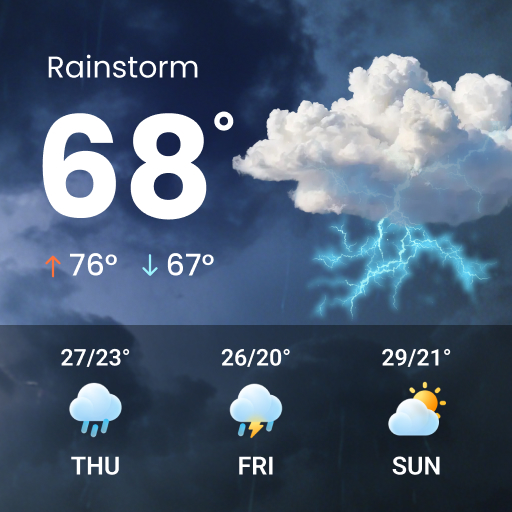
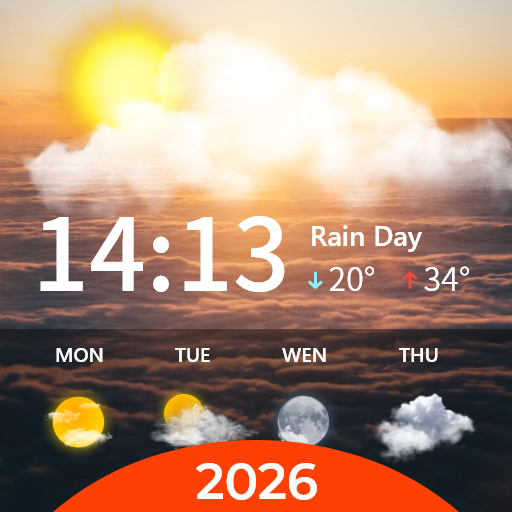
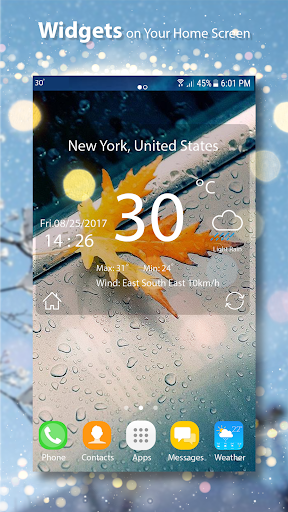
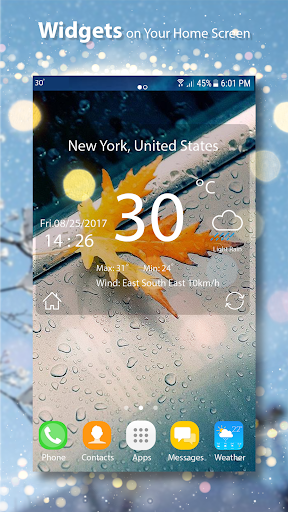
The app features animated weather conditions to see how the weather evolves, making the experience much more visually engaging. Charts for hourly and daily forecasts help users grasp weather trends at a glance. Additionally, it supports weather widgets and lock screen options, providing live weather info right on your device's home screen or lock screen for quick access.
Notifications and Sharing
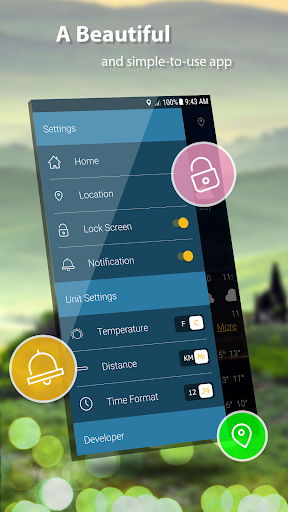
Users can enable or disable notifications to receive timely weather alerts fitting their preferences. The app also allows sharing weather updates and location info with friends, making social planning easier. Even without GPS enabled, the app detects locations over the network, ensuring reliable weather reports in big cities like New York or London.
Why Choose This Weather App?
The Weather app stands out due to its speed, accuracy, and rich feature set. Its modern UI design makes navigation effortless. From storm alerts to detailed atmospheric data, it covers everything you need to stay prepared for any weather condition. Whether you're a casual user checking tomorrow's forecast or a weather enthusiast analyzing complex data, this app delivers reliable information seamlessly.
Enjoy the benefits of live weather maps, rain radar, weather graphs, and customizable widgets, all within a user-friendly environment. Its ability to provide precise weather conditions without needing GPS, simply over the network in big cities, makes it especially convenient. Keep updated on weather patterns and plan your daily activities with confidence.
In summary, this weather application is a comprehensive and reliable tool designed for everyone eager to stay informed about the weather. Download it today to experience detailed forecasts, stunning visuals, and real-time updates that put the power of weather prediction right in your hands.
Pros
- Accurate weather forecasts
- User-friendly interface
- Customizable alerts
- Detailed radar maps
- Supports multiple locations
Cons
- Ads can be intrusive
- Premium features are paid
- High battery consumption
- Limited offline functionality
- Occasional data refresh lag