Weather & Clock Widget: Your Essential Weather Companion
The Weather & Clock Widget app has quickly become an indispensable tool for users who want to stay informed about the weather with ease and style. Whether you're planning a weekend trip, deciding whether to carry an umbrella, or simply managing your daily routine, this versatile application offers comprehensive weather updates alongside convenient clock features—all accessible directly from your home screen. Its combination of sleek design and powerful functionality makes it a standout choice among weather apps, ensuring you're always prepared with accurate information at your fingertips.
Impressions and User Interface
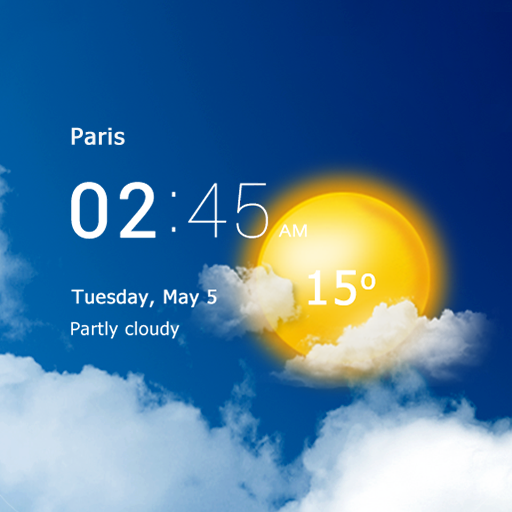
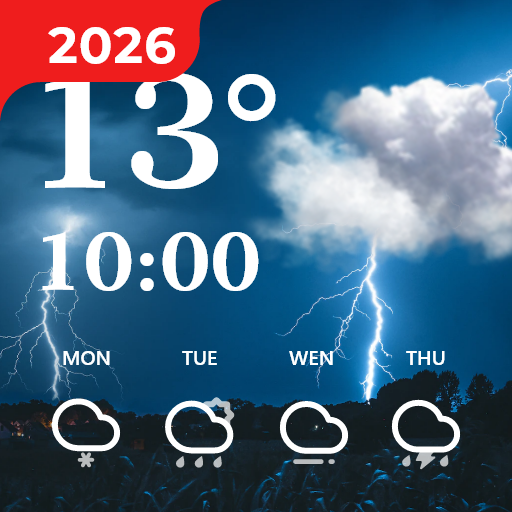
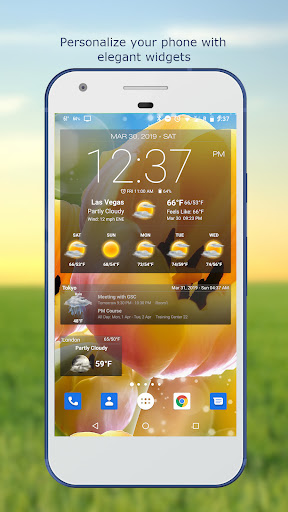
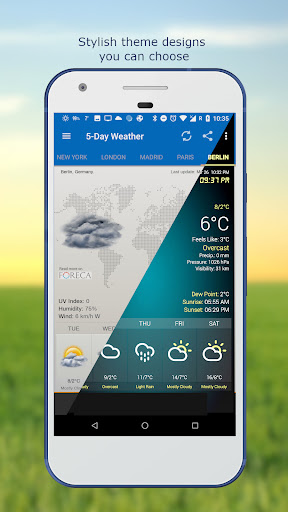
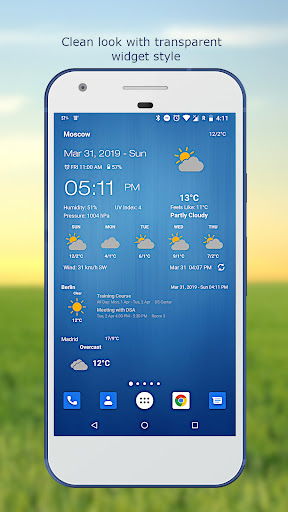
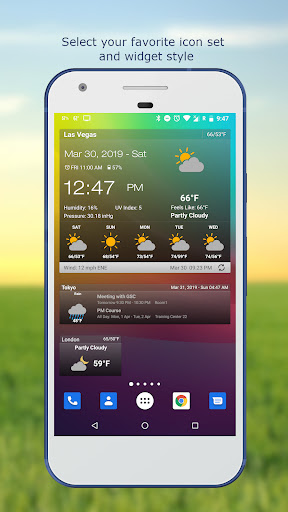
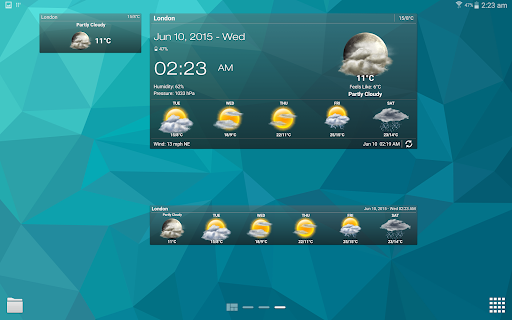
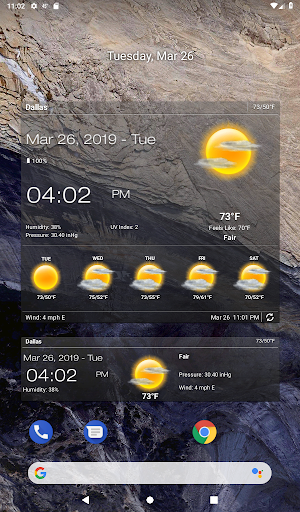
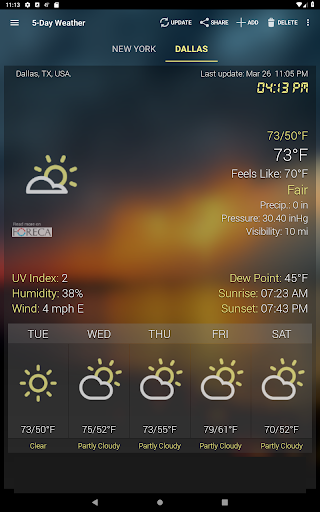
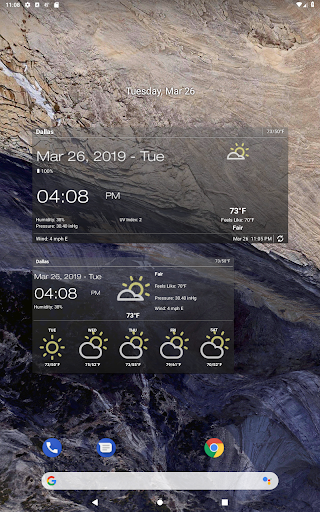
Upon launching the Weather & Clock Widget, users are welcomed with a clean, intuitive interface that emphasizes user-friendly navigation. The layout is thoughtfully designed to make exploring its features straightforward, even for those who aren't tech-savvy. A highlight is the app's high level of customization, allowing you to tailor the appearance of your widgets to match your phone's aesthetic. Whether you prefer a minimalist look or a more vibrant style, the app adapts seamlessly, making your home screen not only functional but visually appealing.
Powerful Features That Enhance Your Daily Life
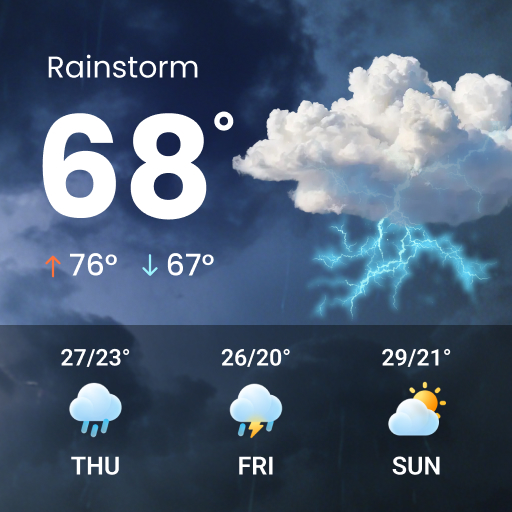
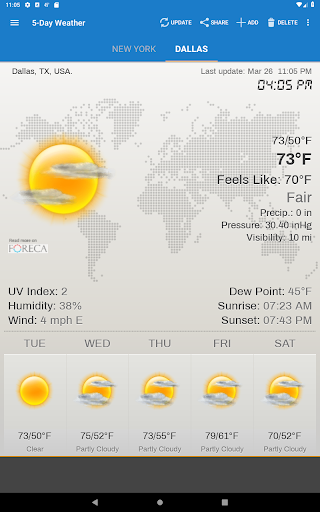
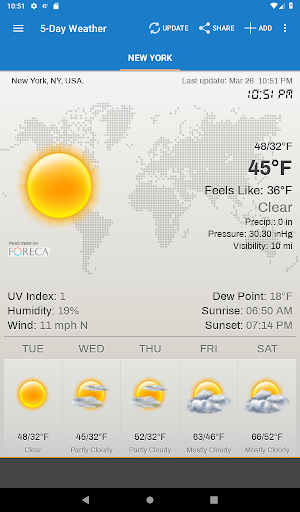
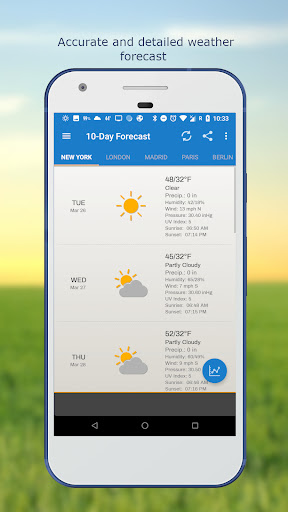
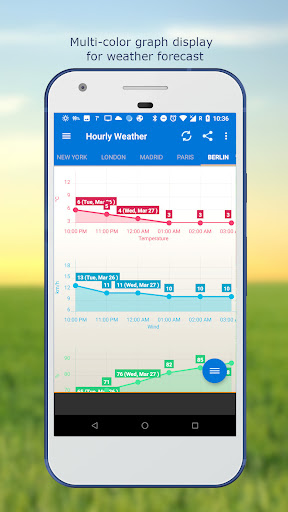
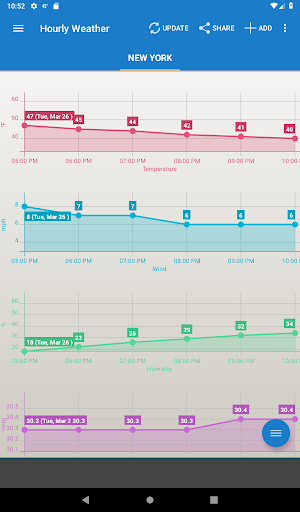
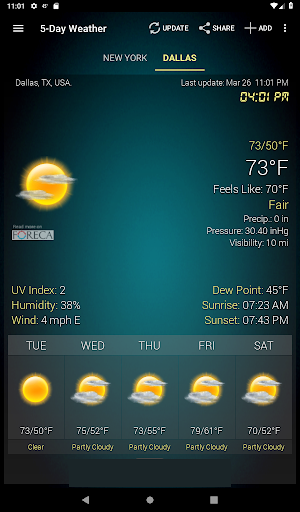
This app is more than just a weather checker. It is packed with advanced features designed for weather enthusiasts and casual users alike. You can view hourly weather forecast and daily conditions, including detailed information such as temperature (with support for both Celsius and Fahrenheit), relative humidity, atmospheric pressure, and visibility distance. For those tracking specific weather trends, the app offers a comprehensive 10-day forecast with elegant chart graphs that make data interpretation simple and quick.
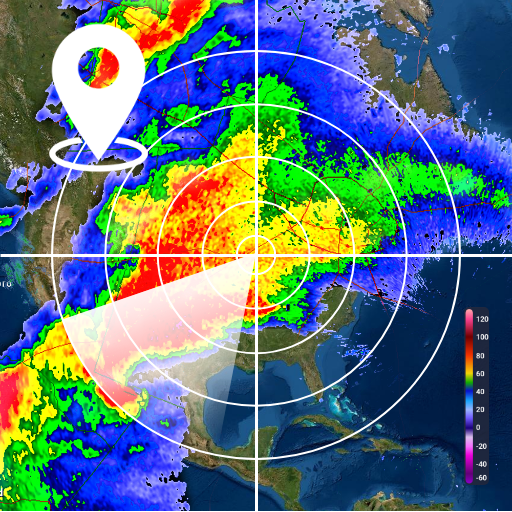
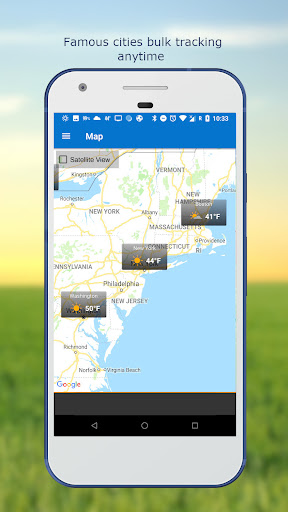
Seamless location detection is another key highlight—whether you're using GPS or network-based positioning, the app automatically updates your weather information. Additionally, you can manually search for locations by name or zip code if you want to monitor weather across different places. For safety and convenience, weather notification alerts warn you of severe conditions, while multiple weather providers ensure accuracy and reliability of forecasts.
Other notable features include displaying sunrise and sunset times, UV-Index, and wind speed and direction in various units. The widget can also show your next alarm and battery level, offering a comprehensive snapshot of your device’s status alongside weather updates. Customization options extend to themes, font adjustments for clock and date, and update intervals—whether you prefer manual refresh or automatic updates at customized times like 15, 30 minutes, or several hours.
An All-in-One Weather & Time Solution
The integration of a sleek clock widget alongside weather data makes this app exceptionally convenient. The combined display of current time and weather conditions facilitates quick checks, saving you from navigating multiple screens. Plus, users can easily share weather and location information with friends directly from the widget, making social planning and coordination more effortless.
Performance and Reliability
One of the app’s standout qualities is its reliability. It loads quickly and remains stable, providing consistent updates without crashes or lag. The minimal advertisement presence enhances the user experience, allowing you to focus entirely on essential weather data. Moreover, its optimized performance ensures low battery consumption, so checking the weather frequently won't significantly impact your device’s battery life.
Final Thoughts
In summary, the Weather & Clock Widget offers a perfect blend of functionality, aesthetic appeal, and ease of use. It caters to users seeking quick, accurate, and comprehensive weather updates, combined with customizable clock features. Whether you're planning your day, monitoring upcoming weather patterns, or just want a beautiful widget that complements your device, this app is an excellent choice. Its robust feature set and user-friendly design make it a must-have for anyone looking to stay prepared and informed in a rapidly changing weather landscape. Give it a try and enhance your daily routine with essential weather insights presented in a sleek, accessible manner.
Pros
- Customizable widget layouts
- Accurate weather forecasts
- Integrates with calendar
- User-friendly interface
- Real-time weather alerts
Cons
- Contains ads
- Limited free features
- Battery drain concerns
- In-app purchases required
- Occasional location errors