Introducing Weather Complications: Wear OS
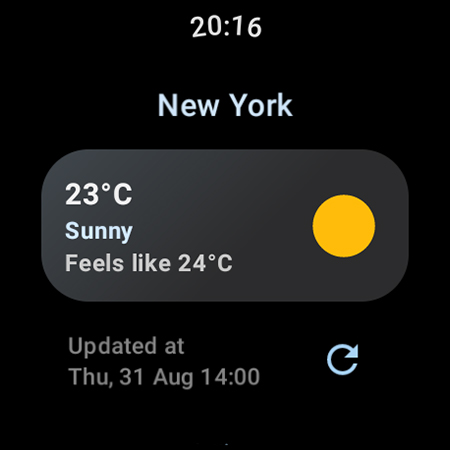
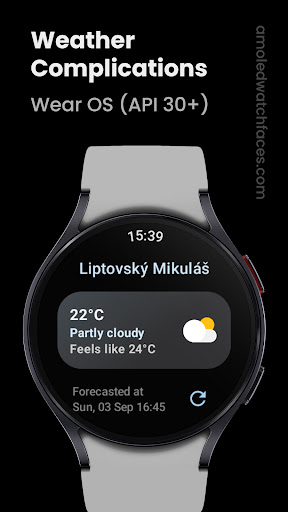
Weather Complications: Wear OS is a dedicated weather app designed specifically for Wear OS API 30+ devices. This innovative application consolidates all weather-related custom complications into a single, easy-to-use package, bringing real-time weather updates directly to your smartwatch. Suitable for AMOLED watch faces, this app ensures you stay informed about the weather without the need to reach for your phone.
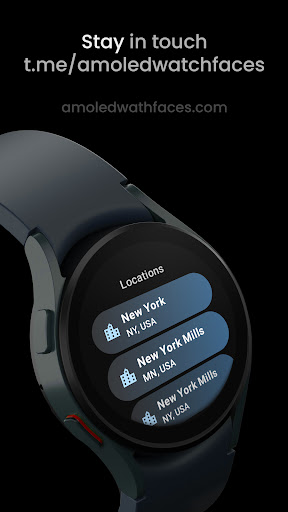
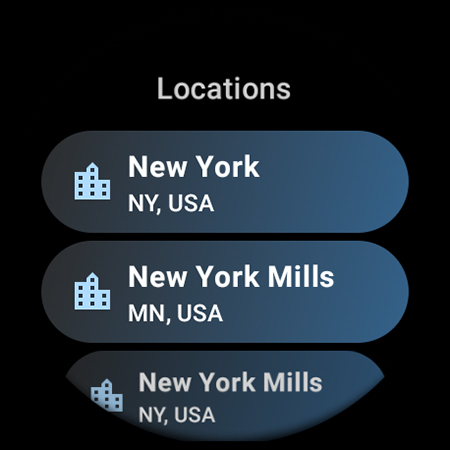
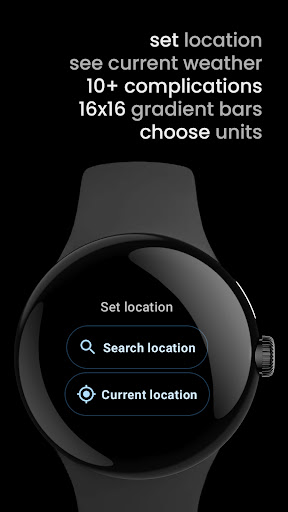
Note: This app is exclusive to compatible devices and cannot be obtained with a BOGO promo. Weather data updates every 15 minutes, while complication refresh intervals are optimized to 35 minutes for the best battery efficiency. When there's no internet connection, the app intelligently switches to forecasted data for the current hour, maintaining reliable information even offline. It uses the Google Places API for location data and sources weather information primarily from www.weatherapi.com or openweathermap.org/api/one-call-3, depending on user preferences.
Supported Custom Complications & Types
This app supports a wide array of custom complications to provide comprehensive weather insights, including:
- Air Quality Index (EPA) – SHORT_TEXT, LONG_TEXT, RANGED_VALUE
- Atmospheric Pressure – SHORT_TEXT, LONG_TEXT, RANGED_VALUE
- Beaufort – SHORT_TEXT, LONG_TEXT, ICON, SMALL_IMAGE
- Chance of Rain – SHORT_TEXT, LONG_TEXT, RANGED_VALUE
- Current / Feels like Temperature – SHORT_TEXT, LONG_TEXT
- Weather – SHORT_TEXT, ICON, SMALL_IMAGE
- Weather Hi-Lo Progress – RANGED_VALUE
- Dew Point – SHORT_TEXT, LONG_TEXT
- Feels like – SHORT_TEXT, LONG_TEXT
- Hi-Lo Temperature – SHORT_TEXT, LONG_TEXT
- Humidity – SHORT_TEXT, LONG_TEXT, RANGED_VALUE
- UV Index – SHORT_TEXT, LONG_TEXT, RANGED_VALUE, ICON, SMALL_IMAGE
- Weather & Location – LONG_TEXT
- Weather & Condition – LONG_TEXT
- Weather Summary – LONG_TEXT
- Wind – SHORT_TEXT, LONG_TEXT
Explore Our Watch Face Portfolio
Interested in customizing your smartwatch even further? Check out the watch face portfolio on Google Play. For all custom complication applications, visit amoledwatchfaces.com/apps. Enhance your Wear OS experience with stylish and functional watch face designs that seamlessly incorporate weather complications for a personalized, at-a-glance weather update.
If you encounter any issues or need support, feel free to reach out through their contact page. Community engagement is encouraged via their Telegram support group.
Why Choose Weather Complications: Wear OS?
For busy individuals who rely on quick access to reliable weather information, Weather Complications: Wear OS is the perfect companion. Its continual updates ensure you're always aware of current conditions, whether for planning outdoor activities, commuting, or just staying prepared. The app's ability to display various weather metrics—including UV Index, air quality, and temperature forecasts—makes it a comprehensive tool for weather tracking right on your wrist.
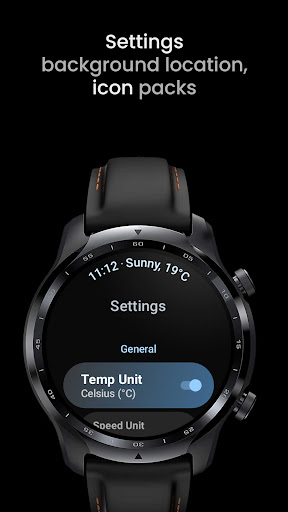
Designed for ease of use, the interface is minimalistic yet powerful, allowing even non-technical users to navigate effortlessly. Its optimized performance guarantees smooth operation without significant battery drain—an essential feature for smartwatch apps. Plus, the app's customization options mean you can tailor your watch face with preferred complications, resulting in a personalized experience that blends functionality with style.
In the realm of Wear OS apps, Weather Complications stands out for integrating real-time data, intelligent offline capabilities, and support for a wide variety of complication types. Whether you're a weather enthusiast or just someone who wants quick, accurate updates, this app is your ideal weather forecast partner on your smartwatch.
So, if you're seeking a reliable, customizable, and easy-to-use weather app for Wear OS, give Weather Complications: Wear OS a try. Stay ahead of the weather curve with a sleek smartwatch app that feels like having a meteorologist right on your wrist.
Pros
- Provides highly accurate weather information.
- Allows customization of watch face widgets.
- Offers seamless integration with Wear OS.
- Consumes minimal battery power.
- Delivers real-time weather notifications.
Cons
- Limited features available in the free version.
- Contains advertisements in the free version.
- Occasional synchronization problems.
- Requires a constant internet connection.
- Does not support offline mode.