Introducing VR Player Pro - Video Player: Your Ultimate Mobile VR Cinema
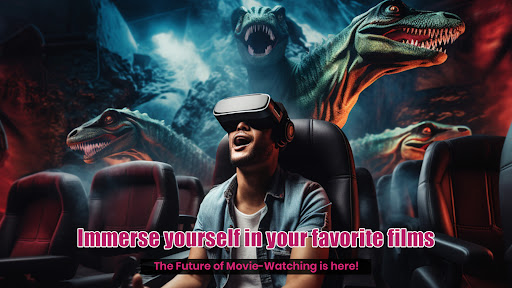
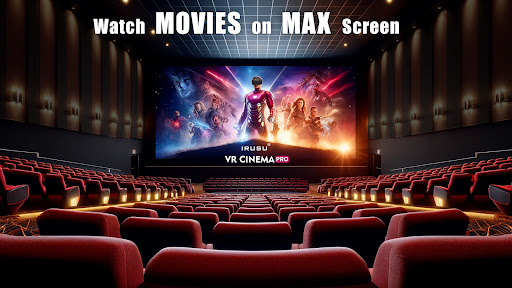
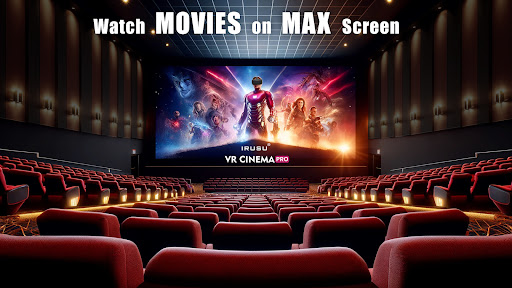
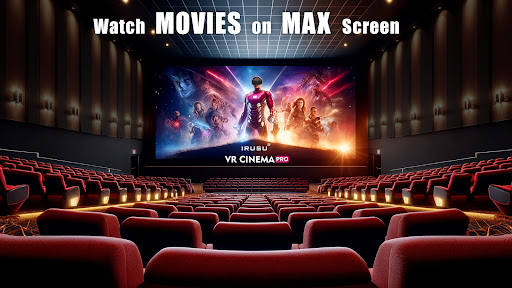
Are you looking to delve into the exciting world of virtual reality without investing in a costly dedicated setup? VR Player Pro - Video Player transforms your smartphone into a powerful mini VR theater, offering a seamless and immersive viewing experience that brings your videos to life in stunning virtual environments.
Immersive Virtual Reality Experience at Your Fingertips
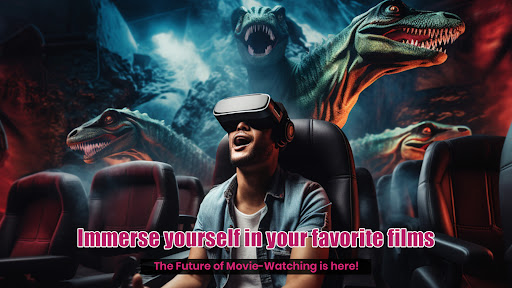
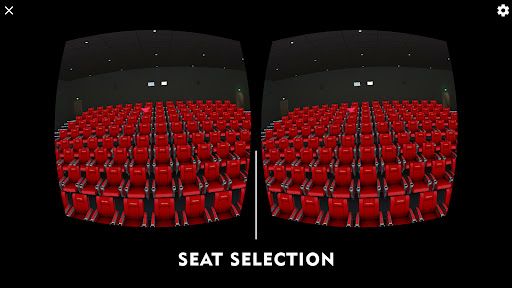
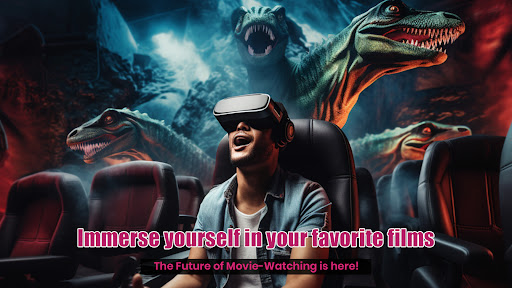
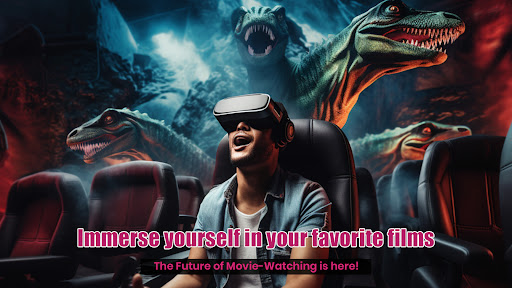
This versatile VR video player supports a wide range of formats, including 2D, 3D, and 360-degree videos. As soon as you insert your smartphone into your VR headset, you're transported to breathtaking worlds—from exhilarating roller coaster rides to tranquil beaches. The exceptional visual clarity combined with immersive sound makes it feel as if you're physically present in these virtual locations, revolutionizing the way you enjoy media content.
User-Friendly Interface and Customization
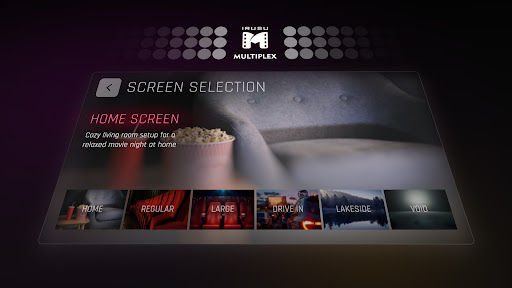
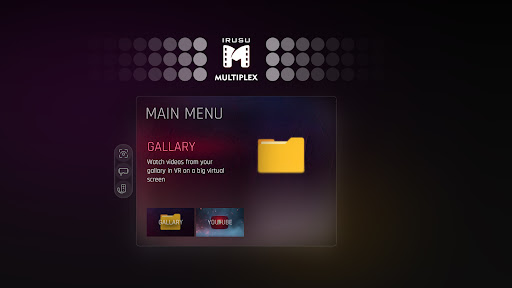
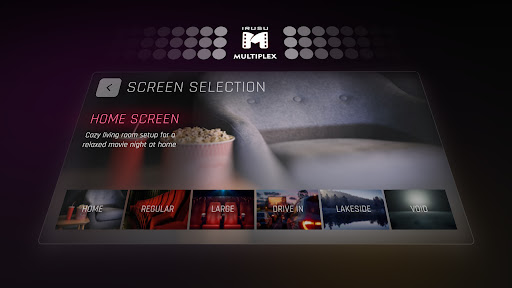
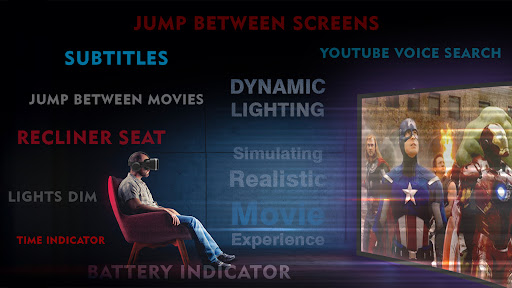
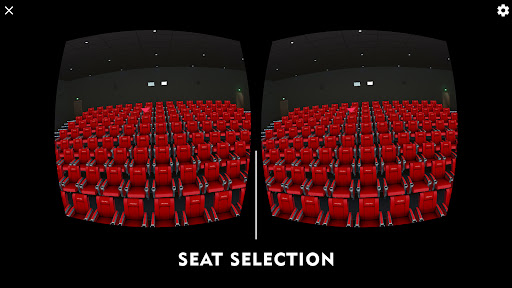
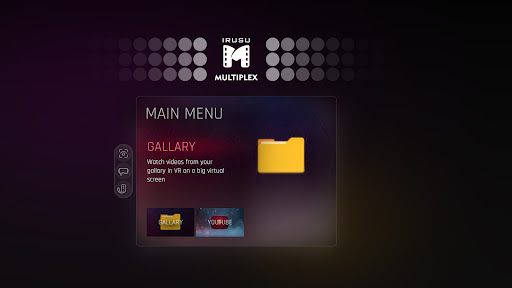
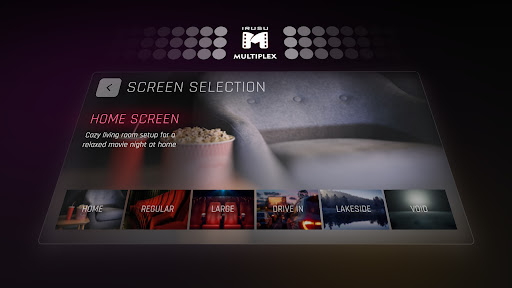
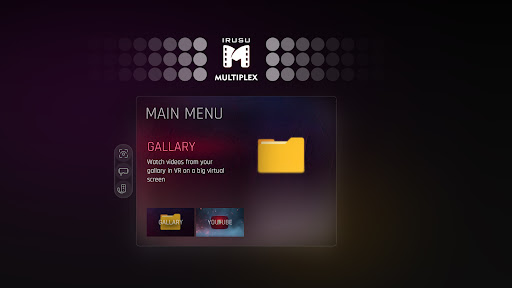
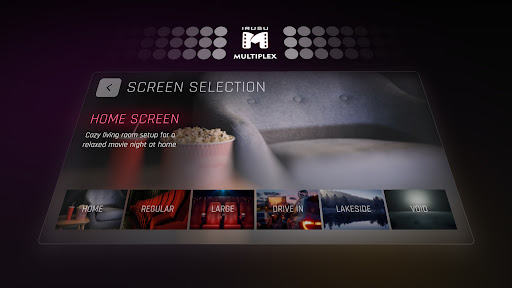
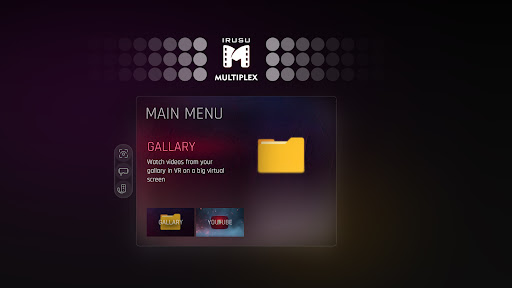
One of the standout features of VR Player Pro is its intuitive and user-friendly interface. Navigating through videos, adjusting settings, or switching modes is straightforward—even for beginners. The app allows you to control playback, pause, and seek easily. Moreover, it offers extensive customization options including screen size adjustments, the ability to choose different viewing modes like cinema or dome, and fine-tune audio settings to match your preferences. This flexibility lets you tailor the VR experience to maximize comfort and enjoyment.
Stream and Watch Content with Ease
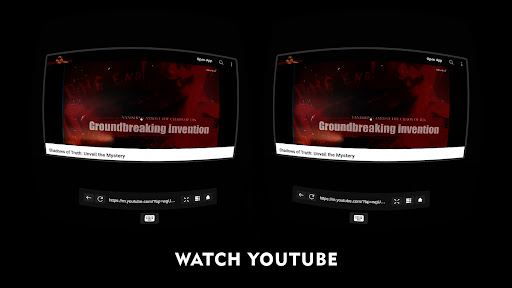
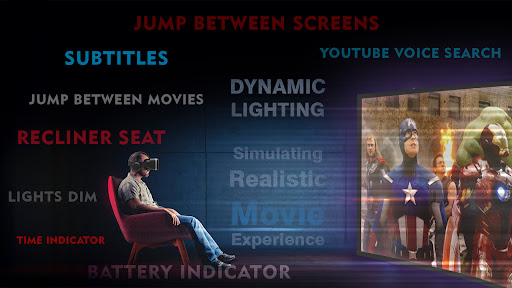
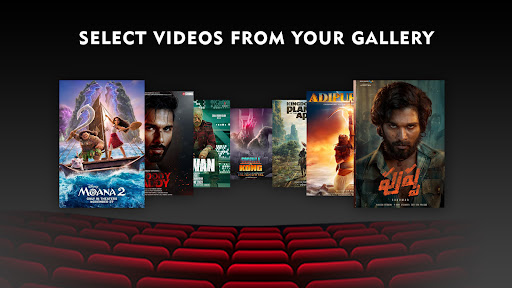
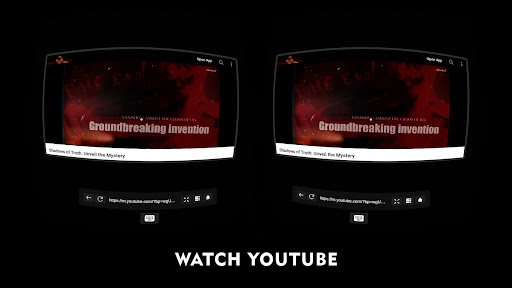
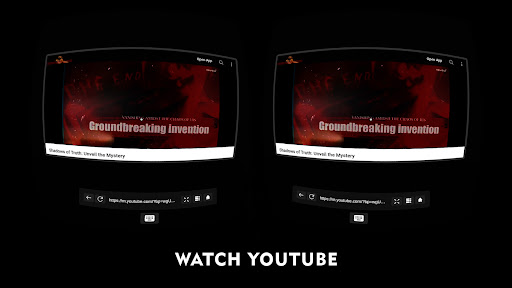
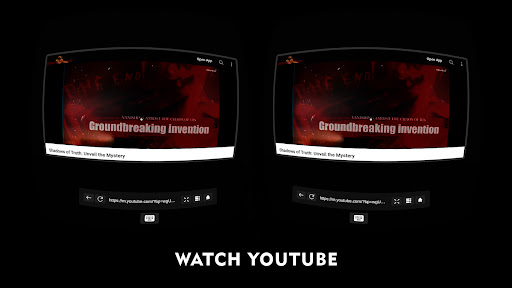
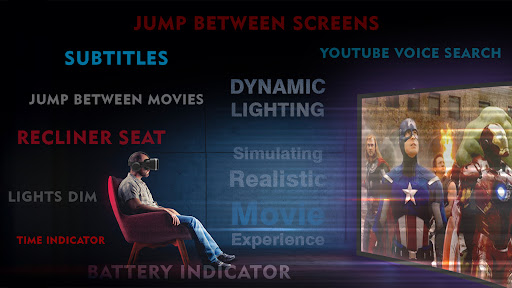
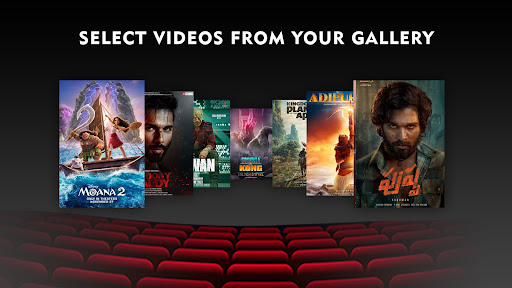
Beyond local playback, VR Player Pro excels at streaming content directly from the web. You can access a broad array of online VR videos and enjoy them without the need for prior downloads—imagine having a virtual cinema in your pocket. The app also supports subtitles, making it suitable for foreign films or documentaries, and allowing viewers to follow dialogue effortlessly. This feature enhances accessibility and makes VR viewing more inclusive for diverse audiences.
Compatibility and Convenience
Designed to work with various VR headsets and accessories—such as Google Cardboard, Irusu headsets, VR Box, Shinecon, and other mobile VR devices—VR Player Pro ensures broad compatibility. It supports high-resolution videos up to 4K (hardware dependent), so you can enjoy crisp, high-quality visuals across a variety of devices. Whether you're seeking entertainment or educational content, this app unlocks a world of possibilities for immersive media consumption.
Experience the Future of Mobile VR Media
In summary, VR Player Pro - Video Player redefines how you engage with video content on your smartphone. Its comprehensive feature set combined with its ease of use makes it a top choice for both VR newcomers and seasoned enthusiasts alike. With support for multiple formats, streaming capabilities, and compatibility with most VR headsets, this app is your gateway to exploring virtual worlds comfortably and conveniently. Dive into immersive environments today and discover a new dimension of media entertainment that is both engaging and accessible.
Pros
- Supports multiple VR headset models.
- Handles 360-degree videos smoothly.
- User-friendly interface layout.
- Customizable playback settings.
- Excellent video quality.
Cons
- Limited features in the free version.
- Occasional app crashes reported.
- Some formats are not supported.
- Does not support online streaming.
- Requires high device performance.