InColor: Coloring & Drawing
Discover the perfect digital art companion with InColor: Coloring & Drawing, a popular mobile application designed to unlock your creativity and provide a relaxing experience through coloring and drawing activities. Recognized as Google Play’s Best Apps of 2017 winner across regions such as Southeast Asia, Brazil, Italy, and others, InColor has captivated millions with its intuitive interface and rich feature set. With over 1,000,000 downloads worldwide, it stands out as an engaging platform for artists of all skill levels seeking a fun, stress-relieving outlet.
What’s InColor About?
InColor is more than just a coloring app—it's a virtual art studio that turns your creativity into reality. Whether you're a beginner or an experienced artist, this app encourages self-expression by offering a vast collection of coloring pages and drawing tools. Its versatile features enable users to bring their ideas to life effortlessly, transforming simple sketches or photos into vibrant artworks. The app's accolades, such as being an Editor’s choice and a best app of 2017, highlight its quality and popularity among users worldwide.
Features That Make InColor Stand Out
Countless Coloring Materials
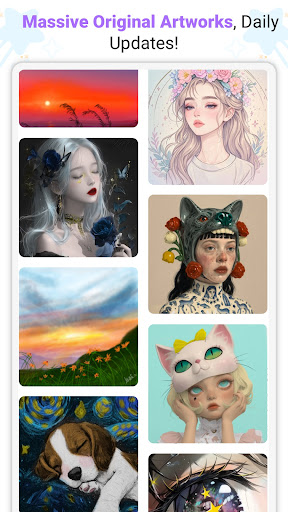
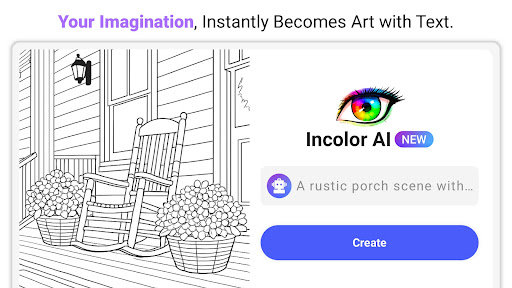
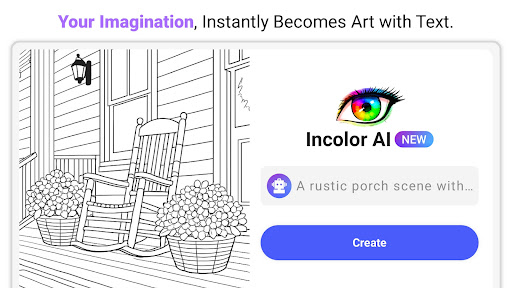
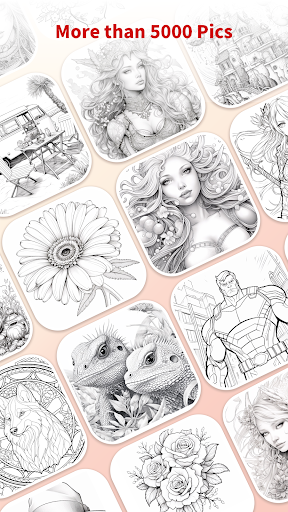
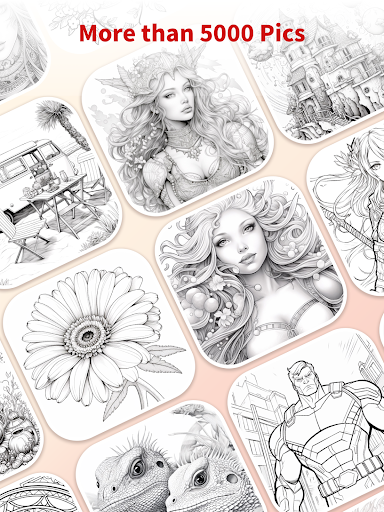
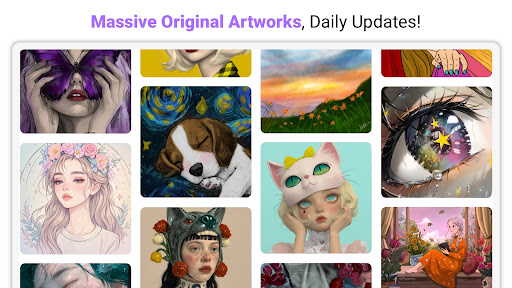
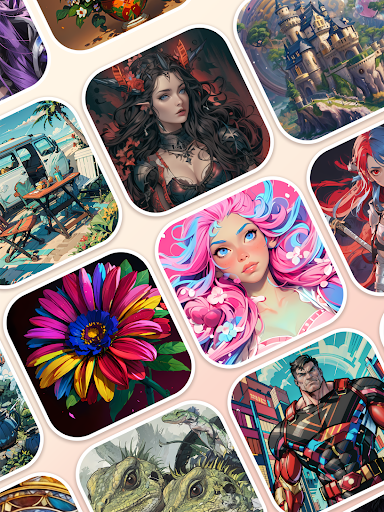
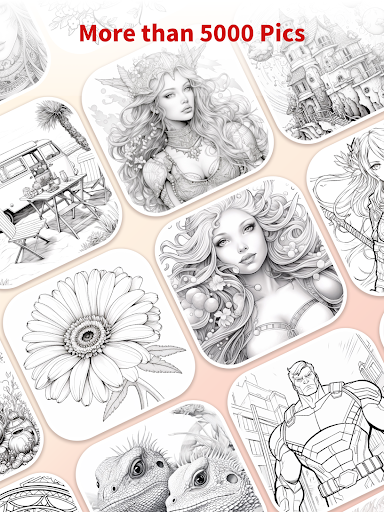
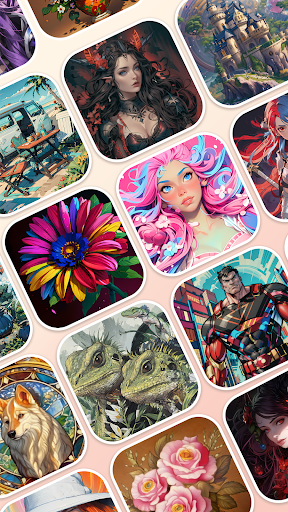
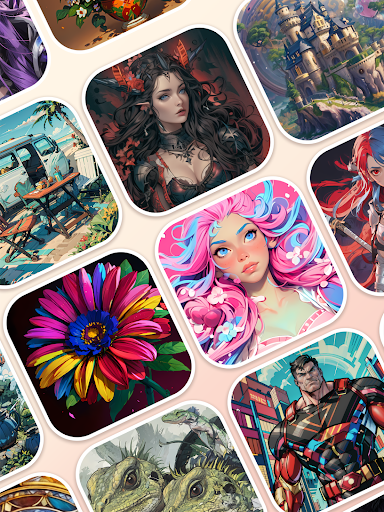
InColor boasts an extensive library of exquisite coloring pages including mandalas, animals, flowers, cartoons, and many other styles that are updated daily. This diversity ensures that users always have fresh content to explore, fostering continuous engagement and creativity. The app caters to all preferences, whether you enjoy simple designs or intricate patterns, making it accessible and enjoyable for everyone.
Easy and Intuitive Coloring
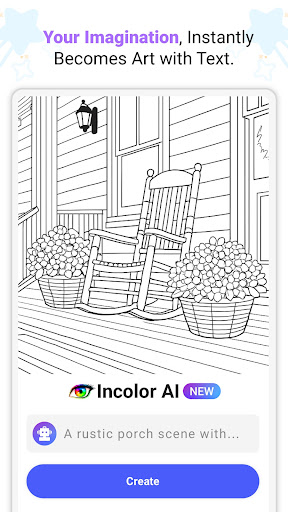
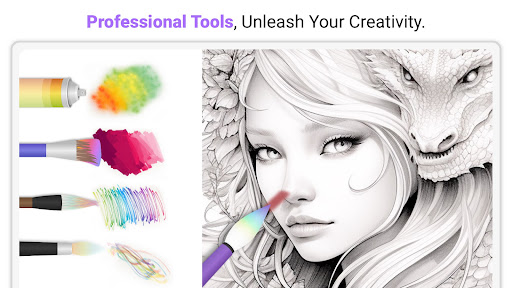
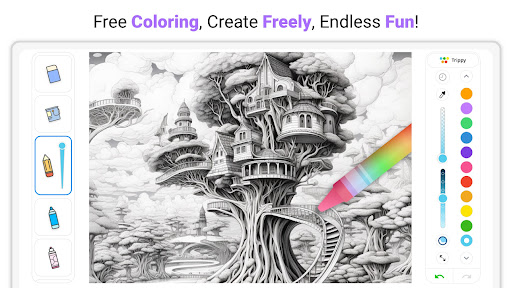
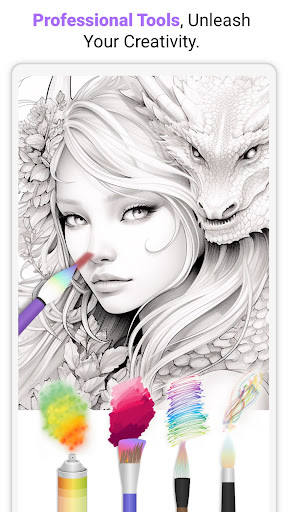
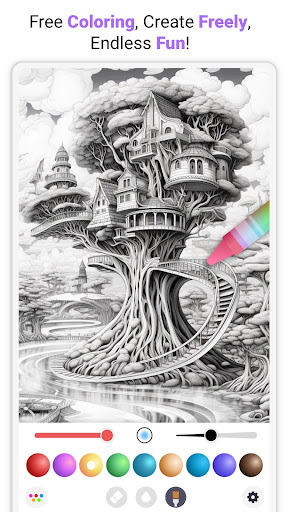
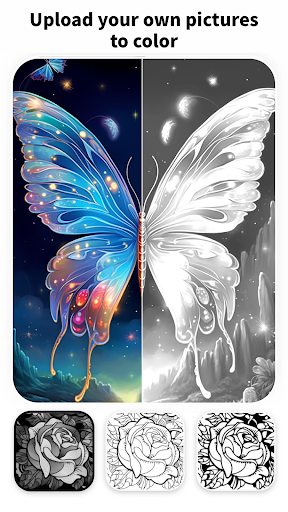
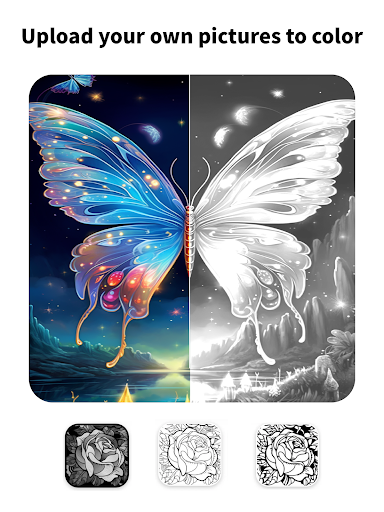
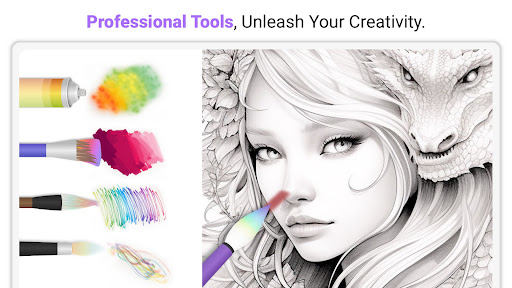
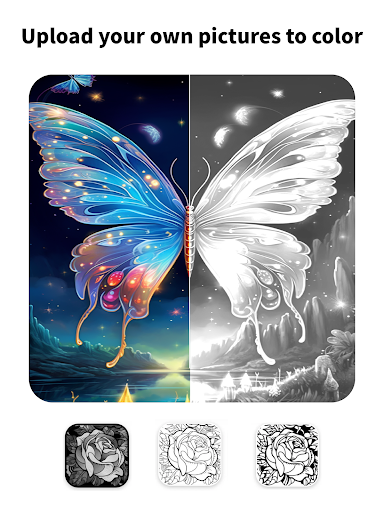
Coloring has never been easier! InColor offers a variety of customizable painting tools that are simple to operate. Its smart coloring feature allows you to fill specific areas precisely, minimizing mess and enhancing precision. No matter what image you choose, whether from your gallery or a photo you take, the app quickly converts it into a coloring page. This functionality makes it simple to turn your favorite photos into personalized artworks—perfect for both casual fun and artistic experimentation.
Drawing and Creativity
In addition to coloring, the app allows you to draw your own mandalas or sketches using a wide range of tools. With features supporting drawing from scratch, you can explore your artistic talents directly within the app. For iPad users, compatibility with Apple Pencil provides a more precise and natural drawing experience, making the app ideal for detailed illustrations or casual doodling.
Community and Social Sharing
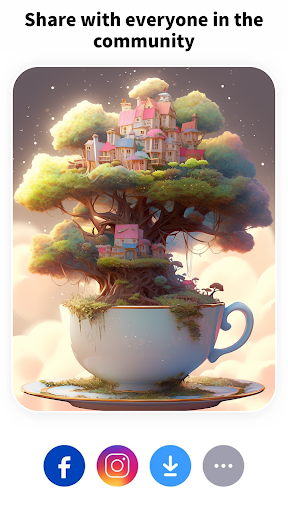
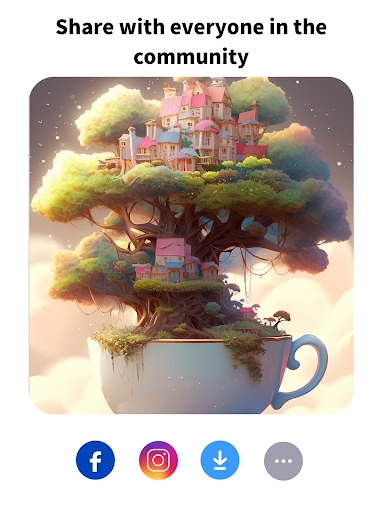
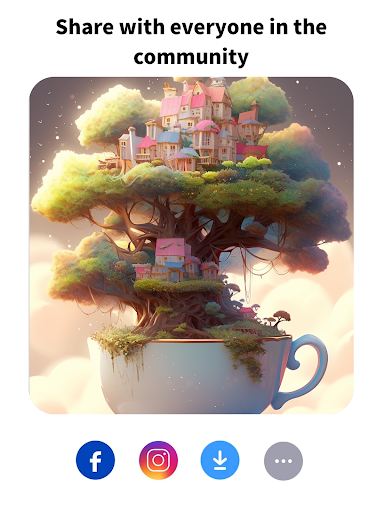
Art is best enjoyed when shared! InColor creates a vibrant community where users can showcase their masterpieces, gain inspiration, and connect with fellow artists through its dedicated social platform. Sharing your artwork on other social media platforms like Instagram or Facebook is made effortless. To keep inspiration flowing, the app offers daily challenges and themed events, motivating users to experiment with new styles and techniques, and cultivating a lively environment for creativity and feedback.
Why Choose InColor?
If you are seeking an engaging way to relieve stress, nurture your artistic side, or simply have fun with colors, InColor: Coloring & Drawing offers the perfect solution. Its user-friendly interface, extensive toolset, and active community make it an ideal app for beginners and pros alike. Whether you want to color relaxing mandalas, import photos to create personalized artworks, or challenge yourself with creative drawing projects, InColor provides everything needed for a delightful artistic journey. Download it today and discover where your imagination can take you in this colorful world.
Pros
- Extensive selection of coloring pages available.
- Simple and intuitive interface suitable for all ages.
- Offline mode enabling coloring without an internet connection.
- Frequent updates adding new content.
- Ability to import personal drawings.
Cons
- Certain features are accessible only through in-app purchases.
- Advertisements can sometimes be disruptive.
- Limited options for free color palettes.
- Occasional crashes reported on the app.
- Consumes a considerable amount of storage space.