








Green Screen Effect and Video Background Changer
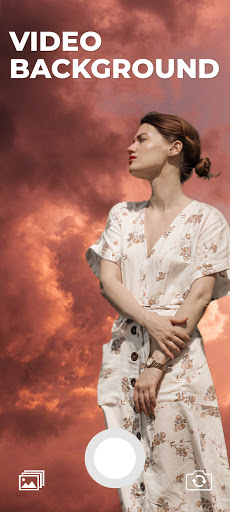
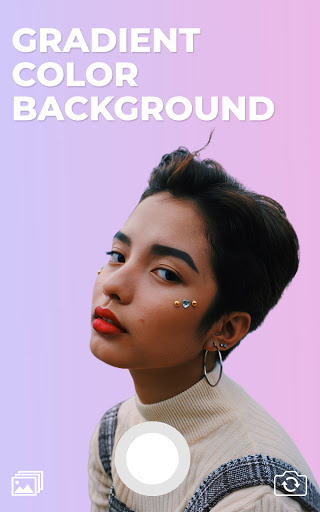
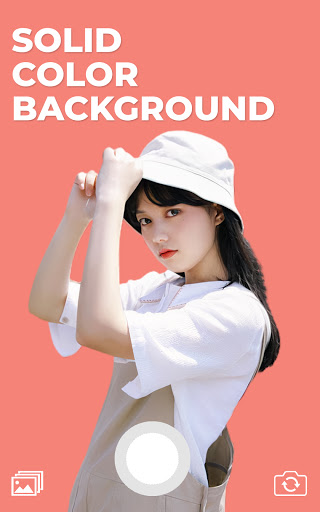
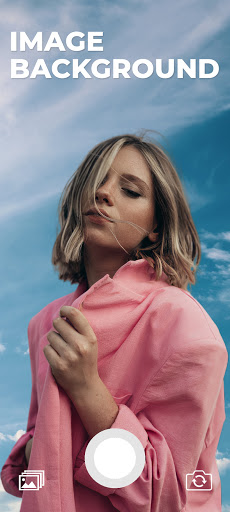
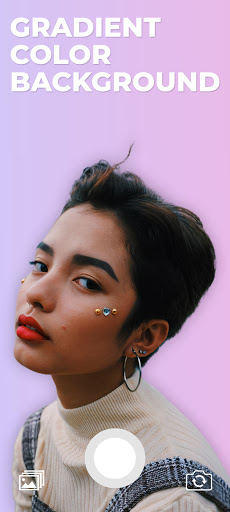
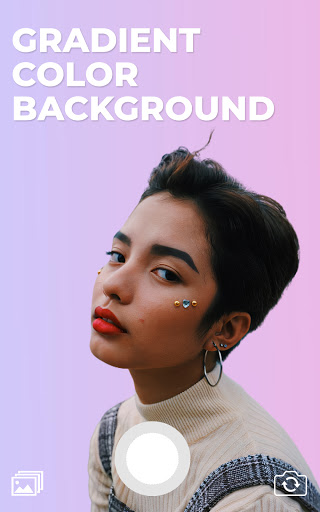
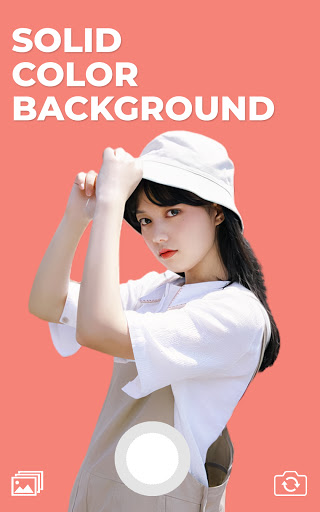
Green screen effect and video background changer app is the first app that provides you the ability to change your camera video background in real-time, green screen effect app lets you change the video background with solid color, gradient color, image, or even a video. Green screen effect app is a free app video background changer that offers a bunch of features such as change the video background with color, talking about colors, the green screen effect app contains thousands of colors to choose from as well as gradient color, select your favorite one, and change your camera video background with it.
In addition to the colors and gradient color features, the green screen effect let you change the video background with an image from your gallery or even a video, just one click there your video background will be changed. Green screen effect has two modes of the camera, selfie camera and back camera, one tap to switch between them, you can change the background of your video selfie as well as back camera.
Green screen is one of the darlings of the crowd that likes to make videos more elaborate and fun, but what is green screen? the name refers to a filter that offers several options for funds to use in videos created by the social network. The feature resembles the green background used in the film super heroes, for example, used as a scenario for people to act. the tool, as expected, is successful on the internet, but what about you, do you know how to use the effect?
How to use
Open the green screen effect app.
Click on the plus button.
The green screen app will automatically start, you will notice that your camera video background has been removed.
From the bottom left corner, click on the background icon to change the video background with color, gradient color, image, or even a video
One tap to save as image and hold tap to start recording a video.
Video Background Changer
Ever found yourself in a situation where you wished you could change the background of a video without the hassle of using complex software? Well, let me introduce you to the magic of Video Background Changer. This nifty app is like having a green screen studio right in your pocket, and it’s surprisingly fun and easy to use!
Getting Started
First things first, downloading and installing the Video Background Changer app is a breeze. Available on both Android and iOS, you can find it in your respective app store. Once installed, it greets you with a straightforward interface that even a tech newbie could navigate.
How It Works
Using the app is as simple as pie. You start by selecting a video from your gallery. The app then works its magic by detecting the primary subject in the video and separating it from the background. You can choose from a variety of pre-loaded backgrounds or upload your own images to use as the new backdrop. The app’s AI does a commendable job in recognizing edges and ensuring a smooth transition between the subject and the new background. What I absolutely love about this app is its versatility. Whether you want to place yourself on a sunny beach or in a bustling cityscape, the choice is yours. The app even allows for video backgrounds, which can add a dynamic touch to your creations.
Performance and Usability
The performance of the app is quite impressive. It processes changes swiftly, and the results are usually spot-on. Of course, like any app, it’s not entirely perfect. Occasionally, you might notice some minor imperfections in the background separation, especially if the subject is too close to the camera or the lighting isn’t ideal. However, these are rare occurrences and don’t detract significantly from the overall experience. On the usability front, the app scores high. The controls are intuitive, and the app doesn’t bombard you with ads, which is a huge plus in my book. It’s perfect for those quick edits when you want to share something fun on social media.
Final Thoughts
In conclusion, Video Background Changer is a delightful app for anyone looking to spice up their videos without diving into professional editing software. It’s user-friendly, efficient, and offers a wide array of background options to play with. While it might not replace high-end editing tools for professionals, it’s perfect for casual users and social media enthusiasts. Give it a try, and you might just find yourself addicted to creating quirky videos with new and exciting backdrops. Happy editing!
Video Background Changer: A Blog-Style Feature Description
Designed as a pocket studio for video creators, the Video Background Changer blends real-time green screen tech with effortless background replacement. This mobile app makes background editing accessible to everyone, whether you’re aiming for a sun-drenched beach, a bustling cityscape, or a dramatic color wash. With seamless integration on both Android and iOS, it invites users to swap backgrounds without the complexity of desktop software, making it ideal for social media lovers, vloggers, and casual creators alike.
At its core, the app uses AI-driven subject segmentation to isolate you from the original backdrop and swap in a wide array of backdrops—solid colors, gradients, images, or even other videos. The result is a smooth, natural composite that helps your message pop and keeps viewers engaged. The interface is friendly to newcomers yet powerful enough for quick-turn content, so you can craft eye-catching scenes in minutes rather than hours.
Getting started is a breeze: download, install, and open a clean, intuitive UI. Choose a video from your gallery, and let the intelligent background replacement do the heavy lifting. Pre-loaded backdrops and the ability to upload your own images or even video backgrounds give you endless creative possibilities. The app’s edge-detection and transition quality are typically impressive, producing clean boundaries between you and the new scene while minimizing distracting artifacts.
Practicality shines in the daily workflow. You can switch between front-facing and rear cameras with a single tap, enabling quick changes during shoots or while live-streaming. The app supports both photo and video outputs, and the absence of intrusive ads keeps the focus on creativity. It’s a solid choice for quick social posts, narrative clips, or experimental videos that benefit from playful or thematic backdrops. Whether you’re shooting a spontaneous vlog, a tutorial, or a fun skit, this background changer offers a versatile, accessible path to professional-looking results without the need for expensive software or hardware.
In sum, Video Background Changer stands out as a practical, user-friendly tool for modern content creators seeking fast, stylish background replacement—perfect for exploring new scenes, boosting engagement, and fueling creativity across platforms.
Pros
- Easy to use interface
- Supports various video formats
- High-quality output
- Quick processing time
- Includes background templates
Cons
- Limited free version
- Occasional crashes
- Ads in free version
- Requires internet connection
- Limited editing tools