

Turbolearn - AI Note Taker: Transform Your Notes with AI
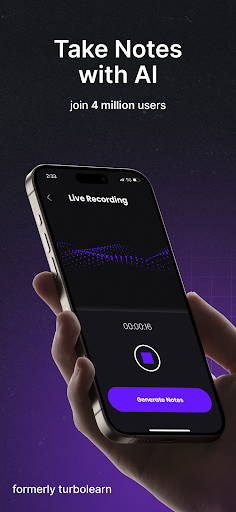
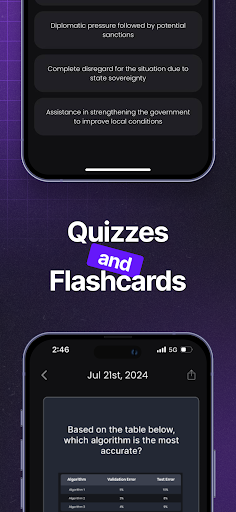
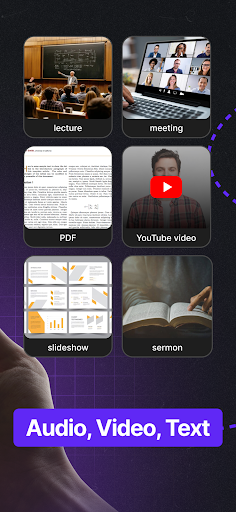
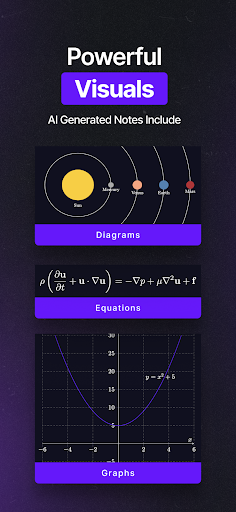
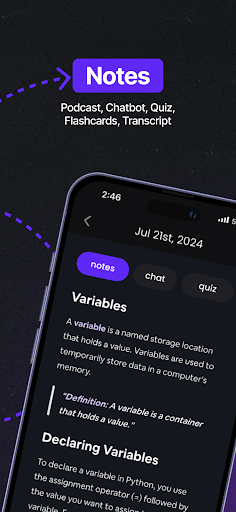
Turbolearn uses AI to turn your lecture and meeting recordings into notes, flashcards, and quizzes. Our notes are beautifully formatted and include tables, emojis, diagrams, and equations. This blog-style feature description showcases how Turbolearn can streamline study and collaboration, making it easier to learn faster and stay organized.
Summarize and Learn Faster
Learn new topics quickly by importing long YouTube videos and PDFs into Turbolearn, where AI-generated study materials are created for efficient review. Whether you’re catching up after a lecture or preparing for an exam, Turbolearn distills complex content into concise summaries, key points, and structured materials that accelerate comprehension and retention.
Chat with Your Upload
Each note comes with a built-in chatbot that delivers context-dependent answers, often quoting instructors to reinforce understanding. This interactive layer helps you explore concepts, verify details, and revisit important takeaways without leaving your notes.
Cross-Platform Sync
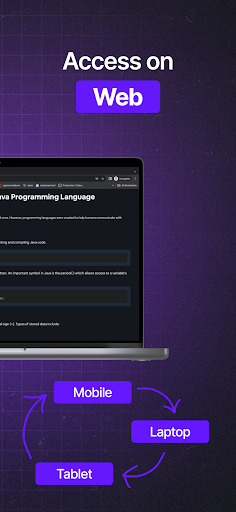
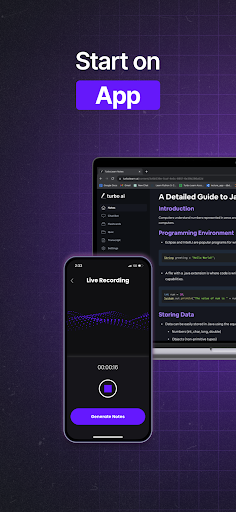
Notes stay in sync across devices—start on your phone during a commute and finish on the web at home. Thanks to cloud integration, you can study on the web, tablet, or phone, and your progress follows you everywhere for a seamless learning workflow.
Organization, Sharing, and Accessibility
AI-driven categorization and tagging keep notes neatly organized, so you never spend hours digging through files. Create folders to group related content, and share notes with classmates, colleagues, or students to boost collaboration and group study sessions. The formatting supports rich content, including tables, diagrams, and equations, making your study materials both informative and engaging.
Getting Started
Available on Android and iOS, Turbolearn greets you with a clean, intuitive interface that makes note-taking feel effortless. The AI features automatically organize notes and apply relevant tags, reducing clutter and speeding up retrieval. You can add voice notes for hands-free capture and customize the appearance with themes and font sizes to suit your preferences, ensuring a comfortable and productive study environment.
Security and Personalization
Your notes are protected with strong encryption to keep your information private. In addition to security, Turbolearn offers extensive customization options—adjust themes, font sizes, and other preferences to tailor the experience to your personal workflow, making note-taking not only smarter but more enjoyable.
Why Turbolearn Stands Out
Turbolearn positions itself as a superior alternative to other AI note-taking tools by combining AI-driven organization, rich content formatting, cross-device synchronization, and easy sharing. It’s designed to support both casual users and note-taking enthusiasts, delivering a streamlined, efficient workflow for academic and professional contexts. If you’re looking for a smarter, faster way to capture, review, and collaborate on information, Turbolearn offers a compelling platform that adapts to your learning style and needs.
Pros
- Integrates seamlessly with popular note apps.
- Real-time note transcription is accurate.
- Offers customizable templates for notes.
- Supports multiple languages for wider use.
- Secure data storage with end-to-end encryption.
Cons
- Limited offline functionality.
- Subscription required for premium features.
- Occasional lag in real-time processing.
- Interface can be overwhelming for new users.
- Limited customer support options.











