

Introducing Kahoot! Play & Create Quizzes
Looking to turn any dull classroom, meeting, or gathering into an engaging and interactive experience? Kahoot! Play & Create Quizzes is the perfect solution that blends education, entertainment, and team building all in one platform. Designed to be fun and easy to use, this app allows users to host lively quiz-based games commonly known as kahoots, while also empowering everyone to create their own quizzes tailored to any topic or occasion.
Versatile Features for All Users
For Students
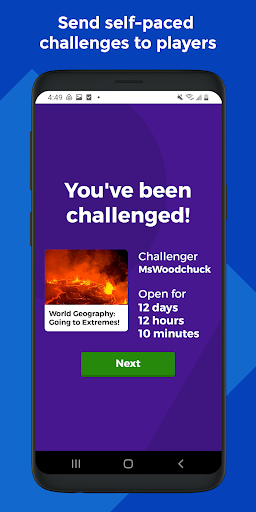
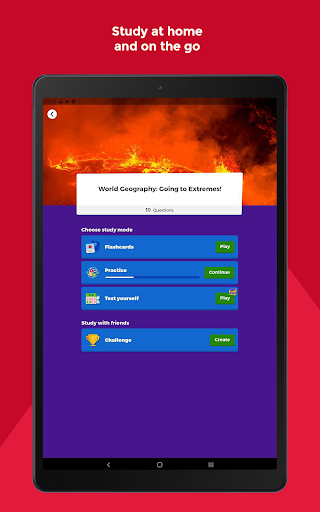
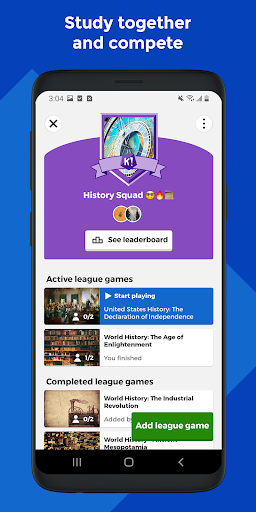
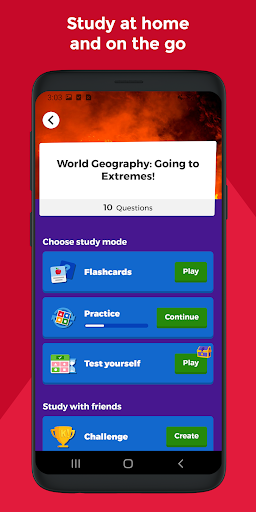
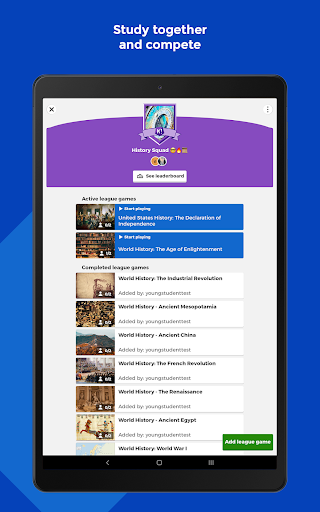
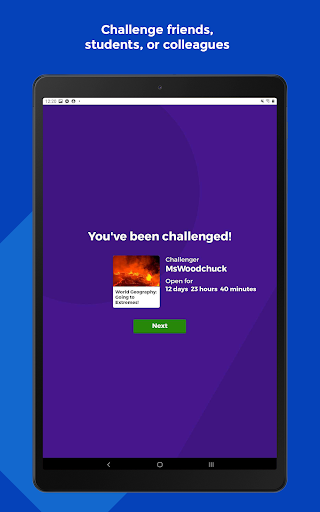
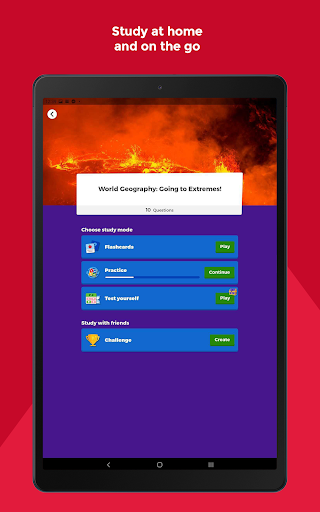
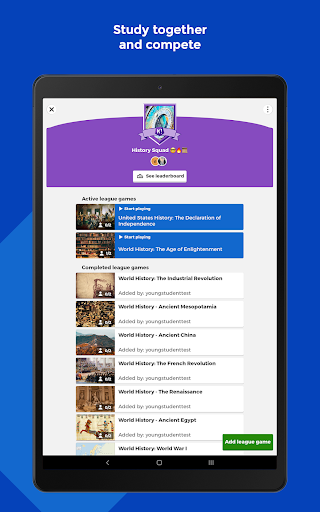
Students can explore a variety of smart study modes, including unlimited free flashcards, participation in live kahoots—either in-person or virtual—and completing self-paced challenges. The platform supports study on the go with mobile-friendly features, enables competition in study leagues, and encourages collaboration by sharing and challenging friends with custom-created kahoots. Creating engaging quizzes with images or videos adds a dynamic element to studying, making learning more interactive and enjoyable.
For Families and Friends
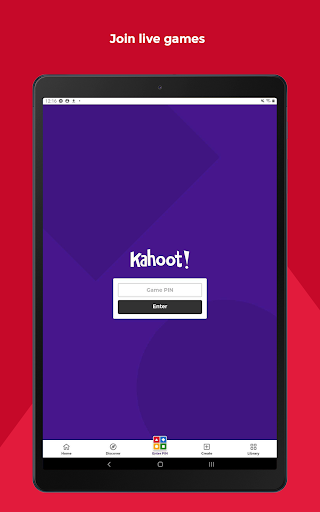
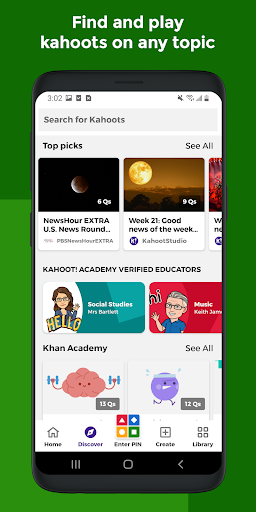
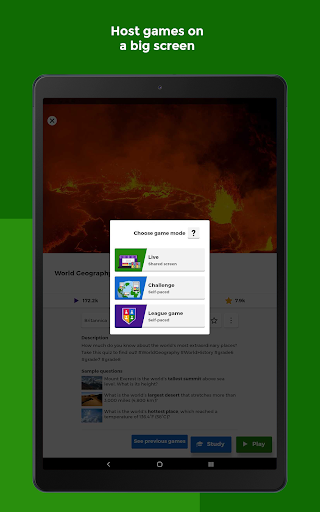
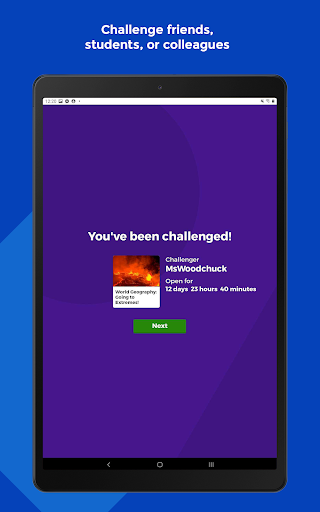
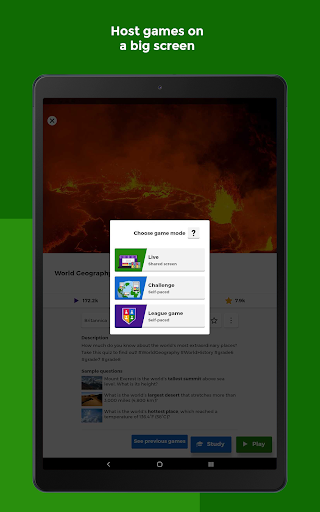
Groups of family and friends can discover kahoots on any topic suitable for all ages. You can host live kahoots by casting your screen on a television or screen sharing via video conferencing apps, making game night or family gatherings more lively. Sending challenges to loved ones and creating personalized kahoots with various question types or image effects can turn a regular day into a fun, educational event.
For Teachers
Teachers have access to millions of ready-to-play kahoots across numerous subjects. Easily create or modify your own quizzes, combining different question formats to increase student engagement. Host in-class or virtual kahoots, assign self-paced challenges for content review, and assess student progress with detailed reports—all within a user-friendly interface that fosters interactive learning environments.
For Company Employees
Businesses can leverage kahoots for e-learning, corporate presentations, and events. The platform facilitates audience participation through polls and word clouds, while virtual or in-person hosting keeps things engaging. Assign self-paced challenges to evaluate progress, share quizzes during meetings, and use reporting features to measure outcomes—making training and team-building activities more effective and fun.
Premium Features & Accessibility
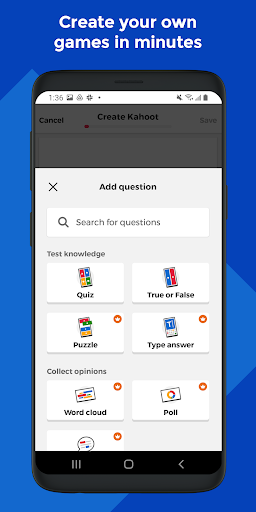
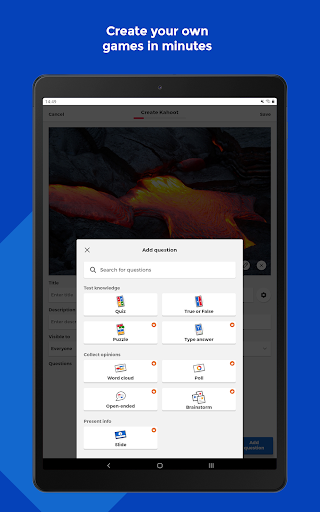
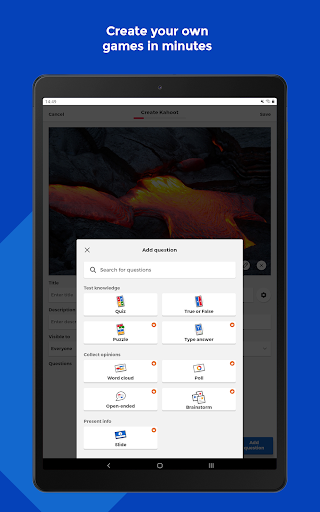
While Kahoot! is free for teachers and students, it offers optional premium upgrades that unlock advanced functionality. These include access to a vast image library with millions of images and sophisticated question types like puzzles, polls, open-ended questions, and slides. For business use, a paid subscription grants additional capabilities for creating and hosting kahoots in professional settings, as well as analytics reports to evaluate learning outcomes.
The Power of Interactive Quizzing
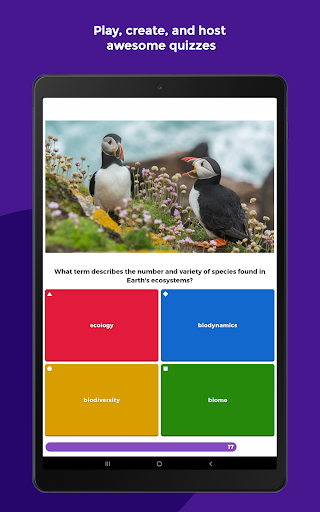
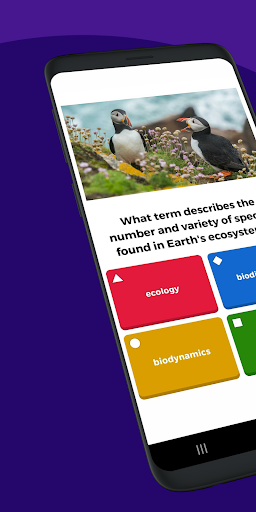
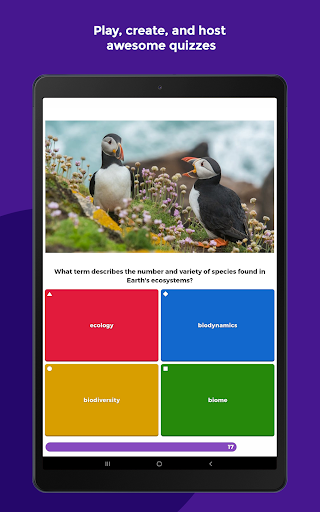
If you've ever experienced a low-energy classroom or meeting, Kahoot! is the app that can help turn the mood around instantly. More than just a quiz platform, it allows users to craft their own questions and customize them with images, videos, and diagrams, creating a personalized and engaging experience. Whether you're the quiz master, a teacher, or a team leader, you can start from scratch or choose from a variety of templates. Support for multiple question types, including multiple-choice, true/false, and polls, keeps everyone on their toes and fosters lively competition.
The app is designed for ease of use, ensuring anyone—regardless of technical skill—can set up and host captivating quizzes seamlessly. The catchy background music adds to the fun atmosphere, making each session memorable. Its versatility shines through in various settings, from classrooms to corporate meetings, parties, or virtual gatherings, with features optimized for both Android and iOS devices. Hosting live games, creating challenges, and collaborating with others makes Kahoot! not just an app but a comprehensive platform that connects people through fun learning and friendly competition.
Next time you want to boost energy or encourage active participation, simply launch Kahoot!, create or find a quiz, and watch as engagement skyrockets. It’s truly an essential tool in modern education, corporate training, and social activities, blending learning with entertainment effortlessly.
Pros
- Engaging quizzes enhance learning.
- User-friendly and intuitive interface.
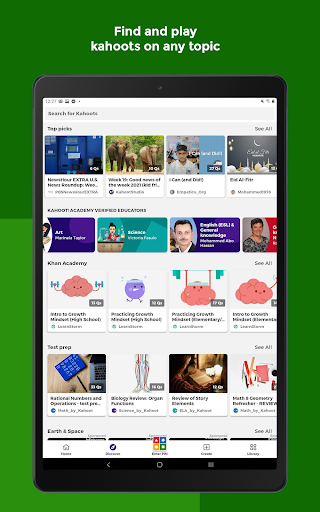
- Wide variety of quizzes available.
- Multiplayer mode for group fun.
- Create personalized quizzes easily.
Cons
- Limited offline functionality.
- Ads can be intrusive at times.
- Requires stable internet connection.
- Some features require premium access.
- Occasional glitches in quiz creation.










