Thermometer++ Room Temperature icon

Thermometer++ Room Temperature

227.76K
4.4
Installs
0.01B
Version
6.8.8
Advertisement
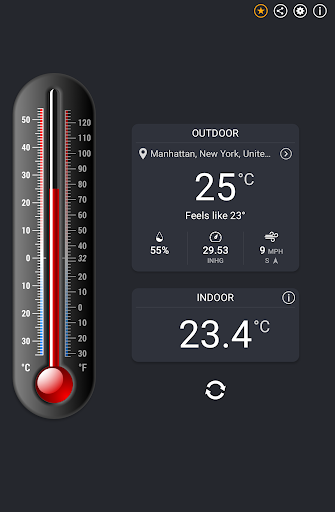
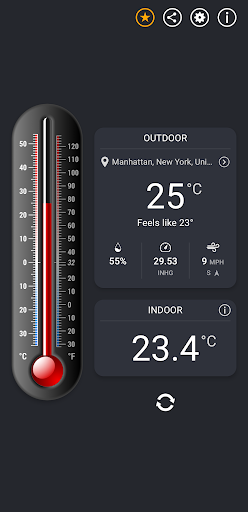
Thermometer++ Room Temperature screenshot
Advertisement

Introduction to Thermometer++ Room Temperature

Are you curious about the actual temperature inside your living space? Do you want a simple yet effective way to monitor your indoor climate without investing in expensive equipment? Thermometer++ Room Temperature is an intuitive mobile application designed to give you quick and accurate insights into your indoor environment. By leveraging your device’s built-in sensors, combined with advanced AI-powered outdoor weather data, this app offers a seamless experience for anyone looking to stay informed about their surroundings. Whether you’re managing a home, office, or vacation space, Thermometer++ Room Temperature is a must-have tool that combines practicality with user-friendly design, helping you make smarter decisions about your comfort and safety.

Key Features of Thermometer++ Room Temperature

• Indoor Room Temperature

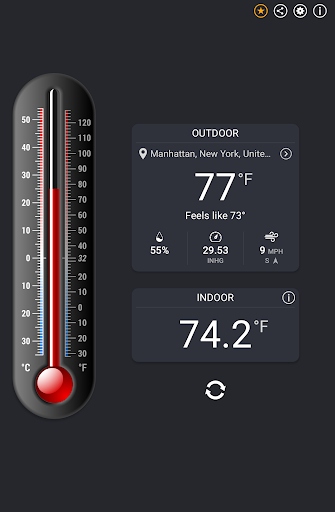
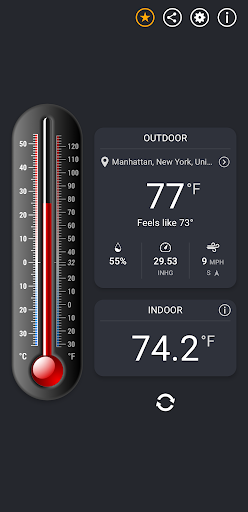
At the core of this app is the capability to measure your indoor ambient temperature instantly. Using your smartphone’s internal sensors, Thermometer++ Room Temperature provides real-time readings, so you always know the current climate inside your space. This feature is particularly useful for adjusting heating or cooling systems efficiently and maintaining a comfortable environment throughout the day.

• Outdoor Weather and Temperature

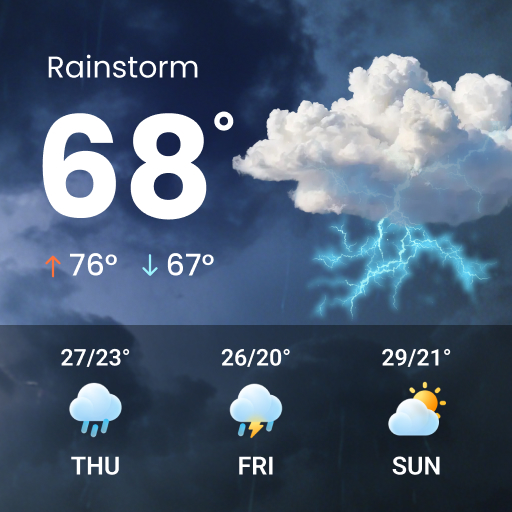
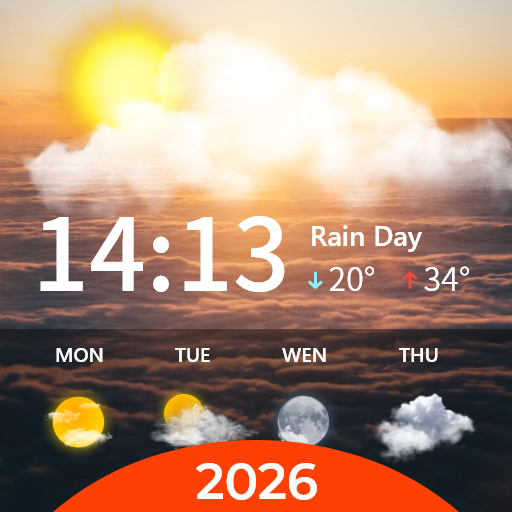
This app doesn’t stop at indoor readings. It also displays outdoor temperature info updated in real time. Through sophisticated AI algorithms, Thermometer++ Room Temperature synthesizes data from multiple local weather stations, delivering highly precise weather conditions specific to your location. You can view outdoor temperature, humidity, and atmospheric pressure, making it easier to plan your day or outdoor activities.

• Humidity & Pressure Monitoring

Like a full-featured hygrometer and barometer, this app shows outdoor humidity and pressure readings. These additional environmental metrics help you better understand your surroundings, manage comfort levels, and anticipate weather changes.

• Feels‑Like Temperature

Get a realistic sense of how the weather actually feels outside — factoring in humidity and wind chill — so you can decide what to wear or whether to step out.

• Dual-unit Display

Switch effortlessly between Celsius and Fahrenheit with a single tap. The app features a visually appealing thermometer display that clearly shows temperature readings in your preferred unit, enhancing accessibility and convenience.

• Minimalist & User-Friendly Design

The app boasts a clean, clutter-free interface focusing on the essential data you need. Its simplicity ensures quick access and easy navigation, even for those new to technology. Plus, it runs smoothly without heavy resource consumption, so you can keep it open in the background comfortably.

• Ad-Support and Premium Options

While Thermometer++ Room Temperature is supported by minimal ads to enhance the user experience, you can choose to upgrade to the Premium Version. This subscription or one-time payment unlocks an ad-free interface and offers faster updates, delivering an even smoother user experience.

• Location Flexibility

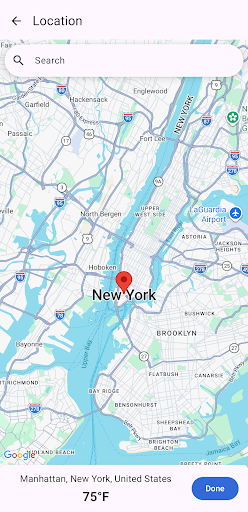
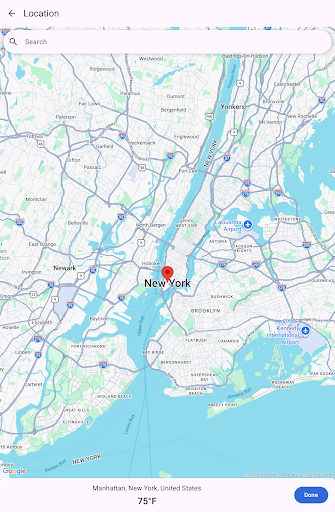
Set your current location automatically or manually select any place on the map. This flexibility makes the app ideal for travelers, outdoor enthusiasts, or anyone needing weather info for different locations.

Why Choose Thermometer++ Room Temperature?

Whether you’re planning your day, deciding what to wear, or monitoring indoor climate for health reasons, Thermometer++ Room Temperature provides a practical and quick solution. Its real-time indoor temperature measurement is perfect for quick checks, while its outdoor weather data ensures you’re always prepared for shifting weather conditions. Keep in mind that, while the app offers accurate readings for casual use, it’s not a replacement for professional meteorological instruments. However, for everyday needs, it’s a handy, reliable, and user-friendly tool. Download it today and enjoy effortless environmental monitoring with a sleek, minimalist design that makes keeping track of your temperature and weather conditions easier than ever.

Pros

  • Provides accurate temperature measurements.
  • Features an easy-to-use interface.
  • Loads quickly without lag.
  • Contains minimal advertisements.
  • Available for free use.

Cons

  • Requires an active internet connection.
  • Advertisements can sometimes be disruptive.
  • Does not support offline functionality.
  • Offers limited options for customization.
  • Includes in-app purchases for premium features.

Download From Google Play
Advertisement

Frequently Asked Questions

What features does Thermometer++ Room Temperature offer?

Thermometer++ Room Temperature provides accurate ambient temperature measurements, real-time readings, support for both Celsius and Fahrenheit units, a user-friendly interface, and a historical data log for tracking temperature changes over time.

Is Thermometer++ Room Temperature free to use?

Yes, it is free to download and use. The app may include in-app purchases or ads to support development. Basic functionalities are free, but premium features might require payment.

How accurate is the temperature reading in Thermometer++ Room Temperature?

The accuracy depends on your device's sensors. It uses built-in sensors if available or calculates based on environmental data. While fairly accurate, it may not match professional-grade thermometers.

Can Thermometer++ Room Temperature be used offline?

Yes, it can be used offline as it primarily relies on internal sensors. Internet access is only needed for features like online weather updates.

How can I switch between Celsius and Fahrenheit in Thermometer++ Room Temperature?

You can toggle between Celsius and Fahrenheit via the app’s settings menu, allowing customization based on your regional preference and improving user experience.

You May Like