Discover the Must-Have Streaming Companion: The Roku App (Official)
Looking to enhance your streaming experience? The Roku App (Official) is a versatile and free mobile application designed to be your ultimate streaming sidekick. Whether you're a casual viewer or a dedicated binge-watcher, this app transforms your smartphone into a powerful remote control, offering convenience and a range of features that make managing your Roku devices easier and more enjoyable.
Key Features of the Roku App (Official)
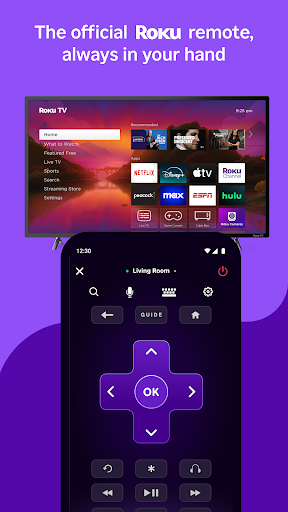
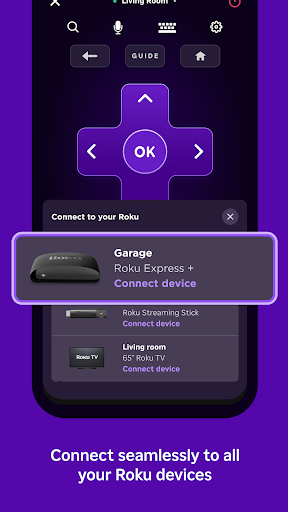
One of the standout features is the ability to control your Roku devices effortlessly. Using the app as a universal remote means no more hunting for misplaced remotes. Simply connect your phone or tablet to the same wireless network as your Roku device, and you're ready to start. The app detects your devices automatically, creating a seamless setup process.
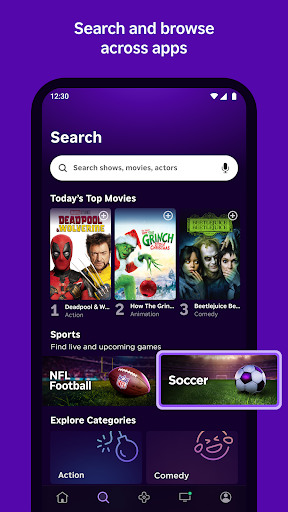
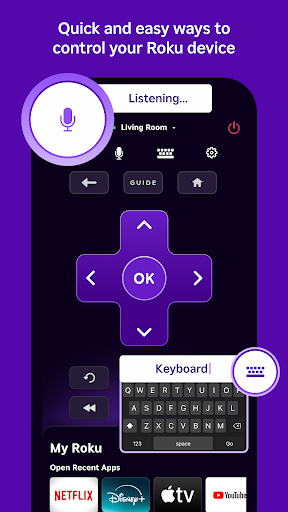
Another impressive feature is voice search. With just a tap on the microphone icon and speaking your desired entertainment, you can quickly find titles, movies, or TV shows without typing. This functionality is available in English in the US, UK, and Canada, and in Spanish in Mexico and the US.
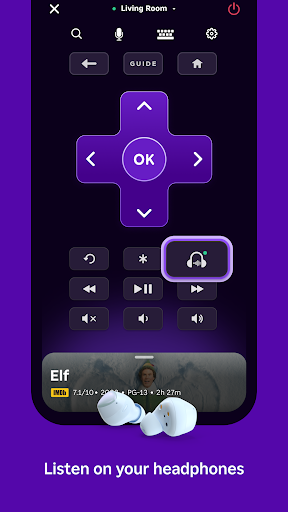
If you prefer privacy when enjoying late-night movies, private listening is a game-changer. Plug in your headphones, and the app streams audio directly to your ears, allowing you to binge-watch without disturbing others, especially late at night.
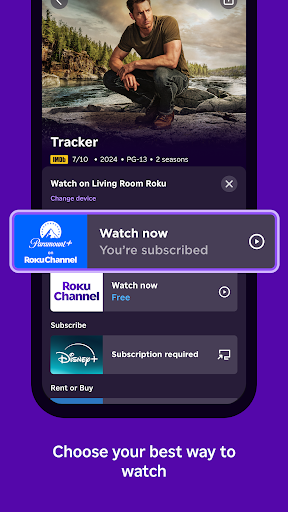
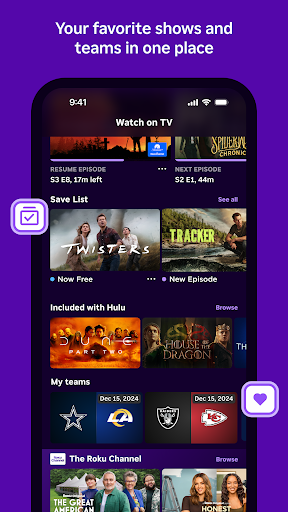
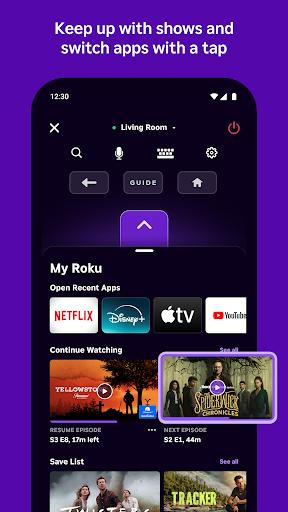
Furthermore, the app allows you to stream free movies, watch live TV, and access The Roku Channel on your mobile device. You can easily cast media files such as videos and photos from your phone to your TV, creating a personalized entertainment experience. Additionally, you can add and launch new channels directly from your phone, turning your device into a portable entertainment hub.
Typing on your Roku device is now simpler with the mobile keyboard. Send texts or enter search terms quickly and efficiently, making navigation smoother and more user-friendly.
Compatibility and Usage Tips
To maximize these features, ensure your phone or tablet remains connected to the same Wi-Fi network as your Roku device. Keep in mind that some features may require logging into your Roku account and are dependent on device compatibility. For example, voice search and channel access might be limited based on your location and device model.
Note that The Roku Channel content is accessible via the mobile app only in the US. Channel availability and content might vary, with some requiring additional payment and potential regional restrictions.
For additional information about privacy and data security, visit the Roku Support website or review their Privacy Policy and CA Privacy Notice.
Why the Roku App (Official) is a Must-Have for Roku Users
If you've ever misplaced your remote or simply want a more efficient way to enjoy your streaming content, the The Roku App (Official) offers a game-changing solution. This app turns your mobile device into a powerful remote control and entertainment management tool, making your streaming experience smoother and more enjoyable.
The setup process is straightforward: download the app, connect devices to the same Wi-Fi network, and enjoy an intuitive interface that detects your Roku devices automatically. The responsiveness and clean design make navigation effortless whether you're searching for a new movie or controlling playback.
One of the most loved features is voice search. Instead of tedious typing, simply speak your command and find your favorite shows or movies instantly. Plus, with the ability to add new channels directly from the app, you can personalize and expand your entertainment options without ever leaving your phone.
The private listening feature is perfect for late-night viewing. Plug in your headphones, and the app streams audio privately to your ears, ensuring you won’t disturb others. This adds an extra layer of flexibility and comfort to your streaming sessions.
While the app is highly responsive and user-friendly, it might consume battery faster if used intensively as a remote control. Still, the convenience it provides is undoubtedly worth a small trade-off.
Overall, the The Roku App (Official) is an essential tool for anyone who owns a Roku device. It combines convenience, control, and entertainment management into a single app, dramatically enhancing your streaming setup. If you want an easier, smarter way to control your TV and enjoy content on the go, this app is definitely worth trying. Give it a shot and elevate your streaming experience today!
Pros
- Easy to navigate interface
- Seamless streaming control
- Wide device compatibility
- Supports voice search
- Personalized content feed
Cons
- Limited to Roku devices
- Occasional connectivity issues
- Ads in free content
- Some features are locked
- Requires stable internet connection