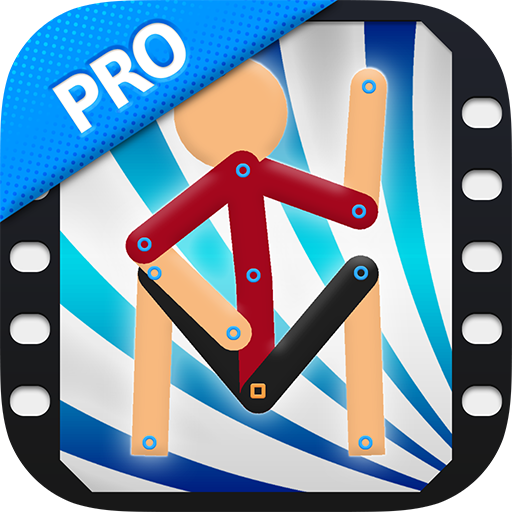
Introducing Stick Nodes Pro - Animator: The Ultimate Stick Figure Animation App
Are you an aspiring animator or simply someone who loves creating fun doodles? Look no further than Stick Nodes Pro - Animator, a powerful and user-friendly app designed to bring your stick figure ideas to life. Whether you're a beginner exploring animation or a seasoned artist seeking a robust toolset, this app offers everything you need to craft stunning animations right on your mobile device.
Unleashing Creativity with Ease
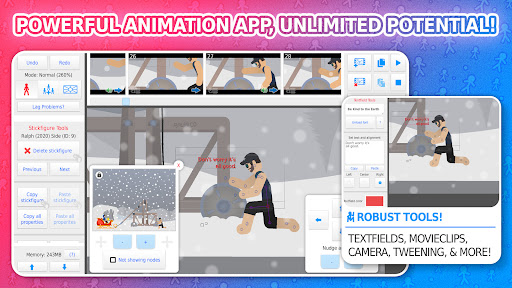
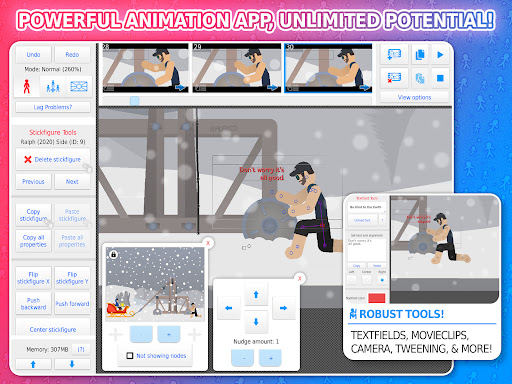
From the moment you launch Stick Nodes Pro, you'll notice its intuitive and clean interface, making it accessible for users of all skill levels. Starting with a blank canvas and a simple stick figure, you'll find that creating animations becomes an engaging and straightforward process. The app’s simple layout helps you focus on storytelling and creativity without being overwhelmed by complex menus or confusing options.
Powerful Features for Dynamic Animations
Frame-by-Frame Animation & Onion Skinning
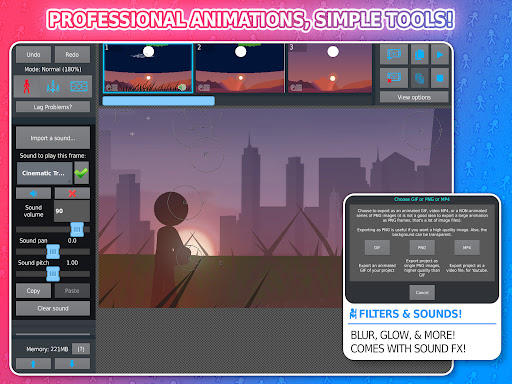
One of the core strengths of Stick Nodes Pro is its frame-by-frame animation capability, allowing you to craft precise movements for your characters. The onion skinning feature enhances this process by overlaying previous and upcoming frames, enabling you to create smooth, fluid animations with ease.
Advanced Object and Image Handling
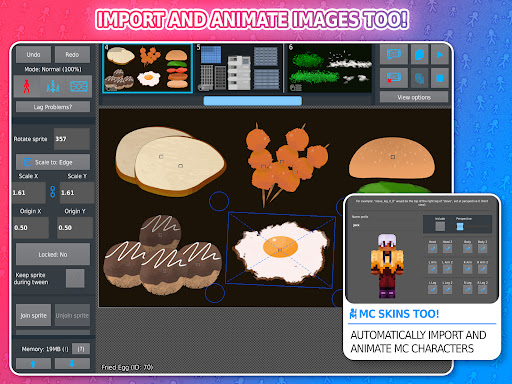
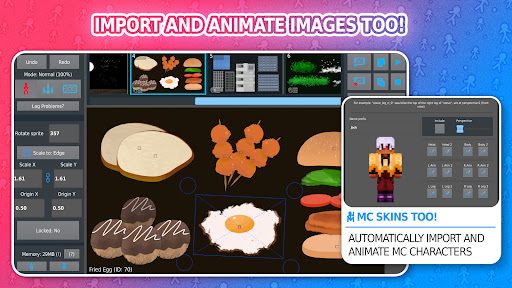
The app supports importing and animating both stick figures and complex images. This flexibility means you can incorporate detailed backgrounds or characters directly into your scenes, making your animations richer and more engaging.
Dynamic Customization
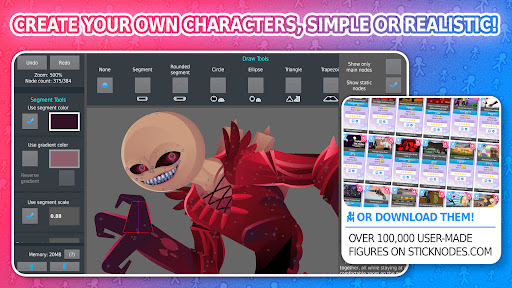
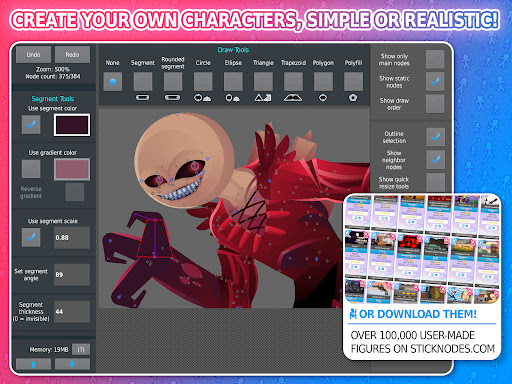
Create unique characters by customizing shapes, colors, and scales on a per-segment basis. With options like gradients, blur, and glow filters, you can give your stick figures a professional touch that truly stands out.
Sound Effects and Filters
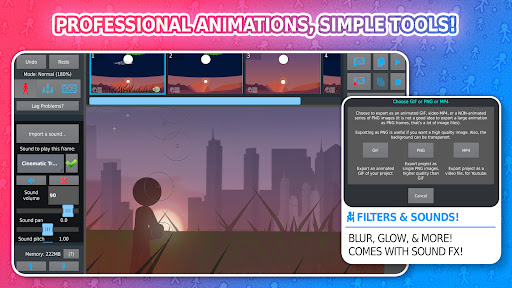
Bring your animations to life with the ability to add sound effects and apply various filters. Want a dramatic punch or a funny squeak? Just insert the sound. Apply transparency, glow, or blur to characters and objects to enhance the visual experience.
Creative Scene Composition
Features like camera panning, zooming, and rotation give you control over how your scene is viewed. You can also join multiple stick figures to create interactions, such as holding objects or wearing accessories, adding depth and realism to your stories.
Community and Sharing
Join a vibrant community where thousands of animators share their work, create stickfigures, and collaborate. Download over 30,000+ stickfigures from the official website and get inspired. Sharing your animations is effortless—export as GIF or MP4 (Pro version only) and showcase your creativity on social platforms.
Supporting Multiple Languages & Compatibility
Stick Nodes Pro supports several languages, including English, Español, Français, Japanese, Filipino, Português, Russian, and Türkçe. It also maintains compatibility with pre-3.0 Pivot stickfigure files, making it easy to switch between different projects or import old works.
Perfect for All Skill Levels
Whether you're just starting out or are a skilled animator, Stick Nodes Pro offers the perfect balance of simplicity and advanced tools. Its features make it ideal for educational purposes, hobbyists, or even professional animators looking for a mobile solution for quick projects.
Stay Updated & Join the Community
Since its initial release in 2014, Stick Nodes has continually evolved with regular updates. Stay connected via their website, social media, and YouTube channel to learn the latest tips, tricks, and community highlights. Dive into the world of animation with a tool that combines fun, creativity, and power seamlessly.
Pros
- User-friendly interface making animation straightforward.
- Extensive toolkit supporting creative expression.
- Effortless export options for GIF and video formats.
- Frequent updates introducing new features.
- Ability to handle multi-layered animations.
Cons
- Steep learning curve for newcomers.
- Limited library of sound effects.
- Possible occasional crashes on older devices.
- In-app purchases may be required for additional features.
- No cloud storage to back up projects.